Extracting Data from Long PDFs: Why Direct LLM Reading Fails and the Agentic IDP Approach

Whole-PDF LLM extraction silently loses data; Agentic IDP parses page by page and extracts across pages.
The article explains why whole-PDF LLM extraction of tables almost always fails—limited response capacity, lost-in-the-middle accuracy loss, linearly rising costs, and no way to report omissions. Chunking solves the window problem but breaks cross-page tables, hides document-level fields, and spirals stitching code out of control. Comparing five approaches, it recommends Agentic IDP: parallel page-by-page OCR and layout parsing, then an Agentic extractor that judges table continuity across all page blocks and stitches them, returning document-level fields and table rows under one Schema, each value with confidence, source text, and page number. Validation must be built in: count rows, match totals, check confidence, inspect page-break seams. Billing is in credits; start with Standard mode and switch to Agentic only for problematic documents.
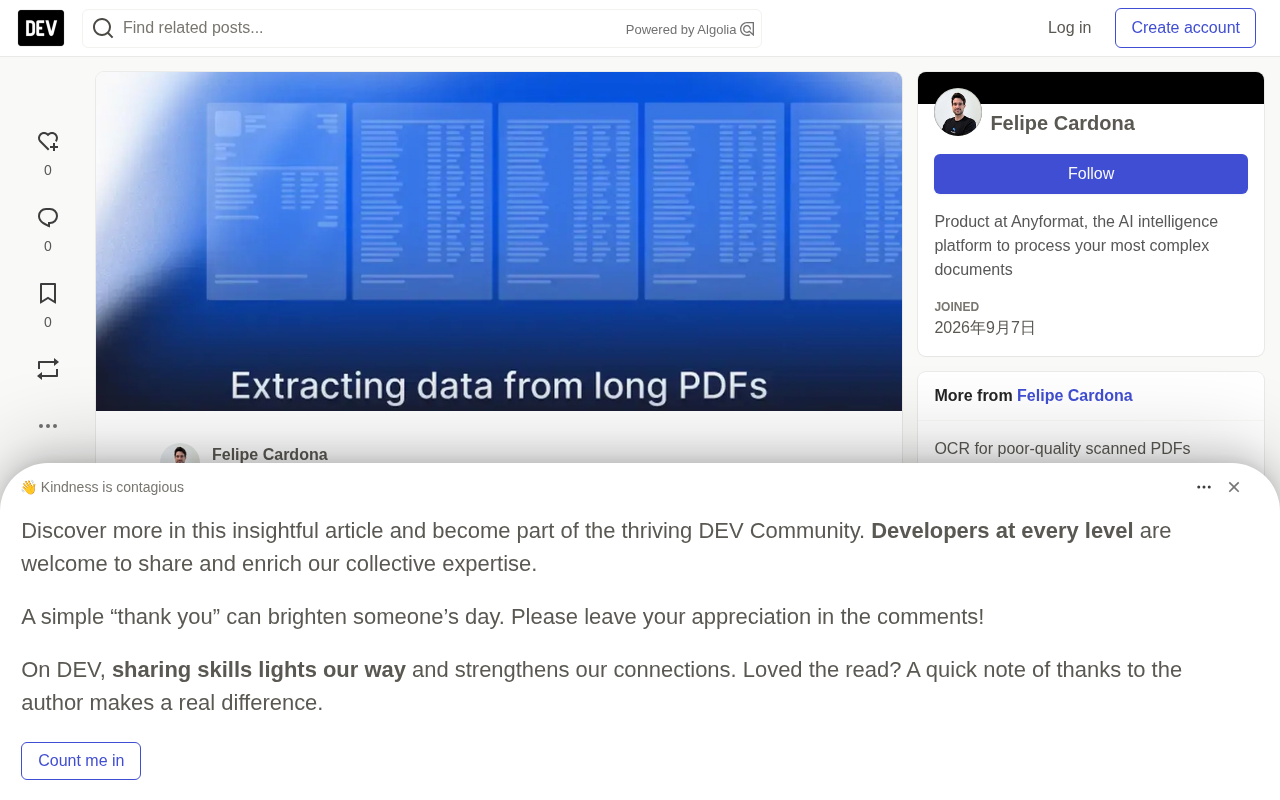
Dumping a 200-page PDF into an LLM and expecting a complete table back—nearly every team has tried this path, and the results are nearly identical: missing rows, mismatched totals, and a model confidently delivering wrong answers. The problem isn't a poorly written prompt.
LLMs are designed to predict the next chunk of text, not to read a structured long document page by page and return it intact. The context window can be large, but the response capacity is limited—long tables simply don't fit. Information in the middle of a long context degrades noticeably in accuracy (Liu et al., 2023). Costs and latency rise linearly with page count. And the most deadly issue: the model won't tell you what it missed—wrong answers and correct answers look equally fluent.
Why Chunking Won't Save Long Document Extraction Either
Since whole-document processing fails, the next step is naturally chunking. Splitting by page or fixed length solves the window problem but introduces new headaches.
A table spanning 8 pages gets chopped into 8 unrelated fragments. Repeated column headers on each page get read as data. A supplier name or contract number that appears only on page 1 becomes completely invisible in a chunk on page 40. Soon, the code for stitching results together is bigger than the extraction logic itself, and it breaks every time a new layout appears.
More refined approaches—splitting by section or extracting row by row in parallel—each have their blind spots: tables crossing section boundaries break, and document-level fields still require a separate call.
The "Lost in the Middle" phenomenon—where information in the middle of a long context is lost—was systematically validated by Liu et al. in 2023: when key information sits in the middle of the context window, the model's accuracy in retrieving and using it is significantly lower than when that information is at the beginning or end. This is especially fatal for extraction tasks requiring precise localization, because the model may "see" the target content but fail to reference it correctly. Readers wanting to further understand why chunking schemes frequently fail in long-document scenarios can connect this to the distinction between "context window ≠ effective context"—the window size determines how many tokens the model can receive at most, while the effective context depends on the range over which the model can maintain reliable attention and retrieval. There is a clear gap between the two, and chunking is precisely an attempt to bridge this gap with engineering, at the cost of destroying the document's global structural information.
Five Approaches Compared
| Approach | Cross-page tables stay intact | Document-level fields and table rows returned together | Can it report missing rows | Typical bottleneck |
|---|---|---|---|---|
| Whole document in one prompt | Only within response capacity | Yes | No | Output limit, lost-in-the-middle, cost |
| Fixed-length or page-based chunking | No | No | No | Stitching code becomes the product itself |
| Section-based splitting, parallel extraction | No if crossing boundaries | Requires an extra pass | No | Cross-section tables |
| Row-by-row parallel extraction | Per row, yes | Requires a separate call | Partial | Document context in another call |
| Agentic IDP (page-by-page OCR + parsing, cross-page extraction) | Yes (requires table continuity detection) | Yes, same Schema | Yes (requires validation) | Relies on parsers that preserve layout and structure |
The last row is the pattern that truly holds up—what Agentic IDP does.
Agentic IDP: Parse Page by Page First, Then Extract Across Pages
This pattern operates on two layers.
Layer 1: Parallel page-by-page parsing. OCR and layout analysis break each page into blocks—text, tables, figures, headers, footers—and correct reading order. Each page is processed independently; 300 pages means 300 small tasks, not one giant task. Scanned documents go through OCR first.
Layer 2: Extraction across all page blocks. An Agentic extractor examines blocks from all pages, determines which table fragments belong to the same table and stitches them in order, while reading document-level fields from anywhere. You just describe the result with a Schema: one category is values that appear once per document (supplier, contract number, filing date, total amount), the other is table fields with column definitions. A single run returns both—no second pass or post-hoc join.
Table fields are an object type with nested columns, including subfields like description, quantity, unit_price, line_total. The returned result is a row-by-row list, where each value carries a confidence score along with source text and page number.
The same parsing steps can also serve RAG: the document is reconstructed into structured text that preserves complete tables, ready for direct indexing.
In Agentic IDP, "Agentic" means the extractor doesn't read all text at once and output directly—it actively plans like an agent: first judging continuity between table fragments, then deciding stitching order, and backtracking to blocks on any page as needed to read document-level fields. IDP stands for Intelligent Document Processing, covering a whole suite of automation including OCR, layout analysis, and table structure reconstruction. The essential difference between this pattern and the classic "chunk first, stitch later" approach is: chunking schemes sever cross-page relationships at slice time and can only patch things up with post-hoc heuristics; Agentic IDP preserves each page block's position and structural metadata during parsing, making cross-page judgment an executable operation during extraction—so that "table continuity detection" and "document-level field reading" complete simultaneously under the same Schema.
How to Verify No Data Is Lost in Long PDF Extraction
Silent loss is most common in long documents, so validation must be built into the workflow.
- Count rows. If the document states 42 items, the extraction should have 42 rows. If not, flag that document.
- Make totals match. The sum of line items should equal the printed subtotal; subtotal plus tax should equal the grand total. Validation rules can execute automatically per document.
- Watch confidence on critical rows. Set a threshold; anything below goes to human review, where the reviewer can see both the source page and the extracted value.
- Check the seams. Have a person open the test document at page breaks: the last row of the previous page and the first row of the next page are where tables are most likely to be truncated or duplicated.
Every value carries source evidence—click a number to jump to its page, making human review extremely fast.
Cost Reference
Billed in credits, based on page count and operator type. Standard Parse at 25 credits plus Standard Extract at 35 credits is 60 credits per page; Agentic is 100 plus 150, or 250 credits per page. Business tier is €0.001 per credit; Free and pay-as-you-go tiers are €0.0015.
| 100-page document | Credits | Business | Free/Pay-as-you-go |
|---|---|---|---|
| Standard Parse + Standard Extract | 6,000 | €6.00 | €9.00 |
| Agentic Parse + Agentic Extract | 25,000 | €25.00 | €37.50 |
Validation rules are billed separately, based on rule count, charged once per extraction—not per page. Start with Standard mode, and switch to Agentic only for documents where Standard mode gets tables wrong.
Limitations to Acknowledge
- Scanned documents and photos reduce accuracy for all methods; pair with confidence thresholds and human review.
- Agentic mode does not currently support multi-file documents (multiple files treated as one document); merge before uploading or process separately.
- Highly irregular tables (merged cells, column changes mid-table) require testing with your own files before deciding whether to trust.
- Accuracy depends on your documents. Before believing any vendor's marketing numbers—including those of products mentioned in this article—test with 50 of your own documents: count rows and measure field-level accuracy.
The "confidence score" repeatedly emphasized in this article is a common metric in document extraction for measuring the reliability of individual fields, typically derived from the model's probability estimate of its own output or a calibrated score, generally ranging from 0 to 1. Its purpose is not to replace accuracy evaluation, but to provide per-value risk stratification: high-confidence values can be auto-approved, low-confidence values go to human review, where reviewers quickly verify using source text and page numbers. In practice, be aware that confidence may be poorly calibrated—models sometimes give inflated scores for certain layouts. So it's advisable to first measure precision and recall at different thresholds on your own documents, then choose a threshold, rather than adopting vendor defaults directly.
How to Choose a Tool
If documents are short and clean, one prompt is enough. If documents are long, ask every tool three questions: Can cross-page tables be returned as a single table? Can document-level fields be returned in the same result? What mechanism tells me a row was missed? Tools that can't answer the third question will fail silently.
One-line Summary
Feeding a whole PDF to an LLM silently loses data; Agentic IDP—page-by-page parsing plus cross-page extraction—is the viable path.
Paragraph Summary
This article shows that handing a 200-page PDF to an LLM for table extraction almost inevitably fails, due to limited response capacity, degraded mid-context accuracy, linearly rising costs with page count, and the model's inability to report omissions. Page-based or fixed-length chunking solves the window problem but causes cross-page tables to break, document-level fields to become invisible, and stitching code to spiral out of control. After comparing five approaches, the article recommends the Agentic IDP pattern: parallel page-by-page OCR and layout parsing first, then an Agentic extractor that examines all page blocks to judge table continuity and stitch, using one Schema to return both document-level fields and table rows, with each value carrying a confidence score, source text, and page number. Validation must be built in, including four steps: count rows, match totals, check confidence, and inspect page-break seams. Costs are billed in credits; start with Standard mode and switch to Agentic only for problematic documents.
Related articles

Chain of Thought Isn't Just for AI: How Humans Can Use CoT to Improve Thinking Quality
Chain of Thought isn't just a prompt trick for large models. Starting from a Hacker News discussion, this article analyzes why CoT works for human thinking too, breaks down actionable ways to transfer it, and highlights the key differences between human CoT and machine CoT.
Cloudflare Teams Up with OpenAI: Closi…
Cloudflare Teams Up with OpenAI: Closing the Loop from Vulnerability Discovery to Defense with AI
Cloudflare uses OpenAI Daybreak to investigate security vulnerabilities and generate reviewable remediation plans, while developers use Codex to boost coding efficiency and quality.

Orca Multi-Agent Orchestration in Practice: A Guide to Parallel Collaboration with Claude and Codex
Orca is Stable AI's free open-source agent workbench supporting 34 agents like Claude Code and Codex in parallel. Learn its Git worktree isolation, multi-model orchestration, and mobile management.