FailTrace: Reproduce GitHub Actions Failures Locally from a URL
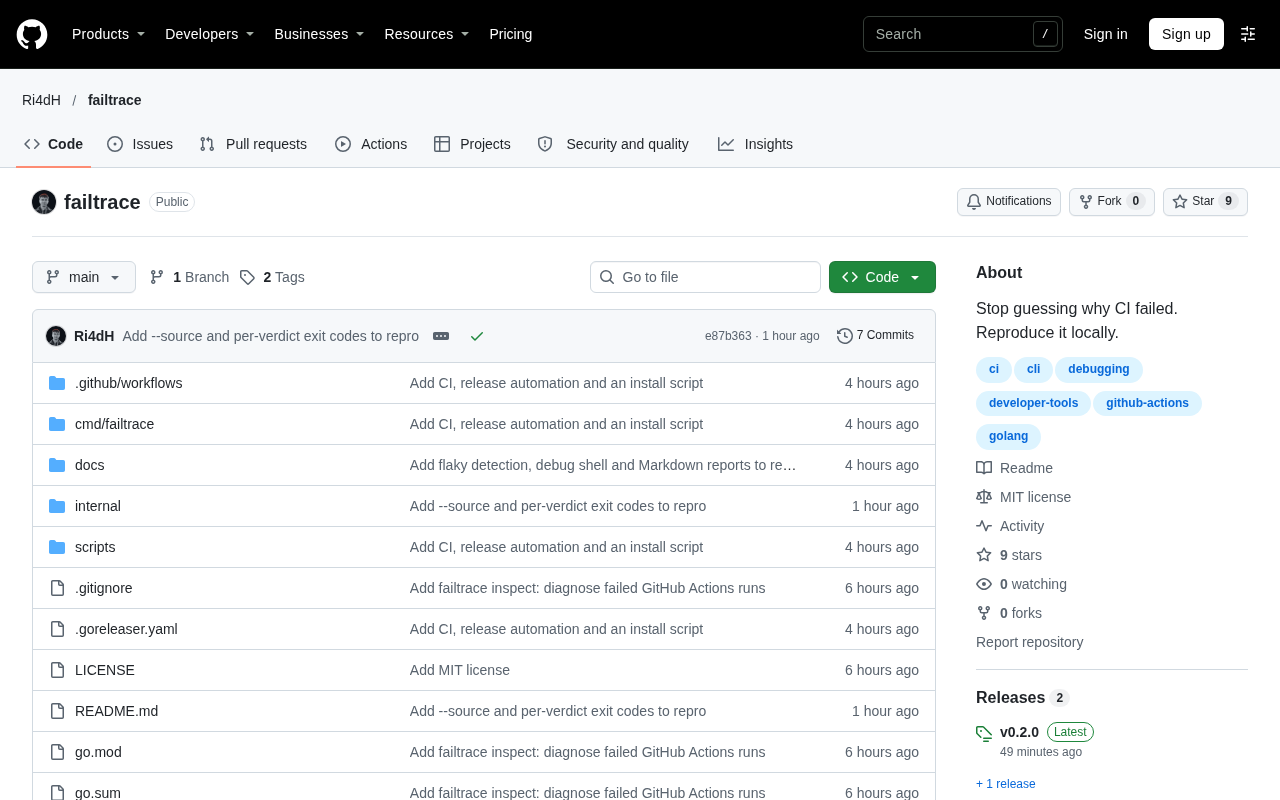
FailTrace reproduces GitHub Actions CI failures locally from a failed run URL.
FailTrace is a tool targeting GitHub Actions debugging pain points: provide a failed run URL, and it fetches run metadata to build a local container environment and reproduce the failure, avoiding manual setup and repeated empty commits. The article analyzes its core value—starting from the failure scene and lowering reproduction barriers, differentiating from forward-execution tools like act. It also covers technical challenges: restoration granularity (secrets, matrix builds, runner image versions), private repo authentication and security, and maintenance costs of tracking GitHub runner updates. The author sees it as a reverse-restoration debugging approach worth watching, but advises verifying in non-sensitive repos before adoption.
Introduction: When CI Fails, Debugging Shouldn't Be This Hard
Every developer has been there: a GitHub Actions pipeline suddenly turns red, the logs show only a vague error line, and reproducing it locally means manually configuring environments, installing dependencies, simulating secrets… a time-consuming and error-prone process. FailTrace attempts to solve this pain point—just provide the URL of a failed GitHub Actions run, and it reproduces the same execution environment locally, letting you debug CI failures as easily as local code.
The project gained attention on Hacker News. Though discussion was modest (4 points, no comments yet), its positioning hits a real friction point in continuous integration debugging. Based on the project description and original discussion, this article analyzes FailTrace's value, potential limitations, and the new CI debugging approach it represents.
Core Functionality: From URL to Local Reproduction
What Problem Does It Solve
GitHub Actions run environments are hosted and ephemeral. After a failure, logs may be incomplete, or errors may only occur with specific runner images or specific environment variable combinations. The usual developer response: manually rebuild the environment in local Docker, guess missing dependencies, or repeatedly push empty commits to trigger the pipeline—extremely inefficient.
FailTrace's approach is to take a run URL as input and automatically fetch that run's metadata (including workflow definitions, environment configuration, dependency lock files, etc.), building a container environment locally that's as close as possible to reproduce the failure. This turns a one-time cloud execution into a repeatable local debugging session.
GitHub Actions runner images are the underlying foundation of GitHub's hosted execution environment, divided into GitHub-hosted official images (like ubuntu-latest, windows-latest, macos-latest) and self-hosted runners. Official images come pre-installed with operating systems, common language runtimes (Node.js, Python, Java, etc.), build tools (Docker, Git, npm, etc.), and numerous system libraries, and are regularly updated on a rolling basis. Since image versions change with dates, the same workflow run at different times may fail "sometimes yes, sometimes no" due to different pre-installed software versions—one of the common reasons CI failures are hard to reproduce locally. To accurately reproduce, FailTrace needs to lock or approximate the runner image version corresponding to that point in time, rather than simply using the latest image.
Usage Flow and Expected Experience
According to the project description, the usage flow is roughly: copy the URL of the failed run → execute the FailTrace command → the tool parses the run information and starts the local environment. It targets failure scenarios that depend on GitHub-hosted environment characteristics, such as compatibility issues caused by specific runner versions, missing environment variables, or cache misses.
Currently, public information about the project is limited. It doesn't disclose the granularity of environment restoration (whether it's a full runner image or partial configuration) or whether it supports authentication for private repositories. These details will directly affect its practicality.
Technical Implementation: Possibilities and Challenges
From a technical perspective, reproducing a GitHub Actions run is no easy task. A single run involves multiple layers of information: workflow YAML, action version resolution, secrets and variables, runner operating system and pre-installed software, and even network environment and cache state. FailTrace needs to decide which layer to restore.
One reasonable design is container snapshot + dependency manifest reconstruction: using public runner images as a base, overlaying the steps and lock files declared in the workflow, and launching a container locally for execution. This can cover most dependency-related and environment-related failures, but can't handle secrets and network dependencies—which are precisely high-frequency sources of CI failures.
Another challenge is private repository permissions. To read run information, FailTrace needs a GitHub Token or OAuth authorization, meaning users must trust the tool with access to repository metadata. The project needs a clear security model explanation to gain broader adoption.
Matrix strategy is a mechanism in GitHub Actions for parallel testing of multiple configuration combinations. By defining strategy.matrix in a job (e.g., different operating systems, language versions, dependency version combinations), GitHub generates an independent job instance for each combination and runs them in parallel. A failed run may correspond to only one combination in the matrix while others succeed. To reproduce, FailTrace needs to identify the specific failed matrix coordinates (e.g., os: ubuntu-latest, node: 18) from the run metadata and rebuild only that combination's environment—otherwise it wastes resources or introduces irrelevant variables. The level of matrix strategy support directly determines the tool's usability in multi-environment projects.
Similar Approaches and Ecosystem Position
CI debugging tools are not an entirely new field. act is a well-known project that allows running GitHub Actions workflows locally, but it requires manually providing event files and doesn't directly take a failed run as input. FailTrace's differentiation lies in using the failed run URL as the starting point, lowering the operational barrier to reproduction—users don't need to understand workflow trigger conditions, just point to the problematic run.
This "reverse-engineering the environment from run records" pattern aligns with recent observability tool trends: first have the failure's现场 data, then rebuild the context. If FailTrace can balance accuracy and ease of use in environment restoration, it has the potential to become a common step in CI debugging workflows.
act is an open-source command-line tool maintained by the nektos community. It parses .github/workflows/*.yml files in a repository and uses Docker to run GitHub Actions workflow steps locally. When using act, developers need to specify trigger events themselves (e.g., act push or provide an event JSON file) and manually prepare environment variables like .env and secrets. The tool pulls approximate runner images (e.g., catthehacker/ubuntu:act-latest) to execute jobs. Its advantages are offline availability and support for custom image mapping, but its drawbacks are that users need to understand workflow trigger logic, and default images differ from GitHub's official runners in software versions. Compared to FailTrace, act is "forward execution from workflow definitions" while FailTrace is "reverse restoration from failed run records"—the two complement each other in input and restoration granularity.
Limitations and Questions to Be Verified
Due to limited public information, several key questions remain to be verified:
- Restoration accuracy: Can it handle steps that depend on secrets? What's the level of matrix strategy support?
- Private repository support: Are authentication methods and data access scope transparent?
- Maintenance cost: GitHub's runner images are continuously updated, and the tool needs to keep pace, otherwise the reproduced environment will diverge from the cloud.
These questions determine whether FailTrace becomes a daily tool or a proof of concept. For developers, it's advisable to try it in non-sensitive repositories before adoption to evaluate its restoration effectiveness.
Conclusion
FailTrace represents a pragmatic CI debugging direction: not pursuing perfect environment simulation, but using the failure scene as a clue to shorten the distance from "discovering the problem" to "locally debuggable" as much as possible. In an era where GitHub Actions has become a mainstream CI platform, the value of such tools will amplify as pipeline complexity increases. Worth keeping an eye on.
One-line Summary
FailTrace takes a failed GitHub Actions run URL as input and rebuilds the environment locally to reproduce CI failures.
Paragraph Summary
FailTrace is a tool targeting GitHub Actions debugging pain points. Developers only need to provide the URL of a failed run, and it automatically fetches that run's metadata, building a close container environment locally to reproduce the failure—avoiding the inefficiency of manual environment configuration and repeatedly pushing empty commits. The article analyzes its core value: starting from the failure scene, lowering the reproduction barrier, and differentiating from tools like act that execute workflows in a forward direction. It also points out technical challenges it faces, including environment restoration granularity (secrets, matrix builds, runner image versions), private repository authentication and security model, and maintenance costs from following GitHub runner updates. The author believes the tool represents a new approach of reverse-restoring debugging context from run records. Its practicality depends on balancing restoration accuracy and ease of use—worth attention but should be verified in non-sensitive repositories before adoption.
Related articles

AI Data Center Construction Hits Roadblocks: The Neoclouds Winter and Nvidia's New Bar
Nvidia says it won't support unfinished AI data centers, leaving neoclouds squeezed by construction delays and rising debt costs. We analyze what this means for AI infrastructure.

Nothing's AI Earbuds Fully Revealed: The Charging Case Can Record and Transcribe
Nothing reveals full details of the Ear Note AI earbuds: the charging case has a built-in mic for recording, transcription, and conversation summaries, while the earbuds support call recording. Launching December 8.
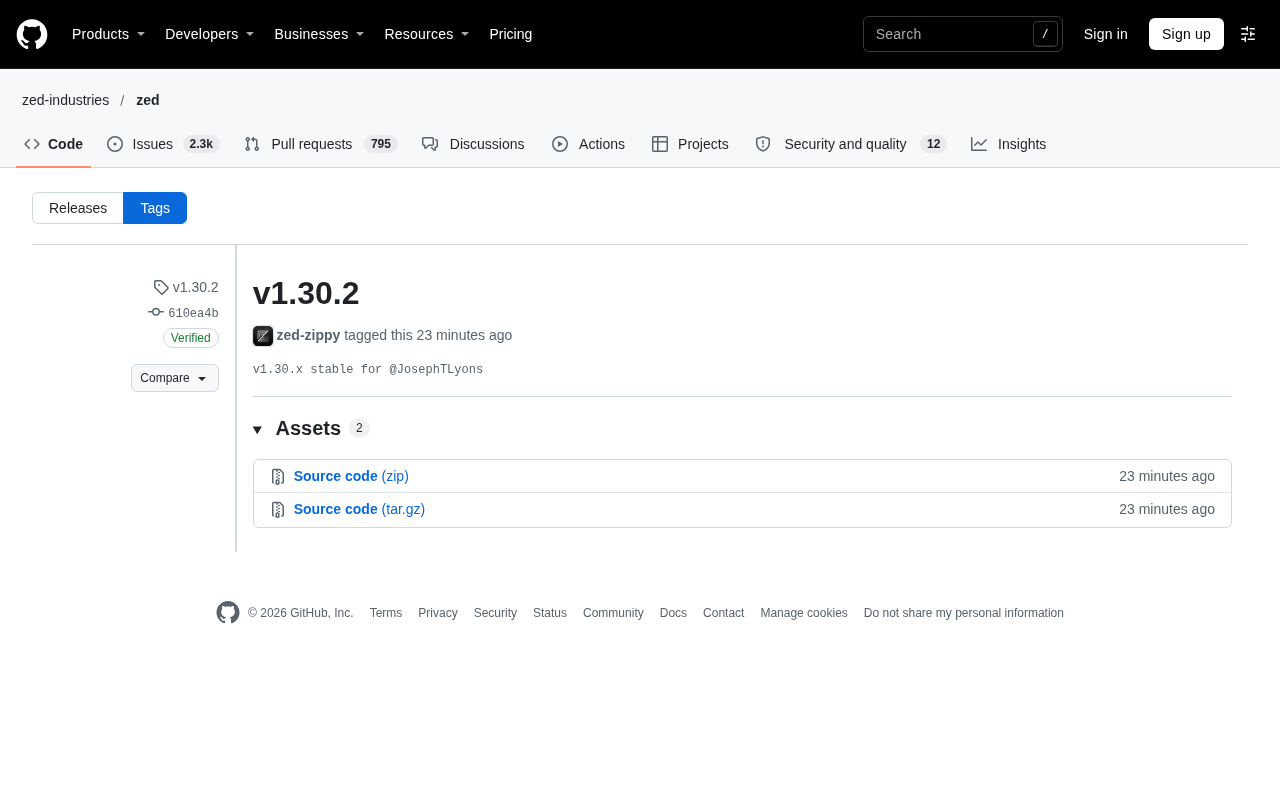
Zed Editor Releases v1.30.2 Stable: The Maintenance Signals Behind a Minor Update
Zed editor releases v1.30.2 stable, labeled as a patch update to the v1.30.x stable branch. This article analyzes the stability maintenance signals, signature verification, and release process rigor behind this minor release to help developers decide whether upgrading is worthwhile.