Fancy Curl Sites: A Creative Experiment That Turns curl Commands into Visual Websites

Fancy Curl Sites renders curl output into browsable web pages, showing the innovative value of reimagining old tools.
Fancy Curl Sites is a project discussed on Hacker News that renders HTML content returned by curl requests into readable, interactive pages in the terminal, filling the gap between plain-text source code and a full browser. Its core value lies in serving terminal-first workflows and aligning with the trend of lightweight browsing and the revival of TUI tools. Its differentiated advantage is that it hangs on top of curl, which almost everyone has, requiring no additional heavyweight dependencies and offering extremely low onboarding cost. However, terminal rendering capabilities are limited, making it better suited to text-centric sites such as documentation sites and blogs, with insufficient fidelity for complex interactive applications. The article argues that the project embodies the idea of innovating old tools by reimagining their usage scenarios, as well as the community-driven experimental spirit.
When curl Is More Than Just a Command-Line Tool
In a developer's everyday toolbox, curl is probably one of the most unassuming yet indispensable tools: it has no graphical interface, its output is always a black-and-white text stream, and its purpose sounds rather dull—sending HTTP requests, debugging APIs, downloading files.
But recently, a project called Fancy Curl Sites that appeared on Hacker News has given this "dull" tool a new twist: it turns curl's output directly into a browsable website.
Core Idea: The Terminal as Renderer
The project's ambition is evident from its name—the combination of "Fancy" and "Curl" (a command-line tool) carries a touch of ironic humor in itself.
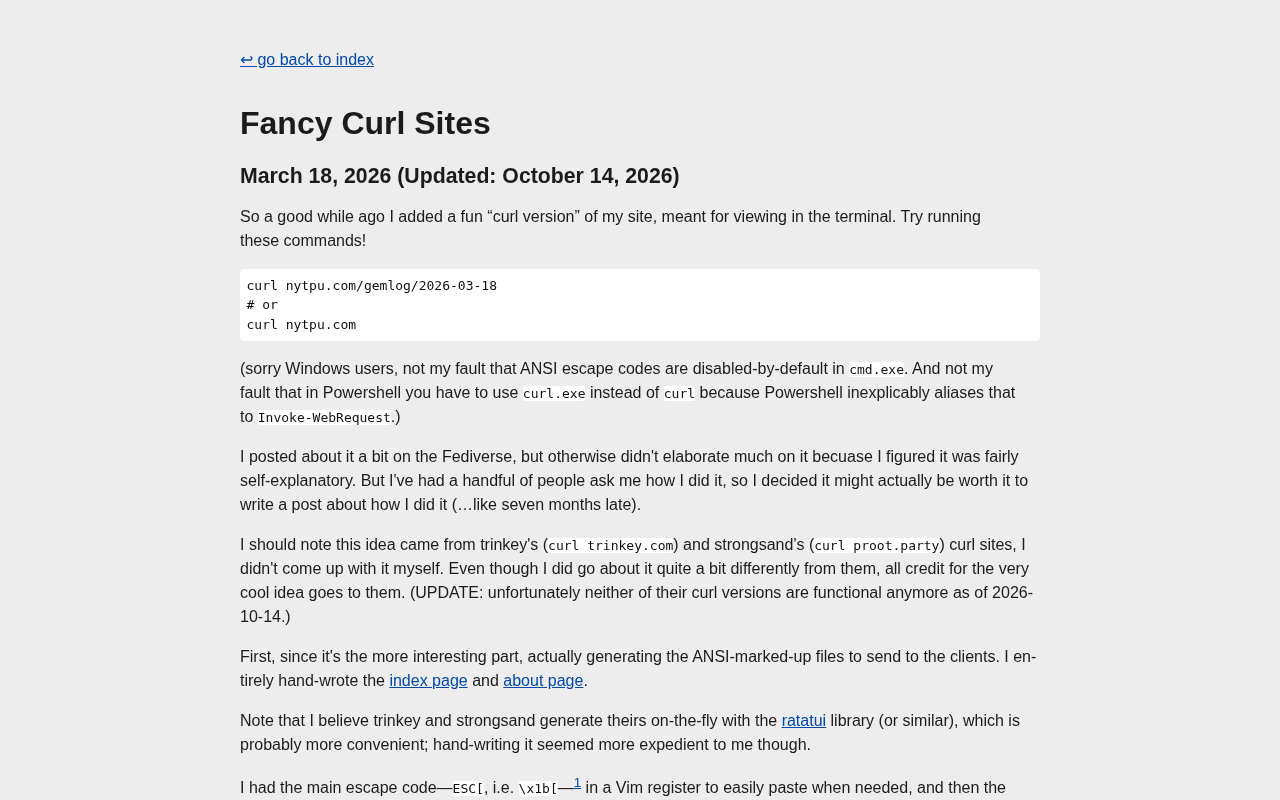
Traditionally, curl https://example.com simply prints the HTML source code verbatim to the terminal. What Fancy Curl Sites does is make the content returned by a curl request get rendered into a genuinely readable, interactive page. This means that the formatting, links, and styles originally buried in HTML tags can be presented in a form closer to a browser.
For developers who spend their lives in the terminal, this "view web pages without leaving the command line" experience saves the hassle of switching windows and offers a more lightweight way to browse.
curl is an open-source project started by Daniel Stenberg in 1996. Its name means "Client URL," and it was originally used to transfer data via multiple protocols (HTTP, HTTPS, FTP, SMTP, etc.) on the command line. It relies on the libcurl library to make network requests, and libcurl is also embedded in a large number of programming languages and applications. curl's philosophy is "a single executable, zero dependencies, cross-platform," so it comes preinstalled on virtually all Unix-like systems, macOS, and versions of Windows after Windows 10. This ubiquity makes it a universal Swiss Army knife for debugging APIs and testing service availability, and it naturally makes it suitable as infrastructure for higher-level tools.
ANSI escape sequences are the standard way for terminals to implement control features such as color, cursor movement, and screen clearing, consisting of the ESC character (0x1B) followed by control instructions. Modern terminals generally support 256 colors and even true color (24-bit), making it possible to simulate web page layout in a text interface. Tools like Fancy Curl Sites parse HTML and output ANSI sequences, giving the terminal a visual effect close to that of a browser.
Why Would Anyone Build This
Looking only at its functionality, Fancy Curl Sites seems like just a "fun" toy. But the fact that it sparked discussion in a community like Hacker News, which gathers a large number of senior engineers, shows that it hit on a genuinely existing need.
An Extension of the Terminal-First Workflow
There is a type of developer (especially backend engineers, ops people, and CLI tool enthusiasts) who are used to doing the vast majority of their work in the terminal: writing code in Vim/Neovim, looking up documentation with man, reading news in an RSS reader. For them, frequently switching to a browser is something that interrupts their flow.
The value of Fancy Curl Sites lies in upgrading "using curl to view web pages" from "reading source code" to "viewing a page," filling the gap between plain text and a full browser.
A Lightweight Browsing Philosophy
Modern browsers are powerful, but they are also getting heavier and heavier—multiple processes, complex rendering engines, all kinds of tracking scripts. Sometimes you just want to quickly glance at the content of a page, but you have to launch an "operating-system-level" piece of software to do it.
Compressing a web page's rendering capability into curl's output pipeline is essentially subtraction: keeping only the parts needed for reading, and removing all unnecessary burden. This "good enough" mindset is in line with the recent revival of TUI (terminal user interface) tools.
TUI (Terminal User Interface) refers to a graphical interface built in a pure text terminal through characters, colors, and keyboard interaction, as opposed to a GUI. It does not depend on a graphics server, uses extremely few resources, and is suitable for remote SSH or low-spec environments. In recent years, TUI tools have clearly made a comeback, such as lazygit, btop, and lazydocker, which use modern rendering techniques to make terminal interfaces both attractive and efficient. Fancy Curl Sites follows this trend: bringing web page reading back to the terminal and reducing dependence on heavyweight graphics stacks.
Before Fancy Curl Sites, text browsers (such as lynx, w3m, and links) could already do similar work; they also support tables, link navigation, and color. The difference is that these tools are standalone programs, whereas Fancy Curl Sites directly reuses curl's request pipeline and does not require an additional browser-level binary to be installed, thereby lowering distribution and onboarding costs.
How Far Can Projects Like This Go
Fancy Curl Sites currently looks more like a proof of concept than a mature product. Its long-term value depends on whether several practical problems can be solved.
Where Is the Boundary of Rendering
What the terminal can express is ultimately limited. Plain text, simple ANSI colors, and ASCII/Unicode graphics can be handled, but modern web pages rely heavily on CSS layout, images, video, and JavaScript dynamic rendering—these will be reproduced with much lower fidelity in the terminal.
In other words, what Fancy Curl Sites can handle elegantly is most likely those text-centric websites: documentation sites, blogs, and news pages. For applications with complex interactions, it is hard for the terminal to become a true alternative.
Relationship with Existing Tools
Actually, "browsing the web in the terminal" is not a new problem. There have already been classic text browsers such as lynx, w3m, and links, as well as various tools that convert web pages to Markdown. Fancy Curl Sites differentiates itself by hanging directly on top of curl—curl itself is almost everywhere, requires no additional heavyweight dependency, and this makes its distribution and onboarding cost extremely low.
This is a clever kind of "parasitic innovation": not reinventing the wheel, but reusing a wheel everyone already has and then fitting it with a new shell.
Text browsers are a class of software that renders web pages using only a character terminal; representative examples include Lynx (released in 1992), w3m, and Links. They usually support a subset of HTML, tables, forms, and cookies, but they do not execute JavaScript or render complex CSS. Fancy Curl Sites overlaps with them in functionality, but its positioning is different: the former are standalone applications, while the latter is more like a "rendering plugin" for curl, relying on curl's request capabilities and able to insert a display step directly into an existing curl workflow. This "parasitic innovation" lowers the switching cost of the toolchain and also makes the project easier to integrate into automation scripts or terminal workflows.
Implications for the Developer Tool Ecosystem
Setting aside specific features, what is more worth pondering about Fancy Curl Sites is the product intuition behind it.
New Uses for Old Tools
curl has existed for a long time, and its functionality has long since matured and stabilized; almost no one thinks it "can still be changed." But it is precisely on such an old tool that everyone assumes has no room for innovation that someone built something eye-catching.
This reminds us: innovation in the tool ecosystem does not necessarily come from entirely new technology; it can also come from reimagining the usage scenarios of old tools. The higher the "completeness" of a mature tool, the greater the possibility that it will be reused as infrastructure, and the broader the creative space that grows around it.
The Community-Driven Experimental Spirit
The fact that this project appeared on Hacker News is itself a typical phenomenon of the tech community: a small experiment that may not be commercializable and may not have clear KPIs is shared, discussed, and spread because it is "interesting" and "clever."
For content creators and indie developers, the inspiration from projects like this is that you do not have to wait until you have figured out the business loop before starting. First build a fun idea and show it to others, and you will often receive unexpected attention and feedback.
Summary
Fancy Curl Sites may not become a mainstream tool, but it represents an attitude worth appreciating: in a place where everyone thinks there is "nothing left to do," there are still people willing to tinker out something new.
It turns curl, the plainest and most unassuming command-line tool, into a small window leading to visualized web pages. How wide this window can open depends on the ceiling of terminal rendering capabilities, and also on how many developers are willing to keep doubling down in this direction.
But at least it makes us realize once again: sometimes the most interesting innovations are hidden precisely in the tools we are most familiar with and most accustomed to.
Related articles

Chain of Thought Isn't Just for AI: How Humans Can Use CoT to Improve Thinking Quality
Chain of Thought isn't just a prompt trick for large models. Starting from a Hacker News discussion, this article analyzes why CoT works for human thinking too, breaks down actionable ways to transfer it, and highlights the key differences between human CoT and machine CoT.
Cloudflare Teams Up with OpenAI: Closi…
Cloudflare Teams Up with OpenAI: Closing the Loop from Vulnerability Discovery to Defense with AI
Cloudflare uses OpenAI Daybreak to investigate security vulnerabilities and generate reviewable remediation plans, while developers use Codex to boost coding efficiency and quality.

Orca Multi-Agent Orchestration in Practice: A Guide to Parallel Collaboration with Claude and Codex
Orca is Stable AI's free open-source agent workbench supporting 34 agents like Claude Code and Codex in parallel. Learn its Git worktree isolation, multi-model orchestration, and mobile management.