Flicka: Creating Launch-Ready Product Demo Videos with a Chrome Extension

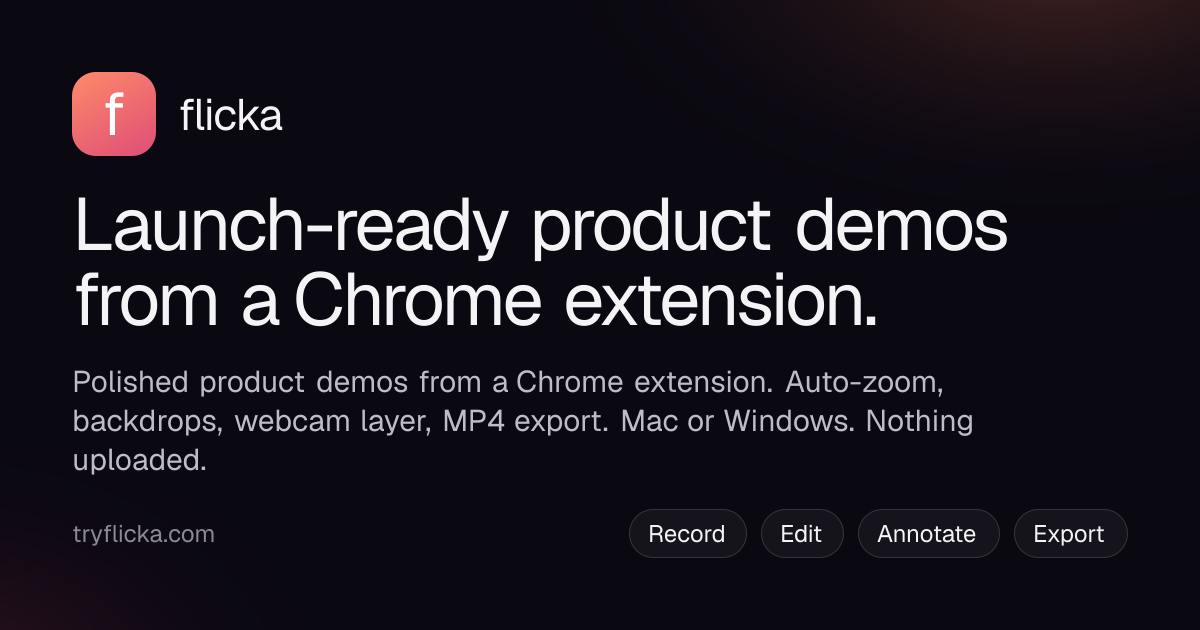
Flicka is a local-first Chrome extension that turns screen recordings into polished, launch-ready demo videos with auto-zoom and captions.
Flicka is a Chrome extension by Robin Singh that consolidates screen recording, auto-zoom, visual beautification, local caption generation, and MP4 export into a single browser-based workflow. Its standout feature automatically converts each mouse click during recording into a smooth push-in zoom animation. All processing happens locally with zero data uploads — a key differentiator for teams handling sensitive content. Compared to rivals like Loom, Screen Studio, and Tella, Flicka trades native-app performance for cross-platform reach and privacy. It currently ranks #12 on Product Hunt.
From Browser Extension to Launch-Ready Demos
Product demo videos have long been a pain point for SaaS teams: achieving a professional look typically requires video editing software, and the workflow — from screen recording to zoom effects, captions, and export — is tedious and time-consuming. Flicka aims to compress this entire workflow into a single Chrome extension, enabling anyone to produce a "launch-ready" product demo entirely within the browser.
The tool, built by Robin Singh, recently appeared on Product Hunt with 80 upvotes, 7 comments, and a ranking of #12. It's listed under three categories: Chrome Extensions, Design Tools, and Video. Its core value proposition is straightforward: after recording, it automatically generates a polished video complete with zoom effects, backgrounds, borders, and captions — all processed locally on your device.
Core Features Breakdown
Flicka supports multiple recording modes to cover common product demo scenarios:
- Tab recording: Captures only the current browser tab — ideal for demonstrating web apps
- Full screen / window / region recording: Flexible capture area selection
- Camera recording: Overlay a webcam layer for on-camera presence
During recording, users can also draw annotations and apply blur/redaction directly on the page — a practical feature for hiding sensitive information (such as account names, email addresses, or API keys) during demos, eliminating the need for post-production redaction.
Auto-Zoom on Clicks
Flicka's most distinctive feature is "auto-zoom on your clicks": every mouse click during recording is automatically converted into a camera zoom in the editor. This addresses a longstanding usability problem in product demos — viewers often can't tell where the presenter is clicking. Auto-zoom keeps the action in clear focus and gives the final video a more cinematic feel, with no need for manual frame-by-frame adjustments.
At the implementation level, auto-zoom typically relies on mouse event listeners: during recording, the tool logs the timestamp and screen coordinates of each click in the background, then generates smooth push-in animations (Ken Burns-style zoom) centered on those coordinates during rendering. Screen Studio has set the industry benchmark for this feature in a native Mac application. Implementing something similar within a Chrome extension is technically more constrained — extensions can capture video streams via chrome.tabCapture or the getDisplayMedia API, but coordinate capture and video compositing must be handled within the extension's Service Worker or an offscreen Canvas, placing significant demands on real-time rendering performance. Whether the final result is comparable to native desktop tools is one of the key dimensions to evaluate.
Backgrounds, Borders, and Captions
Beyond zoom, Flicka offers backdrops and frames to give raw screen recordings a polished visual presentation. For captions, it emphasizes that they are "made on your device" — meaning speech-to-text processing also happens locally — with final output supported in MP4 format.
Privacy-First: Nothing Gets Uploaded
At a time when most screen recording tools rely on cloud-based processing and storage, Flicka repeatedly emphasizes "Nothing is uploaded / Nothing uploaded" — all recording, editing, and caption generation is completed on the local device, with nothing sent to any server.
For teams working with internal products, unreleased features, or customer data, this local-first design is a clear differentiator. It reduces compliance concerns and eliminates the risk of recorded content accidentally leaking to third-party servers. That said, it may also involve performance trade-offs — local processing places real demands on device hardware, especially for long recordings and caption generation.
"Local-first" is an architectural philosophy that has gained traction in software design in recent years. Its core principle is that user data is stored and processed on the local device by default, with the cloud serving only as an optional sync or backup layer. This concept was systematically articulated by the Ink & Switch research team in their 2019 paper Local-first software, which emphasizes data ownership, offline availability, and long-term accessibility. For screen recording tools, the immediate challenge of local processing lies in deploying speech-to-text (STT) models: mainstream solutions like OpenAI Whisper already have quantized versions capable of running locally (such as whisper.cpp), which can perform offline transcription on ordinary consumer hardware — though speed and accuracy will vary depending on device specs. If Flicka uses a similar approach, caption quality and generation speed will be heavily dependent on the user's hardware configuration.
Positioning and Market Competition
Flicka enters a competitive space. Comparable products like Loom, Screen Studio, and Tella are all working on making screen recordings look better, and Screen Studio in particular has set a high bar with its auto-zoom and polished layouts.
Flicka's differentiation comes down to two factors: first, its Chrome extension form factor — low installation friction, tight integration with the browser workflow, and a natural fit for web product demos; second, a thorough local privacy commitment with zero data uploads. Together, these two qualities target independent developers and small teams who want professional-looking results without the anxiety of uploading sensitive content to the cloud.
That said, the Chrome extension format comes with inherent limitations: compared to native desktop applications, browser extensions may run into platform constraints when recording full-screen content, multiple windows, or high-frame-rate footage. Real-world performance will need to be validated in practice.
Loom is the pioneer of this space, positioning itself around "async video communication" for team collaboration and video messaging, with cloud storage and link sharing at its core. It operates on a subscription model and has since been acquired by Atlassian. Screen Studio is a macOS-native app renowned for its highly refined auto-zoom animations and polished visual output, but it's Mac-only and sold as a one-time purchase. Tella sits between the two, supporting browser-based recording with hosted viewing pages. Compared to these competitors, Flicka's Chrome extension form factor offers broader cross-platform coverage (Windows/Mac/Linux), but sacrifices the performance and system-level access advantages of native apps. Whether it can match competitors on feature completeness will be the critical challenge to its wider adoption.
Summary
Flicka packages an entire product demo workflow — screen recording, auto-zoom, visual beautification, local caption generation, and MP4 export — into a single Chrome extension, prioritizing low friction and privacy. For indie developers, SaaS teams, and designers who regularly need to create product demos, it offers a lightweight option worth trying. The product is still in its early stages, with a solid initial reception on Product Hunt; its real competitive strength will ultimately depend on long-term feature refinement and stability.
Related articles

Felix Rieseberg Personal Homepage
Felix Rieseberg's personal homepage sparks attention on Hacker News. This article covers the Slack engineer's technical background, the rise and fall of nativefier, and the value of a developer homepage as a tech calling card.

@ai-sdk/vue 3.0.306 Patch Release Syncs with [email protected] Update
@ai-sdk/vue 3.0.306 released, synced with [email protected]. A routine patch release for the Vercel AI SDK ecosystem with no public API changes; the Vue adapter layer stays version-aligned with the core package.

Gemini 4 Argon API Launches: The Era of Million-Token Output Begins
Google launches Gemini 4 Argon with sparse MoE architecture, up to 1M output tokens, and a 68.90% Vals Index score, available across API, AI Studio, and the Gemini app.