Flux 3 Image Klein Open-Source Release: A 5.6B Parameter Image Generation Model

Flux 3 Image Klein debuts with 5.6B open weights, balancing generation quality with consumer-grade hardware deployment.
The open-source text-to-image space welcomes Flux 3 Image Klein, released with 5.6B parameters and open weights, sparking discussion on Hacker News. Positioned between quality and deployability: the 5.6B size runs on consumer GPUs while retaining high-quality generation. Open weights mean local running, customizability, and cost control, but licensing terms need separate confirmation. Community focus centers on actual generation quality, inference speed, VRAM usage, and commercial licensing. For developers needing local deployment or embedded image generation, this is a practical candidate worth shortlisting—but confirm official licensing scope, hardware requirements, and workflow integration before adoption.
A noteworthy new contender has emerged in the open-source text-to-image space. The latest member of the Flux family, Flux 3 Image Klein, has been released with open weights at a parameter scale of 5.6B, sparking discussion on Hacker News and other technical communities.
A Restrained Model Release
Based on publicly available information, Flux 3 Image Klein carries three immediate labels: open weights, 5.6B parameters, and image generation. Together, these three points sketch out its position in the current model landscape—it has neither pursued the ultra-large-parameter closed-source route nor remained at the toy-level small model stage, but instead chosen a relatively moderate, locally deployable size.
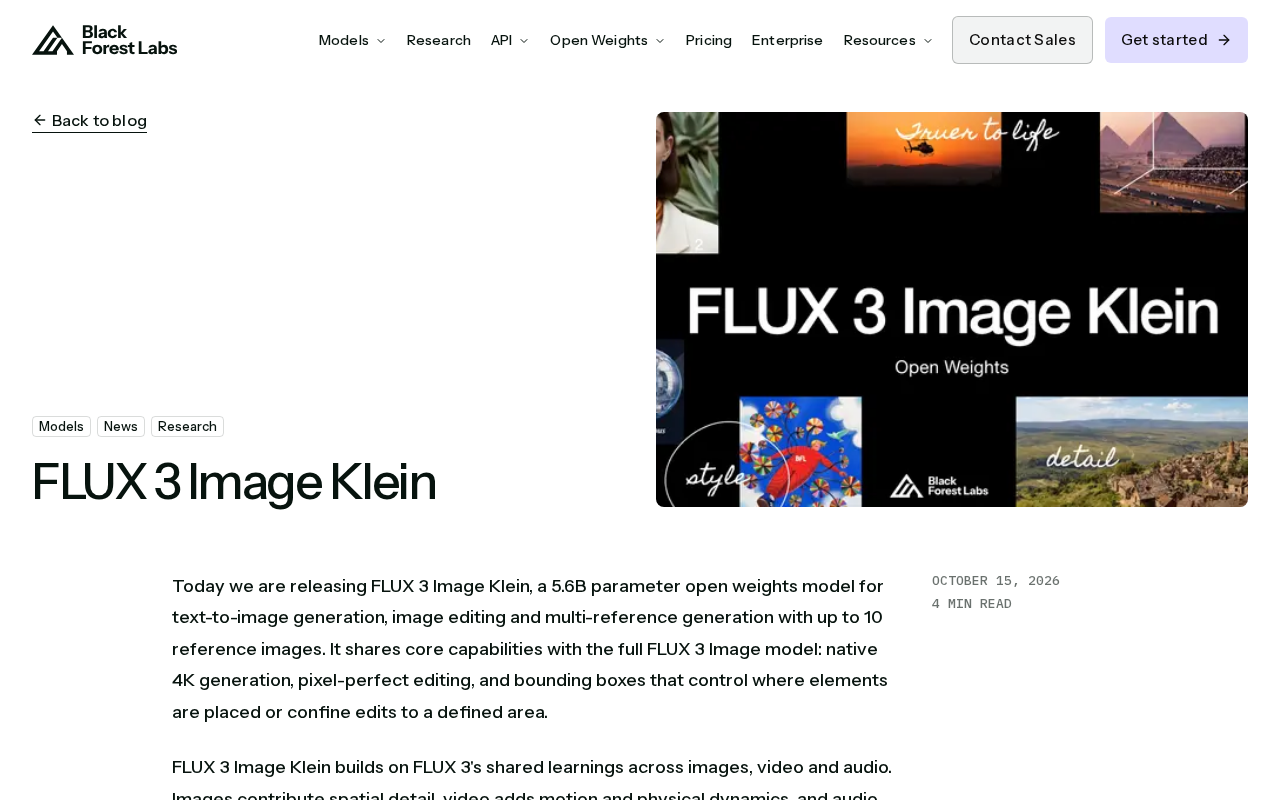
The number 5.6B deserves special mention. It means the model's VRAM requirements for inference fall within a range accessible to consumer-grade GPUs, while still retaining enough representational capacity to support relatively high-quality image generation. For developers who want to run text-to-image in their own environment without being locked into API call limits and fees, this is a realistic option.
What Open Weights Actually Mean
The term "open weights" needs to be understood carefully these days. It typically means the model weights can be downloaded and run locally or in a private environment, but it does not necessarily equate to full open-source training code, datasets, or commercial-use licensing.
For content creators and small-to-medium teams, the value of open weights mainly shows up in three areas:
- Controllability: Inference happens entirely locally; inputs and outputs don't pass through third-party services;
- Customizability: You can fine-tune, distill, or integrate the weights into your own workflows;
- Cost structure: After a one-time acquisition of the weights, marginal inference costs are determined by your own hardware.
Of course, the specific licensing terms still need to be confirmed on the official release page. This isn't a question of model capability—it's a legal detail that must be verified before use.
The difference between open weights and open-source models deserves further clarification. In the AI field, the term "open source" is often used loosely, but a strictly open-source model should simultaneously satisfy: training code, datasets, model architecture, and weights are all accessible, with a license permitting modification and redistribution. "Open weights," by contrast, typically means only that the model parameter files are downloadable—training details, data composition, and even the full architecture may not be public. Model Cards on platforms like Hugging Face will indicate the specific license type, such as Apache 2.0, MIT, CC-BY-NC, or custom commercial licenses. Take Stability AI's early versions of Stable Diffusion as an example: the weights were open but commercial use required compliance with specific terms; Meta's Llama series uses a community license that caps monthly active user scale. Therefore, when you see "open weights," you should first check the license file for keywords like "commercial use," "redistribution," and "derivative works," rather than assuming it equates to unrestricted use.
The Practical Significance of 5.6B Parameters
Placing 5.6B in the context of text-to-image model lineage, it falls into the upper-middle range. Smaller models often lose points on detail consistency and adherence to complex prompts, while larger models, though more stable in quality, place higher demands on deployment hardware.
Flux 3 Image Klein's choice of this range is essentially a balance between quality and deployability. For independent developers, models like this are often more practically valuable than flagship large models—you don't need to rent high-end compute to integrate generation capabilities into your own product prototype.
The parameter scale of text-to-image models and hardware requirements have an approximate correspondence. Taking FP16 precision inference as an example, 5.6B parameters require approximately 11.2GB of VRAM to load the weights, and with intermediate activations and KV cache added, actual usage may reach 14-18GB. This means an NVIDIA RTX 4090 (24GB) or 3090 (24GB) can run it fairly smoothly, while a 12GB RTX 3060 would need quantization techniques (such as 8-bit or 4-bit quantization) to deploy. For reference, Stable Diffusion 1.5 has approximately 0.9B parameters, SDXL has about 2.6B, and Flux.1-dev has 12B. 5.6B precisely fills the gap between SDXL and Flux.1-dev, significantly improving prompt adherence and detail generation while remaining runnable on consumer-grade hardware. While quantization can lower the VRAM threshold, it typically comes with slight quality loss and needs to be weighed against the application scenario.
Community Focus Areas
In Hacker News discussions, releases like this typically revolve around a few recurring topics: actual generation quality, inference speed, VRAM usage, comparisons with other open-source text-to-image models, and whether the license permits commercial use. These discussions haven't reached specific conclusions in the available material, but the direction itself reveals developers' real concerns when evaluating an image model—not benchmarks, but whether it can be reliably used in projects.
For Flux 3 Image Klein, the next test is whether the community can quickly produce reproducible comparison tests and fine-tuning cases. Parameters and weights are just the starting point; ecosystem activity is what determines a model's long-term vitality.
The typical structure of model release discussions on Hacker News often follows a "question-verify-compare" path. In the early days of a release, highly upvoted comments often focus on gray areas in licensing terms, such as whether commercial use is allowed, whether attribution is required, and whether derivative models can be distributed under closed licenses. Subsequently, users will post locally tested generation samples and inference times, conducting blind comparisons with contemporaneous models (such as SD 3.5, PixArt-Σ). Measured data on VRAM usage and inference speed typically appears in table form, becoming key evidence for other developers' decisions. If the community fails to produce reproducible fine-tuning scripts or LoRA training cases within a week, discussion热度 will rapidly decline. Therefore, for Flux 3 Image Klein, the completeness of early ecosystem tooling—such as ComfyUI node support and Diffusers library integration—is a better predictor of long-term adoption than official benchmark scores.
Who Should Pay Attention
If you're looking for a locally deployable text-to-image solution, or need to embed image generation capabilities into an existing product, Flux 3 Image Klein is worth adding to your candidate list. It may not be the quality ceiling, but its 5.6B size and open-weight nature give it clear advantages in flexibility and cost control.
Before正式 adopting it, it's advisable to confirm three things first: the official licensing scope, actual hardware requirements, and how it integrates with your existing workflows.
Related articles

Chain of Thought Isn't Just for AI: How Humans Can Use CoT to Improve Thinking Quality
Chain of Thought isn't just a prompt trick for large models. Starting from a Hacker News discussion, this article analyzes why CoT works for human thinking too, breaks down actionable ways to transfer it, and highlights the key differences between human CoT and machine CoT.
Cloudflare Teams Up with OpenAI: Closi…
Cloudflare Teams Up with OpenAI: Closing the Loop from Vulnerability Discovery to Defense with AI
Cloudflare uses OpenAI Daybreak to investigate security vulnerabilities and generate reviewable remediation plans, while developers use Codex to boost coding efficiency and quality.

Orca Multi-Agent Orchestration in Practice: A Guide to Parallel Collaboration with Claude and Codex
Orca is Stable AI's free open-source agent workbench supporting 34 agents like Claude Code and Codex in parallel. Learn its Git worktree isolation, multi-model orchestration, and mobile management.