FrameOS Review: An All-in-One Tool for Recording iOS & Android Demo Videos on Mac
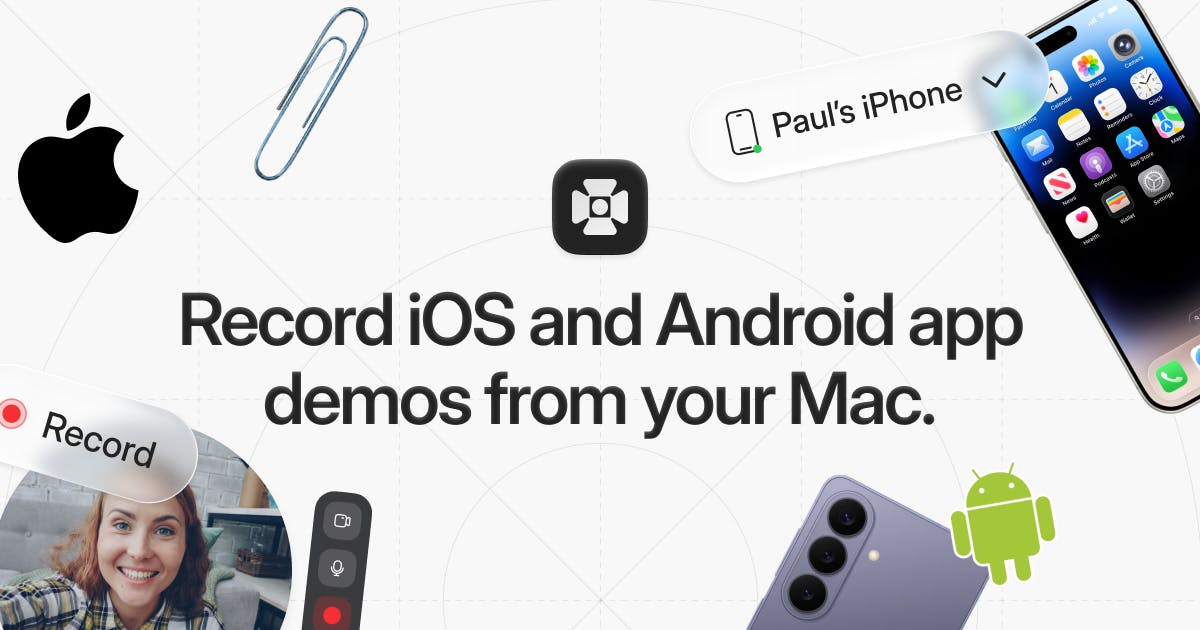
FrameOS: a Mac tool for recording and polishing iOS & Android app demo videos in one place.
FrameOS is a Mac application designed for recording iPhone, iPad, and Android screens with built-in post-production features like zoom close-ups, transitions, camera overlay, and masks. Targeting indie developers, content creators, and marketing teams, it streamlines the creation of professional app demo videos and store screenshots in a single unified workflow.
A Mac Tool Built for Mobile Demo Recording
When it comes to app promotion, product demos, and tutorial creation, elegantly recording a phone screen has always been a pain point. Traditional approaches either rely on the system's built-in mirroring features or require complex streaming setups, and the final output often lacks a professional feel. FrameOS, which launched on Product Hunt, aims to solve this problem — it lets users record iPhone, iPad, and Android device screens directly on a Mac, with one-stop post-production capabilities built right in.
The product ranked #9 on Product Hunt that day, earning 98 upvotes, and was categorized under Productivity, Tech, and Photo & Video. While it received only 5 comments, its positioning is precise, addressing the real-world needs of indie developers, content creators, and marketing professionals.
FrameOS Core Features: From Screen Recording to Video Polish
Cross-Platform Screen Recording
FrameOS's most fundamental and core capability is capturing screen content from iOS and Android devices onto a Mac. This means developers don't need to switch between two different toolsets — whether it's iPhones and iPads in the Apple ecosystem or various Android phones, everything can be recorded within a single app. This unified workflow significantly lowers the barrier to creating demo materials for teams that need to maintain apps across multiple platforms.
From a technical standpoint, screen mirroring between iOS devices and Mac primarily relies on Apple's AirPlay protocol and wired connections (via Lightning or USB-C). macOS's built-in QuickTime Player can capture iPhone screen content over a wired connection, but the functionality is very basic and lacks post-editing capabilities. Android screen capture is more complex, typically requiring ADB (Android Debug Bridge), open-source tools like Scrcpy, or manufacturer-specific casting protocols (such as Samsung DeX or Huawei Multi-screen Collaboration). The fragmentation across different protocols means that supporting both iOS and Android screen recording in a single tool requires adapting to multiple communication mechanisms — and that's precisely where FrameOS's cross-platform unified recording capability presents a technical barrier to entry.
Built-in Post-Production and Effects Overlay
Unlike pure screen recording tools, FrameOS puts its emphasis on "making the final product look professional." According to official descriptions, it supports overlaying the following elements onto recorded content:
- Camera: Add the creator's face cam footage, ideal for explainer-style videos;
- Mic: Synchronously record voiceover narration;
- Transitions: Create smoother cuts between multiple demo segments;
- Zooms: Highlight key on-screen interaction details — an extremely common technique in product demo videos;
- Masks: Hide sensitive information or focus on specific areas.
Among these, zoom close-ups are one of the most proven techniques for improving information delivery in product demo videos. In mobile app demos, the actual display area of a phone screen is relatively small, and when viewers watch on a computer or projector, buttons, text, and gesture interactions are often hard to discern. By adding smooth zoom animations in post-production, you can precisely guide the viewer's attention to critical interaction areas — such as the moment of tapping a button, scrolling through a list, or entering text. Professional video teams typically use After Effects or Motion to manually create these zoom keyframes, which is time-consuming and has a steep learning curve. FrameOS makes this an out-of-the-box feature, dramatically reducing the difficulty of producing high-quality demo videos for non-professional users.
Once editing is complete, users can directly export polished videos and screenshots — a single operation that covers both video and static asset needs.
Who Is FrameOS Best Suited For?
The target user base is quite clear from the feature design:
Indie developers and small teams are the most direct beneficiaries. They typically need to create promotional videos and store screenshots for the App Store and Google Play but lack the support of a professional video team. It's worth noting that app store visual assets directly impact download conversion rates. Apple's App Store allows developers to upload up to 3 App Preview videos (each up to 30 seconds) and up to 10 screenshots; Google Play supports promotional videos (usually linked to YouTube) and up to 8 screenshots. These assets must strictly comply with each platform's resolution and format requirements — for example, iPhone 15 Pro Max requires screenshots at 1290×2796 pixels, while different Android devices have their own aspect ratios. Additionally, Apple's review guidelines explicitly require that App Preview videos must show the app's actual running interface and cannot use pure animation or content unrelated to the app. FrameOS consolidates the steps of recording, adding zoom close-ups, transitions, and voiceover — previously scattered across multiple software tools — into one place, significantly shortening the production cycle and precisely fitting this high-frequency workflow.
Content creators and educators also benefit. When producing app tutorials or feature walkthrough videos, the combination of zoom close-ups and face cam footage can significantly enhance the viewing experience and professionalism.
Marketing and growth teams can leverage it to quickly produce high-quality demo materials for social media campaigns, product launches, or client communications.
FrameOS vs. Other Screen Recording Tools: A Comparative Analysis
The screen recording space is certainly not short on mature products — from macOS's built-in QuickTime to ScreenFlow, Loom, CleanShot X, and more, the market is highly competitive. FrameOS differentiates itself by focusing on the vertical niche of mobile demo creation, turning common demo video needs like "zoom close-ups" and "device frames" into out-of-the-box features.
This "small but specialized" product strategy often carves out its own survival space in the tools software category. In recent years, the SaaS and desktop software landscape has seen a clear trend toward "verticalization" — building deeply optimized tools for specific workflows or user groups, rather than chasing maximum feature coverage. Several factors drive this trend: first, general-purpose tools (like the Adobe suite) are powerful but have steep learning curves and high subscription costs, creating a "feature surplus" problem for users who only need to accomplish specific tasks; second, the rise of indie developers and small teams has created a wealth of niche demands, and these users prefer lightweight, buy-and-use, learn-as-you-go tools; finally, platforms like Product Hunt have provided vertical tools with precise early user acquisition channels. The success of products like CleanShot X (focused on Mac screenshots), Rotato (focused on 3D device mockup animations), and Screen Studio (focused on beautifying screen recordings) all validate the viability of this approach.
Compared to all-encompassing general screen recording tools, products focused on specific workflows can polish the detail experience to a much higher degree, winning over their target users. Of course, their ultimate market performance also depends on pricing strategy, export quality, and compatibility across different device models — all aspects that potential buyers should carefully evaluate.
Summary: A Vertical Demo Recording Tool Worth Watching
FrameOS represents an emerging category of "vertical productivity tools": rather than pursuing feature breadth, it wraps an end-to-end solution — from recording to export — around the clearly defined workflow of mobile app demo video production. For users who frequently need to create app demos, tutorials, or store assets, it's worth adding to your toolbox for evaluation. As the mobile app ecosystem continues to thrive, market demand for tools that focus on content production efficiency is expected to maintain steady growth.
Related articles

Vibe Coding Full-Stack in Practice: AI Programming from Beginner to Enterprise Deployment
From Cursor to Claude Code, this Bilibili AI programming course uses four progressive projects to cover full-stack development, open-source secondary development, and team collaboration. The article analyzes the shock to frontend roles, the efficiency shift from 50 people to 5, and the methodology required for enterprise-grade projects.

David Blaine's Global Quest for Real Magic: From South Africa to Japan and India
David Blaine travels to South Africa, Japan, and India in his Do Not Attempt special, documenting Spinning drivers, black mamba rescuers, iaijutsu masters, and ascetics—exploring the boundary between magic and real human极限 challenges.

Is a Touchscreen MacBook Coming? Vergecast Reveals Apple Executive's Response
Vergecast podcast reveals a conversation between a reporter and Apple executive John Ternus about a touchscreen MacBook and Apple Pencil support. Ternus says iPad is the best device for a stylus, while the reporter bets MacBook will eventually support Apple Pencil.