Framework Responds to BIOS Update Bricking Ryzen 7040 Laptops

A BIOS update bricked Framework's Ryzen 7040 laptops, testing the brand's repairability promise.
Framework's latest BIOS update for Ryzen 7040 laptops left multiple users with bricked devices, sparking heated debate in tech communities. This article examines the incident, explains why firmware updates carry inherent bricking risks, analyzes why the AMD Phoenix platform was particularly vulnerable, and reviews Framework's official response. It also discusses broader industry lessons around dual BIOS redundancy and staged rollouts, plus practical advice for users before applying firmware updates.
Incident Overview
Modular laptop manufacturer Framework has recently found itself embroiled in a firmware update crisis. Multiple users reported that after installing the latest BIOS update on their Framework laptops equipped with AMD Ryzen 7040 series processors, their devices became unbootable, displaying black screens or becoming completely "bricked." The issue quickly sparked widespread discussion on community forums and tech platforms like Hacker News, putting Framework — a company known for its "repairability" and "user-friendliness" — to a serious test of trust.
Founded in 2020 by Nirav Patel, former head of hardware at Oculus, Framework's core mission is to build truly upgradeable and repairable consumer laptops. The company's Framework Laptop series features a modular Expansion Card system and swappable mainboard design, allowing users to replace virtually every core component — from port modules to the processor platform itself. This design philosophy has made Framework one of the flagship companies of the Right to Repair movement. The Right to Repair movement advocates that consumers should have the right to repair devices they've purchased, opposing manufacturers who use serial number locks, proprietary tool restrictions, or design barriers to hinder independent repair. In many regions worldwide, this movement has already driven legislative progress, such as the EU's Ecodesign Directive and repair-right bills in multiple U.S. states.
For a company that has made the right to repair a core brand principle, a firmware update causing hardware failure carries far greater implications than it would for an ordinary manufacturer — it directly challenges the reliability promise Framework has made to its users.
What Is BIOS Bricking?
The Inherent Risk of Firmware Updates
BIOS (Basic Input/Output System) or the more modern UEFI (Unified Extensible Firmware Interface) firmware is the first code that runs when a computer powers on, responsible for initializing hardware and bootstrapping the operating system. It's stored on a dedicated flash memory chip on the motherboard — typically an SPI (Serial Peripheral Interface) NOR Flash chip with a capacity of 16MB to 32MB.
It's worth noting that although the term "BIOS" is still widely used, virtually all modern computers have transitioned to the UEFI architecture. Traditional BIOS dates back to the CP/M operating system era of 1975, running in 16-bit real mode with limitations including a 1MB memory addressing cap and a 2.2TB hard drive size limit. UEFI, developed primarily by Intel in the early 2000s, is an entirely new specification supporting 64-bit pre-boot environments, graphical interfaces, Secure Boot mechanisms, and network protocol stacks — far exceeding the capabilities of traditional BIOS. However, precisely because UEFI firmware is far more complex than traditional BIOS — with codebase sizes ballooning from a few hundred KB to tens of MB — the potential points of failure have multiplied, and firmware update risks are actually higher than in the traditional BIOS era.
When a BIOS/UEFI update process is unexpectedly interrupted, or an incompatible firmware version is written to the chip, the motherboard may fail to complete basic hardware initialization, rendering the device completely unbootable — this is what's colloquially known as "bricking." Specifically, a firmware update typically involves erasing the old firmware data from the SPI flash chip, then writing new firmware block by block. If an interruption occurs during the critical window after erasure is complete but before writing is finished (such as a power loss or program crash), the chip will contain an incomplete firmware image, and the processor will be unable to execute valid initialization code upon power-up, leaving the entire device in an unusable state.
Unlike software-level failures, BIOS-level corruption typically cannot be recovered through OS reinstallation or standard troubleshooting. These issues often require a dedicated SPI programmer (such as the inexpensive CH341A or manufacturer-specific debugging tools) to be directly connected to the flash chip, re-flashing the firmware image via an external device. In the worst case, if the flash chip uses BGA (Ball Grid Array) packaging and is soldered directly to the motherboard, ordinary users can't even physically access the chip's pins, and recovery requires professional soldering equipment — or outright motherboard replacement. For average users, this is a nearly insurmountable barrier.
Why the Ryzen 7040 Platform Was Affected
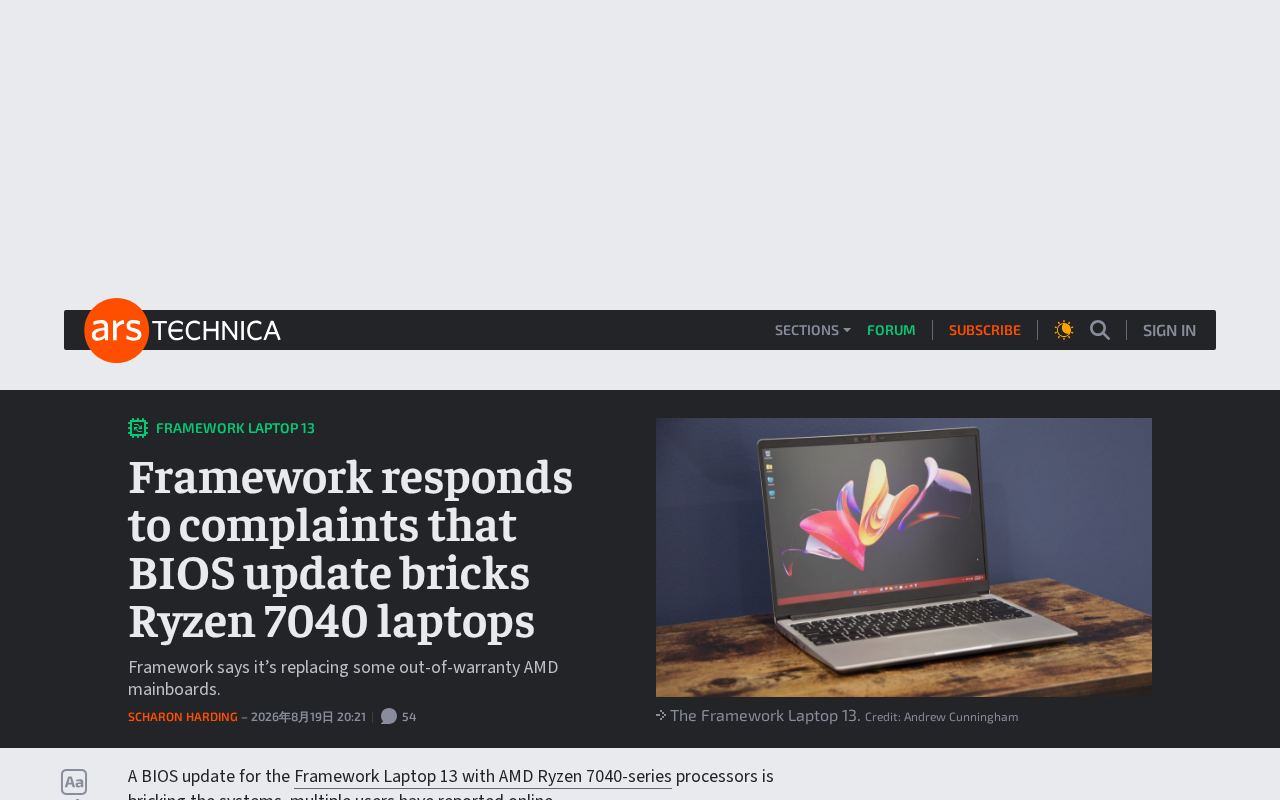
The AMD Ryzen 7040 series (codenamed Phoenix) is the processor platform used in the 13-inch AMD version of the Framework Laptop. The Phoenix architecture represents a significant iteration for AMD in the mobile segment, built on the Zen 4 CPU microarchitecture and RDNA 3 integrated graphics architecture, manufactured on TSMC's 4nm process, and featuring for the first time a dedicated AI acceleration engine (Ryzen AI, based on the XDNA architecture) in a mainstream laptop processor. These major architectural changes mean its firmware stack — particularly the AGESA (AMD Generic Encapsulated Software Architecture) microcode provided by AMD — requires a longer maturation cycle.
AGESA is the low-level firmware framework AMD provides to OEM manufacturers, handling processor initialization, memory training, power management, and other critical functions. OEMs like Framework build their own UEFI firmware on top of AGESA. When AMD releases updated AGESA versions to fix issues or add features, OEMs need to integrate the new AGESA into their own firmware and conduct compatibility testing. Any oversight in this chain — whether a defect in AGESA itself or a configuration error during the OEM integration process — can result in end-user failures.
Relatively new platforms like this often require continuous firmware updates after market launch to fix compatibility issues, improve stability, and patch security vulnerabilities. However, firmware updates themselves are among the most likely vectors for introducing new problems — especially when updates haven't undergone thorough regression testing, where edge-case failures can quickly escalate into large-scale incidents. It's worth noting that as a relatively young hardware startup with a limited engineering team, Framework's firmware testing matrix coverage (including combination testing across different memory configurations, SSD models, operating system versions, and other variables) is likely far less extensive than that of traditional giants like Lenovo or HP, which have firmware teams numbering in the hundreds. This resource gap is particularly pronounced in firmware maintenance for complex platforms.
Framework's Official Response and Remediation
Facing user complaints, Framework acknowledged the issue and began an investigation. As a company that views transparent communication as a brand asset, Framework's handling of the situation has been closely watched by the community. Typically in incidents like this, responsible manufacturers take the following steps:
- Halt distribution of the problematic firmware to prevent more users from being affected
- Publicly disclose the technical root cause, clearly identifying which part of the process went wrong
- Provide recovery options, whether self-service re-flashing tools, free repairs, or replacement services
- Improve the update process, such as adding power-loss protection mechanisms, dual BIOS redundancy, or more rigorous testing procedures
Notably, Framework's modular design philosophy should theoretically make such issues easier to resolve — its architecture allows users to replace the mainboard module themselves. The Framework Laptop's mainboard is designed as an independent replaceable unit; users need only remove a few screws to extract it from the chassis and swap in a new mainboard module. The company even sells mainboards separately and encourages users to repurpose old mainboards as standalone mini PCs. This design does provide a more flexible repair path compared to traditional laptops in hardware failure scenarios.
However, "replace the mainboard" is clearly not an ideal remedy — a Framework mainboard typically costs several hundred dollars, which represents a significant additional expense for users. More importantly, what users truly expect is that firmware updates should not cause irreversible damage in the first place. A well-designed firmware update process should have failure rollback capabilities, rather than relying on "hardware replaceability" as a fallback for software problems.
Implications for the Industry and Users
Firmware Update Mechanisms Need Stronger Safety Guarantees
This incident once again highlights the fragility of firmware update mechanisms in consumer laptops. Many commercial and high-end devices have already adopted dual BIOS redundancy designs: when the primary firmware is corrupted, a backup firmware can automatically take over and complete recovery. In practice, dual BIOS typically means two independent SPI flash chips soldered onto the motherboard — one storing the primary firmware (which can be updated normally) and the other storing a factory-version backup firmware (usually read-only or write-protected). When the system detects a primary firmware boot failure (e.g., multiple consecutive POST failures), hardware logic automatically switches to the backup firmware chip to boot the system, after which the user can re-flash the primary firmware to restore normal operation. GIGABYTE's DualBIOS technology, promoted across its motherboard product line, is the most well-known consumer implementation of this concept.
Beyond dual BIOS redundancy, the modern firmware security landscape has developed multiple protection mechanisms. Intel Boot Guard and AMD Platform Secure Boot use a Hardware Root of Trust to verify firmware integrity and authenticity, preventing malicious tampering. The Capsule Update mechanism (part of the UEFI specification) allows the operating system to package firmware updates as standardized "capsules," which the firmware itself flashes in a secure environment, reducing the risk of external interference during the update process. Some more advanced implementations also employ A/B partition update strategies, borrowed from Android's OTA update mechanism: the firmware storage area is divided into two equally sized partitions, with updates written to the inactive partition. After verification passes, the boot target is switched; if the new firmware fails to work properly, the system can automatically fall back to the old partition. While these designs add hardware cost and firmware complexity, they significantly reduce the risk of bricking.
For brands that emphasize reliability and repairability, investing in these firmware safety mechanisms may carry more weight in fulfilling brand promises than adding yet another USB-C port.
The Gap Between Brand Promises and Execution
Framework has won the support of a large community of tech enthusiasts through its unique modular and repairable design philosophy. The Framework Laptop earned a rare perfect score of 10 out of 10 on iFixit's repairability scale. The company has also open-sourced extensive hardware design documentation and CAD drawings, encouraging community participation in building the ecosystem. This open approach has enabled Framework to accumulate brand influence and emotional connection far exceeding its market share within the tech community.
But precisely because of its positioning and reputation, users are actually less tolerant of its mistakes — this is the paradox faced by all "mission-driven" brands. When a traditional laptop manufacturer encounters firmware issues, user reactions typically involve frustration and complaints; but when Framework encounters the same problem, users may feel "betrayed" — because they weren't just buying a laptop, they were voting for an ideal. This elevated expectation means Framework cannot lower its standards citing "limited startup resources" in quality control; instead, it needs to perform better than the industry average.
A firmware incident tests not only the technical team's incident response capabilities but also serves as a litmus test for whether brand promises can be delivered. How to ensure firmware quality while maintaining rapid iteration is a long-term challenge that all hardware manufacturers — especially emerging brands — must face. From an industry best-practices perspective, commercial laptop brands like ThinkPad typically maintain a firmware "silent testing period" of several months, pushing updates to a small group of enterprise customers first and only releasing broadly to the public after confirming no major issues. While this conservative strategy sacrifices update speed, it effectively reduces the risk of large-scale incidents.
BIOS Update Precautions: Advice for Regular Users
For users who own a Framework laptop or similar devices, keep the following in mind when installing BIOS updates:
- Ensure the device is connected to a stable power source — never cut power or force a shutdown during the update process. It's recommended to have both the power adapter connected and battery charged above 50% to handle unexpected power interruptions. Most modern firmware update tools will refuse to proceed when battery levels are too low, but this protection isn't foolproof.
- Follow manufacturer announcements and community feedback — for major firmware updates, consider waiting a few days or even one to two weeks to see if widespread issue reports emerge. Reddit's r/framework subreddit, Framework's official community forum, and platforms like Hacker News are typically the best channels for early feedback.
- Familiarize yourself with your device's recovery mechanisms in advance — understand the official firmware recovery options or tools available. Some devices support entering an emergency recovery mode via specific key combinations, or booting recovery firmware from a USB flash drive. Confirming whether your device has these capabilities before updating is a worthwhile preventive measure.
- Don't chase the latest version unless necessary — update only if the release addresses specific issues directly affecting your user experience or patches security vulnerabilities. Firmware Release Notes / Changelogs typically list all changes; users should develop the habit of reading changelogs and judging whether the update risk is worth taking based on their own needs.
Conclusion
Framework's BIOS update incident is a microcosm of firmware quality management challenges across the hardware industry. It reminds us that even brands with progressive philosophies and user-centric approaches cannot entirely avoid technical risks. Across the PC industry, firmware-level issues are far from uncommon — mainstream manufacturers like Dell, Lenovo, and ASUS have all experienced BIOS update incidents of varying scales over the past several years. But what sets Framework apart is that its user base has expectations for transparency and reliability that are significantly higher than the industry average.
What truly defines a brand's value is not whether problems occur, but how responsibly and transparently they are resolved when they do. For Framework, properly handling this incident and strengthening firmware update safety mechanisms — whether by introducing dual firmware redundancy, implementing more rigorous regression testing processes, or establishing a more comprehensive staged rollout strategy — will directly impact its long-term credibility among hardware enthusiasts. This is not merely a test of crisis management; it's a necessary step in Framework's journey from a highly anticipated startup to a mature hardware brand.
Related articles

RAG Getting Started in Practice: From Principles to Building an Enterprise Knowledge Base
Bilibili RAG course highlights: from retrieval-augmented generation principles, document chunking and vectorization, to five accuracy factors and enterprise knowledge base boundaries, with fine-tuning vs RAG selection advice.

AI Model Selection Guide: DeepSeek vs. Qwen3 in Practice
How should AI developers choose models? Based on a Bilibili tutorial, this article breaks down the Function Calling differences between DeepSeek V3 and R1, Qwen3's programmatic thinking mode switching and agent capabilities, and outlines a multi-model learning path and practical selection logic.

Anchoring, Loss Aversion, and Nudges: 5 Psychological Tactics Retailers Use to Make You Spend
Behavioral economics reveals how retailers use anchoring, framing, loss aversion, and nudge theory to manipulate your spending decisions. This article breaks down 5 common psychological tactics and offers counterstrategies like slowing down decisions and setting your own anchors to see through the pricing design behind discounts.