Free Online PDF Tools: A Complete Guide to Editing, Signing, Redacting, and Annotating

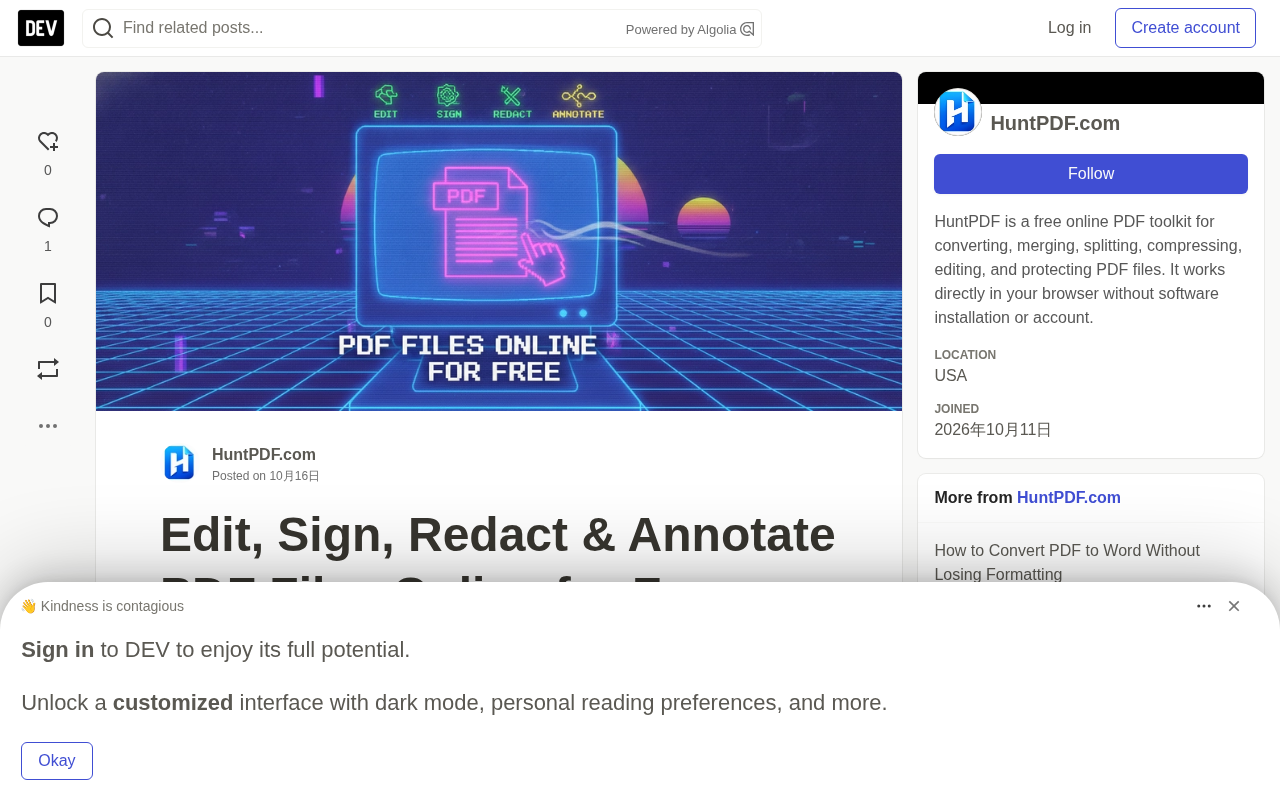
HuntPDF provides four free online PDF tools—edit, sign, redact, and annotate—no installation required, covering high-frequency office needs.
HuntPDF.com is a browser-based online PDF tool suite that brings editing, signing, redacting, and annotating into a single entry point. The editing feature handles lightweight "just one line short" modifications without launching bulky desktop software; the signing feature eliminates the traditional print-sign-scan workflow, ideal for administrative and sales roles; the redaction feature emphasizes permanently removing sensitive information rather than just covering it with black boxes, which can be copy-recovered; the annotation feature attaches feedback directly to documents, reducing collaboration friction. The article also reminds users that while online tools are lightweight and convenient, you should first confirm the platform's data processing policies when handling sensitive documents, and prioritize local tools when necessary.
In daily work and life, PDF is a nearly ubiquitous document format—contracts, invoices, application materials, work reports, and personal records all rely on it. But PDF's "read-only" nature often causes headaches: whether you want to change a line of text, add a signature, cover up sensitive information, or add a few annotations, you often need to install bulky desktop software.
HuntPDF.com offers a set of browser-based online PDF tools that attempt to bring four high-frequency operations—editing, signing, redacting, and annotating—into a single entry point. This article breaks down these features one by one based on real-world use cases, explaining what problems they solve and what pitfalls to watch out for.
Edit PDFs Online: Modify Documents Without Installing Software
Many people associate PDF editing with paid desktop software like Adobe Acrobat, but lightweight online editors can already cover most everyday needs. HuntPDF's PDF editor supports adding text, making annotations, adjusting content, and then exporting and sharing.
Its value isn't in replacing professional typesetting tools, but rather in handling those "just one line short" scenarios: adding a clause number to a template contract, updating address information in an application form, or adding a note to a report cover. For these types of operations, the startup and learning costs of using large software often exceed the task itself.
PDF stands for Portable Document Format, introduced by Adobe in 1993 with the original intent of keeping document layout completely consistent across different devices, operating systems, and software. This is also why PDF is widely used for formal documents like contracts and invoices—no matter what device the recipient uses to open it, the display won't get messed up.
PDF's "hard to edit" nature isn't a design flaw, but rather a byproduct of its fixed-layout characteristics. Unlike flow-based documents like Word, PDF uses a page coordinate system to precisely position every piece of text and graphics, with no concept of paragraphs or lines. As a result, changing one spot often affects the entire page layout. This is also why professional editing software is bulky and expensive. In recent years, browser-side PDF processing capabilities (such as open-source rendering engines like PDF.js) have gradually matured, making lightweight online editing possible—but complex layout adjustments still depend on desktop tools.
Sign PDFs Online: Cutting Out the Print-and-Scan Workflow
When signing agreements, application forms, or business documents, the traditional approach is to print them out, sign by hand, and scan them back. This process is not only slow but can also result in unclear files due to poor scan quality. The online signing tool takes a straightforward approach: complete the signature directly on the PDF, eliminating the physical steps in between.
For roles that handle documents frequently—such as administrative staff, salespeople, or legal assistants—this simplification can significantly reduce the processing time per document. However, note that signing tools generate electronic signature images, and in scenarios requiring legal validity, you still need to confirm whether the other party accepts this format.
Electronic Signature and Digital Signature are often used interchangeably, but their legal and technical meanings differ. Electronic signature broadly refers to any electronic expression of intent to sign, including images of handwritten signatures, clicking an "I agree" button, etc. Its legal validity has been recognized in most countries (such as the U.S. ESIGN Act, the EU eIDAS regulation, and China's Electronic Signature Law). Digital signature, on the other hand, is based on cryptographic technology, using certificates and hash algorithms to ensure the signer's identity is authentic and the document hasn't been tampered with, providing stronger non-repudiation.
Online signing tools typically generate the former—embedding handwritten strokes as an image into the PDF. This type of signature is sufficient for everyday business, but in scenarios involving large contracts or legal proceedings, the other party may require a digital signature or third-party notarization. It's best to confirm the recipient's specific requirements before use.
PDF Redaction: Black Boxes Don't Equal True Deletion
Before sharing documents containing confidential information, redaction is an unavoidable step. Account information, ID numbers, personal privacy, and internal business data all need to be handled before sending documents externally.
Here's an easily overlooked trap: Simply covering information with a black rectangle doesn't mean the information has been deleted. The original text still exists in the file's underlying layer and can be recovered through copy-paste or text extraction. HuntPDF's redaction tool emphasizes "permanent removal" rather than "visual covering," and recommends repeatedly verifying before sharing that redacted content cannot be selected, copied, or recovered.
This reminder is crucial. In practice, many people leak sensitive data because they only did visual covering, only discovering afterward that the complete original text was still hidden in the file.
Redaction is a specialized operation in the information security field, referring to the complete removal or obscuring of sensitive information from a document so that it cannot be recovered. It's fundamentally different from "covering": covering merely overlays an opaque graphic on the visual layer while the underlying data remains untouched; redaction requires actually deleting the corresponding text, images, and metadata from the file structure.
Beyond visible content, PDF files may also contain text layers, annotations, form data, bookmarks, and even hidden historical revision information. Handling only the visible parts is often insufficient. Industries with higher compliance requirements (such as legal, medical, and financial) typically follow a "delete—verify—re-save" process and recommend using text extraction or copy-paste tests after redaction to confirm that sensitive content truly cannot be recovered. Additionally, redaction operations are best performed on a copy of the original file to avoid accidental damage to the source file.
Annotating PDFs: Making Review and Collaboration More Efficient
The annotation feature seems simple, but its role in actual workflows is underrated. Highlighting key points when reviewing reports, adding comments, and marking areas that need attention—these actions make things smoother for students, accountants, managers, and team collaboration.
The core value of the annotation tool is attaching "feedback" directly to the document, rather than opening a separate email or chat window to describe "there's a problem on page X, paragraph Y." For multi-person collaboration scenarios, this in-place markup reduces communication friction.
Why Choose Online Tools?
HuntPDF's positioning is to make everyday PDF tasks simple and accessible. Several features are particularly clear:
- Free to use online, no complex software installation required
- Accessible through a browser, low barrier across devices
- Covers four core operations: editing, signing, redacting, and annotating
- Suitable for personal, educational, and commercial scenarios
The advantage of online tools is being lightweight and ready to use on demand, but you should also pay attention to file privacy: when handling documents containing sensitive information, it's recommended to first confirm the platform's data processing policies, and prioritize local tools when necessary.
Bringing Your PDF Workflow Together in One Place
Whether you're modifying documents, signing agreements, redacting confidential information, or annotating reports, choosing the right tools can save a great deal of time and paper. Visit HuntPDF.com to see all available tools.
Quick links: Edit PDF | Sign PDF | Redact PDF | Annotate PDF
Related articles

Chain of Thought Isn't Just for AI: How Humans Can Use CoT to Improve Thinking Quality
Chain of Thought isn't just a prompt trick for large models. Starting from a Hacker News discussion, this article analyzes why CoT works for human thinking too, breaks down actionable ways to transfer it, and highlights the key differences between human CoT and machine CoT.
Cloudflare Teams Up with OpenAI: Closi…
Cloudflare Teams Up with OpenAI: Closing the Loop from Vulnerability Discovery to Defense with AI
Cloudflare uses OpenAI Daybreak to investigate security vulnerabilities and generate reviewable remediation plans, while developers use Codex to boost coding efficiency and quality.

Orca Multi-Agent Orchestration in Practice: A Guide to Parallel Collaboration with Claude and Codex
Orca is Stable AI's free open-source agent workbench supporting 34 agents like Claude Code and Codex in parallel. Learn its Git worktree isolation, multi-model orchestration, and mobile management.