From 0 to 74% Accuracy: A Postmortem on Building a Font Recognition Browser Extension

From 93% self-test to 0% real-world, then back up to 74% top-1 via ArcFace fine-tuning on synthetic font data.
A font website developer spent an entire summer building a pixel-based font recognizer, iterating from a self-test score of 93% that collapsed to zero on real photos, to a working system using ArcFace metric learning with family-level labels and rich synthetic augmentation. The final model achieves 74% top-1 and 86% top-5 on unseen text, covers 262,000 fonts without retraining, and tops a 12-image benchmark with a perfect top-5 score. The postmortem honestly covers tofu box mismatches, dark background inversions, overconfident smart-cropping, and the ongoing challenge of script and handwritten fonts.
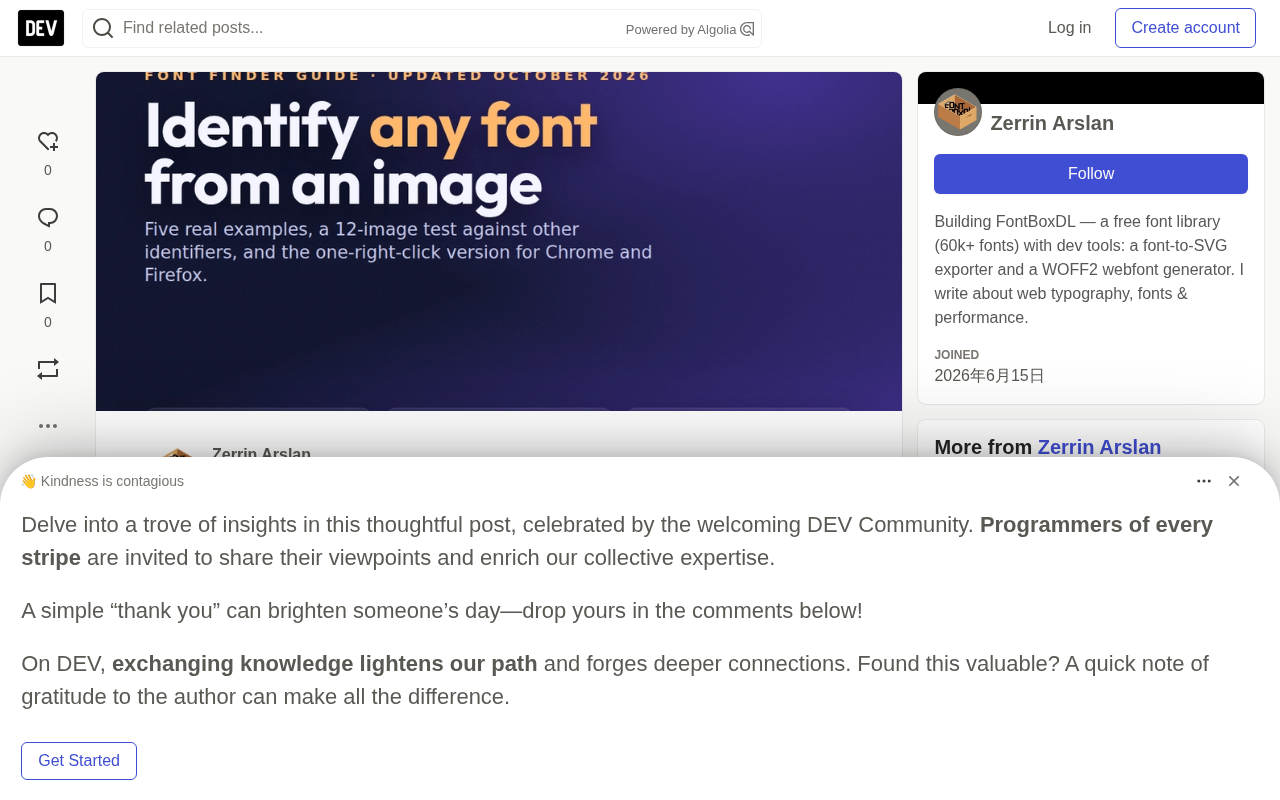
Traditional font identification tools (like WhatFont) work by reading a page's CSS. The moment text ends up in a JPEG, logo, poster photo, or screenshot, they're completely useless. A developer running a font website decided to take a different approach: identify fonts directly from pixels. He had a database of hundreds of thousands of fonts, a consumer-grade 16GB GPU, and figured it would be a weekend project. It took the entire summer. This postmortem covers what actually worked, the mistakes made along the way, and the cold, hard test numbers at the end.
V1: Pretrained Features + Nearest-Neighbor Index — 93% in Self-Testing, Zero in the Real World
The first version used the most intuitive approach: render a few sample images for each font in the catalog, pass them through an ImageNet-pretrained EfficientNet-B2, and store the embeddings. At query time, embed the user's image and return the nearest neighbor.
Self-testing showed a top-1 accuracy of 93%. The developer was excited for a full week.
Then he built a proper benchmark with 137 real-world photos of known fonts — signs, book covers, packaging — and ran it again. The top-5 accuracy was 0/137. Not low. Zero. A hand-cropped, binarized, perfectly clean photo of Montserrat returned nothing but garbage.
The problem was the self-test itself: it used the catalog's own rendered images as query inputs — same text, same rendering style — which measured "near-duplicate retrieval," not "font identity." An ImageNet backbone encodes "what word is this" and "what texture is this" far better than "what do these letterforms look like." The lesson is blunt: to test a font recognizer, you must use text the model has never seen and photos you didn't render yourself.
This problem is known in machine learning as data leakage or out-of-distribution generalization failure. When the training and test sets share some "shortcut feature," the model learns to exploit the shortcut rather than the true target. In V1's self-test, both query and index images came from the same rendering pipeline with identical text content, so the model was effectively measuring "does this rendered text look similar" rather than "do these two images share the same font." EfficientNet is a family of efficient convolutional networks proposed by Google in 2019. It uses compound scaling to simultaneously adjust depth, width, and resolution, achieving state-of-the-art accuracy/efficiency on ImageNet at the time. However, ImageNet pretraining makes the backbone highly sensitive to object categories and material textures, while its perception of letterform structure is weak — this is the fundamental cause of the out-of-domain transfer failure, not a flaw in the network itself.
V2: Teaching the Model What a "Font" Actually Is
The fix was to fine-tune the backbone for font identity using an ArcFace head, with training data generated as unlimited synthetic samples:
- ~35,000 font families as classes, using family-level labels (all weights within a family grouped into one class), because a photo of Montserrat Bold must never be treated as a different font from Montserrat Regular.
- Real words sampled randomly from a 6,000-word vocabulary to prevent the model from memorizing sample text.
- Weight sampling along variable font axes, plus artificial emboldening and thinning.
- Data augmentation simulating real user upload scenarios: perspective distortion, uneven lighting, low resolution, JPEG compression artifacts, textured backgrounds.
- Later, 12 additional "effect" renders per family: stroke, 3D extrusion, glow, texture fill, emboss, pixelation, occlusion, wide tracking, and multi-line layouts.
Each training run hot-started from the previous checkpoint. A small-scale trial on 3,900 fonts took 23 minutes and pushed top-1 on unseen text from 1% to 61%. Full training on a consumer GPU took about 5 hours and landed at roughly 74% top-1 and 86% top-5 on unseen text.
The developer cared most about generalization to fonts that never appeared during training: ~59% top-1, compared to 65% for seen fonts — a gap of just 6 points. This means adding a new font only requires rendering 12 images, embedding them, and appending to the index — no retraining needed. The index currently holds 262,000 fonts and roughly 2.5 million rendered embeddings, stored as a plain tensor on CPU rather than any vector database. The scoring logic is max(family prototype, best single render), with a median query latency of about half a second on 8 CPU threads — since the GPU is shared with other tasks, inference runs entirely on CPU.
ArcFace is a metric learning loss function for face recognition, proposed by Deng et al. in 2019. It builds on softmax loss by adding an additive angular margin penalty in angular space, forcing same-class embeddings to cluster more tightly on the hypersphere while pushing decision boundaries between different classes further apart. This makes it especially well-suited for "open-set" recognition problems — where test time will encounter classes never seen during training. Font recognition is a classic open-set scenario: there are hundreds of thousands of fonts in the world, they can't all appear in the training set, and the model needs to learn general font features rather than memorize class labels. Attaching an ArcFace head to a backbone like EfficientNet combines the backbone's visual encoding capability with ArcFace's inter-class separation, producing embeddings that are semantically closer to "font identity" rather than the object categories or texture information a default ImageNet backbone encodes.
The Embarrassing Failures
Tofu boxes. Among 170,000 fonts in the catalog, some have no Latin glyphs at all (Khmer, Tamil, pure Arabic families). When rendered with Latin sample words, they produce rows of identical .notdef squares. These squares became magnets: anything block-shaped would match them at 99% similarity. The developer scanned all catalog entries and blacklisted 453 fonts whose renders consisted almost entirely of nearly-identical connected components. The lesson: look at your actual catalog images, not just your metrics.
Weight blindness. Before family-level labels were introduced, a photo of a bold font would never match if the corresponding class only contained the regular weight. Obvious in hindsight.
The clever smart-crop. The developer wrote an automatic text-region cropper. On a labeled dataset, it improved 0 out of 18 query results, pushed scores into the 95–98 range, and doubled latency. Tight crops make everything look confident. It shipped as off-by-default, and "the score went up" has never been treated as evidence of anything since.
Calibrating on 12 samples. A quality threshold was set using a dozen hand-picked images. Applied to 1,152 real queries, it rejected 27% of legitimate uploads. Thresholds are now calibrated on full query logs, no exceptions.
Dark backgrounds. White text on a dark poster produces embeddings that are completely different from black text on white. Inverting images when average brightness falls below 110 is a ten-line change that produced +2 correct results on the 137-image benchmark — the best return on investment in the entire project.
Training on marketplace template images. The developer tried adding designer preview images from font marketplaces into training data. The model learned each designer's layout template rather than the letterforms themselves — templates matched templates. Preview images are search data, not training data.
Honest Confidence
Cosine similarity is not confidence. A clipart image with no text at all can score 96%. So what you see is ranked by vote aggregation across image variants (full image plus OCR-cropped lines), not raw scores. When multiple candidates are clustered together, the UI shows an "uncertain — here are the closest approximate fonts" state rather than fabricating a 99% confidence number.
Currently it's too conservative. In the comparison below, it ranked the correct font first in 9 out of 12 images, yet still flagged 7 of those 9 as "uncertain." Calibrating this is the next item on the list, and as always, it will be done on real query logs.
Cosine similarity measures how close two vectors are in direction, with values ranging from −1 to 1, independent of vector magnitude. In embedding space it's commonly used as a retrieval relevance score. But cosine similarity is fundamentally a relative ranking metric with no probabilistic meaning: even if a query image is completely unrelated to every font in the database, the nearest neighbor will still return a score close to 1 — because there's always a "closest" point in the vector space. This is exactly why "a clipart image with no text can score 96%." Displaying raw similarity as "confidence" is deeply misleading and requires additional calibration steps — for example, using Platt scaling or isotonic regression to map scores to meaningful probability estimates — or, as done here, using multi-image vote aggregation to filter out low-trust single-match high scores.
The 12-Image Comparison
The developer rendered 12 known Google Fonts to reflect real-world use cases: clean, textured, rotated, perspective-distorted, blurry, low-contrast, small JPEG, and dark background. All 12 files were then uploaded to every free identifier accessible through a browser. The scoring criterion was the rank of the correct family within the top 5.
| Identifier | Top-1 | Top-5 | Notes |
|---|---|---|---|
| FontBoxDL (this project) | 9 / 12 | 12 / 12 | |
| Open-source recognition model (ResNet18, ~1k families) | 7 / 12 | 9 / 12 | Strong on photos, missed clean serifs and marker fonts |
| WhatFontIs | 6 / 12 | 10 / 12 | OCR letter step; breaks on small dark JPEGs |
| Font Squirrel Matcherator | 5 / 6 | 5 / 6 | Blocked after ~15 uploads; only 6 images tested |
| WhatTheFont | 0 / 12 | 0 / 12 | Only covers commercial fonts; structurally cannot name free fonts; paid approximate results are reasonable |
This is the author's own test with their own images, so read it as "this approach works" rather than an industry leaderboard. Honest weakness: handwritten / script fonts. Lobster on a textured, rotated background only ranked 4th, with three similar fonts ahead of it.
The Browser Extension Itself
The extension itself is the thinnest layer. Built on Manifest V3, it requests no host permissions. Right-click an image, select "Identify font in image," and the extension sends only the image URL to the server. The server fetches the image itself (with standard SSRF protections) and returns the matches. Nothing on the page is read until you click. Due to repeated user requests, it also gained a hover inspector that reports the font actually rendered on a given element (taken from the browser's font-face collection, not the first name in the CSS stack), plus a "fonts on this page" list.
Porting to Firefox was mostly manifest work: replacing the service worker with background.scripts, adding a browser_specific_settings.gecko block, and the data collection declaration AMO now requires.
For the developer, failed recognition cases are the only valuable training data right now — handwritten text, neon signs, chrome effects, tiny screenshots. These hard cases are where the model needs to grow next.
Related articles

Chain of Thought Isn't Just for AI: How Humans Can Use CoT to Improve Thinking Quality
Chain of Thought isn't just a prompt trick for large models. Starting from a Hacker News discussion, this article analyzes why CoT works for human thinking too, breaks down actionable ways to transfer it, and highlights the key differences between human CoT and machine CoT.
Cloudflare Teams Up with OpenAI: Closi…
Cloudflare Teams Up with OpenAI: Closing the Loop from Vulnerability Discovery to Defense with AI
Cloudflare uses OpenAI Daybreak to investigate security vulnerabilities and generate reviewable remediation plans, while developers use Codex to boost coding efficiency and quality.

Orca Multi-Agent Orchestration in Practice: A Guide to Parallel Collaboration with Claude and Codex
Orca is Stable AI's free open-source agent workbench supporting 34 agents like Claude Code and Codex in parallel. Learn its Git worktree isolation, multi-model orchestration, and mobile management.