From a School's Discarded Old PC to 52 Self-Hosted Services

A free old school PC, Docker, and AI-assisted learning — enough to run 52 self-hosted services.
Starting with a discarded office PC from high school, one user learned Linux and Docker from scratch — aided by AI tools — and grew his setup to 52 self-hosted services. His primary hardware is a second-hand Dell Optiplex 7050, supplemented by a Proxmox machine and a dedicated Home Assistant mini PC, running everything from Jellyfin and Immich to Pi-hole. The core argument: the real barrier to self-hosting is far lower than Homelab showcases suggest, and a sub-$100 used mini PC is enough to handle a complete personal digital life. The one long-term cost that can't be ignored is storage and backups — not compute hardware.
The Truth About Self-Hosting: You Don't Need a Rack or Enterprise Hardware
Browse any self-hosting community and you'll inevitably come across awe-inspiring Homelabs: neatly organized server racks, enterprise-grade hardware, cable management that looks like fine art. This kind of showcase can easily give newcomers the impression that self-hosting has a high barrier to entry — expensive, technically complex, and not for the faint of heart.
But one Reddit user's post tells a completely different story. His starting point was a beat-up office computer his high school gave away for free. Today, the ecosystem built around that machine runs 52 services, while the hardware remains refreshingly modest.
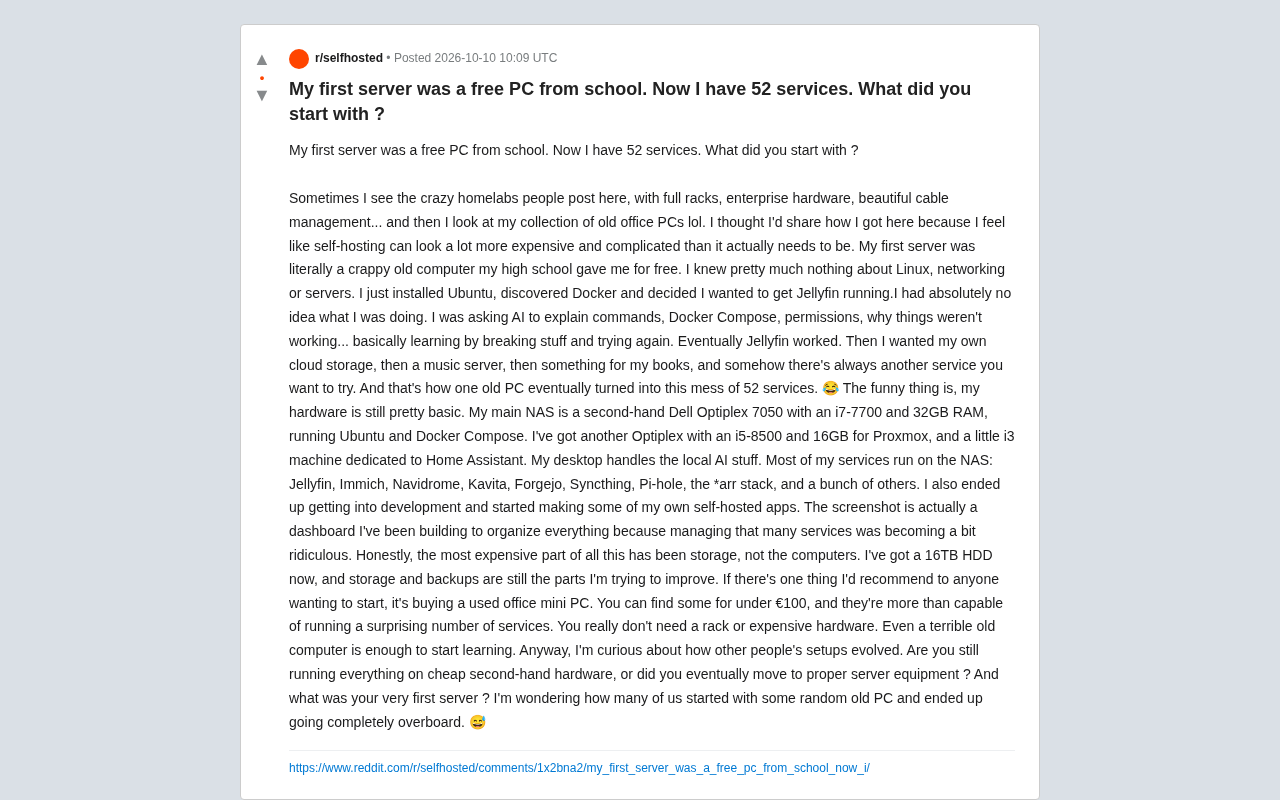
The post resonated widely because it punctures one of the biggest myths in the self-hosting world: expensive hardware was never a prerequisite for getting started. Curiosity and the willingness to tinker are.
Starting with Jellyfin: Learning by Breaking Things
The user openly admits that when he started, he knew almost nothing about Linux, networking, or servers. He simply installed Ubuntu, discovered Docker, and decided to get Jellyfin (an open-source media server) up and running.
His own description of the process: he had absolutely no idea what he was doing. He relied on asking AI to understand commands, Docker Compose, file permissions, and the eternal question of "why isn't this thing working again?" This is a classic break-and-fix learning approach — break something, figure out how to fix it, repeat.
There's an interesting detail worth noting here: AI tools are becoming the default learning companion for self-hosting newcomers. Where getting started with Linux once meant reading documentation and haunting forums, you can now just paste an error message into an LLM for an explanation. The learning curve has been significantly flattened — and this may be one of the hidden drivers behind the recent surge of newcomers in the self-hosting community.
Once Jellyfin was finally running, the demands snowballed: he wanted his own cloud storage, then a music server, then an e-book library. "There's always the next service you want to try." And so one old PC eventually evolved into a "chaotic collection" of 52 services.
Docker is a containerization technology that packages an application and all its dependencies into a standardized unit called a container. For self-hosting newcomers, its core value lies in isolation and reproducibility — different services run in their own containers without interfering with each other, eliminating the need to manually resolve complex dependency conflicts. Docker Compose takes this a step further: a single YAML configuration file describes the relationships between multiple containers, and one command launches the entire stack. This means that even users with little Linux system administration knowledge can get services like Jellyfin or Immich running quickly by copying community-provided Compose files, without needing to understand the underlying mechanics. This is the primary reason Docker has become the de facto standard for home self-hosting — it dramatically lowers the barrier to getting services up and running.
The Hardware Lineup: Second-Hand Optiplexes Powering a Home Data Center
The most counterintuitive part: even as the service count ballooned to 52, his hardware remained remarkably basic:
- Primary NAS: Second-hand Dell Optiplex 7050, i7-7700 CPU + 32GB RAM, running Ubuntu and Docker Compose
- Second Optiplex: i5-8500 + 16GB RAM, running Proxmox for virtualization
- An i3 mini PC: Dedicated to Home Assistant smart home automation
- Desktop PC: Handles local AI-related tasks
The majority of services run on the NAS, including Jellyfin, Immich (photo management), Navidrome (music streaming), Kavita (e-books), Forgejo (Git hosting), Syncthing (file sync), Pi-hole (ad blocking), and the classic *arr media automation suite.
The key takeaway from this setup: a second-hand business mini PC from a few years ago is more than enough to host every digital service a person needs. A processor like the i7-7700 goes for very little on the used market, yet it can comfortably feed dozens of Docker containers.
Proxmox VE is an open-source server virtualization management platform built on KVM (Kernel-based Virtual Machine) and LXC (Linux Containers). It lets you run multiple isolated virtual machines or containers on a single physical machine, each with its own operating system and dedicated resources. In home lab settings, Proxmox is commonly used to "split" one machine into multiple logical servers — for example, one VM running a NAS system while another handles a development and testing environment. Compared to a pure Docker setup, Proxmox offers stronger isolation along with snapshot and rollback capabilities, at the cost of higher management complexity. Many self-hosters introduce Proxmox as the foundation for a second machine once their service count grows — and the division of labor described here, with the primary machine running Docker and the secondary running Proxmox, is a common pattern in the community.
The Real Money Pit Isn't Compute — It's Storage
One line from the post really stands out: "The most expensive part of all this has always been storage, not the computers."
He currently uses a single 16TB hard drive, and he considers storage and backups the area most in need of improvement. This is the wall every self-hoster eventually runs into — CPUs and RAM are cheap, but once you start hosting photos, media libraries, and backups, storage requirements grow linearly or even exponentially. Data safety (redundancy, off-site backups) represents yet another ongoing investment.
In other words, the entry barrier is low because hardware is cheap, but the real long-term cost is hiding in data management. Newcomers consistently underestimate this.
The self-hosting community repeatedly cites one backup principle: the 3-2-1 rule. Keep at least 3 copies of your data, stored on 2 different media types, with 1 copy off-site. A single 16TB hard drive meets none of these redundancy requirements — a drive failure means total data loss. More advanced setups typically include a RAID array (local redundancy), a secondary external hard drive for periodic backups (local, different media), and encrypted uploads of critical data to a cloud service or remote server (off-site backup). Storage costs therefore multiply with data volume: local redundancy alone requires purchasing a second drive of equal capacity, while off-site backup adds ongoing bandwidth or cloud storage fees. This is precisely why "storage is the real long-term cost" — it isn't a one-time purchase, but a continuously expanding commitment that grows alongside your data.
Advice for Newcomers: Buy a Second-Hand Office Mini PC
His practical recommendation for getting started: buy a second-hand office mini PC. In European markets, these can sometimes be had for under €100, yet they're "capable of running a surprising number of services."
His message, repeated throughout the post: you really don't need a rack, you don't need expensive hardware, and even a terrible old computer is enough to start learning.
It's also worth noting that he eventually evolved from "user" to "developer," and started building his own self-hosted applications. The screenshot in the post shows a custom Dashboard he built to manage all those services — once you're running enough of them, organizing and visualizing everything becomes a need in itself. This trajectory of "using things until you start building your own" is a common path for deep self-hosting enthusiasts.
A Collective "I Went Way Too Far" Moment
The post closes with a question: what was your first server? Are you still running cheap second-hand gear, or did you eventually graduate to proper server hardware? How many people, like him, started with a random old PC they picked up and ended up completely going overboard?
The question lands because it precisely describes the addictive curve of self-hosting as a hobby: low barrier to entry, self-reproducing demand, and an inability to stop. From a free old computer to 52 services — there was no grand plan, just a series of "I want to try this too" moments, one after another.
For anyone still sitting on the fence, the value of this story isn't in the technical details. It's in how it dismantles that seemingly towering psychological barrier: getting started is far cheaper and simpler than you think.
Related articles

JobRunner MCP Server: AI Agents Can Now Fix Failed Java Jobs
JobRunner launches an open-source MCP server enabling AI agents to view cluster status, diagnose failures, and recover Java jobs—incident response from any cloud coding environment or existing agent.

MLAI Digital Launches 9 Security Agents: MCP Server Safeguards the Full Lifecycle of Agentic AI
MLAI Digital launches Security MCP Server with nine built-in specialized security agents covering vulnerability discovery, attack simulation, prompt injection detection, API and infrastructure assessment, and accelerated remediation—embedding security validation across the full Agentic AI lifecycle from development to production.

Running Isaac Lab on H100 GPUs: Exploring Better Approaches
Exploring optimization methods for running Isaac Lab on NVIDIA H100 GPUs, including MIG configuration, mixed precision, TensorRT acceleration, and community experience to improve robotics simulation and reinforcement learning efficiency.