Full-Stack LangChain Application Development: Architecture Selection and Practical Guide

A comprehensive guide to building full-stack LangChain applications from backend to frontend.
This guide walks developers through the architecture decisions needed to take LangChain/LangGraph applications from prototype to production. It covers why FastAPI is the de facto backend standard for Python AI apps, how to implement streaming responses with SSE, why frontends don't need LangChain packages directly, and recommends tools like LangServe, assistant-ui, and CopilotKit for faster development.
From Prototype to Product: The Full-Stack Development Dilemma with LangChain
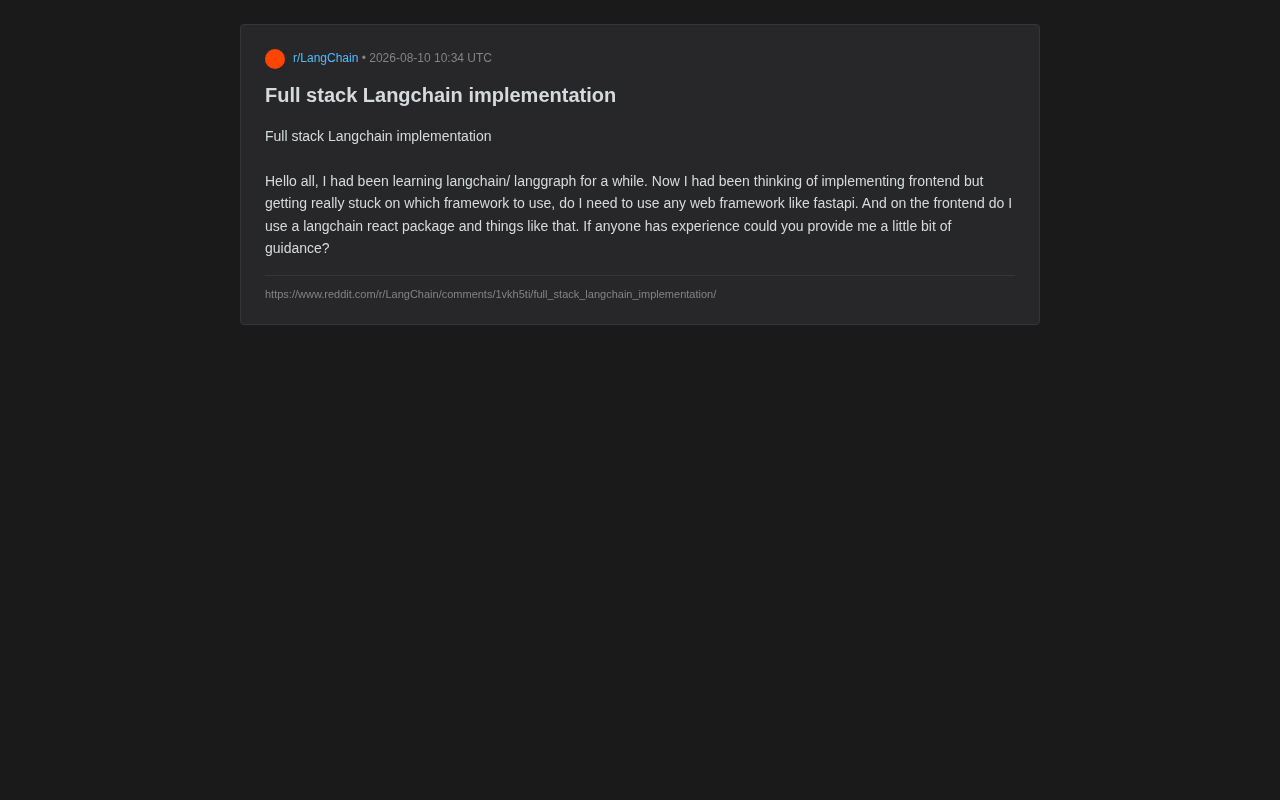
In Reddit's developer community, a developer who had been learning LangChain and LangGraph for some time posed a highly representative question: once the backend AI logic is working, how do you build a frontend interface for it? Do you need to introduce a web framework like FastAPI? And how should the frontend interact with LangChain—is there some kind of React integration package needed?
This question seems simple but actually touches on a pain point shared by a large number of AI application developers today—between validating a prototype in a Jupyter Notebook and delivering a real full-stack product, there exists a clear engineering gap. This gap is known in the AI field as the "prototype-production gap." In a Notebook, developers can manage state with global variables, make synchronous blocking calls to models, and ignore error handling and concurrency issues. But production environments demand concurrent request isolation (each user's conversation state must be independent), graceful error recovery (retry strategies when models time out or rate-limit), observability (logging, tracing, metrics), security (authentication, authorization, rate limiting), and horizontal scalability. None of these are problems LangChain itself is designed to solve—they require web frameworks and DevOps infrastructure.
LangChain and LangGraph excel at orchestrating LLM call chains and state transitions, but they don't inherently solve the problem of "how to expose this logic to users." It's worth clarifying the positioning of both: LangChain is a development framework for building LLM applications, with the core idea of connecting different components (such as prompt templates, model calls, output parsers, tool calls, etc.) in "chains" to form reusable workflows; LangGraph is a higher-level abstraction from the LangChain team that uses directed graphs (DAGs) to model an Agent's state transitions—each node represents a processing step, and edges represent conditional branches or state transfers. This provides a clearer way to express complex multi-step reasoning, looping decisions, human-AI collaboration, and similar scenarios. In short, LangChain solves "how to compose calls," while LangGraph solves "how to manage complex state." This article will systematically outline a mainstream full-stack LangChain implementation approach.
Backend Architecture: Why You Need a Web Framework
FastAPI Is the De Facto Standard for Python AI Backends
For the original poster's question about "whether FastAPI is needed," the answer is clear: in a production environment, you almost certainly need a web framework. A LangChain Chain or LangGraph Graph is essentially Python function logic—it cannot be directly accessed by a browser. You need an HTTP service layer to wrap this logic into API endpoints.
FastAPI has become the top choice in the Python AI ecosystem for several reasons:
- Native async support: LLM calls are typical I/O-intensive operations, and
async/awaitcan significantly improve concurrency by avoiding request blocking. In practice, a single LLM API call typically has latency between 1-30 seconds. If you use a synchronous framework (like Flask's default mode), a worker thread waiting for a model response cannot handle other requests during that time. FastAPI's async mechanism can schedule other request processing during the wait, enabling a single process to support hundreds of concurrent connections. - Streaming response friendly: Through
StreamingResponse, you can easily implement SSE (Server-Sent Events) to push content generated token-by-token by the LLM to the frontend in real time. - Automatic documentation generation: Built-in OpenAPI/Swagger docs make debugging and frontend-backend collaboration convenient.
Core API Design Patterns
A typical LangChain backend API usually includes two types: non-streaming one-shot responses, and streaming conversational responses. Here's a simplified example:
from fastapi import FastAPI
from fastapi.responses import StreamingResponse
from langchain_openai import ChatOpenAI

app = FastAPI()
llm = ChatOpenAI(model="gpt-4o", streaming=True)

@app.post("/chat/stream")
async def chat_stream(query: str):
    async def event_generator():
        async for chunk in llm.astream(query):
            yield chunk.content
    return StreamingResponse(event_generator(), media_type="text/event-stream")
For LangGraph scenarios, you can call graph.astream_events() within the endpoint to expose intermediate states during graph execution. This is particularly important for building Agent applications that display "thinking processes." astream_events() sends each node's entry, exit, and the LLM's token-by-token output as independent events, allowing the frontend to render the Agent's reasoning path—such as displaying "Searching relevant documents" or "Analyzing search results" as intermediate steps.
Frontend Integration: No Need for a Dedicated LangChain Package
Clearing Up a Common Misconception
The original poster mentioned "whether to use a langchain react package," which requires clarifying a key understanding: while the JavaScript ecosystem does have LangChain.js, in a typical full-stack architecture, the frontend doesn't need to run LangChain logic directly.
A more sensible division of responsibilities is:
- Backend (Python + LangChain/LangGraph): Handles all AI orchestration, key management, vector retrieval, and Agent decision-making.
- Frontend (React/Next.js/Vue): Only handles UI rendering and communication with the backend API—a pure "presentation layer."
Keeping API keys and business logic on the backend is both a security consideration (avoiding key exposure to the browser—frontend code is completely transparent to users, and any embedded keys can be easily obtained through browser developer tools) and a requirement for architectural clarity. The frontend only needs to consume the backend's endpoints using fetch or EventSource.
Frontend Implementation for Handling Streaming Responses
The core frontend code for consuming an SSE stream is very lightweight. SSE (Server-Sent Events) is a technology defined in the HTML5 specification for one-way server-to-client data pushing. Unlike WebSocket's full-duplex communication, SSE is based on standard HTTP protocol, where the server keeps the connection open and continuously sends data in text/event-stream format to achieve real-time pushing. In LLM application scenarios, SSE is particularly suitable for "token-by-token output"—the model pushes each generated token to the frontend immediately, giving users a "typewriter effect" of text gradually appearing. SSE's advantages include simple implementation, native support for automatic reconnection, and full compatibility with HTTP infrastructure (such as load balancers and CDNs). The downside is that it only supports one-way communication from server to client.
const response = await fetch('/chat/stream', {
  method: 'POST',
  body: JSON.stringify({ query: input })
});
const reader = response.body.getReader();
const decoder = new TextDecoder();

while (true) {
  const { done, value } = await reader.read();
  if (done) break;
  const text = decoder.decode(value);
  setMessages(prev => prev + text); // Update UI in real time
}
This code uses the Fetch API's ReadableStream interface, obtaining a stream reader through getReader(), then reading server-pushed data chunk by chunk in a loop. TextDecoder handles decoding the raw UTF-8 byte stream into JavaScript strings. This pattern is more flexible than the traditional EventSource API because it supports POST requests and custom headers, whereas EventSource only supports GET requests.
Official and Ecosystem Tools: Easier Deployment Options
LangServe: One-Click Deployment of LangChain Chains
If you don't want to write too much FastAPI glue code, LangChain officially provides LangServe. It can automatically wrap any Runnable object into a REST API, complete with a companion client. Here, Runnable is the core interface protocol in LangChain Expression Language (LCEL), defining standard methods like invoke, stream, and batch. This means whether it's a simple prompt template, an LLM call, or a complex multi-step Chain, they can all be invoked through a unified interface. LangServe leverages this unified protocol to automatically wrap any Runnable object as a REST API—it automatically generates /invoke, /stream, /batch endpoints, and creates JSON Schema for request and response bodies based on the Runnable's input and output types. For rapid prototyping or lightweight projects, this eliminates a significant amount of boilerplate code.
assistant-ui and CopilotKit: Ready-Made AI Chat Frontend Components
On the frontend side, besides building from scratch, the community has produced several out-of-the-box solutions. For example, assistant-ui provides complete chat interface React components, including message bubbles, input boxes, streaming rendering, code highlighting, Markdown rendering, and more—developers only need to configure the backend API address to get a professional-grade chat interface. CopilotKit focuses on embedding AI capabilities into existing applications, offering component patterns like "AI sidebar" and "inline AI suggestions," suitable for adding AI assistance features to existing products rather than building standalone chat applications. These tools can significantly shorten the distance from backend to usable interface.
Recommended Technology Stack Combinations at a Glance
Overall, for a full-stack LangChain project built from scratch, a robust and mainstream technology selection is:
| Layer | Recommended | Alternative |
|---|---|---|
| AI Orchestration | LangChain / LangGraph | - |
| Backend Framework | FastAPI | LangServe (lightweight scenarios) |
| Communication Protocol | SSE Streaming + REST | WebSocket (bidirectional interaction scenarios) |
| Frontend Framework | Next.js / React | Vue, Streamlit (rapid prototyping) |
| Frontend Components | assistant-ui / Custom | CopilotKit |
A few more words on communication protocol selection: WebSocket provides a full-duplex communication channel where both client and server can send messages at any time. In AI applications, WebSocket is better suited for scenarios requiring bidirectional real-time interaction, such as users sending "stop generation" commands during model output, real-time synchronization in collaborative editing, or "Human-in-the-loop" flows where user confirmation is needed before the Agent can continue. However, the cost of WebSocket is more complex connection management—you need to handle heartbeat detection, reconnection, connection pool management, and other issues, and it has poor support in Serverless architectures (such as Vercel, AWS Lambda). For most "user asks—model answers" single-turn interactions, SSE is sufficient.
It's worth mentioning that if you just want to quickly validate ideas without pursuing polished UI, Streamlit or Gradio can let you build an interactive interface in just dozens of lines of code, completely bypassing the complexity of frontend-backend separation—this is an extremely cost-effective choice for developers in the learning phase. Streamlit's magic lies in rendering Python scripts directly as web interfaces, re-executing the script from top to bottom with each user interaction (using caching mechanisms to avoid redundant computation), so developers don't need to understand HTML, CSS, JavaScript, or HTTP protocols at all. Gradio is more popular in the machine learning community, deeply integrated with the Hugging Face ecosystem, and particularly suited for model demonstrations and sharing.
Conclusion: Get the Pipeline Running First, Then Optimize the Experience
Returning to the original poster's confusion, the most practical advice is: don't obsess over the perfect technology stack from the start. For beginners, you can first use Streamlit to quickly turn your LangGraph logic into a clickable interface, building intuition about full-stack data flow; when the project demands a more professional user experience, migrate to a separated FastAPI + Next.js architecture.
The core competitive advantage in AI application development always lies in orchestrating LLM capabilities and refining business logic, not in frontend framework selection itself. Choosing the tools you're most familiar with and that let you close the loop fastest is the correct path from learning to product.
Related articles

@ai-sdk/vue 3.0.306 Patch Release Syncs with [email protected] Update
@ai-sdk/vue 3.0.306 released, synced with [email protected]. A routine patch release for the Vercel AI SDK ecosystem with no public API changes; the Vue adapter layer stays version-aligned with the core package.

Gemini 4 Argon API Launches: The Era of Million-Token Output Begins
Google launches Gemini 4 Argon with sparse MoE architecture, up to 1M output tokens, and a 68.90% Vals Index score, available across API, AI Studio, and the Gemini app.

DukaanAI: Turning Product Photos into Inventory Lists with Open-Source AI
DukaanAI is an AI inventory tool for small retailers that turns product photos into inventory entries using the open-source Gemma 3 model, with local inference, editable fields, and CSV export.