Gemini 4 Argon Lands on Google Cloud: Multi-Step AI Workflows Connect to Workspace

Gemini 4 Argon lands on Google Cloud and connects to Workspace, letting enterprises pilot AI workflows from a single process.
Google has deployed flagship model Gemini 4 Argon to Google Cloud and connected Gemini Apps to Workspace services including Gmail, Docs, Drive, Tasks, Keep, and Calendar. Argon supports code execution, file processing, and structured output for long-chain, multi-step workflows via Gemini API, AI Studio, and Antigravity. Enterprises are advised to start with a single repeatable process, define inputs and approvers, and measure time savings against manual workflows.
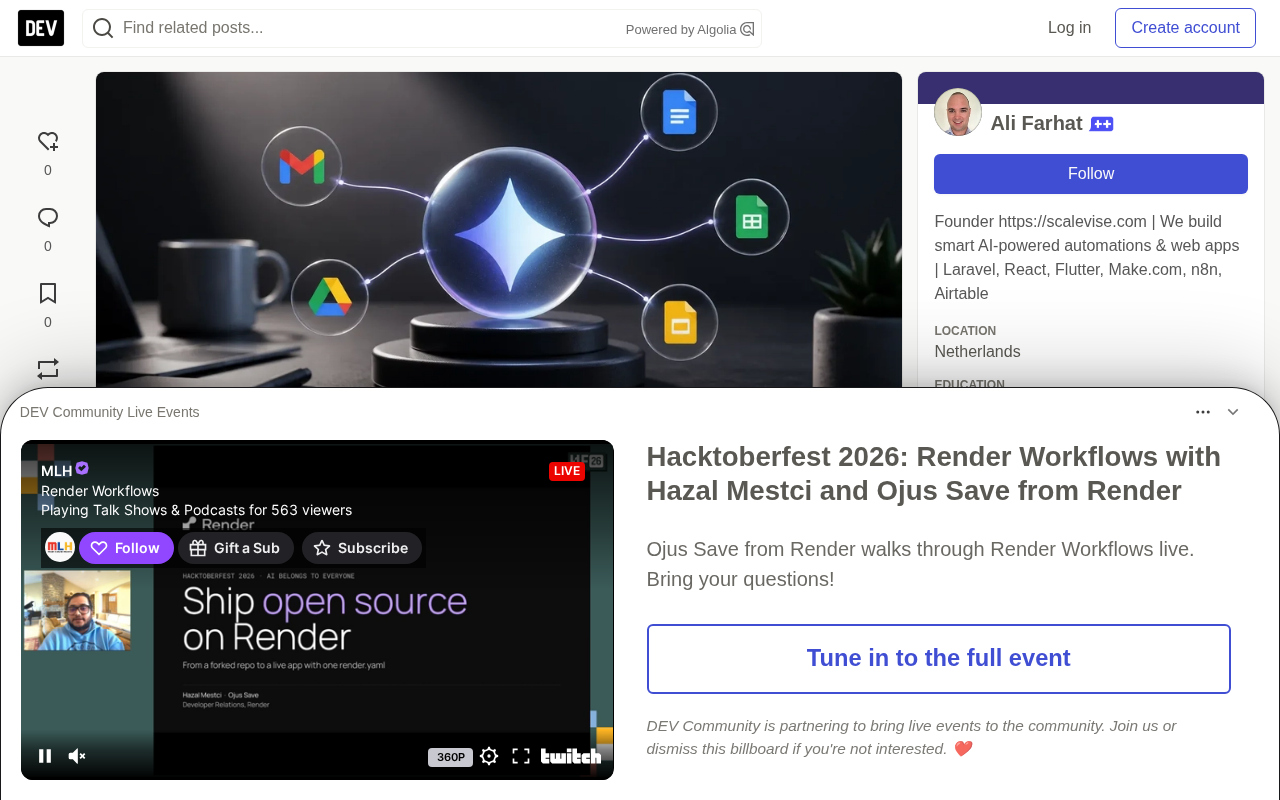
Google has officially deployed its flagship model Gemini 4 Argon to the Google Cloud platform, while also opening up connections between Gemini Apps and Workspace services including Gmail, Docs, Drive, Tasks, Keep, and Calendar. For enterprises already deeply reliant on Workspace to run their operations, this combination points directly at a pragmatic goal: transforming information scattered across emails, documents, and calendars into reviewable drafts, presentations, task lists, and schedules.
Argon's Capability Positioning and Enterprise Value
Argon is accessible through three entry points: the Gemini API (model identifier gemini-4-argon), Google AI Studio, and Google Antigravity. Google's official announcement highlighted three capabilities—code execution, file processing, and structured output—which are especially critical when tasks involve cross-file collaboration, adherence to process specifications, or the need to return machine-readable formats.
The most commercially valuable scenario isn't simply "having AI write an email." What truly has leverage is using already-connected business information to compress the manual effort involved in preparation and coordination. Take event planning as an example: a planner can pull menus, guest lists, and seating photos from Drive and Docs, then have Gemini generate a proposal outline, draft client emails, suggest action items, or prepare slide materials. The output still requires human review—especially around client commitments, quantities, dates, or pricing—but the efficiency gains in information gathering and first-draft writing are significant.
Processes best suited for early pilots share three characteristics: information is scattered across multiple services, the work follows repeatable steps (gather information → prepare drafts → assign tasks → schedule review), and someone can verify results before they're sent externally. That last point shouldn't be overlooked—AI accelerates preparation and coordination, not replaces accurate source files, clear prompts, and accountable approval steps.
Structured Output is the key technical concept here. Conventional large model output is natural language text that downstream systems need additional parsing to use; structured output, by contrast, allows the caller to constrain the model's returned fields, types, and value ranges through a schema (such as JSON Schema). The significance for enterprise workflows: the model can directly return machine-readable results like "task, owner, due date, status," seamlessly writing into task systems or spreadsheets, eliminating the intermediate loss of "having AI write a paragraph then manually transcribing it." It's also a prerequisite for building reliable multi-step Agents—the structured output from one step can serve as deterministic input for the next, making the entire chain verifiable and traceable.
The Practical Significance of Structured Output and Multi-Step Workflows
Google positions Argon as a model capable of handling "long-chain, multi-step workflows," emphasizing high precision and verifiable output. These characteristics become important when tasks require the model to work across files, follow structured processes, or return information in formats usable by other systems.
Structured output is particularly useful for tracker or checklist-type scenarios. Teams can ask the model to return a set of predefined fields—task, owner, due date, status—then review and place them into existing workflows, rather than getting a free-form summary and manually parsing it. Code execution and file processing expand the types of workflows developers can build through the API.
Argon also appears in Gemini Apps' model catalog, with usage quotas set across Pro, Expanded, and Ultra tiers. This shows Google positioning it across the entire Gemini ecosystem, though the specific experience depends on account type, license, configuration, and applicable limits.
Pricing and Access Costs
| Item | Promotional Pricing (through Nov 30, 2026) | Standard Pricing (after) |
|---|---|---|
| Input tokens | $2 per million tokens | $4 per million tokens |
| Output tokens | $10 per million tokens | $20 per million tokens |
| Cached input tokens | 95% discount | Not specified in announcement summary |
Two cost questions need to be distinguished: which Gemini and Workspace license combination provides the target user experience, and whether API-based custom workflows are truly needed. Standard connected-app workflows suit everyday drafting and organization, while custom builds are better for scenarios requiring structured output, file processing, or connections beyond the documented Workspace experience.
The Gemini API model identifier gemini-4-argon is the key parameter when making calls. Developers specify the model to use through this string in requests, accessing it with an API Key and quota, without deploying weights locally. Google AI Studio is a developer-facing web workbench for quickly writing prompts, comparing model outputs, and generating prototypes exportable as code; Google Antigravity is Google's agent-first development environment, focused on building and debugging applications that can autonomously call tools and execute multi-step tasks. All three share the same model foundation, differing in usage form: AI Studio leans toward prototype validation, the API toward production integration, and Antigravity toward Agent orchestration.
A Pragmatic Path for Team Adoption
The most reliable validation approach is to start with a narrow workflow and set clear review boundaries. Rather than connecting all information sources and automating every step at once, choose a repetitive administrative process where input information is already largely in Workspace.
Pilots can follow these steps:
- Select a repeatable process—such as preparing client follow-up packages, organizing meeting action items, or converting project documents into presentation outlines
- Define approved input sources—such as specified Drive folders, named Docs documents, or relevant Gmail threads
- Clarify the expected output structure, audience, and approver
- Test with real but low-risk work, comparing against existing manual processes
- Measure effective results—preparation time, number of revision rounds needed, whether task ownership is clearer
This approach helps teams discern where AI provides real leverage and where it merely shifts workload to checking and error correction. ROI measurement is also concrete: value comes from reducing repetitive coordination and drafting time, not from treating every AI interaction as an automation success.
Data Governance and Adoption Boundaries
Google notes that Gemini Apps conversations and content may be subject to data usage policies, and some accounts' content may be reviewed depending on license and configuration. Some Workspace services also have real-time chat limitations. Before connecting sensitive business materials, administrators and users should review their account settings, applicable terms, and available controls.
For enterprises, the opportunity lies in making Workspace content more usable without immediately replacing existing tools. Clearly defined Gemini workflows can help transform information already in Gmail, Drive, Docs, and Calendar into starting points for action. The constraints are equally clear: output quality depends on the quality and accessibility of underlying information, as well as the human review retained at key junctures.
If teams spend too much time moving information between inboxes, files, and task lists, they can start by identifying processes where AI delivers measurable time savings, while ensuring they don't create fragile automation chains.
Prompt Caching is the context for understanding the "95% discount on cached input tokens" in the pricing table. When an application repeatedly submits the same long context (such as a fixed large document or system prompt), the caching mechanism reuses already-computed intermediate states, significantly reducing the billing cost for that portion of input. This is especially cost-effective for enterprise workflows that "bring the same set of business specifications or reference materials every time." Note that caches typically have an expiration period and must be rewritten after content changes; also, the cache discount applies only to the input side—output tokens are still billed at standard rates.
One-line Summary
Gemini 4 Argon lands on Google Cloud and connects to Workspace, letting enterprises pilot AI workflows from a single process.
Paragraph Summary
Google has deployed its flagship model Gemini 4 Argon to Google Cloud and connected Gemini Apps to Workspace services including Gmail, Docs, Drive, Tasks, Keep, and Calendar. The goal is to transform information scattered across emails, documents, and calendars into reviewable drafts, presentations, task lists, and schedules. Argon supports code execution, file processing, and structured output, positioned for long-chain, multi-step workflows, accessible through three entry points: Gemini API, AI Studio, and Antigravity. The article recommends that enterprises start with a single repeatable process, clarify input sources, output structures, and approvers, test with real low-risk work against existing manual processes, and measure preparation time and revision rounds. The core judgment: AI accelerates preparation and coordination, not replaces source information quality and human review.
Related articles

Chain of Thought Isn't Just for AI: How Humans Can Use CoT to Improve Thinking Quality
Chain of Thought isn't just a prompt trick for large models. Starting from a Hacker News discussion, this article analyzes why CoT works for human thinking too, breaks down actionable ways to transfer it, and highlights the key differences between human CoT and machine CoT.
Cloudflare Teams Up with OpenAI: Closi…
Cloudflare Teams Up with OpenAI: Closing the Loop from Vulnerability Discovery to Defense with AI
Cloudflare uses OpenAI Daybreak to investigate security vulnerabilities and generate reviewable remediation plans, while developers use Codex to boost coding efficiency and quality.

Orca Multi-Agent Orchestration in Practice: A Guide to Parallel Collaboration with Claude and Codex
Orca is Stable AI's free open-source agent workbench supporting 34 agents like Claude Code and Codex in parallel. Learn its Git worktree isolation, multi-model orchestration, and mobile management.