Gemini Voice Features Upgraded: Manage Gmail, Keep, and Docs Through Conversation
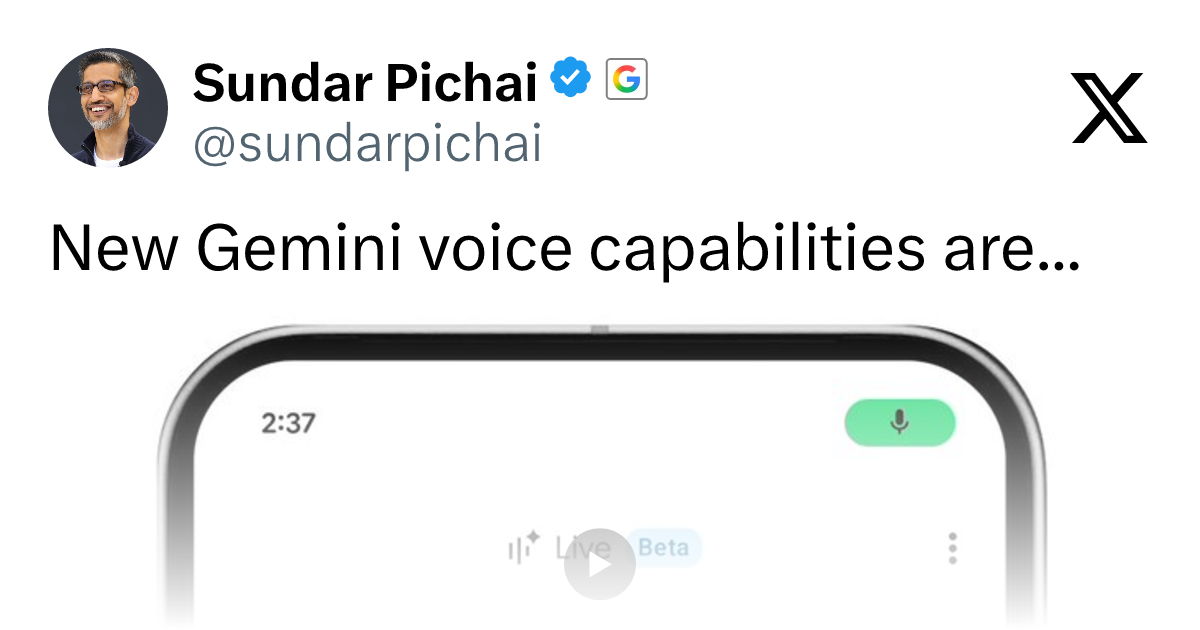
Google adds voice interaction to Gemini for Gmail, Keep, and Docs, rolling out first to AI subscribers.
Google is rolling out new voice interaction features for Gemini across Gmail, Keep, and Docs, letting users search emails, organize notes, and create documents through natural conversation. The standout highlight is Docs Live, which enables real-time conversational document creation, shifting writing from keyboard-driven to language-driven. These features are being released in phases to Google AI subscribers first, reflecting Google's strategy of tying advanced AI capabilities to paid tiers. More broadly, the update marks a key step in embedding Gemini into the Workspace ecosystem — though privacy concerns and accuracy in office environments remain hurdles to widespread adoption.
Google is rolling out a new set of voice interaction capabilities for Gemini, enabling users to complete tasks through natural conversation that previously required tapping and typing. This update covers three core productivity tools — Gmail, Keep, and Docs — and is currently being gradually released to Google AI subscribers.
Voice Interaction Extends to Core Productivity Scenarios
The central shift in this upgrade is that Gemini's voice capabilities are no longer limited to simple Q&A or command execution — they now reach into everyday work workflows. According to Google's official announcement, users can now do three things: search their Gmail inbox by voice, organize ideas and to-dos in Keep, and create new Docs — all through conversation.
From a product strategy standpoint, this is a pivotal step in Google's effort to evolve Gemini from a standalone AI assistant into a deeply embedded part of the entire Workspace ecosystem. Where users once had to open Gmail, type in keywords, and filter results to find an email, the idea now is that a single spoken sentence gets you there. This shift in interaction model is fundamentally about lowering the barrier to entry for productivity tools.
Docs Live: The Standout Feature to Watch
Among the new features, Google specifically highlighted Docs Live as something that will be "particularly useful." While the original announcement doesn't fully explain how Docs Live works under the hood, the name and context suggest it's likely a real-time, conversational document creation and editing experience — where users describe what they need by voice, and Gemini generates or refines content in the document in real time.
The significance of this kind of feature is that it shifts "writing a document" from being keyboard-driven to language-driven. For scenarios like quickly drafting meeting notes, organizing thoughts, or generating a first draft, voice-first interaction could meaningfully boost efficiency. Of course, how well it actually performs in practice — the accuracy of speech recognition and the reliability of contextual understanding — will need to be tested in real-world use.
A Gradual Rollout for Subscribers
It's worth noting that these features are not available for free to all users. They're being pushed to Google AI subscribers first, using a rolling release approach. This means that even eligible users may not see all the features immediately.
This phased rollout strategy is common in Google's product launches — it helps manage server load and maintain experience consistency, while also enabling rapid iteration based on early user feedback. At the same time, positioning voice capabilities as a differentiating perk for paid subscribers reflects Google's approach to monetizing AI features, tying richer interaction experiences to subscription tiers.
Google AI subscriptions are currently offered primarily through the Google One AI Premium plan, priced at around $19.99/month. The core benefit is access to Gemini Advanced (powered by the Gemini Ultra model), along with Gemini sidebar functionality across Workspace apps like Gmail, Docs, and Sheets. This tier sits above the free version of Gemini and is distinct from the enterprise-facing Workspace Business/Enterprise suites. Prioritizing this tier for the new voice features is consistent with Google's ongoing strategy of bundling flagship AI capabilities with paid subscriptions — similar to how Microsoft places advanced Copilot features behind a Microsoft 365 Copilot subscription.
Impact on the Productivity Tool Landscape
Zooming out, the expansion of Gemini's voice capabilities is a microcosm of the broader trend toward AI assistants being "everywhere." When searching emails, organizing notes, and writing documents can all be done with a single sentence, the relationship between users and software is shifting from "operating a tool" to "expressing intent."
For individuals and teams who rely heavily on Gmail, Keep, and Docs, these features — once mature — could reshape everyday work habits. That said, privacy in open office environments, accuracy, and multi-tasking capability remain key factors in determining how widely voice interaction will be adopted. For now, Google has taken the first step toward integration, and the real-world performance going forward is worth watching closely.
The privacy and security concerns around voice interaction in open office settings deserve a closer look. When users speak to an AI through a microphone, voice data must be uploaded to the cloud in real time for recognition and semantic understanding — meaning sensitive information like meeting content or client data could leave local devices via the voice channel. Under frameworks like the EU's GDPR or corporate data compliance policies, questions arise around whether IT administrators can exert granular control over voice features (such as disabling them by department) and how long data is retained server-side. These are dimensions enterprise users must weigh when evaluating adoption costs. It's also why, even when the feature experience is excellent, voice AI tools tend to be adopted more slowly in large enterprises than in the consumer market.
Related articles
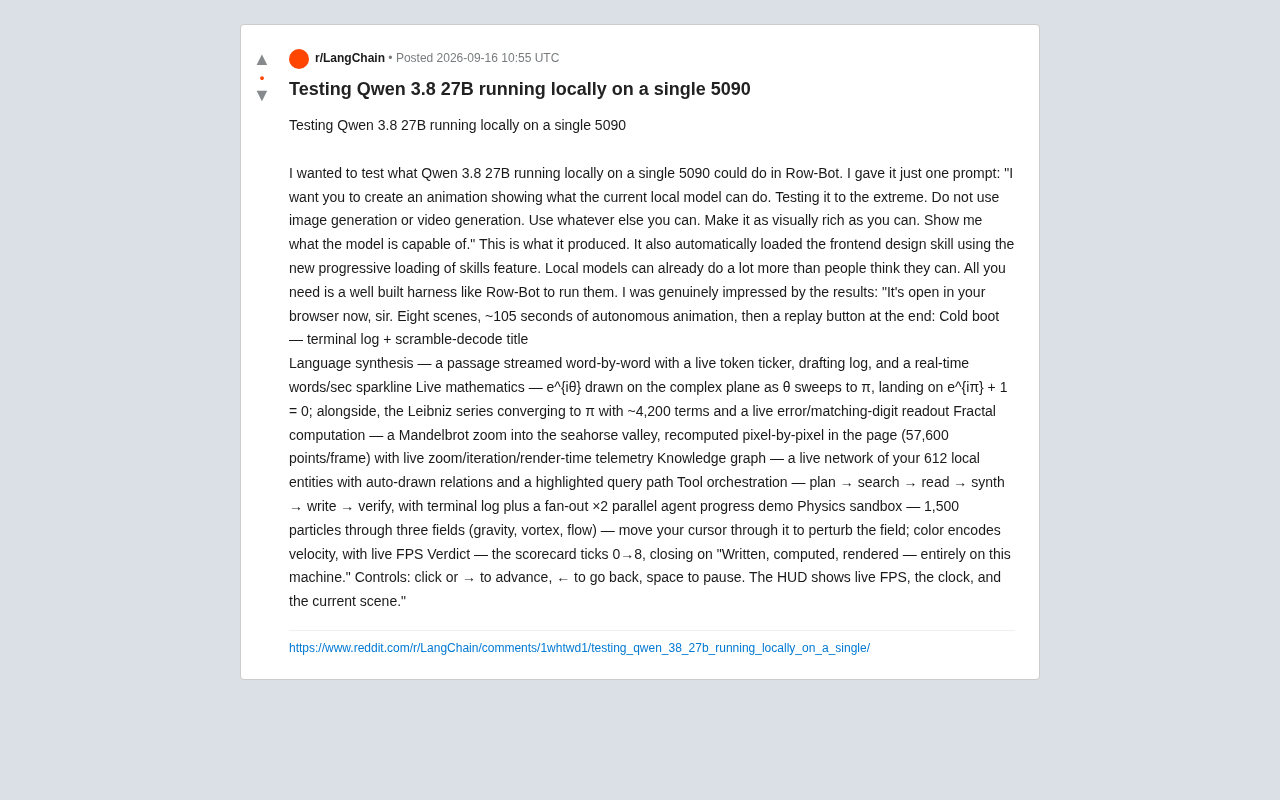
Running Qwen3 27B Locally on a Single RTX 5090: What Can It Actually Do?
A developer runs Qwen3 27B locally on a single RTX 5090 via the Row-Bot Agent framework, generating an 8-scene, 105-second interactive animation from one prompt — including real-time math, fractals, and physics.
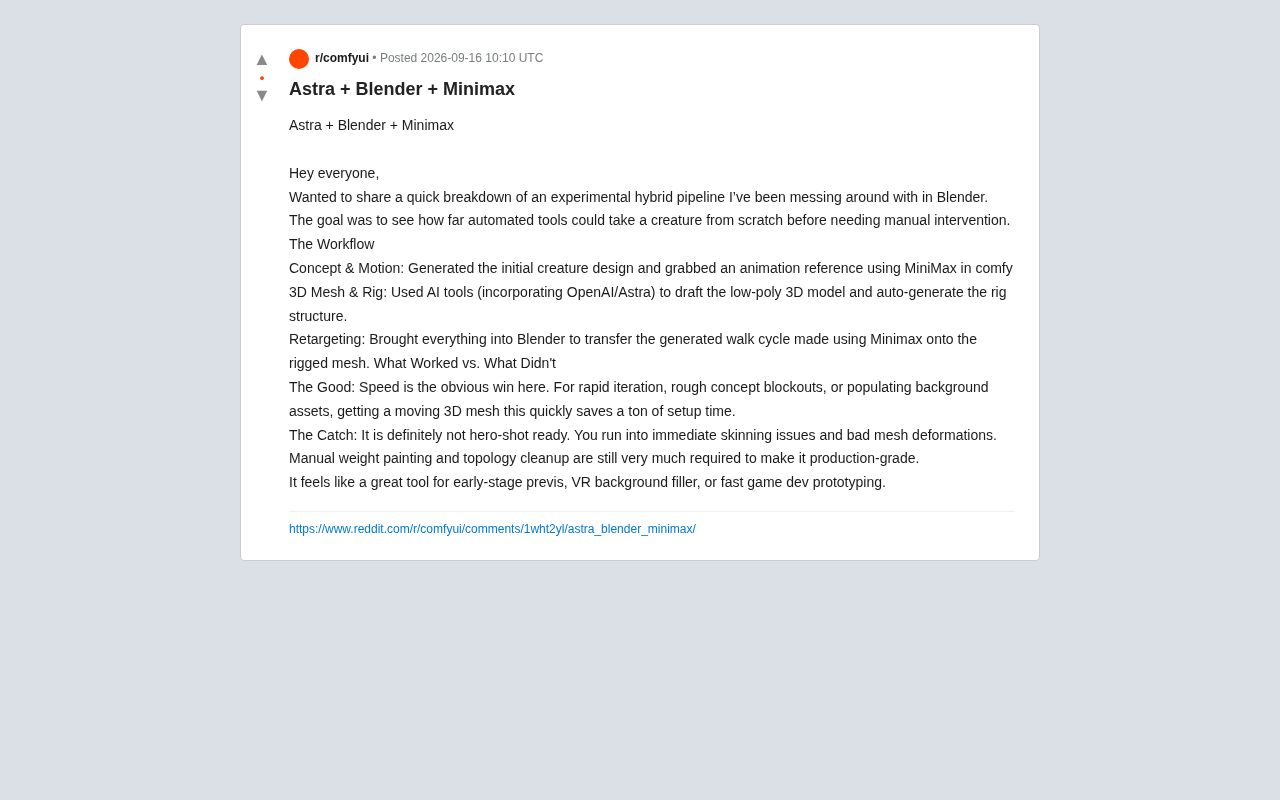
AI Hybrid Workflow in Practice: Auto-Generating 3D Creatures with Astra + Blender + MiniMax
A Reddit creator tests an Astra+Blender+MiniMax hybrid AI workflow for 3D creature animation — from concept to rigging to retargeting. Here's what works and what doesn't.
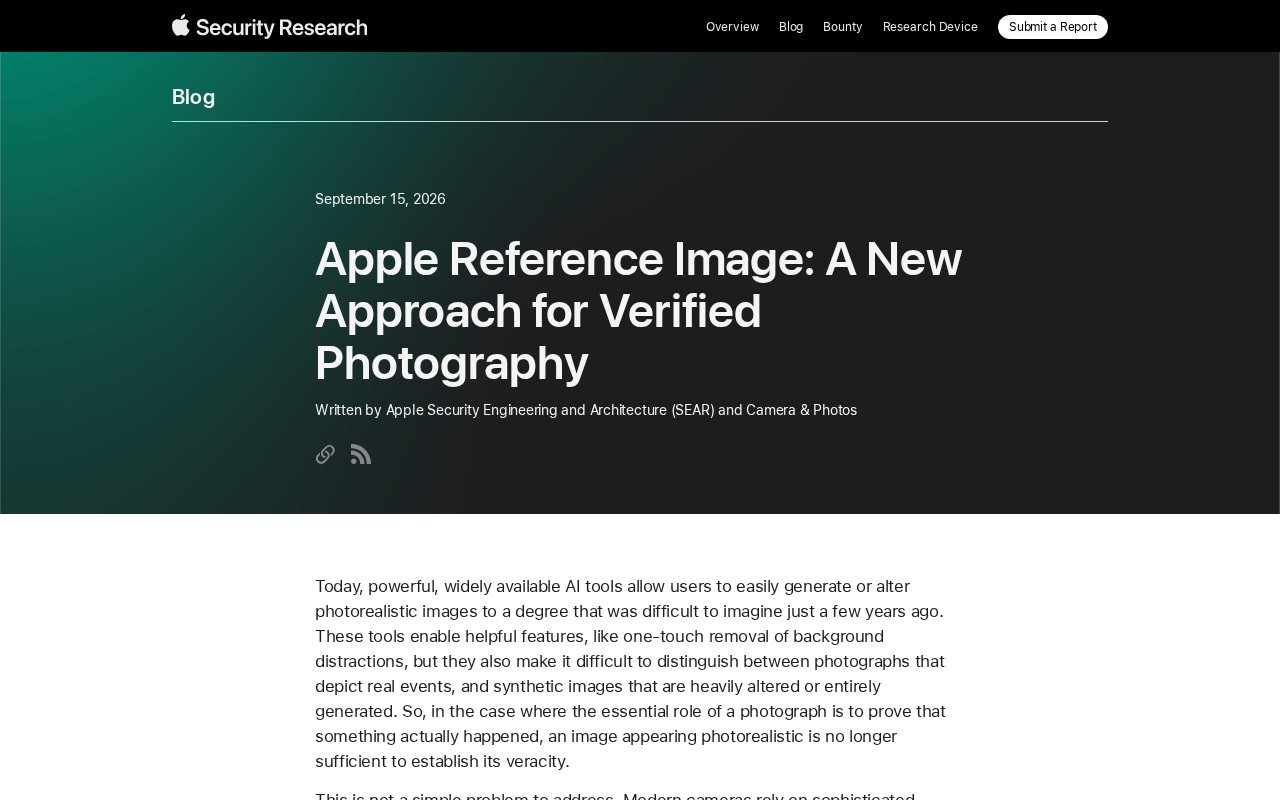
Apple Reference Image: A New Paradigm for Verifiable Photography
Apple's Reference Image proposal uses on-device cryptographic signing to establish verifiable baselines for real photos, tackling AI-generated image authenticity at the hardware level.