Generate an Anime Short in 5 Minutes on an RTX 5070Ti: Hands-On with the Minimax H3 Workflow
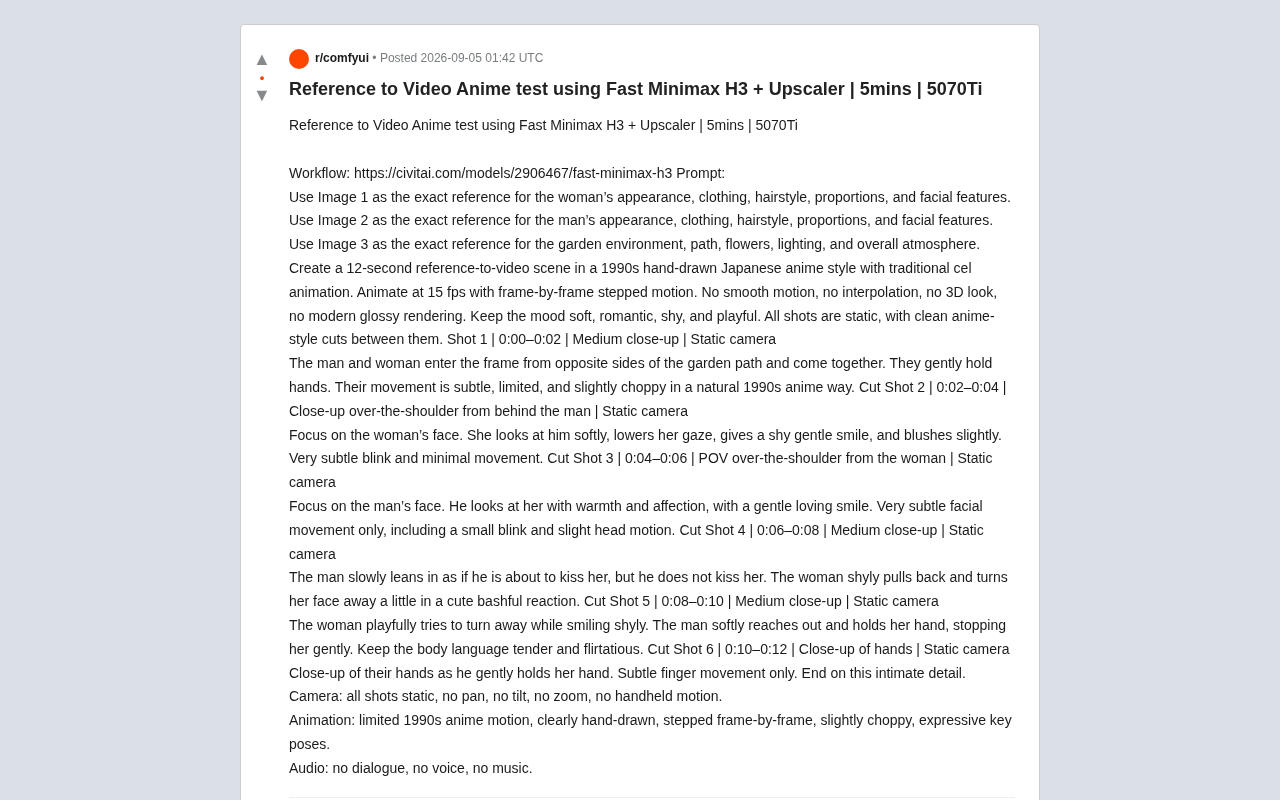
RTX 5070Ti generates a 12-second anime clip in 5 minutes using Fast Minimax H3 workflow with multi-reference images.
A Reddit user demonstrated generating a 12-second anime short in about 5 minutes on an RTX 5070Ti using the Fast Minimax H3 workflow with an Upscaler. Key techniques include multi-reference-image input for character consistency, storyboard-style structured prompts with timecodes and shot descriptions, and precise style constraints to replicate 1990s cel animation aesthetics. The case highlights how model distillation, quantization, and two-stage upscaling strategies are making high-quality AI video creation accessible on consumer hardware.
Recently, a Reddit user shared a hands-on case study using the Fast Minimax H3 workflow combined with an Upscaler to generate an anime-style short video in roughly 5 minutes on a consumer-grade RTX 5070Ti GPU. This case not only demonstrates the maturity of Reference-to-Video technology but also provides a reproducible, practical path for local AI video creation.
Minimax is a tech company focused on multimodal AI generation, and its video generation model has garnered widespread attention in the open-source community. H3 refers to a specific version iteration of the model, and the "Fast" prefix indicates specialized optimization for inference speed. In node-based workflow editors like ComfyUI, users can chain together model loading, reference image injection, sampler configuration, upscaling, and other steps into a complete automated pipeline—this is what's known as a "Workflow." Compared to command-line operations, this visual workflow approach dramatically lowers the technical barrier, enabling non-programmers to flexibly orchestrate every aspect of AI video generation.
Reference-to-Video: Character Consistency Through Multi-Image Constraints
The core highlight of this test is multi-reference-image input. Rather than generating visuals from a single text description, the author provided three reference images, each locking down different visual elements:
- Image 1: The female character's appearance, clothing, hairstyle, body proportions, and facial features
- Image 2: The corresponding visual information for the male character
- Image 3: The garden environment, pathway, flowers, lighting, and overall atmosphere
The core principle behind Reference-to-Video is extracting visual feature vectors from reference images through an image encoder (typically CLIP or specialized modules like IP-Adapter), then injecting those features into the video diffusion model's denoising process as additional conditioning signals to guide generation. Compared to pure text prompts, image references provide more precise visual information that's difficult to describe in words—such as specific facial bone structure, hair color gradients, and clothing wrinkle textures. Multi-reference-image input further decouples different visual dimensions, giving the model more independent constraint signals when handling character identity and scene environment, thereby reducing interference between different visual elements.
This approach directly addresses a long-standing pain point in AI video generation—character consistency. Traditional text-to-video often suffers from facial drift and costume changes during multi-shot transitions. When diffusion models generate each frame, they're essentially performing conditional sampling in a high-dimensional noise space, and without explicit geometric or identity constraints between frames, "identity drift" occurs. Current industry solutions include face-recognition-based ID embeddings (such as InstantID and PhotoMaker), locking down character features through LoRA fine-tuning, and the multi-reference-image constraint method demonstrated here. The advantage of the latter is that it requires no additional training—it takes effect through condition injection at inference time, making it better suited for rapid-iteration creative workflows. By splitting characters and scenes into separate reference images, the model can maintain relatively stable character identity throughout the 12-second video—a critical step from "fun to play with" to "ready to use."
Meticulous Shot Script Design
You might not have noticed, but the author's prompt isn't a simple pile of keywords—it's a structured description resembling a storyboard. The entire 12-second video is broken into 6 shots, each annotated with timecodes, shot sizes, and camera movements:
Storyboard Structure Example
- Shot 1 (0:00–0:02): Medium close-up, static shot, male and female characters enter from opposite sides of a garden path and hold hands
- Shot 2 (0:02–0:04): Over-the-shoulder close-up focusing on the female's shy smile and blushing
- Shot 3 (0:04–0:06): Reverse over-the-shoulder, focusing on the male's gentle expression
- Shot 4 (0:06–0:08): Medium close-up, the male leans in for a kiss but the female shyly turns away
- Shot 5 (0:08–0:10): Medium close-up, romantic atmosphere of hand-holding interaction
- Shot 6 (0:10–0:12): Close-up of hands to end the sequence
This scripted approach to prompt writing is extremely valuable for AI video creators. It shows that prompt engineering is converging with directorial thinking—when you can think like a director about shot sizes, pacing, and emotional arcs, the controllability of generated results improves dramatically. It's worth noting that this structured prompting works because today's video generation models (especially multimodal models based on large language model architectures) have developed a degree of temporal understanding, capable of mapping time markers in text to corresponding frame segments in video. This means creators can draw on traditional film and television storyboard formats, using timecodes and shot-size terminology to precisely control the content of each segment.
Recreating the Hand-Drawn Anime Aesthetic of the 1990s
Beyond narrative structure, the author put considerable effort into style control. The prompt repeatedly emphasizes replicating the cel animation aesthetic of 1990s Japanese hand-drawn animation, with explicit technical constraints:
- Playback at 15 fps with frame-by-frame "stepped motion"
- Explicit exclusion of smooth motion, frame interpolation, 3D effects, and modern glossy rendering
- Maintaining limited, slightly stuttery motion rhythm—the hallmark of traditional limited animation
Cel animation is the dominant production technique of traditional hand-drawn animation, named after the transparent celluloid sheets used in the process. Animators draw character movements frame by frame on transparent sheets, which are then layered over pre-painted backgrounds and photographed sequentially to create continuous motion. The visual characteristics of this technique are highly distinctive: sharp, clean character outlines, flat and uniform color fills, and shadow gradation typically limited to 2-3 levels rather than continuous gradients. Due to the extremely high cost of hand-drawing, the Japanese animation industry widely adopted "limited animation" techniques—producing key action frames at 8-15 frames per second (rather than Disney-style 24fps full animation), using held frames, animation loops, and partial movement to reduce workload. This "economical" motion rhythm actually became the signature aesthetic of Japanese anime, beloved by an entire generation of viewers.
This "reverse optimization" approach is quite interesting. Most AI video models today are chasing higher frame rates and smoother motion, yet the author deliberately requested "non-smoothness" to simulate the hand-drawn charm of classic anime. This demonstrates that the aesthetic goals of AI generation aren't limited to "realistic" or "smooth"—they can absolutely serve specific artistic style requirements. For AI models, generating "imperfect" motion is sometimes harder than generating perfect motion, because the model needs to understand which "imperfections" are deliberate stylistic choices rather than quality defects.
Efficiency Breakthrough on Consumer Hardware
From an engineering perspective, the most noteworthy data point is approximately 5 minutes to complete generation on an RTX 5070Ti. The 5070Ti, NVIDIA's mainstream gamer-oriented GPU based on the Blackwell architecture with 16GB GDDR7 VRAM, being able to produce an upscaled anime short in such a short time means the hardware barrier for AI video creation is dropping rapidly.
This wouldn't be possible without the targeted optimizations of the "Fast Minimax H3" workflow. The "Fast" designation typically refers to a combination of inference acceleration techniques used to compress generation time. Knowledge Distillation is one of the core technologies involved—the original video diffusion model might require 50-100 denoising steps to generate high-quality results, but through techniques like Consistency Distillation or Progressive Distillation, the sampling steps can be compressed to 4-8 or even fewer. Additional techniques include model quantization (reducing floating-point precision from FP32 to FP16 or INT8 to decrease VRAM usage), TensorRT compilation acceleration, and attention mechanism optimizations like Flash Attention. The combined application of these techniques makes it possible to achieve speedups of several to over ten times while keeping quality loss within acceptable bounds.
Combined with the strategy of using an Upscaler to enhance details after low-resolution generation, this ensures both generation speed and final visual quality. Specifically, the VRAM and computation required for video diffusion models to directly generate high-resolution content grows exponentially, so the common strategy is to first generate base video at lower resolution (e.g., 512×512 or 576×320), then use dedicated super-resolution models (such as Real-ESRGAN, Topaz Video AI, or diffusion-model-based Tiled Upscale) to boost resolution by 2-4x. Modern AI upscalers aren't simple bilinear interpolation—they use deep learning to infer high-frequency details that don't exist in the original image, such as hair texture and fabric weave—so they can significantly enhance visual fidelity while upscaling. This two-stage strategy of "low-resolution generation + AI upscaling" is the standard approach for balancing efficiency and quality on consumer hardware.
Takeaways for AI Video Creators
All things considered, this case study offers several practical lessons for creators looking to try local AI video generation:
- Use multiple reference images to lock down key visual elements—it's an effective way to maintain character and scene consistency. Separating character identity information from scene environment information into different reference images gives the model clearer conditioning signals and reduces confusion between different visual dimensions.
- Write your prompts like a storyboard, annotating timecodes, shot sizes, and camera movements to significantly improve generation controllability. This structured prompt-writing approach leverages the model's temporal understanding capabilities and represents a key methodological shift from "hoping for the best" to "working with a plan."
- Make style constraints specific and explicit, including frame rate, rendering texture, and effects to exclude. "Negative prompts" (explicitly telling the model what not to do) are just as important as "positive prompts" (telling the model what you want)—both must work together to precisely lock in the target aesthetic.
- Leverage the "Fast workflow + Upscaler" combination to achieve a balance of speed and quality on consumer GPUs. The low-resolution generation phase saves computational resources, while the upscaling phase recovers visual detail—this staged processing strategy is practically a must for local deployment under current hardware conditions.
It should be noted that this article is based on a single Reddit user's share, and actual results will vary depending on reference image quality, prompt details, and hardware configuration. Regardless, it clearly signals that high-quality AI anime video creation is no longer exclusive to data centers—it's making its way to ordinary creators' desktops. As model optimization, workflow automation, and hardware cost-effectiveness curves all trend upward simultaneously, the "personal studio era" of AI video creation is accelerating into reality.
Related articles

Workbuddy for Absolute Beginners: How a Desktop AI Agent Fits Into Real Workflows
A beginner's guide to the Workbuddy desktop AI agent: installation, claiming credits, file management, and building automated workflows—compared with CodeX for fit and cost, helping professionals shift from AI question-askers to AI managers.

OpenAI's New Agent Stack: Computer Use, Decisions API, and Ultra-Fast Workflows
OpenAI Dev Day unveiled a new agent stack: Computer Use outperforms humans, Decisions API delivers ultra-low-latency classification via Luna, Agents API opens the same Computer Use capabilities, and GPT-6.1 Sol costs only one-seventh of Astra. Core updates, benchmark data, and developer insights.

Liang Wenfeng Open-Sources DeepInfo Inference Framework, Takes On U.S. Ban
DeepSeek open-sources its DeepInfo inference framework after its models, featuring GPU/CPU cross-pipelining, small-model prediction with large-model verification, and full Huawei Ascend and NVIDIA chip support—facing the U.S. federal ban head-on. This article analyzes its significance for AI deployment and open-source strategy.