Generating Artistic QR Codes Locally: A Complete Guide to Open-Source Tools
A complete guide to generating artistic QR codes locally using open-source tools, from Python libraries to AI diffusion models.
This guide covers three local, open-source approaches to generating artistic QR codes: Python's qrcode library with Pillow for logo embedding, the qrencode + ImageMagick command-line combo for code-free generation, and Stable Diffusion + ControlNet for AI-generated artistic QR codes. All solutions run completely offline, protecting data privacy while balancing aesthetics and scannability.
Why Generate Artistic QR Codes Locally
QR codes are no longer simple stacks of black and white squares. In scenarios like brand marketing, poster design, and business card printing, people increasingly want QR codes that incorporate logos, color schemes, and even complete background patterns—forming "artistic QR codes" that are both functional and aesthetically pleasing.
However, most such tools available today are online services. This raises several concerns that can't be ignored: first, there's the privacy risk—your links, business data, and even internal resource URLs pass through third-party servers; second, there's poor controllability—you can't batch-generate or integrate into automated workflows; third, there's unreliable stability—services may start charging, throttle usage, or go offline at any time.
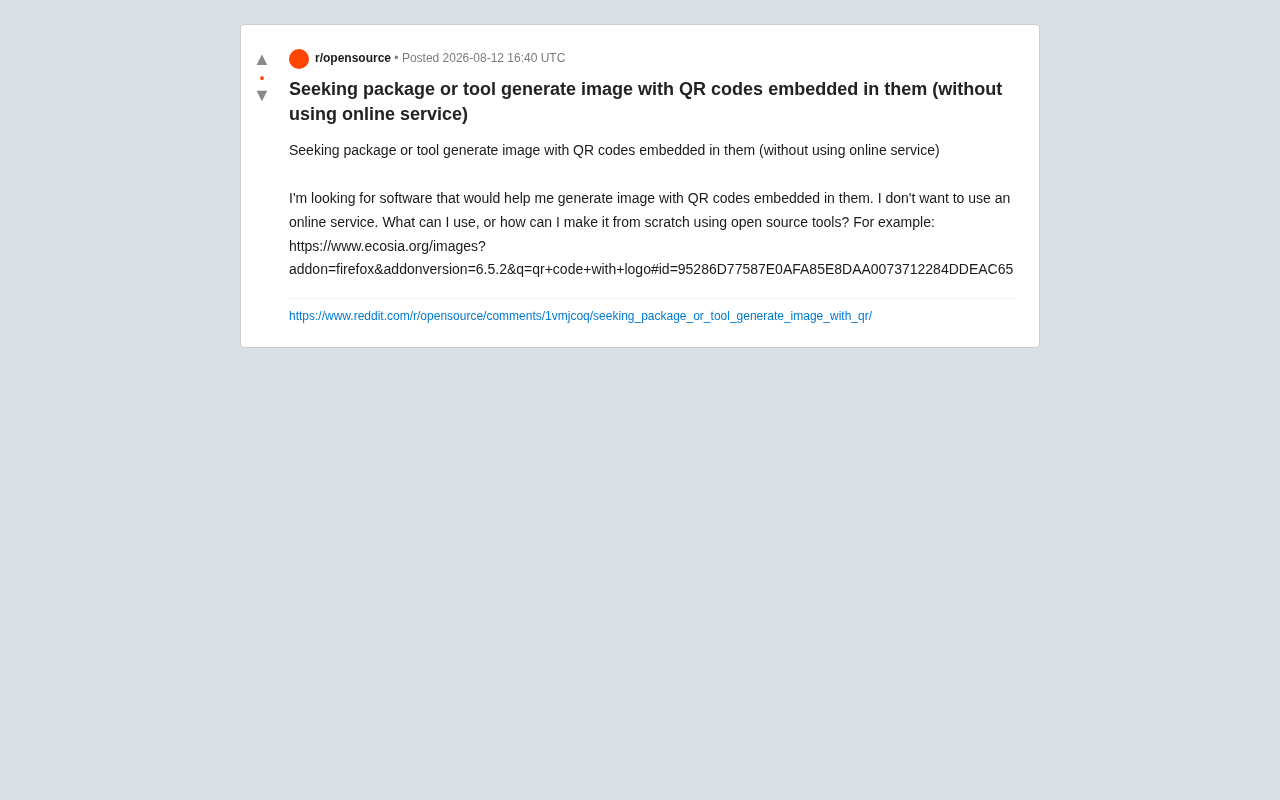
As one Reddit user clearly expressed in their post—they wanted to find software that "doesn't rely on online services" and can generate QR codes with embedded logos or patterns locally, or simply build them from scratch using open-source tools. This is a very common need, and this article systematically covers local, open-source solutions.
Building from Scratch: The Python Ecosystem Is the Best Starting Point
For developers, the Python ecosystem offers the most flexible and complete local QR code generation solution, with absolutely no need to call any API over the network.
Core Library: qrcode
qrcode is the most popular QR code generation library in Python, relying on Pillow for image rendering under the hood. Pillow is the modern fork of the Python Imaging Library (PIL), offering rich image creation, manipulation, and format conversion capabilities—it's the de facto standard for Python image processing. Installation is dead simple:
pip install qrcode[pil]
Generating a QR code with error correction takes just a few lines:
import qrcode

qr = qrcode.QRCode(
    error_correction=qrcode.constants.ERROR_CORRECT_H,
    box_size=10,
    border=4,
)
qr.add_data('https://example.com')
qr.make(fit=True)
img = qr.make_image(fill_color='black', back_color='white')
img.save('qr.png')
The key here is ERROR_CORRECT_H (30% error tolerance). QR code error correction is based on the Reed-Solomon error-correcting code algorithm—a forward error correction encoding technique widely used in digital communications and data storage (from CD/DVD to deep-space communication). The QR code specification defines four error correction levels: L (7%), M (15%), Q (25%), and H (30%), where the percentage indicates how much of the codewords can be damaged while still recovering the original data. The Reed-Solomon algorithm achieves error correction by adding redundant check codewords to the encoded data, with its mathematical foundation being polynomial operations over finite fields (Galois fields). When choosing H-level error correction, encoding efficiency is lowest (the same amount of data requires a larger matrix), but it provides the maximum room for artistic manipulation—this is precisely the technical foundation that makes artistic QR codes possible.
Embedding a Logo
To embed a logo in the center of a QR code, the approach is to first generate a high-error-tolerance QR code, then use Pillow to paste the logo image at the center position:
from PIL import Image

logo = Image.open('logo.png')
qr_img = img.convert('RGBA')

# Calculate logo size, typically kept within 1/4 of the QR code width
logo_size = qr_img.size[0] // 4
logo = logo.resize((logo_size, logo_size))

pos = ((qr_img.size[0] - logo_size) // 2,
       (qr_img.size[1] - logo_size) // 2)
qr_img.paste(logo, pos)
qr_img.save('qr_with_logo.png')
Note that the logo size should not exceed 30% of the total QR code area, otherwise scanning may fail even with high error correction. This is because data modules and error correction codewords in the logo-covered area are completely destroyed—once the Reed-Solomon error correction capacity is exceeded, the decoder cannot recover the original information. Additionally, placing the logo in the center is best practice because the QR code's finder patterns (the large squares in three corners) and format information areas are located at the edges, while the central area mainly contains data codewords that are easier for the error correction algorithm to repair when damaged. It's recommended to test scanning from multiple angles and distances with a phone after generation.
Command-Line Solutions: No Programming Required
If you don't want to write code, pure command-line tools can equally meet the need for local artistic QR code generation.
qrencode + ImageMagick
qrencode is a classic open-source command-line tool built on the libqrencode library, installable via package managers on virtually all Linux distributions:
# Debian/Ubuntu
sudo apt install qrencode
# macOS
brew install qrencode
Generating a PNG QR code:
qrencode -o output.png -s 10 -l H "https://example.com"
Here -l H likewise specifies the highest error correction level, and -s 10 sets each module (the smallest square unit in a QR code) to 10×10 pixels, leaving room for overlaying patterns later. While qrencode itself doesn't directly support logo embedding, you can combine it with ImageMagick for layer compositing:
convert output.png logo.png -gravity center -composite final.png
ImageMagick is an extremely powerful open-source image processing toolkit that supports reading and converting over 200 image formats. Its composite functionality implements multiple layer blending modes (such as Over, Multiply, Screen, etc.). The -gravity center parameter specifies the alignment anchor during compositing—ImageMagick automatically calculates the offset needed to center the overlay image. For QR code logo compositing, the default Over mode works fine, directly covering the corresponding QR code area with logo pixels. For more precise control (such as semi-transparent logos or rounded-corner masks), you can use the -dissolve parameter or pre-create an alpha channel mask.
This "generate + composite" combination approach is essentially the same as the Python method, just distributing the work across different specialized tools. For shell script automation scenarios (like batch-generating event QR codes in CI/CD pipelines), this pipeline-style combination is particularly efficient.
Advanced: Generating AI Artistic QR Codes with Stable Diffusion
In recent years, an even cooler approach has emerged—using Stable Diffusion combined with ControlNet to generate "hidden" artistic QR codes, where the entire image looks like an ordinary illustration but can actually be scanned.
Stable Diffusion is a Latent Diffusion Model jointly developed by CompVis, Stability AI, and LAION. Unlike traditional diffusion models that operate directly in pixel space, it compresses images into a low-dimensional latent space via a Variational Autoencoder (VAE), performs iterative denoising in that space, and finally decodes back to high-resolution images. This design means generating a 512×512 image requires only about 4GB of VRAM, significantly lowering the barrier to local deployment.
ControlNet is a conditional control architecture proposed by Lvmin Zhang et al. from Stanford University in 2023. It copies the weights of a pretrained U-Net encoder as a trainable branch, introducing additional spatial constraint signals (such as edge maps, depth maps, pose skeletons, or QR code patterns) without destroying the original model's capabilities. During training, only the new branch's parameters are updated while the original model remains frozen—this "zero convolution" connection design allows conditional control to learn from scratch without damaging pretrained weights.
These approaches are typically based on the open-source ControlNet QR Code Monster model—ControlNet weights specifically trained by community researchers for QR code structural features. It has learned to apply artistic style transformations within and at the boundaries of modules while maintaining the contrast between light and dark QR code modules (ensuring scannability). It can be deployed and run entirely locally (for example, through ComfyUI or Stable Diffusion WebUI). The workflow is roughly: first generate a basic QR code as the control image, set an appropriate ControlNet weight strength (typically between 1.0-1.5—too low and the QR code structure becomes blurry and unscannable, too high and the image loses its artistic quality), then let the diffusion model generate an artistic scene while maintaining the QR code's recognizable structure.
This approach has certain hardware requirements (a GPU with 8GB+ VRAM is recommended, such as NVIDIA RTX 3060 or above; Apple Silicon Macs can also run it via the MPS backend but at slower speeds), but the advantage is that it's completely offline, controllable, and produces results far beyond simple logo overlays. Key parameters during generation include sampling steps (typically 20-50), CFG guidance strength (7-12), and prompt engineering—all of which directly affect the balance between the final QR code's scannability and aesthetics. For marketing scenarios that demand visual impact, it's worth investing time to explore.
Recommendations for Choosing a Solution
Overall, you can choose the appropriate local artistic QR code generation solution based on your situation:
- Pure functional needs, batch or automation required: Prioritize Python's
qrcodelibrary for seamless integration into scripts and backend services; - Occasional generation, no desire to write code: The
qrencode+ ImageMagick command-line combo is the lightest weight; - Pursuing artistic effects with GPU resources available: Try the local Stable Diffusion + ControlNet deployment approach.
Regardless of which solution you choose, the core principles remain the same: increase the error correction level, control the occluded area, and test scanning after generation. By following these three points, locally generated QR codes can achieve a good balance between functionality and aesthetics while completely avoiding the privacy risks of handing data to third-party online services.
Key Takeaways
Related articles

Chain of Thought Isn't Just for AI: How Humans Can Use CoT to Improve Thinking Quality
Chain of Thought isn't just a prompt trick for large models. Starting from a Hacker News discussion, this article analyzes why CoT works for human thinking too, breaks down actionable ways to transfer it, and highlights the key differences between human CoT and machine CoT.
Cloudflare Teams Up with OpenAI: Closi…
Cloudflare Teams Up with OpenAI: Closing the Loop from Vulnerability Discovery to Defense with AI
Cloudflare uses OpenAI Daybreak to investigate security vulnerabilities and generate reviewable remediation plans, while developers use Codex to boost coding efficiency and quality.

Orca Multi-Agent Orchestration in Practice: A Guide to Parallel Collaboration with Claude and Codex
Orca is Stable AI's free open-source agent workbench supporting 34 agents like Claude Code and Codex in parallel. Learn its Git worktree isolation, multi-model orchestration, and mobile management.