Getting Started with GitHub Copilot App: A Beginner's Guide to AI-Assisted Development
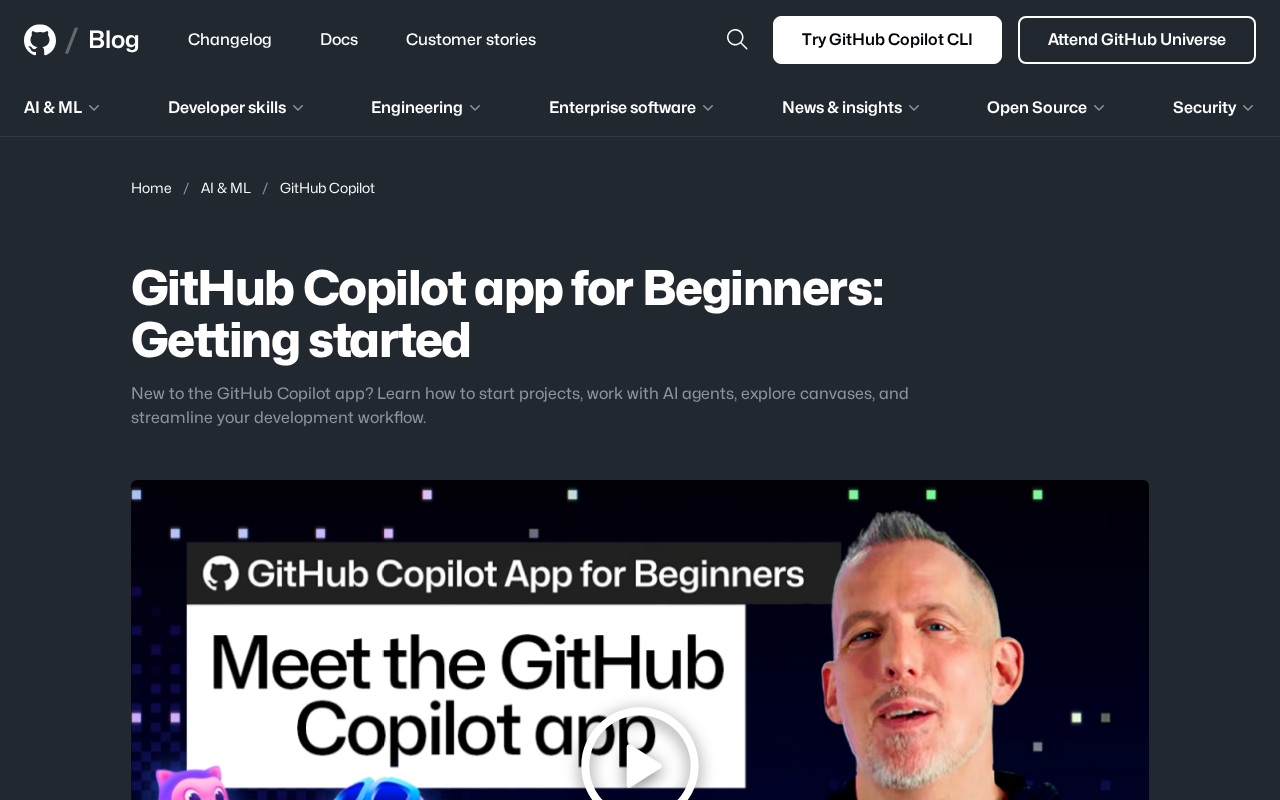
A beginner's guide to GitHub Copilot's standalone app for AI-assisted development.
This guide walks beginners through GitHub Copilot's standalone application, covering its evolution from an editor plugin to a full AI-powered development environment. It explores key features including project creation, AI agent collaboration, visual canvas tools, and a unified workflow, while offering practical tips on prompt engineering and maintaining human oversight of AI-generated code.
GitHub Copilot App: A New AI Entry Point for Developers
GitHub recently launched a standalone GitHub Copilot application, expanding its AI-assisted capabilities—previously embedded in editors—into a more complete development workbench. For developers new to this tool, it's no longer just a code completion plugin. It's a comprehensive environment that integrates project management, AI agent collaboration, and a visual canvas.
GitHub Copilot was originally introduced in 2021 as a technical preview, powered by OpenAI's Codex model, serving as a plugin for editors like VS Code and JetBrains to provide real-time code completion. That model essentially "embedded" an AI layer into developers' existing workflows. The launch of the standalone app marks GitHub's effort to redefine the boundaries of AI-assisted development—no longer tethered to a specific editor, but building a complete development environment with AI at its core. This evolution aligns with broader industry trends: emerging AI code editors like Cursor and Windsurf are also attempting to elevate AI from an "assistant" to a "collaborator," reimagining the entire development experience.
This shift reflects GitHub's rethinking of what AI-assisted development should look like: moving from "offering suggestions while you write code" toward "providing intelligent assistance across the entire development workflow." Understanding this positioning is the first step to getting started with the app.
Getting Started with GitHub Copilot by Creating a Project
For beginners, the GitHub Copilot app lowers the barrier to starting a project from scratch. You can create a new project directly within the app, and Copilot will help scaffold the basic structure, configure dependencies, and suggest next steps for development.
This project-centric approach is far more aligned with real-world development than traditional line-by-line code completion. Developers no longer need to juggle multiple tools—from project initialization and code writing to debugging and optimization, everything can be done within a single interface. This is especially friendly for newcomers who aren't yet familiar with full engineering workflows.
Clearly Defining Your Development Intent Is Key
Interestingly, the core of effective AI-assisted development lies in "clearly expressing your intent." The more specific your description, the closer Copilot's generated solution will match your needs. So when creating a project, beginners should first think through what they want to build and which tech stack to use before bringing AI into the process.
What this really involves is the critical field of Prompt Engineering. When interacting with large language models, the quality of your input prompt directly determines the accuracy and usability of the output. For development scenarios, effective prompts typically include several elements: a clear functional goal (e.g., "build a user login form"), technical constraints (e.g., "use React and TypeScript"), quality requirements (e.g., "needs input validation and error handling"), and contextual information (e.g., "this is an existing Next.js project"). The more specific the prompt, the smaller the model's "search space," and the higher the match quality of the generated results. This is also why experienced developers tend to extract more value from AI tools—they know how to describe requirements precisely.
Collaborating Efficiently with AI Agents
One of the standout features of the GitHub Copilot app is the introduction of AI agents. Unlike passive code completion, agents can proactively take on tasks: understanding requirements, breaking them into steps, executing modifications, and even coordinating changes across multiple files.
From a technical standpoint, AI agents are fundamentally different from traditional code completion. Code completion is a "single-turn inference" mode—the model predicts the next code segment based on the current context. Agents, on the other hand, have "multi-step reasoning and execution" capabilities. They can decompose a complex task into multiple sub-steps, execute them sequentially, and adjust subsequent plans based on results at each step. This architecture is commonly referred to as Agentic AI, relying on the large language model's planning capabilities, tool use abilities, and context memory. In GitHub Copilot's scenario, agents can invoke terminal commands, read and write files, run tests, and even commit code changes, forming a complete "perception-decision-execution" loop.
This means the developer's role is shifting from "writing every line of code" to "reviewing and guiding AI output." You can delegate repetitive, pattern-based tasks to the agent while focusing on architecture design and critical decisions. This collaborative model can significantly boost development efficiency when handling larger-scale changes.
Keep a Human in the Loop for Code Review
That said, AI agents are not infallible. For beginners, it's important to develop the habit of reviewing AI output—understanding what changes were made and why, rather than blindly accepting them. This is both a necessary step for ensuring code quality and a learning process that accelerates your own programming skills.
"Human-in-the-Loop" (HITL) is a core principle in AI system design, referring to retaining human review and decision-making authority at critical points in automated processes. In AI-assisted programming, this principle is especially important for three reasons: first, large language models suffer from "hallucination" issues and may generate code that looks reasonable but contains errors; second, AI may not understand project-specific business logic constraints or team coding standards; third, security-sensitive code (such as authentication and data processing) requires human confirmation of correctness. Building a review habit not only prevents defects from reaching production but, more importantly, helps developers understand code patterns and convert AI output into their own accumulated knowledge.
Exploring the Canvas Visualization Feature
Beyond the traditional code view, the GitHub Copilot app also offers a canvas feature. Canvases provide a more flexible visual space where developers can organize ideas, plan solutions, or interact with AI in a more intuitive way.
The introduction of the canvas feature is closely related to the trend of "visual thinking" in software development. Traditional code editors use linear text as their core interaction method, but software architecture is inherently non-linear—modules have complex dependency relationships and data flows. Previously, OpenAI also launched an interactive interface called Canvas in ChatGPT, allowing users to edit and organize content in a more structured way beyond conversations. In the development world, similar visualization tools have always existed, such as Miro for architecture brainstorming and Draw.io for flowchart creation. GitHub Copilot integrates the canvas directly into the development environment, reducing the overhead of transferring context between different tools and shortening the distance between "ideation" and "implementation."
For developers accustomed to linear code editing, the canvas serves as a mental complement. It's better suited for the early ideation phase—such as mapping out feature modules, sketching process logic, or comparing multiple approaches. This non-linear working style helps clarify overall thinking before diving into code.
A Unified Environment That Simplifies the Development Workflow
Integrating project management, AI agents, and canvases into a single app is fundamentally about simplifying the developer workflow. Operations that previously required frequent switching between editors, terminals, browsers, and various auxiliary tools can now be completed in a unified environment.
The value of this integration goes beyond convenience—it's about "contextual continuity." AI can more fully understand what you're working on, leading to more precise assistance. From a technical perspective, the Context Window is one of the core constraints of large language models, determining how much information the model can "see" in a single inference. Early models had context windows of only a few thousand tokens, while current mainstream models (such as GPT-4 and Claude) have expanded to hundreds of thousands or more. The advantage of a unified development environment is that AI can simultaneously access the project's file structure, dependency configurations, conversation history, and current editing state, forming a rich context set. In contrast, when working across multiple fragmented tools, AI can only access fragmented information, significantly reducing the relevance and accuracy of its suggestions. This is why an integrated environment can substantially improve the precision of AI assistance.
For beginners, reducing the cognitive load of tool-switching also means more energy can be devoted to what truly matters—learning to program.
Tips for Beginners Getting Started with GitHub Copilot
Overall, beginners looking to make the most of the GitHub Copilot app can follow a few guiding principles:
- Start with small projects: Get familiar with the interface and features through simple projects before gradually taking on more complex tasks.
- Describe your intent clearly: Articulate what you want to achieve—AI output quality is highly dependent on your input. Mastering basic prompt engineering techniques—including providing specific goals, technical constraints, and quality requirements—can significantly improve the effectiveness of AI assistance.
- Actively review AI output: Don't passively accept everything. Understand the logic behind every change. Maintaining a "human-in-the-loop" mindset is both responsible code stewardship and an effective way to accelerate your own growth.
- Combine all features: Use agents, canvases, and project management together to unlock the app's full potential.
The GitHub Copilot app represents an evolutionary direction for AI-assisted development tools—moving from "helping write code" to "accompanying the entire development process." For developers just starting out, it's both a productivity tool and an excellent starting point for learning modern development workflows.
Key Takeaways
Related articles

Databricks Genie: The AI Analytics Assistant That Tripled a Marketing Team's Data Usage
Databricks' AI analytics assistant Genie tripled marketing team data usage. Discover how this conversational NL2SQL tool lowers the data access barrier and what it means for enterprise AI adoption.

How The Oregon Trail Became a Cultural Icon for Generations
How The Oregon Trail grew from educational software into a multigenerational cultural icon — through classrooms, "You have died of dysentery," and shared childhood memories.

Health Benefits Platform Thatch Hits $1B Valuation as Healthcare Costs Surge
Thatch raises $108M and hits a $1B valuation, backed by a16z, Index Ventures, and General Catalyst, as surging U.S. healthcare costs drive demand for flexible benefits platforms.