Getting Started with GitHub Copilot: Teaching AI to Understand Your Codebase

GitHub's guide teaches you to make Copilot understand your project via instructions, skills, agents, and MCP.
GitHub Copilot by default only has general programming knowledge and doesn't understand a project's private conventions or business logic, so it often seems to miss the point. GitHub's official blog published a beginner's guide whose core idea is to proactively feed codebase knowledge to Copilot. Methods include using custom instruction files to spell out coding standards, using skills to encapsulate task workflows, using custom agents to split context by scenario, and connecting external tools via MCP servers such as Playwright.
Why Does Copilot Need to "Catch Up"?
GitHub Copilot's out-of-the-box capabilities are already impressive, but by default it doesn't know your project's private conventions, directory structure, or business logic. This is why many developers find Copilot sometimes "answers the wrong question" — it can only make suggestions based on general programming knowledge, and can't follow your team's specific coding standards.
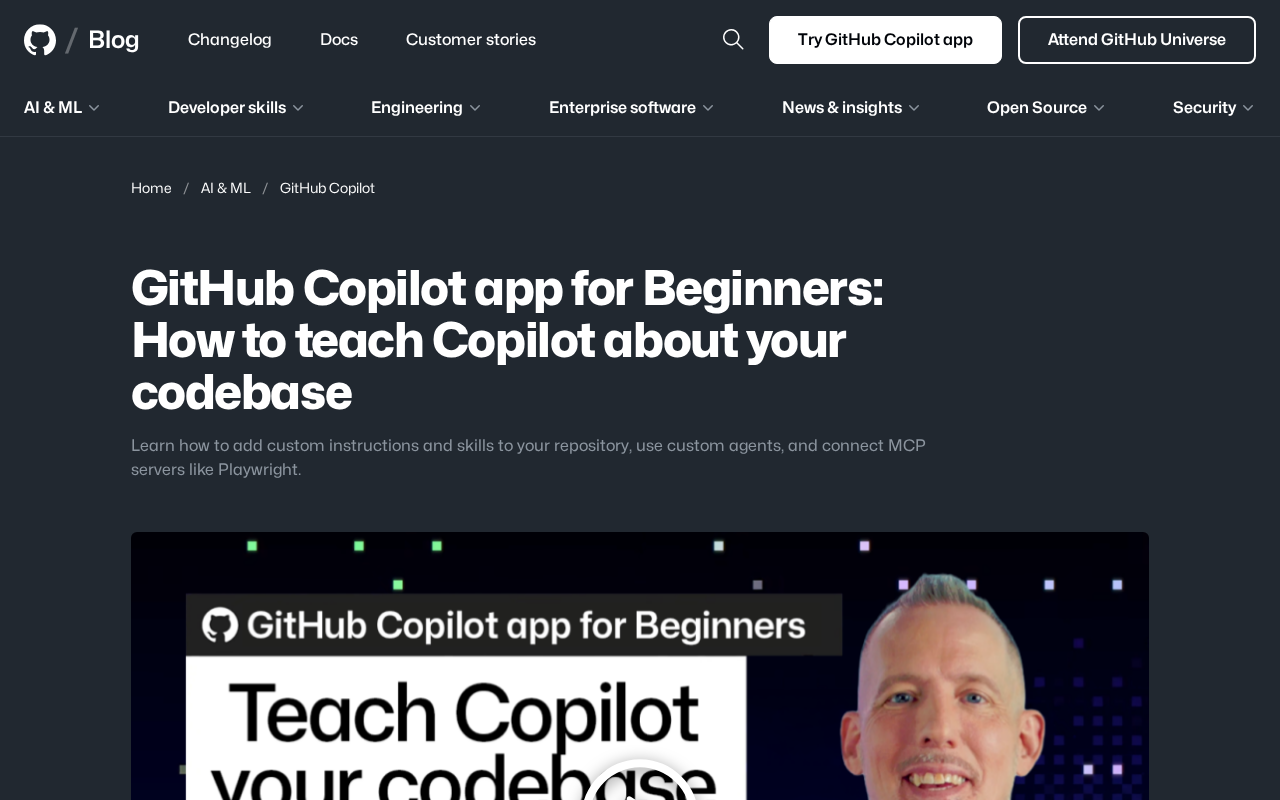
GitHub's official blog has published a guide for beginners, with one core idea: proactively feed your codebase knowledge to Copilot. Through custom instructions, skills, custom agents, and MCP server connections, you can turn Copilot from a "stranger" into a "colleague who knows the project."
Shaping Copilot's Behavior with Custom Instructions
The most straightforward starting point is adding a custom instruction file. It's essentially a set of natural language rules telling Copilot your project preferences: which testing framework to use, which naming style to follow, which directories are legacy code that must not be touched.
The value of this mechanism is making tacit knowledge explicit. The conventions that senior team members used to pass on verbally, once written into an instruction file, are automatically referenced every time Copilot generates code. For newcomers, it's equivalent to an executable specification document.
Note that instructions need to be specific. Vague statements like "keep the code clean" have almost no effect, while "all public functions must have JSDoc comments, and error handling must uniformly use the custom AppError class" is something Copilot can actually execute.
Skills and Custom Agents: Giving Copilot Specialized Abilities
Beyond general instructions, GitHub Copilot also lets you define skills — encapsulated workflows for specific tasks. For example, a "database migration" skill can codify your team's complete steps for writing migration scripts.
Custom agents go a step further — they're Copilot instances configured for specific scenarios. You can define separate agents for "frontend component development" and "backend API maintenance," letting each load its own relevant context and tools.
This divide-and-conquer approach solves a real problem: large codebases contain too much information, and stuffing all rules into a single instruction file actually dilutes the key information. Splitting agents by scenario lets Copilot focus on what's truly relevant for each task.
Connecting External Tools via MCP Servers
MCP (Model Context Protocol) is a protocol that lets AI models connect to external tools and data. GitHub's guide specifically mentions the Playwright MCP server as an example — once connected, Copilot can drive a browser to perform actions, meaning it can verify for itself whether frontend changes actually work.
MCP extends Copilot's capabilities: from "generating code" to "operating in real environments." For beginners, understanding this is important — Copilot isn't just a completion tool; it's evolving into a development assistant that can invoke tools and verify results.
MCP (Model Context Protocol) was open-sourced by Anthropic in late 2024, aiming to define a standardized interface between AI models and the external world. It uses a client-server architecture: AI applications (such as Copilot, Claude Desktop) act as clients, requesting data or triggering actions from various MCP servers through a unified protocol. Each MCP server encapsulates a capability, such as reading and writing local files, querying databases, calling third-party APIs, or operating browsers.
Before MCP, every AI tool had to write separate adapter code to connect to an external system, which was repetitive and fragmented. MCP's value is similar to the USB-C interface: tool providers only need to implement the protocol once, and model providers can plug-and-play discover and invoke the tools, resources, and prompts it exposes. For developers, this means you can both use existing community MCP servers and wrap your company's internal systems as MCP servers to share with the entire team.
Where Should Beginners Start?
Facing the whole set of concepts — instructions, skills, agents, MCP — can be overwhelming. A pragmatic path is:
- Start by writing a basic instruction file, putting your most commonly used coding standards into it, and feel how Copilot's behavior changes.
- Observe where Copilot repeatedly makes mistakes in real tasks, and distill these scenarios into skills.
- Create custom agents only when the project involves specific domains — no need to split from the start.
- Connect MCP servers only after confirming an external tool has real value (such as needing browser automation testing).
The essence of this process is incremental configuration starting from real pain points, rather than building a complex system all at once. Copilot's customization capabilities are powerful, but configuration itself also carries maintenance costs.
What It Really Means for Developers
GitHub's guide sends a clear signal: the effectiveness of AI programming assistants increasingly depends on how much context engineering you invest. In the past we competed on prompt techniques; now we compete on who can hand project knowledge to AI in a structured way.
For individual developers, this means accumulating a reusable set of Copilot configurations in your own way, which will compound over time. For teams, distilling standards into Copilot-readable instruction files may become part of the standard configuration of a codebase.
The second half of AI programming tools may not be about how powerful the model itself is, but about whether you can make the model truly understand your world.
One-line Summary
A GitHub guide teaches you to make Copilot understand your project through instructions, skills, agents, and MCP.
Paragraph Summary
By default, GitHub Copilot only has general programming knowledge and doesn't understand a project's private conventions or business logic, so it often seems to "answer the wrong question." GitHub's official blog published a guide for beginners, with the core idea of proactively feeding codebase knowledge to Copilot. Specific methods include: using custom instruction files to spell out coding standards and directory conventions, making tacit knowledge explicit; using skills to encapsulate workflows for specific tasks; using custom agents to split context by frontend, backend, and other scenarios; and connecting external tools through MCP servers (such as Playwright) so Copilot can operate in real environments and verify results. The article suggests beginners start with a basic instruction file, observe repeatedly failing scenarios before distilling them into skills, and configure incrementally based on real pain points rather than building a complex system all at once.
Related articles

ChatGPT Space Launches: Team Collaboration and New Pages Features Explained
ChatGPT Space is OpenAI's new team collaboration feature with Pages, real-time collaboration, and Slack/Google Drive sync. We break down its privacy design, multi-platform integration, and the full workflow from conversation to document.

Migrating Apache Spark UDFs to GPU Acceleration with AI Agents
NVIDIA developer blog explains how AI Agents rewrite Apache Spark UDFs for GPU acceleration, covering migration criteria, agent rewriting and verification workflows, plus pitfalls like result consistency and CPU-GPU transfer overhead.

Zed Editor v0.40.4-rc2 Released: Usage Credits Now Available Without Upgrading
Zed editor releases v0.40.4-rc2, allowing users to use usage credits for AI features without upgrading to a paid plan, lowering the trial barrier.