Getting Started with LangChain in Practice: From Message Templates to RAG Pipelines

LangChain doesn't bring new concepts—it distills every step of manual RAG into standardized components and pipelines.
The article begins with a developer's experience building the RAG app Synapse by hand and asks why use LangChain when you've already implemented the whole process yourself. The author finds that LangChain's value isn't in new ideas, but in providing a standard structure for existing patterns: message classes, prompt templates, output parsers, and the core pipe operator |, which connects components like a Unix pipeline. In the RAG flow, every stage has a corresponding component, with retrievers filling context and parsers returning plain text with source citations. LangChain reduces boilerplate, unifies interfaces, and makes batching, parallelization, and visual debugging easier.
After Building RAG by Hand, Why Use LangChain?
A developer once built Synapse by hand—a Q&A app based on personal notes. From loading files and generating vectors to retrieving similar snippets and calling an LLM, every step was written manually. When he first encountered LangChain, a framework claiming to automate the whole process, his first reaction was skepticism: what does it actually do that I haven't already done?
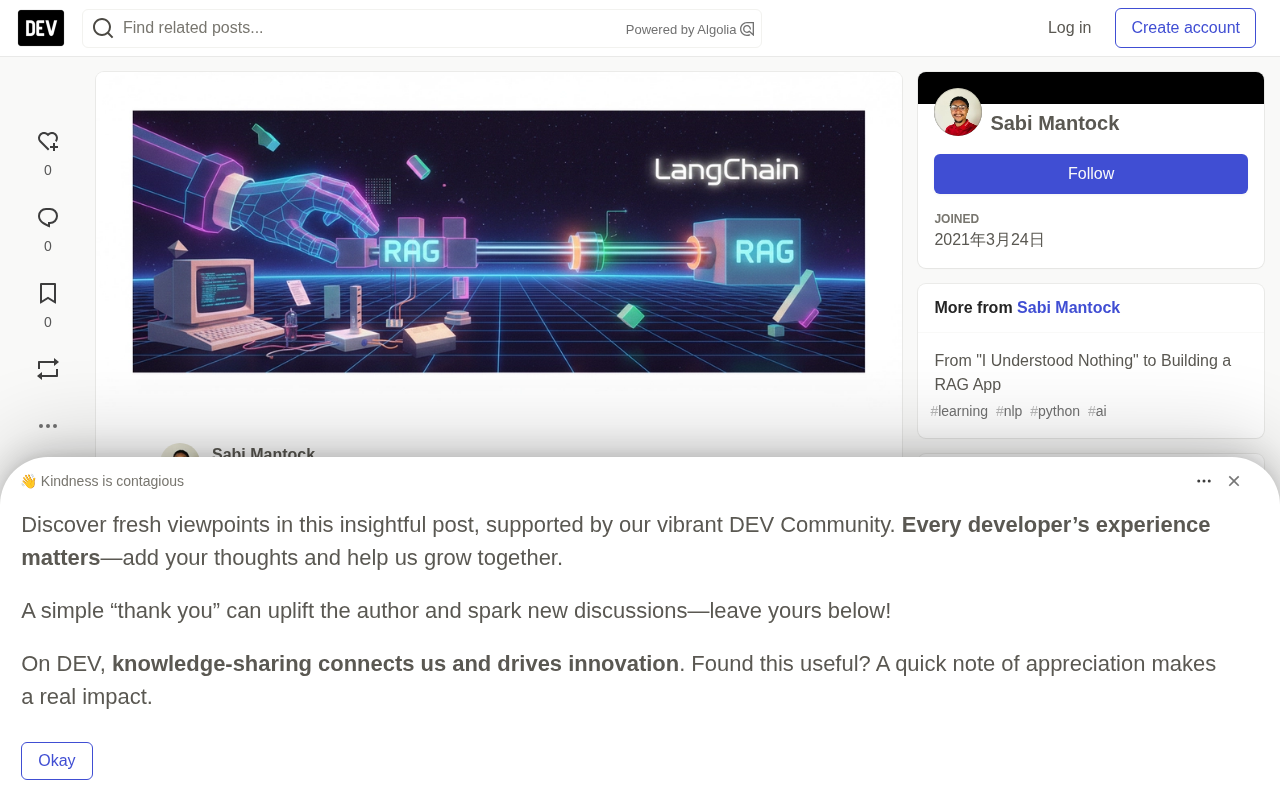
The answer gradually became clear: what LangChain brings isn't new concepts, but a standardized structure for ideas you already have. This article follows that developer's learning path, breaking down LangChain's core components and its approach to RAG.
Starting with Messages and Templates
A chat model doesn't receive a single string, but a list of messages: system messages that set the role, human messages with user input, and AI messages with the model's replies. LangChain provides a separate class for each message type, essentially matching what the raw API requires.
Prompt templates are the next practical step. Instead of manually concatenating strings every time, you write prompts with placeholders in advance. For example:
from langchain_core.prompts import ChatPromptTemplate

template = ChatPromptTemplate.from_template(
    "I've recently adopted a {pet}. Suggest three {pet} names."
)
Output parsers convert the text returned by the model into usable data structures, such as a Python list. A key insight: the parser's effectiveness depends entirely on the precision of the instructions—vague format requirements yield messy results, while strict constraints produce clean output.
Embedding models and vector dimensions are key background for understanding the retrieval step later on. An embedding model (such as OpenAI's text-embedding-ada-002) maps a piece of text to a fixed-length vector of floating-point numbers, where semantically similar texts sit closer together in vector space. The 1536 dimensions mentioned in the article refer to the fact that this model outputs a vector containing 1536 numeric values for each text chunk. Since these vectors are usually normalized (with a length of about 1), the dot product between two vectors equals their cosine similarity, ranging from -1 to 1, with values closer to 1 indicating greater semantic similarity. That's why the article uses scores like 0.88, 0.80, and 0.79 to judge whether related texts are close to each other—and it's the mathematical foundation that makes RAG retrieval work.
Pipelines: LangChain's Core Abstraction
What truly made things click for the developer was the pipe operator |, which connects components just like a Unix pipeline:
chain = chat_template | chat | list_output_parser
chain.invoke({"pet": "dog"})
# ['Max', 'Bella', 'Luna']
The prompt enters from one end, the model processes it in the middle, and a clean list comes out the other end. The output of each step is the input of the next—that's the whole idea.
Ordinary Python functions can also be plugged into the pipeline via RunnableLambda:
from langchain_core.runnables import RunnableLambda

add_up = RunnableLambda(lambda x: sum(x))
square = RunnableLambda(lambda x: x**2)

(add_up | square).invoke([1, 2, 5])   # 8, then 64
Chains can also be visualized: chain.get_graph().print_ascii() prints out boxes and arrows, which is especially useful as chains grow longer.
Two features worth noting: RunnableParallel can run two chains in parallel and pass the results to the next step; batch is faster than looping—in the author's test, two requests via batch took 2.67 seconds, while separate calls took about 7.5 seconds.
Implementing RAG with the Same Components
Looking back at the five steps of building RAG manually, LangChain provides a corresponding component for each one.
Loading and splitting: There are corresponding loaders for different file types (such as PDF and Word). Splitting is a new step that wasn't involved in the manual implementation. The author split a six-page document twice: first by heading to ensure each chunk remembers its source lecture; then by size, at about 500 characters with a small overlap kept, ultimately producing 20 chunks with source labels.
Embedding: Each chunk is converted into a 1,536-dimensional vector via OpenAI's embedding model. To verify the results, the author compared three pairs of chunks, with similarity scores of 0.88, 0.80, and 0.79, showing that related texts really do sit close together in vector space. All vectors have a length of about 1, so a plain dot product works as a similarity score.
Storage and retrieval: Vectors are stored in Chroma and persisted to a disk folder, avoiding re-embedding every time the notebook is opened. There are two retrieval methods—ordinary similarity search returns the closest chunks; MMR returns chunks that are both close and different from each other, preventing duplicate passages.
Chaining it together: The final step brings the pipeline back:
chain = (
    {"context": retriever, "question": RunnablePassthrough()}
    | prompt_template
    | chat
    | StrOutputParser()
)

chain.invoke("What software do data scientists use?")
The retriever fills in the context, the question passes through directly, the prompt asks the model to answer only based on the context and to cite the lecture used, and the parser returns plain text. A source is appended at the end of the answer:
Resources: Programming Languages & Software Employed in Data Science - All the Tools You Need
This is exactly the "use only these notes" guardrail from the manual implementation, plus the source-citation feature that had been repeatedly postponed before.
MMR (Maximal Marginal Relevance) is a strategy that balances relevance and diversity during retrieval. Ordinary similarity search returns the chunks closest to the query, but if those chunks are highly repetitive, the context the model receives is wasted. MMR works by first selecting the most relevant chunk, then in subsequent selections penalizing candidates that are too similar to already-selected chunks, so that the returned results are both close to the question and different from each other. It balances "relevance" and "diversity" through a λ parameter, where a larger λ gives more weight to diversity. In Q&A scenarios, when the same topic appears repeatedly across multiple note snippets, MMR effectively prevents the model from seeing only duplicate information.
Text splitting and overlap is a step that's easily overlooked when building RAG manually, yet it directly affects retrieval quality. If splitting is too coarse, a chunk may mix multiple topics, causing inaccurate matches during retrieval; if splitting is too fine, chunks lose context and become hard for the model to understand. Splitting by heading is structural splitting that preserves the document's semantic boundaries; splitting by size (such as about 500 characters) controls individual chunk length, fitting the limits of embedding models and context windows. Keeping a small overlap is meant to prevent key sentences from being split apart right at the boundary. The 20 chunks with source labels in the article are exactly the result of combining these two strategies, and also the prerequisite for implementing source citation.
What It Means for Developers
LangChain doesn't teach new ideas. Every step in the pipeline—loading, embedding, finding nearest neighbors, asking questions—was done manually before. What it provides is a standard shape for each step, and the pipeline that connects them. Only by taking the long road and building things by hand can you understand why the shortcut works.
For developers already familiar with RAG principles, LangChain's value lies in reducing boilerplate code, unifying component interfaces, and making batching, parallelization, and visual debugging easier. It's not magic—it's a distillation and encapsulation of existing patterns.
The next step is LangGraph.
One-line Summary
LangChain doesn't introduce new concepts—it distills every step of manual RAG into standardized components and pipelines.
Paragraph Summary
Starting from a developer's experience building the RAG app Synapse by hand, the article explores why you'd still use LangChain after implementing the whole process yourself. The author finds that LangChain's value isn't in new ideas, but in providing a standard structure for existing patterns: message classes, prompt templates, output parsers, and the core pipe operator |, which connects components like a Unix pipeline, with each step's output feeding the next step's input. In the RAG flow, every stage—loading, splitting, embedding, storage, retrieval, generation—has a corresponding component; retrievers fill in context, and parsers return plain text with source citations. LangChain reduces boilerplate code, unifies interfaces, and makes batching, parallelization, and visual debugging easier—a distillation and encapsulation of existing patterns.
Related articles

Felix Rieseberg Personal Homepage
Felix Rieseberg's personal homepage sparks attention on Hacker News. This article covers the Slack engineer's technical background, the rise and fall of nativefier, and the value of a developer homepage as a tech calling card.

@ai-sdk/vue 3.0.306 Patch Release Syncs with [email protected] Update
@ai-sdk/vue 3.0.306 released, synced with [email protected]. A routine patch release for the Vercel AI SDK ecosystem with no public API changes; the Vue adapter layer stays version-aligned with the core package.

Gemini 4 Argon API Launches: The Era of Million-Token Output Begins
Google launches Gemini 4 Argon with sparse MoE architecture, up to 1M output tokens, and a 68.90% Vals Index score, available across API, AI Studio, and the Gemini app.