Getting Started with Vibe Coding: Build Your First Project with AI in 6 Steps

A 6-step guide to getting started with Vibe Coding and building your first AI project.
This article breaks down Vibe Coding into a clear 6-step learning path—from mastering AI coding tools like Claude Code and Cursor, to writing quality prompts, practicing on projects, and building complete AI-powered products. A systematic guide for non-technical creators to truly get started with AI coding.
What Is Vibe Coding?
If you've been hearing terms like "AI coding" and "Vibe Coding" a lot lately but still can't find your way in, this article is worth a few minutes of your time. The core of so-called Vibe Coding isn't about mastering one specific AI coding tool—it's about truly acquiring the ability to "build products and get real work done with AI."
This is a crucial mindset shift. Many beginners focus on "which buttons to press in a particular tool," only to find themselves lost the moment they switch to a different one. Vibe Coding emphasizes a universal workflow: how to leverage AI to quickly turn the ideas in your head into runnable products.
The real significance of Vibe Coding lies in the fact that "you don't need to be a programmer first," but you do need to establish the right mindset and methodology first. This also explains why it holds such enormous appeal for non-technical creators, product managers, and even indie developers.
Why Many People Give Up Before They Even Start
People writing code with AI for the first time almost always fall into similar traps. These can be grouped into three main problems:
First, they don't know how to use the AI tools. Tools on the market like Claude Code, Cursor, and Codex each have their own interaction logic and use cases, and without guidance, it's easy to lose your way.
Second, the AI-generated results are poor. This often isn't a problem with the model's capabilities, but rather with poorly written prompts, which prevent the AI from accurately understanding your intent.
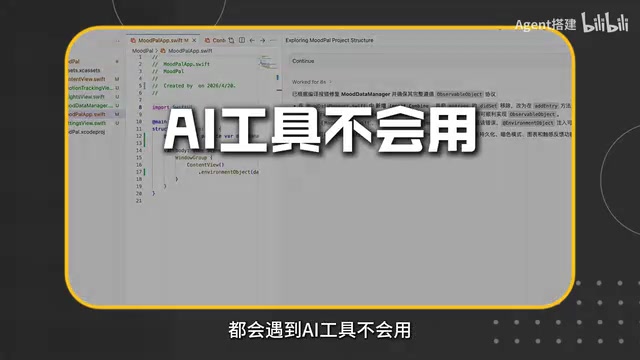
Third, AI can mess up your development environment. Without proper standards in place, AI may generate a chaotic file structure, trigger dependency conflicts, or even break your local development environment.
These three problems stacked together cause a large number of beginners to give up before they truly get started. The key to solving them is precisely a step-by-step learning path.
The Six-Step Learning Method: Vibe Coding from 0 to 1
To address the pain points above, the complete Vibe Coding learning process can be broken down into six clear steps. This structured path is the most efficient way to get started with AI coding.
Step 1: Learn How to Use the Tools
Start by getting the mainstream AI coding tools up and running. Whether it's Claude Code's command-line-style collaboration or an editor-integrated AI assistant like Cursor, you need to understand which scenarios each is suited for. Tools are the starting point, but not the whole picture.
Step 2: Master How to Write Prompts
Prompt quality is the dividing line that determines whether AI output is good or bad. For the same requirement, a vague description and a structured description will yield code of vastly different quality. Learning to clearly express requirements, break down tasks, and provide constraints is the most core skill in Vibe Coding.
Step 3: Find a Project to Practice On
You can't learn just by watching. Pick a small but complete project, work through it from start to finish, and truly internalize your tool usage and prompting techniques into muscle memory.
Step 4: Explore Advanced Techniques
Once you've mastered the basics, further explore advanced uses of AI coding, such as building applications with LangChain or developing Agents. This step dramatically expands the range of products you can build.

Step 5: Build a Large Project
Move from small practice projects to a relatively complete and complex large project, testing and solidifying everything you've accumulated. This is the crucial leap from "knowing how to use the tools" to "being able to build complete products."
Step 6: Distill Real-World Experience
Finally comes the experience layer—the practical techniques summarized after hitting various pitfalls. These help you avoid detours and continuously improve efficiency in real work scenarios.
The Tool Ecosystem: From AI Coding Assistants to Agent Development
It's worth noting that the tool ecosystem covered by this learning path is quite comprehensive, ranging from AI coding assistants like Claude Code, Cursor, and Codex, all the way to the LangChain framework and Agent development.
This progression is very representative: coding assistants solve the problem of "writing code faster," while LangChain and Agent development enable you to build AI applications that are truly autonomous. In other words, the endpoint of the learning path isn't just "having AI help you write code," but "using AI to build intelligent products that can complete tasks independently."
For those looking to break into AI product development, this complete chain—from tool usage to application building—is exactly the kind of systematic understanding that's most scarce.
Final Thoughts
The value of Vibe Coding isn't in replacing programmers, but in dramatically lowering the barrier to "turning ideas into products." It enables far more people without deep programming backgrounds to quickly build runnable software with the help of AI.
But remember: before you let AI start writing code, establishing the right methodology and workflow is the key to avoiding giving up halfway. Tools will keep iterating and updating, but the ability to go from expressing requirements to shipping a project is the core competitive advantage that you can reuse again and again.
Related articles
The Hidden Risks of Culvert Failure: An Overlooked Infrastructure Hazard
Culverts are hidden drainage structures buried beneath roads. Their failure can silently hollow out road beds, cause localized flooding, and trigger deadly collapses — yet they remain chronically overlooked.
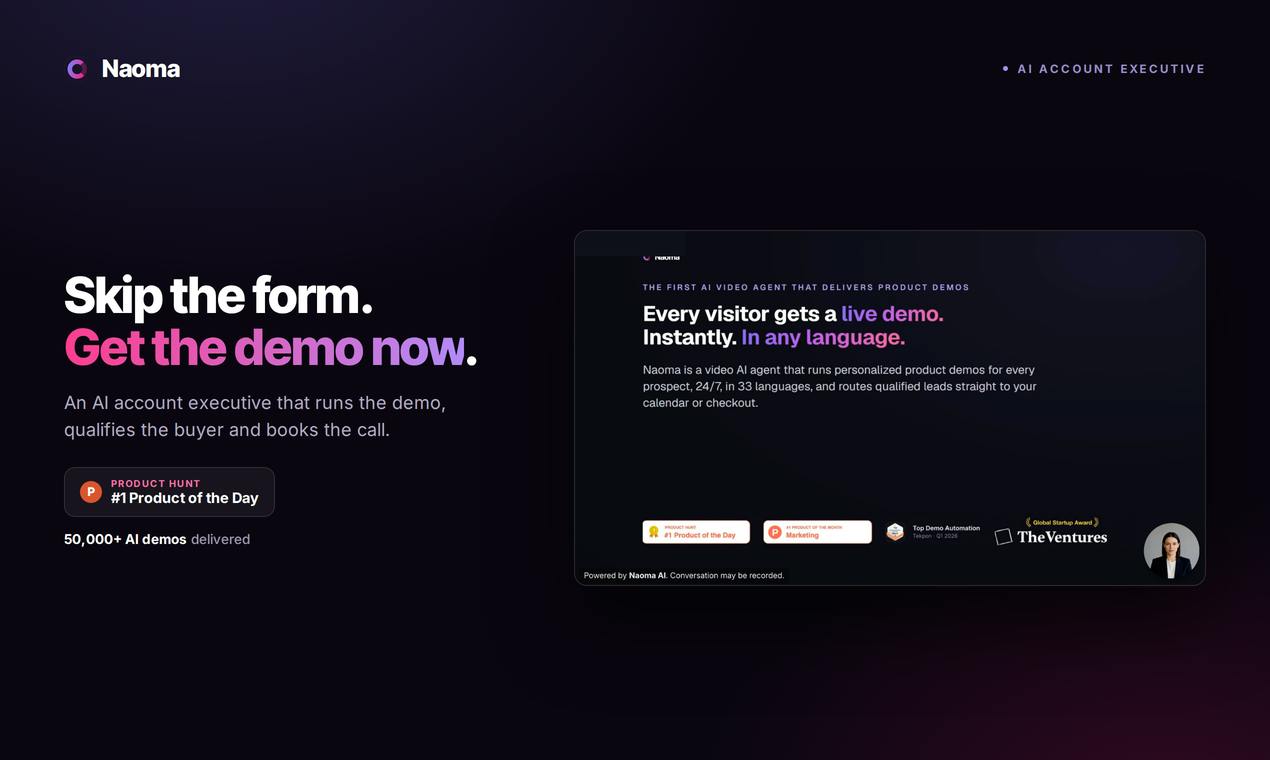
Naoma AI Demo Agent V2: Turning Website Traffic into Booked Meetings with AI Sales
Naoma AI Demo Agent V2 replaces demo request forms with an AI sales rep that demos products, qualifies leads, and books meetings in real time. 50K+ demos run.
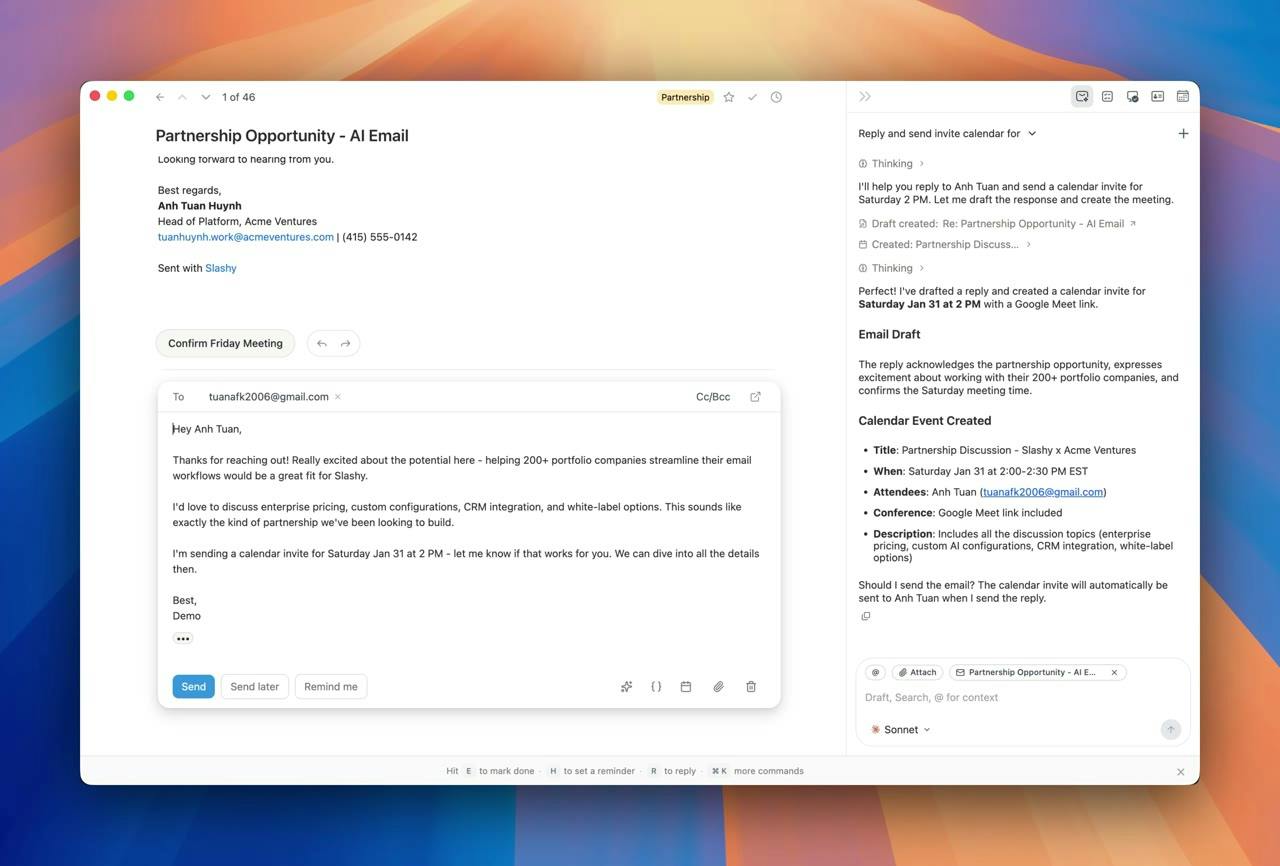
Slashy Assistant: The AI Email Assistant That Handles Your Inbox for You
Slashy Assistant is an AI-native email client with a built-in smart assistant that drafts replies in your voice, organizes email, schedules meetings, and tracks follow-ups. Accessible via iMessage, Slack, and phone — set up in five minutes.