GhostWriter: Double-Tap Left Ctrl, and AI Writes Replies That Sound Like You
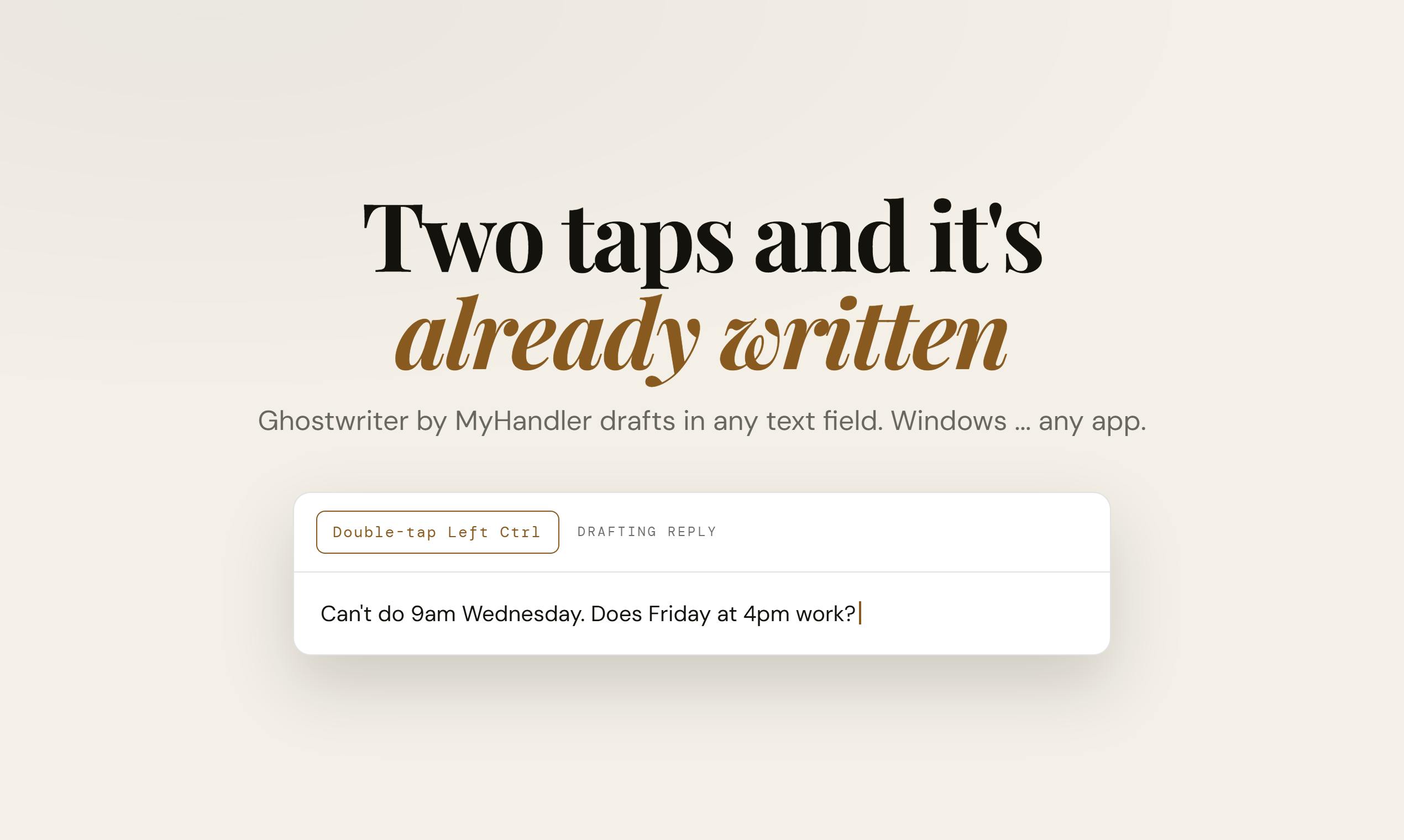
Double-tap Left Ctrl and GhostWriter generates a reply that sounds like you — entirely on your local machine.
GhostWriter, built by the MyHandler team, is a Windows AI writing tool designed to help you write faster in your own voice — not generate content from scratch. A global hotkey (double-tap Left Ctrl) inserts replies directly into any app's text field, eliminating window-switching friction. It draws on your on-screen conversation context, calendar, local files, and past meeting notes, indexing everything in a local encrypted vault with no cloud uploads. It also claims to match your writing style for different recipients, down to the sign-off. By design, it types but never sends — keeping the final decision with the user. Currently Windows-only, with local indexing performance and style-matching quality still awaiting real-world validation.
In a crowded AI writing tool market, most products follow the same logic: "tell it what to write, and it writes it." A Windows tool called GhostWriter — built by the MyHandler team and listed on Product Hunt — takes a different approach: instead of thinking for you, it uses what you already know to write the reply you would have written yourself.
The tool has received 77 upvotes on Product Hunt, ranking 12th, under the Productivity, Writing, and Artificial Intelligence categories. The vote count isn't viral-level, but the product philosophy it proposes is worth a closer look.
Core Interaction: Double-Tap Left Ctrl, and Your Reply Appears
GhostWriter's most intuitive selling point is how you invoke it. In any text input field across any application, simply double-tap the left Ctrl key, and the generated reply appears right at your cursor.
This means there's no separate chat window, and no need to switch to a webpage or app to copy and paste. It embeds itself at the system level into every piece of software you use daily — email clients, messaging tools, document editors. Anywhere there's a text box, it works.
This "everywhere" interaction design tackles a real pain point of AI writing tools: the constant window-switching, context-copying, and result-pasting workflow is so heavy that it often cancels out the time AI saves. GhostWriter compresses that entire process down to two keystrokes.
The technical implementation behind system-level hotkey text injection is worth unpacking. This approach typically combines a global keyboard hook with simulated input (simulated keystrokes or clipboard injection). On Windows, the
SetWindowsHookExAPI allows applications to listen for global key events. Once the trigger sequence is detected (such as a double-tap of left Ctrl), the program generates the content in the background and injects the text at the current cursor position by simulating a paste or directly injecting characters into the focused control. This also explains why such tools are currently Windows-first — Windows's Win32 API has mature support for this kind of low-level interaction, while macOS's security sandbox imposes stricter permission controls on global input monitoring, requiring users to manually enable Accessibility permissions, which raises implementation complexity and compliance overhead considerably.
It Doesn't Write Generic Text — It Writes Your Reply
The biggest difference between GhostWriter and tools like ChatGPT lies in where it gets its information. According to the official description, its replies draw from four dimensions:
- The conversation thread on your screen — it reads the email or message context you're currently working with;
- Your calendar — so it promises it "won't double-book you";
- Your files — information from local documents can be referenced;
- Past meeting notes — historical communication is also factored in.
All of this data is indexed in an encrypted vault on your PC. This is the key distinction from cloud-based LLMs: data never leaves your machine, and indexing and processing happen entirely locally.
GhostWriter also claims to "match your writing style for specific recipients, down to the sign-off." In other words, the tone and word choice you use when emailing your boss versus messaging a colleague are different — and it tries to reproduce that distinction. This makes the generated content feel like something you actually wrote, rather than an AI-flavored template.
The technical underpinnings of a local encrypted vault are worth elaborating. These implementations typically use symmetric encryption like AES-256 to encrypt users' files, calendar entries, and meeting notes before writing them to the index — with the decryption key stored only on the user's machine, never held by the service provider. Paired with local vector indexing (which uses an embedding model to convert text into semantic vectors stored in a local database), semantic search can be performed entirely on-device without sending raw text to the cloud. This is a fundamental departure from cloud-based solutions like Notion AI or Copilot, where processing happens on the provider's servers and user data faces potential privacy exposure during transmission and processing. Local-first architecture has seen renewed interest among privacy-sensitive tools in recent years — the popularity of Obsidian and Logseq confirms this trend. The tradeoff, of course, is higher demands on local hardware resources (CPU/RAM and embedding model inference capability), and more complex cross-device sync.
"Type But Never Send": A Deliberate Design Choice
In an era of relentless automation, GhostWriter made a counterintuitive decision: after it types the text into the input box, it stops. It will never hit Send for you.
This "type but never send" design might seem to reduce automation, but it's really a statement about the boundaries of trust. When AI sends messages on your behalf, a single mistake can result in an awkward social incident or even a business loss. Handing the final decision back to the user preserves efficiency while keeping accountability where it belongs.
Combined with its local-only, no-cloud-upload data strategy, it's clear that the MyHandler team has a deliberate stance on privacy and control: AI should be an assistant that augments you, not an agent that makes decisions for you.
Open Questions and Limitations
Based on publicly available information, there are a few things about GhostWriter that remain unverified:
First, the accuracy and performance of local indexing. Reading your calendar, files, and historical meeting notes in real time to generate replies requires solid local processing power and indexing quality. Real-world latency and relevance need hands-on testing.
Second, the actual quality of style matching. The promise of matching your tone "down to the sign-off" sounds compelling, but nuanced style imitation is often where this category of tools falls short.
Third, Windows only. The tool currently supports Windows exclusively. Mac and mobile users are out of luck for now.
Takeaway
GhostWriter represents an evolutionary direction for AI writing tools: from "general generation" toward "personalized continuation," from "cloud processing" toward "local privacy-first," and from "full automation" toward "human-AI collaboration with restraint."
Its product philosophy can be summed up in one sentence: AI shouldn't think for you about what to write — it should help you write what you would have written anyway, just faster. For knowledge workers who handle a high volume of emails and messages daily and care about privacy and tonal consistency, this positioning may be more compelling than yet another general-purpose chatbot. Of course, whether it can actually deliver on its promises is something only real-world user feedback will confirm.
Related articles

DeepSeek Harness: A Beginner's Installation and Testing Guide
A DeepSeek Harness tutorial for test engineers: set up Node.js, launch with one NPX command, configure official and third-party models, and explore web search, file I/O, and trace-view agent observability.
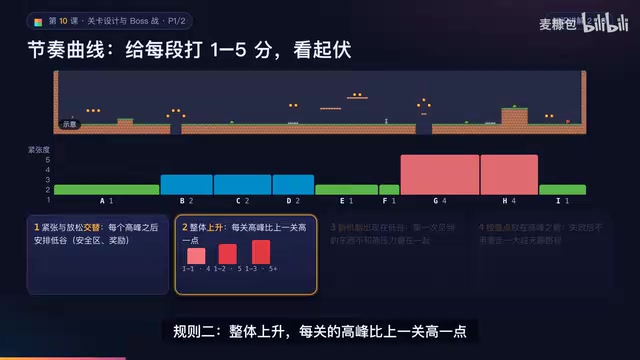
AI Game Development in Practice: Designing Levels with the Four-Step Method and Pacing Curves
AI game development lesson 10: design levels with the four-step method (teach, practice, combine, test) and a 1-5 pacing curve, plus sightline guidance and safety zones—implement Animatable Body 2D moving platforms and generate ASCII sketches for 1-2 Underground Cavern and 1-3 Guard Hall.

AI Game Development in Practice: Two-Phase Boss State Machines and Death Heatmap Tuning
AI game development lesson 10: implement a two-phase Boss with a state machine, guarantee fairness with color signals and a 0.4-second warning floor, locate difficulty cliffs with a death heatmap, and apply lightest-to-heaviest fixes one at a time, with an acceptance checklist and common pitfalls.