GitHub Copilot's September Overhaul: Prepaid Billing, Unified Agent, and Default Code Review Changes
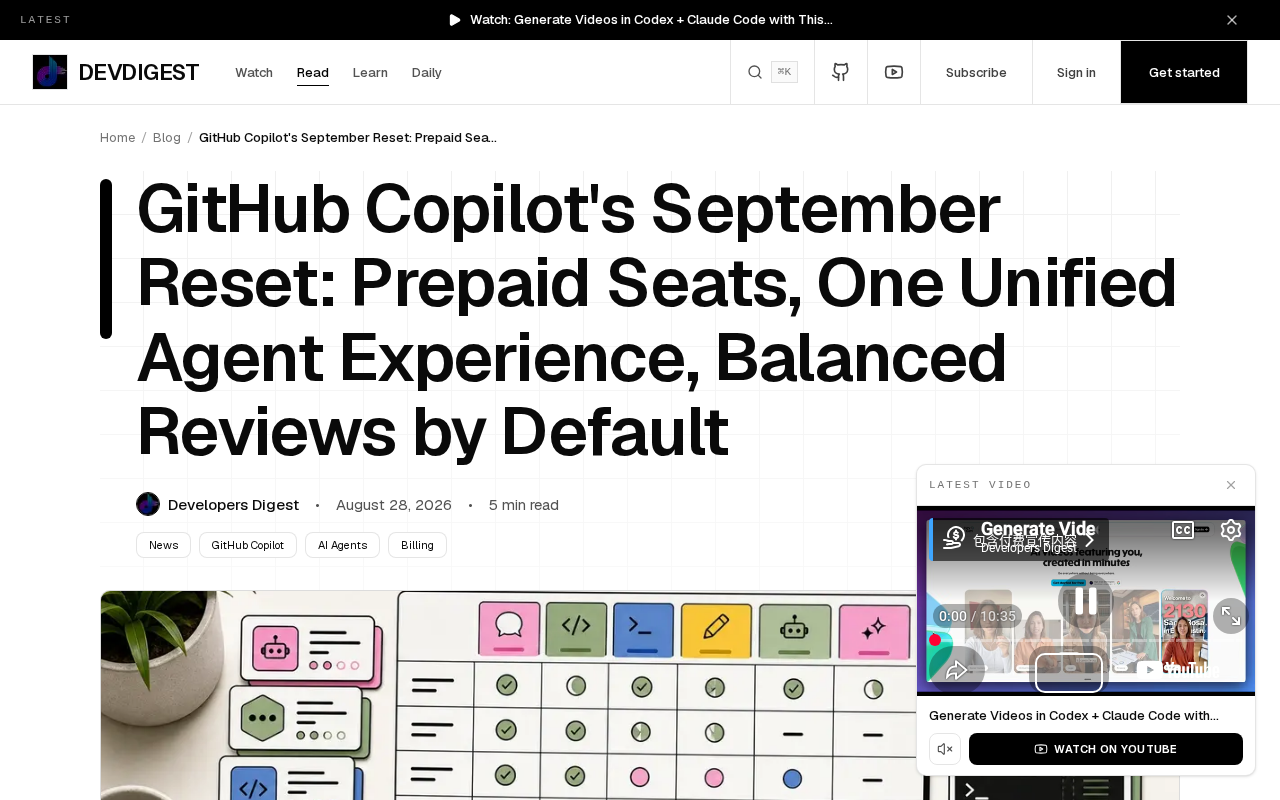
GitHub Copilot shifts to prepaid billing, unifies its Agent experience, and defaults to Balanced code review.
GitHub announced three major Copilot changes: Business and Enterprise seats switch to prepaid billing on October 1, the cloud Agent and chat interface merge into a unified experience by September 28, and Balanced becomes the default code review effort level. Teams should plan budgets, adapt workflows, and review configurations accordingly.
GitHub recently announced three major changes to Copilot, each with a clear deadline for implementation. For teams that rely on Copilot for daily development, these changes affect not only budget planning but will also reshape existing workflows. This article breaks down the specifics and potential impact of each change.
Overview of the Three Major Changes
According to GitHub's official announcement, this round of adjustments covers billing models, Agent experience consolidation, and default code review configuration:
- Business and Enterprise seats switch to prepaid billing: Effective October 1;
- Cloud Agent and chat interface unification: To be consolidated into a single Agent conversation experience by September 28;
- Balanced becomes the default code review effort level.
While these three changes may seem independent, they collectively point to a systematic overhaul of GitHub's Copilot product ecosystem — pursuing predictability in billing, consistency in experience, and balance in quality.
Prepaid Seats: Improved Budget Predictability
From Post-Pay to Prepaid
The most direct financial impact for teams is that Business and Enterprise seats will switch to a prepaid model starting October 1. This means organizations will need to pay for their Copilot seats upfront, rather than settling bills based on usage after the fact.
For finance and IT procurement teams, the biggest benefit of prepaid billing is cost predictability. Teams can lock in their Copilot spending at the start of a budget cycle, avoiding billing uncertainty caused by usage fluctuations. This is particularly important for large organizations that need to tightly control cloud and SaaS expenditures.
Teams Need to Plan Ahead
However, prepaid billing also means teams need to more accurately assess their actual seat requirements. Over-purchasing leads to wasted resources, while under-purchasing could hamper development efficiency. Therefore, before the October 1 deadline, team managers should audit current active usage, plan seat counts accordingly, and factor this change into next quarter's budget.
Unified Agent Experience: Cloud Agent and Chat Interface Merge
Consolidating Two Interaction Modes
The second change is arguably the one with the deepest impact on developers' daily experience. Before September 28, GitHub will merge the previously separate cloud Agent and chat interface into a single Agent conversation experience.
Previously, developers using Copilot might have needed to switch between different interaction interfaces — chat for quick Q&A, and the Agent for executing more complex automated tasks. After the consolidation, these two capabilities will converge into the same conversation flow, creating a coherent and unified interaction model.
What This Means for Development Workflows
This consolidation reflects the current trend in AI coding assistants: evolving from passive "Q&A tools" to proactive "intelligent agents." A unified Agent conversation means developers can consult about code and have the AI directly execute tasks within the same dialogue, reducing the cognitive burden of context switching.
For teams that have already established specific Copilot usage habits, this interface consolidation may require an adjustment period. Teams should familiarize themselves with the new interaction logic ahead of time and, if necessary, update internal development guidelines and training materials to ensure a smooth transition to the new unified experience.
Balanced as Default Review Level: The Sweet Spot Between Quality and Efficiency
What Are Code Review Effort Levels?
The third change sets Balanced as the default effort level for code review. Copilot's code review feature allows analysis at different "effort levels" — the higher the level, the deeper and more thorough the review, but at the cost of more computational resources and time.
Setting Balanced as the default means GitHub has chosen a middle ground between review depth and response speed/cost. This default configuration suits most routine code review scenarios, providing valuable feedback without over-consuming resources.
Teams Can Still Customize Review Intensity
It's important to note that changing the default doesn't strip teams of their choices. For critical projects requiring stricter reviews, teams can still manually increase the effort level; for fast-iteration scenarios, a lighter configuration remains available. This change essentially provides the vast majority of users with a more sensible "out-of-the-box" starting point.
How Teams Should Respond to These Changes
Taken together, GitHub's adjustments reflect Copilot's evolution toward a mature enterprise-grade product: more standardized billing, a more unified experience, and more sensible default configurations. In response to these changes, teams can take the following actions:
- Financial level: Assess seat requirements before October 1 and incorporate the prepaid model into budget planning;
- Process level: Familiarize yourselves with the unified Agent conversation experience before September 28 and update internal usage guides;
- Configuration level: Confirm whether the Balanced default review meets your project needs, and adjust the effort level if necessary.
For modern development teams that have widely adopted AI coding tools, staying on top of these platform-level changes and proactively adjusting workflows is key to maintaining development efficiency. As the market-leading AI coding assistant, every strategic adjustment GitHub Copilot makes deserves serious attention from your team.
Related articles

WorkBuddy Beginner's Guide: How AI Agents Automate Office Tasks
WorkBuddy tutorial: learn how this desktop AI agent workbench automates files, organizes data, and generates documents, compared with LLMs and Codex, plus a beginner path and cost analysis.

Doubao Work in Practice: Three Modes That Let AI Actually Get Work Done
Doubao Work practical tutorial: from chat mode to Work Mode Lite and Pro, explaining the logic for choosing among three modes with real office task demonstrations. Even complete beginners can learn to use an AI agent to handle local files, organize materials, and generate documents.

AI Agent Runs the Entire GEO Database Mining Workflow with a Single Prompt
Based on a Bilibili creator's demo, this article explains how the WorkBuddy AI agent completes GEO database mining with a single prompt: automatically searching datasets, downloading and organizing data, batch correction, differential analysis, WGCNA, machine learning-based feature gene screening, and regulatory network construction, and generating a complete analysis report.