Go Tool Unspill: Scanning AI Coding Assistants' History for Credential Leaks

A Go tool, Unspill, locally scans AI coding assistant histories for leaked credentials.
The article introduces Unspill, a CLI tool written in Go by a developer, used to scan the local conversation histories left by AI coding assistants like Copilot CLI, Claude Code, and Codex, looking for sensitive credentials such as API keys and database passwords that were written to disk in plaintext. The tool runs strictly locally with zero network requests and redacts sensitive values in its reports. The author points out that such local histories are outside the coverage of version control and conventional secret-scanning tools (like gitleaks and trufflehog), and that inconsistent formats and high contextual noise make this a real security blind spot. Another design highlight of Unspill is that when it encounters unparseable formats, it explicitly reports an "incomplete scan" rather than silently skipping, preventing users from gaining a false sense of security. The project is still early-stage with limited format support.
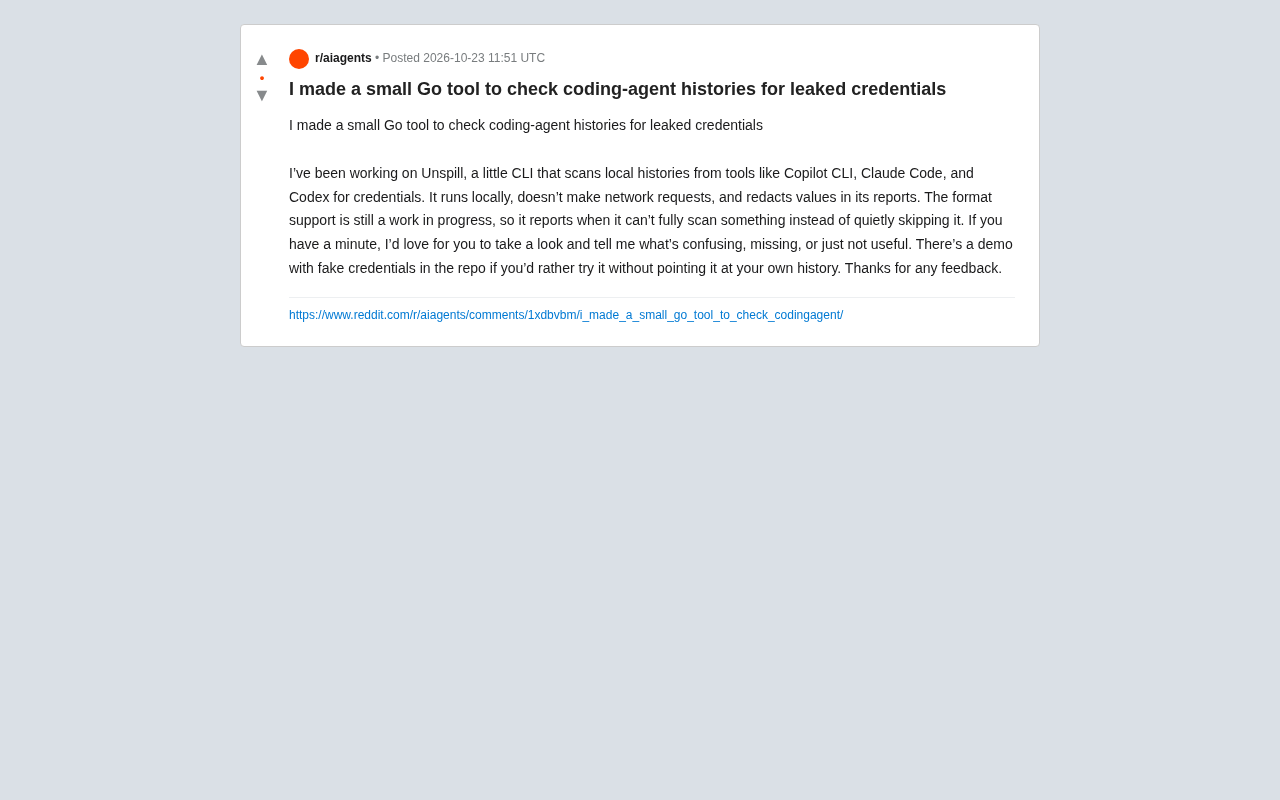
AI coding assistants are becoming everyday companions for developers, but few realize that tools like Copilot CLI, Claude Code, and Codex leave complete conversation histories and operation logs on the local machine. When you paste API keys, database passwords, or tokens into a conversation, that sensitive information may already be written to disk in plaintext. One developer built a Go CLI tool called Unspill specifically to scan these local history records for leaked credentials.
What Is Unspill: A Local-First Credential Scanner
Unspill's core design principle is "runs locally, zero network requests." It directly reads the history files stored locally by tools like Copilot CLI, Claude Code, and Codex, uses pattern matching to identify potential credential leaks, and automatically redacts sensitive values in its reports. In the Reddit post, the author emphasizes that the tool does not silently skip formats it cannot parse, but explicitly reports an "incomplete scan" status—a design choice worth commending, because the most dangerous failure mode for a security tool is silent under-reporting.
From a functional standpoint, Unspill addresses a real blind spot. Developers habitually use AI assistants for all kinds of tasks, including debugging configurations, writing deployment scripts, and asking about database connection issues—scenarios where the probability of pasting real credentials is far higher than one might imagine. And these history records are typically stored as JSON or plain text in the user directory, neither encrypted nor covered by conventional secret-scanning tools like gitleaks or trufflehog.
Why AI Coding Assistant Histories Need Separate Scanning
Traditional secret-scanning tools are primarily aimed at Git repositories, using regex matching and entropy analysis to find credentials in commits. But the local histories of AI coding assistants are an entirely different scenario:
Inconsistent formats. Each tool stores its history differently—Claude Code's session records, Copilot CLI's interaction logs, Codex's local cache—with substantial structural differences. Unspill needs to adapt to each format individually, which is why the author candidly notes that "format support is still in progress."
High contextual noise. Conversation records are intermingled with code snippets, error messages, and natural-language explanations, and credentials may appear in various transformed shapes—wrapped in quotes, embedded in JSON strings, or as part of a curl command. Simple regular expressions easily produce large numbers of false positives.
Not under version control. These files exist only locally, never appear in code review or CI pipelines, and are completely out of reach of team security scanning. A test-environment key leaked in a developer's local conversation could go unnoticed for months.
How gitleaks and trufflehog work: These two tools are the de facto standard for Git repository secret scanning. gitleaks matches known credential patterns (such as the fixed prefixes of AWS Access Keys and GitHub Tokens) through a configurable rule set of regular expressions, and also supports heuristic detection of high-entropy strings; trufflehog is known for its "verifier" mechanism, which can make read-only API calls against candidate credentials it finds to confirm whether they are still valid, greatly reducing false positives. Both rely on Git commit history as their input source—they scan "content that has already entered version control." This also explains their blind spot: AI assistants' local session files are never committed and are not within CI's checkout scope, so these tools naturally never see them. Unspill's approach is closer to the former—pure local pattern matching with no network verification, which is also the precondition for its ability to promise "zero network requests."
Trade-offs and Transparency in the Tool's Design
Unspill makes a clear choice in its reporting strategy: redacted display. Scan results do not echo the full credential values found, but present them in masked form, reducing the risk that the report itself becomes a secondary leak source. This is practical for scenarios where scan results need to be shared with a team or submitted in an issue.
Another notable detail is the author's honest attitude toward "incomplete scans." Many tools silently skip unsupported formats, leaving users to assume that "no problems found" equals "no problems." Unspill explicitly tells users which content was not fully checked—a transparency that is crucial in security tools, because it hands uncertainty back to the user instead of making optimistic assumptions on their behalf.
In the post, the author provides a demo repository containing fake credentials so users can try the tool without exposing their real history. This open "try before you use" attitude also reflects that the project is still in its early stages, with the author actively soliciting feedback and asking users "what's confusing, what's missing, what's useless."
The significance of redaction in security reports: The output of a security scanning tool can itself become a leak channel. If a report fully echoes the keys it found, then once that report is pasted into an issue, a chat group, or a ticketing system, it amounts to spreading the credentials once again. There are two common approaches: one is to show only a few leading and trailing characters (e.g., sk-…a1b2), and the other is to show only a hash or a location reference (file path + line number + matching rule name). The former makes it easy for a human to quickly judge whether it's a false positive, while the latter is more conservative. Note that partial masking may still leak metadata such as length and prefix, so in highly sensitive environments, purely locational reports should be preferred. Unspill's choice of masked display is a compromise between usability and security.
Limitations and Use Cases
Unspill is still a personal project with limited format coverage. If you use multiple AI coding tools day to day, you may need to check whether your target formats are covered. In addition, pattern-matching scans inherently carry the risk of both false negatives and false positives; it is better suited as a "quick self-check" line of defense rather than a replacement for a complete secret-management solution.
From a broader perspective, the emergence of such tools reminds us that the data-retention problem brought by AI assistants is extending from "conversation privacy" to "credential security." As developers' workflows increasingly depend on these tools, managing and cleaning up local history records should become part of security practice. Unspill's value lies not only in what it can find, but in putting the problem on the table—your AI assistant remembers everything you've said, including the things that should never have been remembered.
For developers who want to give it a try, it's advisable to first use the demo repository to validate the tool's behavior, then run a scan against real history, and confirm each "unable to scan" entry in the report one by one to avoid a false sense of security.
Related articles

Stop Stuffing 20,000 Lines into CLAUDE.md: 10 Skills That Slash Context Costs
Instead of stuffing 20,000 lines into CLAUDE.md, use a progressively disclosed skill system. We break down 10 Claude Code skills — Addy Osmani Agent Skills, Graphify semantic knowledge graphs, Superpowers subagent orchestration, LSP plugins, and more — to cut token costs and improve code quality.

Apple iPhone Duo Foldable Unboxing: Is This $5,000 CAD New Species Worth It?
Apple's first foldable iPhone Duo unboxing: top-spec near $5,000 CAD, matte inner display as the biggest highlight, excellent crease control, passport-style wide-short ratio. Full review of screen, hinge, feel, and price.
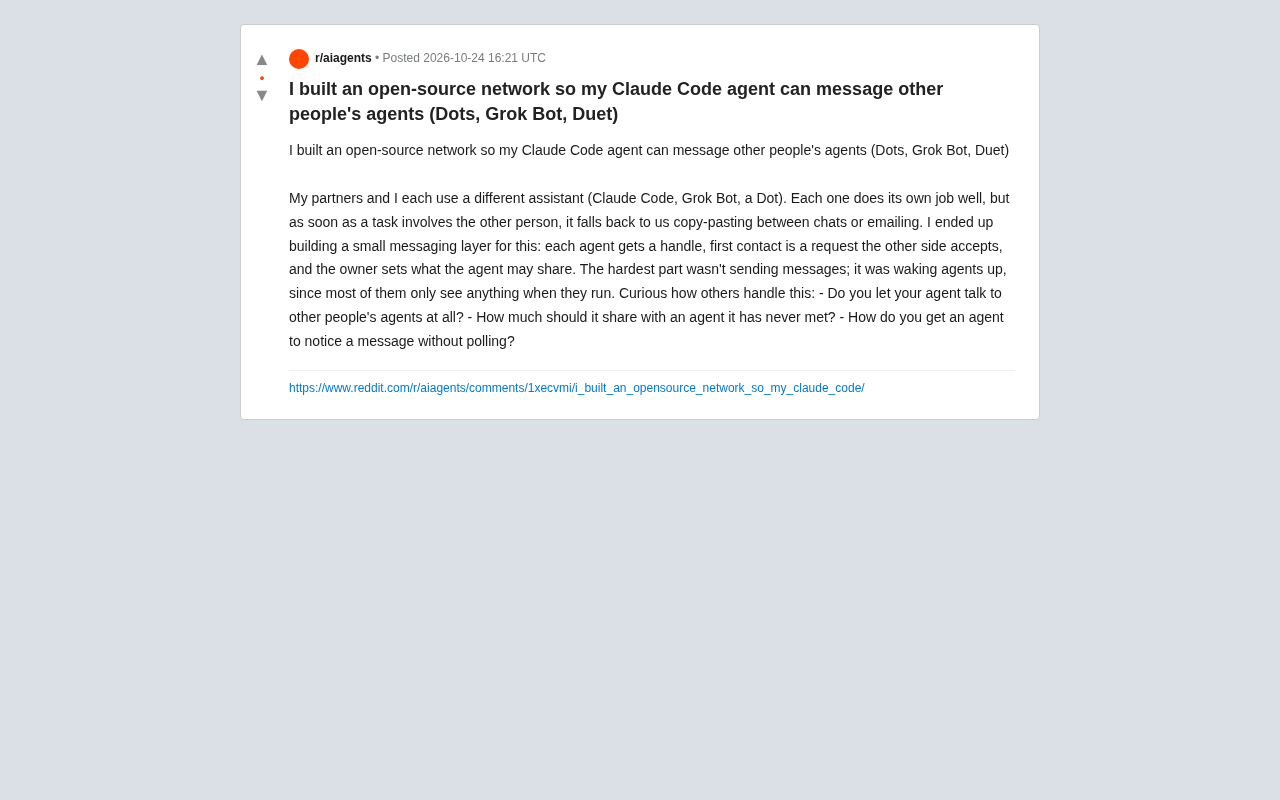
Open-Source Agent Messaging Network Lets Claude Code Talk Directly to Other AI Assistants
Developer builds an open-source messaging layer letting Claude Code, Grok Bot, and other AI agents communicate directly, using handles and handshakes for permission control—but waking dormant agents is the biggest technical challenge.