Goodbye Portainer: Dockhand Emerges as a Fresh Choice for Self-Hosted Docker Management

A Reddit user migrates from Portainer to Dockhand, sparking discussion on homelab container management tool selection.
A Reddit user switched their home server's Docker container management from the established Portainer to the newer Dockhand, sharing a "felt right" experience that caught the self-hosted community's attention. The article covers why users seek Portainer alternatives — CE/BE feature splits, increasing UI complexity, and friction in everyday operations — then introduces Dockhand's three draws: a cleaner interface, smoother workflow, and fresh ecosystem energy. It also rationally notes the assessment comes from a single user, and that project maturity, feature coverage, and long-term maintenance should all be weighed before migrating.
From Portainer to Dockhand: Migrating Self-Hosted Management Tools
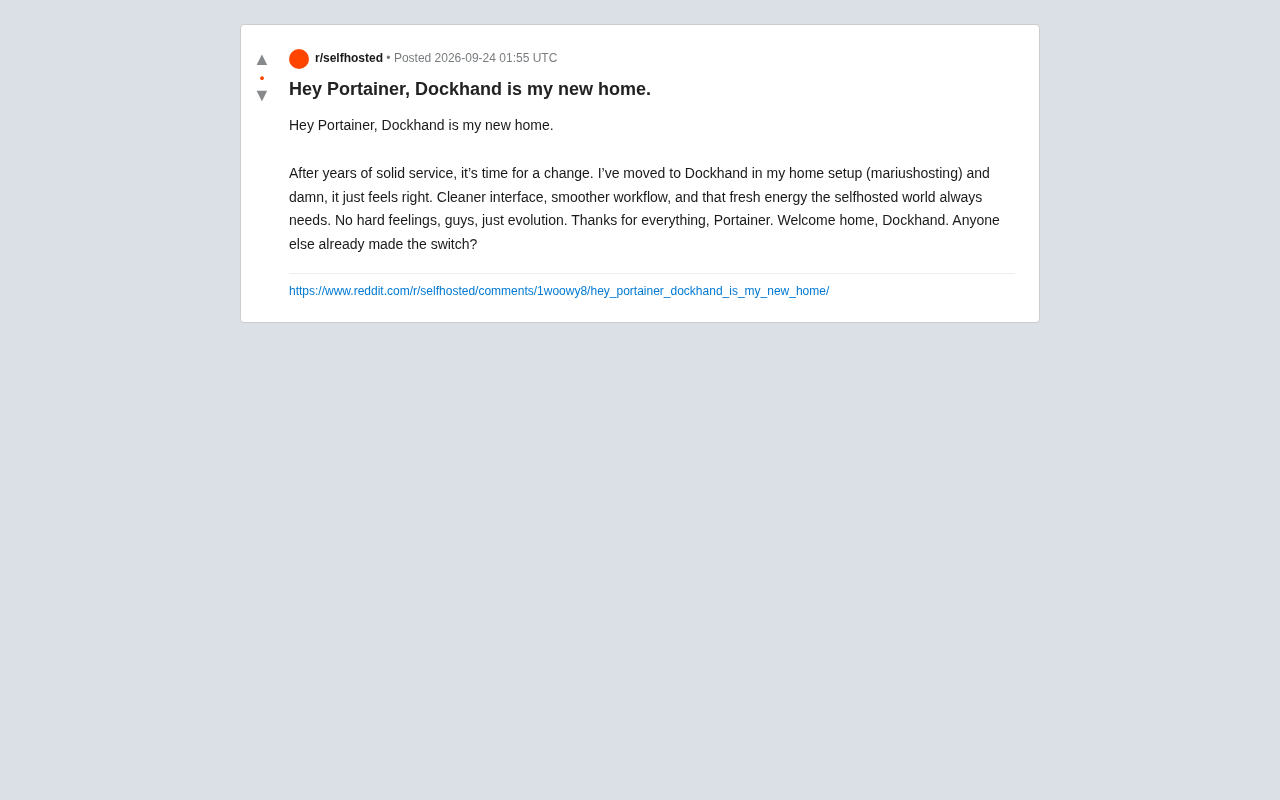
In the self-hosted community, Portainer has long been the default choice for Docker container management. Its intuitive web interface and relatively complete feature set have helped countless homelab enthusiasts escape the burden of pure command-line operations. Recently, however, a Reddit user shared their migration experience — switching the container management tool on their home server from Portainer to Dockhand — and said it simply "felt right."
The post sparked a broader discussion about container management tool selection. The original poster mentioned that after switching to Dockhand, the most immediate impression was a cleaner interface and smoother workflow, along with a sense of "fresh energy" that the self-hosted world has always needed. This wasn't a rejection of Portainer so much as a natural evolution within the tooling ecosystem.
Why Some Users Are Looking for Portainer Alternatives
Portainer is feature-mature, but the community has long harbored certain grievances: the Community Edition (CE) holds back some features, the Business Edition (BE) feature segmentation frustrates purely personal users, the interface has grown progressively more complex through multiple iterations, and the responsiveness and interaction logic of certain operations are widely considered candidates for streamlining.
For homelab users, the core requirements of a container management tool are actually quite simple: clearly see running containers, conveniently start, stop, and update them, view logs, and manage images and volumes. When a tool introduces "friction" in these high-frequency operations, alternatives gain room to breathe.
Dockhand entered some users' radar in exactly this context. The original poster's migration path referenced mariushosting-style home deployment scenarios — the kind of users who typically prioritize lightweight, direct, good-enough management experiences over enterprise-grade permission systems and orchestration complexity.
Portainer's BE vs. CE feature split is worth elaborating on. Portainer CE (Community Edition) is fully open source and free, but since version 2.0, certain features (such as role-based access control, multi-user management, and some enterprise integrations) have been moved to a Business Edition that requires a license. For enterprise users this is entirely reasonable, but for personal homelab managers, even the friction of registering for a free BE license adds an extra layer of annoyance — this "feature exists but requires registration to unlock" experience is one of the direct triggers behind some users seeking alternatives. Stack orchestration refers to Portainer's support for Docker Compose format, allowing users to deploy and manage multi-container application stacks directly through the web interface. It's one of the most relied-upon features for homelab users and should be the first thing to verify when evaluating a new tool.
What Makes Dockhand Appealing
Based on the original post, Dockhand won users over on three main points:
A cleaner interface. Compared to Portainer's increasingly feature-rich layout, Dockhand's visual presentation is considered more streamlined, reducing cognitive load during everyday operations. For home users managing anywhere from a dozen to a few dozen containers, simplicity often matters more than comprehensive features.
A smoother workflow. A smooth workflow means a shorter path from checking status to executing an action. This is the difference most perceptible to long-term users — not whether a particular feature exists, but whether the overall rhythm of use flows naturally.
The energy of a new project. The self-hosted community always needs new projects to maintain ecosystem diversity. Once Portainer became the de facto standard, a well-intentioned newcomer would naturally attract users who like to try new things and are mildly dissatisfied with the status quo.
It's worth noting that the above assessment comes from a single Reddit user's subjective experience and does not yet represent broad community consensus. Readers should evaluate based on their own needs and hands-on testing.
Practical Considerations Before Migrating
Switching tools is never zero-cost. Before migrating from Portainer to Dockhand, several practical factors deserve careful consideration.
First is project maturity. Portainer has years of accumulated documentation, community Q&A, and stability validation — nearly any problem you encounter already has an answer out there. Newer tools still need time to build this foundation, and edge-case issues may require you to troubleshoot on your own.
Second is feature coverage. If you rely on specific Portainer capabilities (such as Stack orchestration, multi-environment management, or access control), you'll need to confirm whether the new tool offers equivalent alternatives. This has limited impact on purely personal users but is critical for those managing multiple hosts.
Finally, consider long-term maintenance. Choosing any self-hosted tool requires attention to its update frequency and the level of commitment from its maintainers. A visually appealing project that stops being maintained is ultimately a liability.
For users managing services with Docker Compose, data persistence is another migration concern. Portainer stores its own configuration data — including Stack definitions, environment variables, and endpoint configs — in its own data volumes, and none of this migrates automatically to a new tool. In practice, if your services are defined using standard
docker-compose.ymlfiles, switching management tools has virtually no impact on service operation — the container management tool is just an "operation interface," while the underlying containers and volume data exist entirely independently. What actually needs to be reconfigured is re-importing or re-associating your existing Compose files and runtime environments in the new tool. This is why keeping all service configurations version-controlled as files — rather than relying on manual creation through a tool's UI — is the fundamental way to minimize the cost of any future tool migration.
Closing Thoughts: Tools Should Serve Your Needs
The value of this migration story isn't in declaring one tool the winner — it's in reminding homelab enthusiasts that management tools should serve actual needs, not hold you hostage to habit. Portainer remains a solid and reliable choice; Dockhand represents a new direction for those who prioritize a clean, simple experience.
As the original post put it, this feels more like "evolution" than "betrayal." For the self-hosted community, healthy competition between tools ultimately benefits every user. If you're feeling a touch of dissatisfaction with your current container management setup, it's worth trying a new option in a test environment — just remember to back up first and migrate thoughtfully.
Related articles

DeepCell: One-Click AI Generation of Documents, Spreadsheets, and Slides
DeepCell tops Product Hunt with one-click generation of documents, spreadsheets, and slides, using the .deepcell format for linked updates, designed for System 2 tasks like modeling and sales reviews.

Doneas: 15-Minute Daily Accountability Calls That Keep Indie Developers From Procrastinating
Doneas is a daily accountability tool for indie developers: plan tasks on Monday, join a 15-minute call with five builders each day, and log deliveries on a public progress page. This article analyzes its core mechanics, effectiveness, and potential issues around retention and matching.

Fastlane 2.0: Fully Automated AI Ad Campaigns, From Creative to Optimization
Fastlane 2.0 is an AI ad automation tool: enter your website and it learns your brand, generates video and image ads, and runs and optimizes them on Meta, TikTok, Instagram, and YouTube.