Google Gboard Conveyor Belt Edition: A Wildly Creative Keyboard Experiment

Google Gboard's conveyor belt keyboard experiment reimagines text input as a one-dimensional scrolling selection.
Google's Gboard team, known for wildly creative concept keyboards, has released a "conveyor belt" input method that arranges characters on a moving belt for users to tap as they scroll by — completely subverting the two-dimensional QWERTY interaction model. This continues the team's tradition of projects like the ruler keyboard and knob keyboard, all of which compress input from two dimensions to one. The value lies not in efficiency, but in showcasing sensors and mechanical design in an engaging way while offering conceptual touchpoints for accessible interaction design.
When a Keyboard Becomes a Conveyor Belt
Google's Gboard team has long been known for its wildly imaginative concept keyboards, and the latest to surface on Hacker News — the "Gboard Conveyor Belt Version" — continues that tradition. While the link didn't generate much traction in the community (just 3 upvotes and 1 comment), the experimental spirit behind it is still worth a closer look for anyone who follows tech and human-computer interaction.
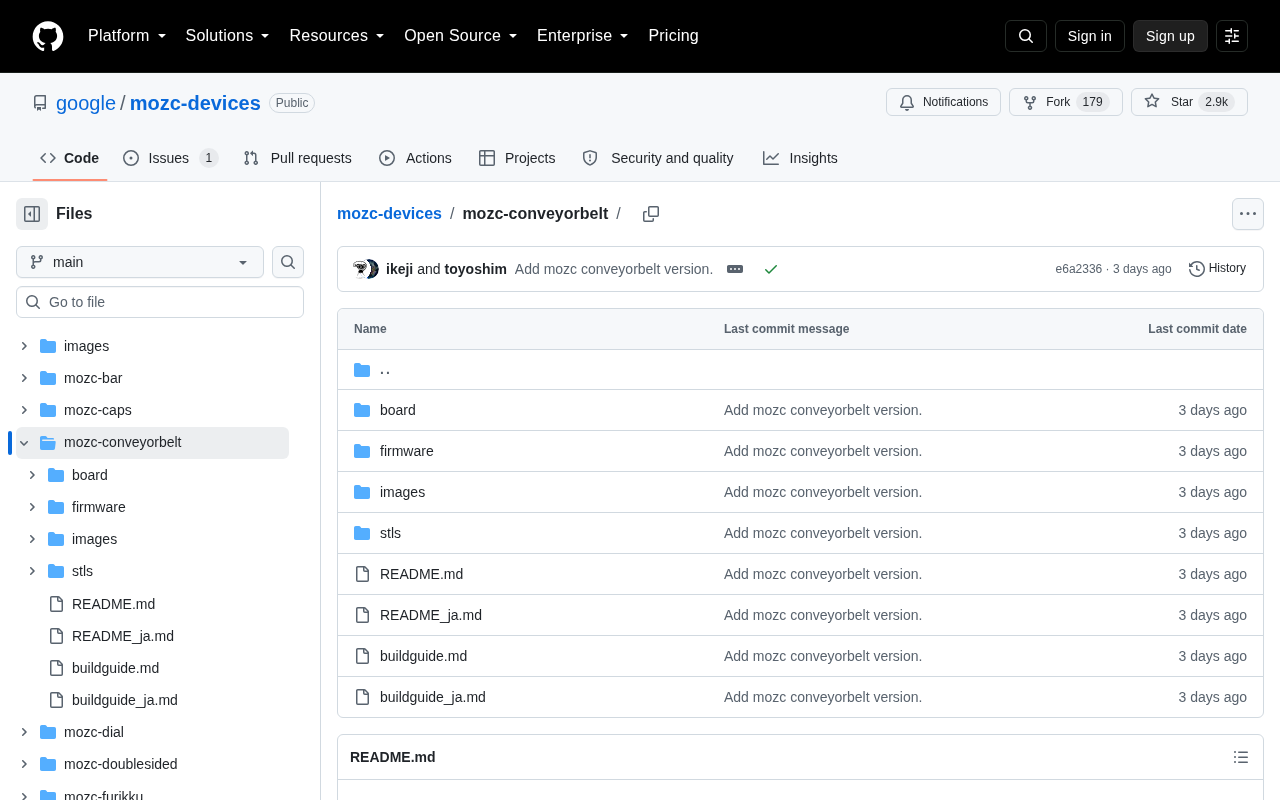
As the name suggests, this is a keyboard concept that arranges characters on a continuously moving conveyor belt. Instead of tapping letters on a traditional two-dimensional keyboard layout, users wait for the character they want to scroll into a designated position, then tap to select it. This design fundamentally upends the interaction logic of the QWERTY layout.
Gboard's Tradition of Quirky Keyboards
Anyone familiar with Google's Japan team will know that experimental Gboard projects have become an almost annual tradition. From a ruler-shaped keyboard stretching over a meter long, to a physically rotating knob-based keyboard, to input methods using Morse code or fingernail-mounted sensors — Google has consistently used these projects to push the boundaries of human-computer interaction.
The conveyor belt version follows the same playbook. Its value isn't in practicality — waiting for characters to "float" into view is obviously an inefficient way to type — but rather in using a fun, inventive format to make us reconsider input behaviors we take for granted. Projects like these typically release open-source hardware schematics and software code so that developers can replicate and remix them.
Google's experimental Gboard projects are primarily led by the Google Japan team, which has been releasing concept input devices on a regular basis since around 2018, often timed to April Fools' Day or other holidays. These projects share a common trait: they provide complete open-source packages, including 3D printing files, circuit diagrams, and software code, so that hands-on enthusiasts can build their own. The "ruler keyboard" arranged all letters linearly on a long, thin physical ruler, requiring users to slide along it to find characters; the "knob keyboard" used a rotatable dial to cycle through letters one at a time. Both designs share the same underlying philosophy as the conveyor belt version — compressing the two-dimensional QWERTY plane into a one-dimensional sequence, forcing users to trade time for space when typing. This series has built a solid following in engineering and creative hardware communities, with each release sparking a brief wave of discussion on Reddit and Hacker News.
Why These Projects Are Worth Paying Attention To
What might look like a pointless concept keyboard actually serves several meaningful purposes. These projects are excellent vehicles for technical demonstration, presenting sensor technology, mechanical design, and input algorithms in a visually compelling way.
They also serve as an indirect exploration of accessible interaction design. When engineers ask themselves "what if you could only type in one dimension?", they may stumble upon interaction patterns that could genuinely help users with certain physical limitations. The conveyor belt's "wait-and-select" single-point operation logic is, in theory, relevant for users with limited motor freedom.
Beyond that, these projects are simply great science communication — they use humor and creativity to lower the barrier for everyday people to understand input technology.
Simplifying a two-dimensional keyboard into a one-dimensional "scan-and-select" interface has well-established precedent in the field of assistive technology. This type of interaction is known as "Switch Scanning" — a core principle in accessible input design for users with motor disabilities. Users operate a single switch (such as a button, eye tracker, or breath sensor) and wait for a cursor to automatically cycle through available options, triggering a selection when the desired item appears. The conveyor belt keyboard's "wait-and-select" logic is highly similar, with the key difference being that the scanning is driven by a physical mechanical structure rather than a software cursor. This doesn't mean the conveyor belt keyboard is directly applicable to assistive technology contexts, but it does offer an intuitive, tangible visualization of this interaction paradigm — potentially a low-barrier introduction to the concept for engineers unfamiliar with assistive tech.
Takeaway
Given the limited information available from the original source, specific implementation details, open-source status, and live demo footage of the conveyor belt keyboard have yet to be publicly documented. But based on the Gboard team's established track record, this is almost certainly another open-source side project that balances entertainment with genuine technical showcase value. For readers interested in human-computer interaction and creative hardware, projects like this remain a fascinating window into the industry's sense of play — and its capacity for innovation.
Related articles

Chain of Thought Isn't Just for AI: How Humans Can Use CoT to Improve Thinking Quality
Chain of Thought isn't just a prompt trick for large models. Starting from a Hacker News discussion, this article analyzes why CoT works for human thinking too, breaks down actionable ways to transfer it, and highlights the key differences between human CoT and machine CoT.
Cloudflare Teams Up with OpenAI: Closi…
Cloudflare Teams Up with OpenAI: Closing the Loop from Vulnerability Discovery to Defense with AI
Cloudflare uses OpenAI Daybreak to investigate security vulnerabilities and generate reviewable remediation plans, while developers use Codex to boost coding efficiency and quality.

Orca Multi-Agent Orchestration in Practice: A Guide to Parallel Collaboration with Claude and Codex
Orca is Stable AI's free open-source agent workbench supporting 34 agents like Claude Code and Codex in parallel. Learn its Git worktree isolation, multi-model orchestration, and mobile management.