Google Gemini Arrives on Windows Desktop: The AI Assistant Battle Heats Up
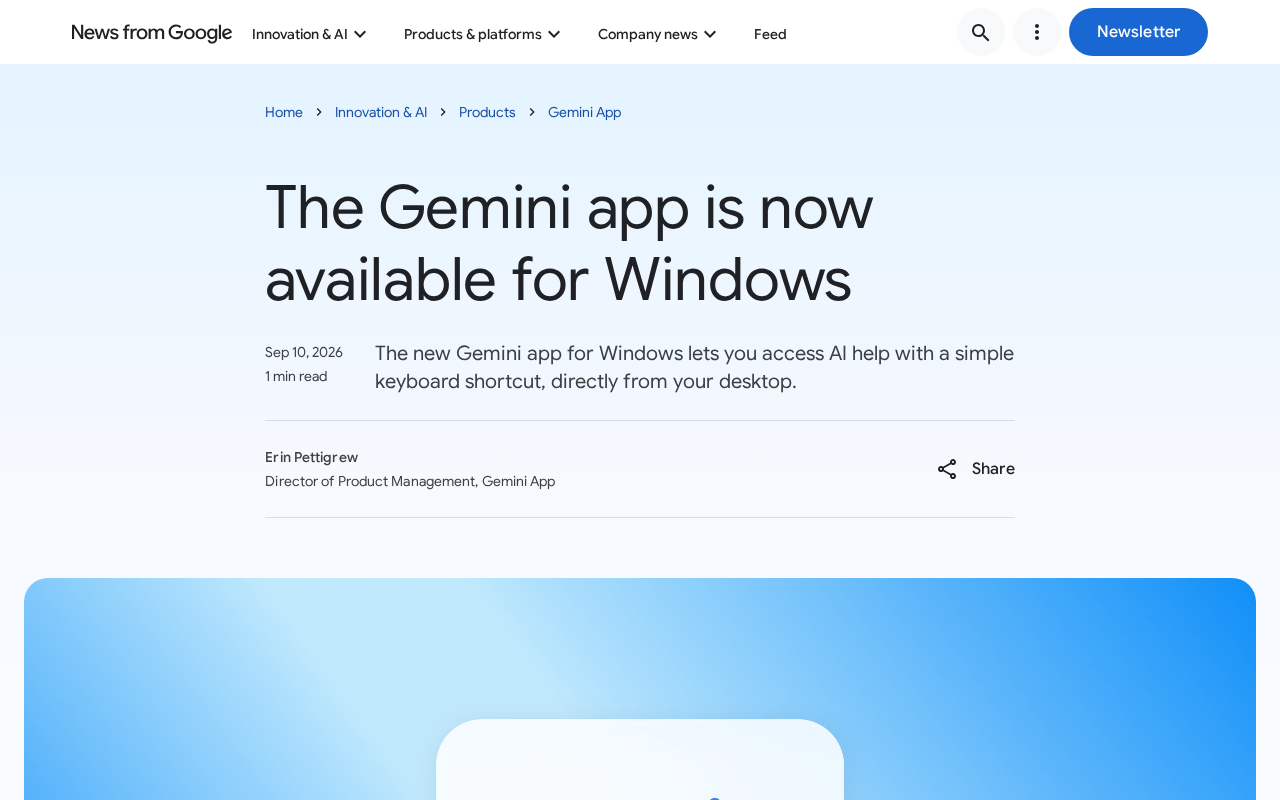
Google Gemini launches a Windows desktop app to directly compete with Microsoft Copilot for AI assistant dominance.
Google has officially released a Gemini desktop app for Windows, extending its AI assistant from the web and mobile to the operating system level. The core strategic intent is to compete for users' "default AI assistant" status on Microsoft's home turf, where Copilot is already deeply integrated into Windows 11. With global hotkey activation and background persistence, the desktop app significantly lowers friction and could embed AI into everyday workflows. The tech community's central question is whether the app is natively built or an Electron wrapper, and whether it supports local file access and cross-app integration. Across the industry, ChatGPT, Claude, and Copilot have all staked claims on the desktop — the AI assistant battleground is rapidly shifting to the OS level.
Google AI Assistant Makes Its Official Desktop Debut
Google recently announced that its AI assistant Gemini is now available as a Windows desktop application, marking a significant step deeper into the operating system layer for the tech giant's AI personal assistant ambitions. Previously, Gemini primarily reached users through its web interface and mobile apps (iOS/Android). The move to Windows desktop signals that Google wants to transform its AI assistant into a core tool that's always within reach during users' daily workflows.
For users who rely heavily on Windows for work, this shift is significant. Invoking an AI assistant used to mean opening a browser and switching tabs — but a native desktop app can be summoned instantly via keyboard shortcut, dramatically lowering the friction of use. This is precisely why major AI players have been racing to establish a desktop presence: make AI omnipresent and always on call.

The Strategic Significance of Gemini on Desktop
A Direct Confrontation with Microsoft Copilot
The launch of Gemini's desktop app is, at its core, Google's direct challenge to Microsoft in the battle for AI entry points. Microsoft has already deeply integrated Copilot into Windows 11, going so far as to add a dedicated Copilot key to keyboards. In response, Google is planting its flag on the Windows platform via a third-party app, attempting to carve out a share of the market on Microsoft's home turf.
This "operating in enemy territory" strategy is worth watching closely. Google has no control over the underlying Windows operating system, yet it must compete for users on the world's largest desktop platform — making a native desktop app its most practical avenue of entry. By offering a smoother, more system-integrated experience than the web version, Gemini has a real shot at establishing itself as users' go-to AI assistant.
The Efficiency Gains of Hotkey Activation
The most immediate value of a desktop app lies in interaction efficiency. Compared to manually navigating to Gemini in a browser, a standalone app typically supports global hotkey activation, background persistence, and fast response times. Whether users are drafting documents, writing code, or doing research, they can summon AI assistance at any moment without interrupting their current workflow.
This kind of low-friction experience is often the deciding factor in whether an AI tool gets woven into daily habits. The more accessible a tool is, the more frequently it gets used — and that builds genuine engagement and stickiness.
Technical Community Reactions and Key Questions
Initial feedback from the Hacker News community was notable but relatively muted. This partly reflects the tech community's stance toward "yet another AI desktop app" — the feature itself is no longer novel; what users care about is meaningful differentiation in the actual experience.
For developers and tech enthusiasts, the questions that really matter include:
- Is the Gemini desktop app built natively, or is it a web wrapper using Electron or similar technology?
- How does it impact system resource usage?
- Does it support direct reading and analysis of local files?
- Can it integrate and interact with other desktop applications?
These details will determine whether the Gemini desktop app is merely a "dressed-up webpage" or a genuinely capable productivity tool with real desktop-class functionality.
The Desktop AI Trend and Competitive Landscape
Major Players Are All Betting on Desktop
Gemini's arrival on Windows is not an isolated event — it's a reflection of an industry-wide shift. From OpenAI launching a ChatGPT desktop app, to Anthropic building a desktop client for Claude, to Microsoft's system-level Copilot integration, virtually every major AI player is pushing toward the desktop. The shared conviction driving this is clear: the desktop remains the primary battlefield for professional users and knowledge workers.
Google brings unique advantages to this race. With the massive user base of Google Workspace (Docs, Gmail, Drive, and more), Gemini has the potential to create a formidable ecosystem moat if it can deliver seamless integration with these productivity tools. The desktop app is a key vehicle for making that ecosystem integration a reality.
What Gemini Desktop Actually Means for Everyday Users
For everyday users, having another AI assistant option means more opportunity to compare capabilities. Gemini has notable strengths in multimodal understanding, extremely long context handling, and real-time integration with Google Search. Bringing these capabilities to the desktop makes them far easier to invoke in the course of a normal day.
That said, whether an AI assistant ultimately retains users still comes down to answer quality, response speed, and the ability to actually solve problems — not simply how many platforms it's available on. A desktop app provides a more convenient entry point, but whether it genuinely boosts productivity is something only real-world use will reveal.
Conclusion
Gemini's arrival on Windows desktop represents an important step in Google's AI strategy reaching deeper into the operating system layer — and another clear signal that AI assistants are going all-in on desktop. With Microsoft Copilot holding the advantage of deep system integration, Google has chosen to compete head-on with a standalone app, demonstrating its resolve to win the AI entry point battle.
For users, this translates to more convenient AI access and more robust market competition. But this fight over the desktop AI entry point may only be getting started. The real winners will ultimately be determined by depth of experience and the strength of ecosystem integration.
Related articles

Vibe Coding Full-Stack in Practice: AI Programming from Beginner to Enterprise Deployment
From Cursor to Claude Code, this Bilibili AI programming course uses four progressive projects to cover full-stack development, open-source secondary development, and team collaboration. The article analyzes the shock to frontend roles, the efficiency shift from 50 people to 5, and the methodology required for enterprise-grade projects.

David Blaine's Global Quest for Real Magic: From South Africa to Japan and India
David Blaine travels to South Africa, Japan, and India in his Do Not Attempt special, documenting Spinning drivers, black mamba rescuers, iaijutsu masters, and ascetics—exploring the boundary between magic and real human极限 challenges.

Is a Touchscreen MacBook Coming? Vergecast Reveals Apple Executive's Response
Vergecast podcast reveals a conversation between a reporter and Apple executive John Ternus about a touchscreen MacBook and Apple Pencil support. Ternus says iPad is the best device for a stylus, while the reporter bets MacBook will eventually support Apple Pencil.