Googlebook Review: Why Android Is Both Its Greatest Strength and Its Biggest Weakness

The Android-powered Googlebook's first week is rocky—Android is both its making and its struggle.
The Googlebook's first-week experience reveals a sharp duality: every impressive moment comes from Android's native app ecosystem, with accounts, data, and habits migrating seamlessly to a bigger screen. But the frustration also stems from Android—designed for touch and mobile, it shows adaptation cracks on a keyboard-and-trackpad laptop. The author moves from stumbling to "slowly learning to like it," yet that pragmatic nod falls short of a full recommendation. Android gives breadth, not desktop depth—and the Googlebook's fate hinges on closing that gap.
After spending just one week with the new Android-powered Googlebook laptop, the experience can best be described as "stumbling forward." Every moment that makes it impressive can almost entirely be attributed to Android—and the moments that drive you crazy trace back to Android just the same. This sense of contradiction runs through the entire experience and forms the core product proposition of this device.
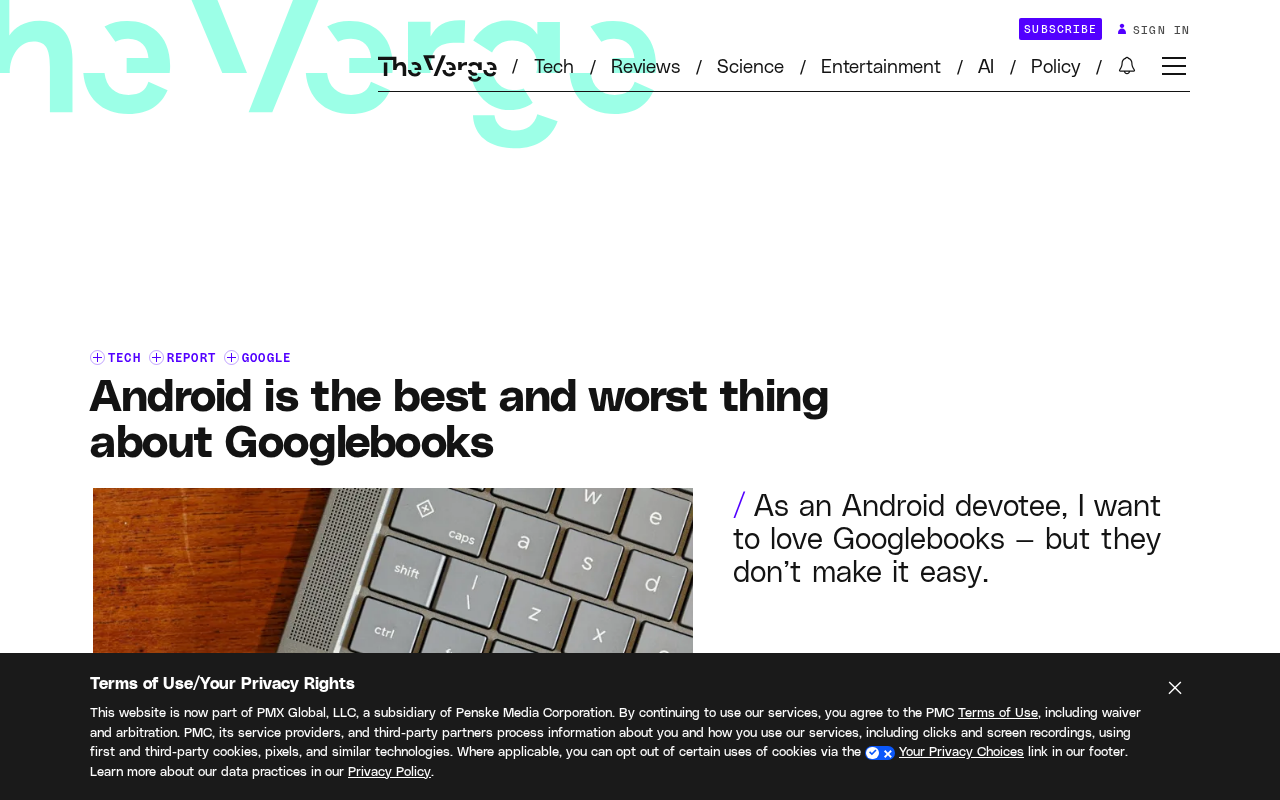
The Highlights Android Brings
The most pleasantly surprising aspect of the Googlebook is precisely the direct benefit of the Android ecosystem. The device can natively run a large number of practical apps without relying on web wrappers or third-party translation layers—an "out-of-the-box" experience that is not commonly found in laptop form factors.
For users accustomed to a mobile workflow, the addition of Android means app accounts, data, and usage habits can migrate to a larger screen almost seamlessly. Whether you want to quickly check your calendar, reply to a message, or launch a familiar tool, there is virtually no relearning curve. The original author explicitly notes that every moment of being "won over" by the device comes down to Android at work—whether it's the efficiency of native apps or the smoothness of glancing at information on the fly.
The essence of this advantage is that Android brings a mature mobile experience into a larger physical space. It's not about shrinking a desktop OS—it's about scaling up a mobile OS, and that approach itself has differentiated value.
The term "web wrapper" refers to the practice of packaging web content as a desktop application, such as Electron-based clients or pseudo-native apps that simply embed a browser engine. The upside of this approach is low cross-platform cost; the downsides include large package sizes, high memory usage, limited access to system-level functions, and often awkward integration with local files, account systems, and notification mechanisms. The Googlebook's ability to run Android apps natively means it taps into a runtime environment that developers have already broadly adapted to, rather than forcing users to endure the feature limitations of web versions. This is also the key reason it can still deliver a familiar experience beyond productivity scenarios—users don't need to hunt for alternatives, and the apps themselves are closer to their full mobile counterparts in terms of feature completeness.
The Same Android, the Frustration It Brings
The problem lies precisely here. Android is a system designed for touchscreens and mobile scenarios. When it's placed into a laptop form factor with a keyboard, trackpad, and multi-window coexistence, the cracks in adaptation become exposed.
The original article uses "rocky" to describe the first week's experience and bluntly states that "love is still a long way off." This restrained dissatisfaction reflects that the device still has obvious shortcomings in interaction logic, app compatibility, or system stability. Mobile apps aren't necessarily optimized for large screens, and desktop essentials like window management, keyboard-and-mouse operation, and background multitasking are not first priorities in Android's DNA.
In other words, Android gives the Googlebook breadth of ecosystem, but doesn't inherently provide desktop-grade depth. What users get is familiar apps; what they pay for may be awkwardness and compromise in operation.
The fundamental difference in interaction models between Android and desktop systems is the core of understanding its laptop predicament. Android's interaction primitives are built around touch, gestures, and single-window full-screen apps. Multitasking has long relied on "recent tasks" switching rather than side-by-side windows. Keyboard and mouse support exists but is a capability layered on after the fact. By contrast, Windows, macOS, and even ChromeOS were designed from the ground up with multi-window, precise pointer input, and keyboard shortcut systems as first-class citizens. When Android is ported to a laptop form factor, the system doesn't have a mature window manager built in to coordinate multiple apps running simultaneously, nor are app developers required to adapt to large screens and keyboard operation. The result is a device that has laptop hardware but often reverts to "oversized phone" usage logic in software—which is exactly why the adaptation cracks are difficult to smooth over with short-term optimization.
The Real Mindset After One Week
You may not have noticed the subtle shift in the author's attitude: from initial stumbling to "slowly learning to like it." This is not an enthusiastic recommendation, nor a complete rejection, but a pragmatic acknowledgment formed through actual use.
The gap between "like" and "love" precisely captures the Googlebook's current positioning—it can satisfy specific needs for specific people, but it's still far from being a mature product that warrants an unreserved recommendation. This honest first-hand experience says more about the real situation of a new form factor than any spec sheet.
Implications for the Android Laptop Path
The Googlebook case raises a broader question: how far can you go by porting a successful mobile system to a desktop form factor?
Android's strength lies in its app ecosystem and the continuity of user habits, which is highly appealing in an era where cross-device collaboration is increasingly important. But laptop users' demands for efficiency, multitasking, and precise input are things a mobile system needs to systematically catch up on. The Googlebook's success or failure largely depends on whether Android can genuinely grow desktop capabilities while maintaining its mobile advantages.
For users, if your daily workflow relies heavily on Android apps and is primarily lightweight usage, this device may offer a fresh and practical experience. But if you're expecting a full desktop productivity tool, then the first week's "bumps" are likely not an adjustment-period issue but the boundary of the system's positioning itself.
The Googlebook proves one thing: Android is both its biggest selling point and its most pressing challenge to solve. This "best and worst rolled into one" quality may be the quintessential hallmark of a new form factor in its exploratory phase.
Cross-device collaboration has gradually become a keyword in platform competition in recent years. Apple's "Continuity," Microsoft's "Phone Link," and Google's own Fast Pair and Nearby Share are all attempting to make data and operation flows between phones and computers smoother. The unique value of an Android laptop is that it doesn't need to simulate this kind of collaboration at the system level—app accounts, notifications, clipboard, and file systems naturally share the same Android identity. In theory, a task half-completed on your phone can seamlessly continue on the Googlebook. But whether this advantage can be realized depends on whether the system is willing to restructure its permission model, background policies, and file access mechanisms for desktop scenarios—not just enlarge the phone interface.
One-line Summary
The Android-powered Googlebook's first-week experience is rocky—Android is both its making and its struggle.
Paragraph Summary
The Googlebook's first-week experience presents a striking duality: every impressive moment comes from the ecosystem benefits of native Android apps, with accounts, data, and usage habits migrating to a larger screen almost seamlessly. But the frustration also stems from Android—designed for touchscreens and mobile scenarios, it exposes adaptation cracks in a laptop form factor with keyboard, trackpad, and multi-window coexistence. The author gradually shifts from initial stumbling to "slowly learning to like it," but this pragmatic acknowledgment still falls short of an unreserved recommendation. The article argues that Android gives the device ecosystem breadth but doesn't inherently provide desktop-grade depth, and the Googlebook's success depends on whether Android can fill in desktop capabilities while maintaining its mobile advantages.
Related articles

How Big Can Stars Really Get? The Physical Limits of the Largest Stars
Red supergiants are the largest stars by volume, with radii up to 2,000 times the Sun, engulfing the inner solar system. But there is no precise upper limit on stellar size—models predict up to 15,000 solar radii. The most massive blue stars are far smaller than red supergiants—biggest and heaviest are two different things.

Apple HomeView Smart Display Full Feature Breakdown: Wall-Mount or Desktop, $299
Apple launches HomeView, a $299 smart display with wall-mount and desktop options, 12MP camera for facial recognition, smart home control, music playback, and recipe step-by-step cooking. Full breakdown of watch faces, apps, privacy, and cooking integration.

Where Did the Promised New Studio Go? Craft Computing Answers After Five Years
Craft Computing's host responds to viewer questions: the new studio promised five years ago was shelved as construction costs soared from $30,000 to $75,000, and was replaced by a 168-square-foot garage conversion.