Graph Engineering vs LangGraph Graph API: Key Differences in Agent Architecture Selection

Graph Engineering is a design paradigm; LangGraph is its concrete implementation — neither is tied to agent count.
This article addresses a developer's confusion about the relationship between Graph Engineering and LangGraph's Graph API, clarifying a common misconception: the two are not competing alternatives but exist in a paradigm-to-implementation relationship. Graph Engineering is a design philosophy for modeling complex workflows as directed graphs; LangGraph is its concrete engineering realization via callable APIs. The article also establishes that single-agent vs multi-agent is orthogonal to graph usage — LangGraph supports both. Developers are advised to focus on core needs like state management and control flow rather than being misled by terminology.
Starting with a Developer's Confusion
In a Reddit technical discussion, a developer raised a highly representative question: while watching an introductory video on Graph Engineering, the presenter Annie mentioned "you can think of it as a graph workflow containing a number of nodes." This led him to a natural association — how is this different from building an Agent using LangGraph's Graph API?
He further speculated: is Graph Engineering designed for multi-agent workflows, while LangGraph's Graph API is more suited for single-agent workflows?
This question seems simple on the surface, but it actually touches on a core misconception in AI Agent development today: equating the abstract concept of a "graph" with the implementation of a specific framework.

At the Conceptual Level: Graph Engineering Is a Paradigm, Not a Framework
First, we need to clarify a difference in abstraction levels. Graph Engineering is fundamentally a design paradigm or engineering philosophy, not a specific software library. Its core proposition is to model complex computational workflows as a directed graph, where:
- Nodes represent concrete computational units — an LLM call, a tool execution, a piece of business logic, or even another subgraph.
- Edges represent control flow and data flow between nodes — either unconditional transitions or condition-based routing driven by state.
- State is passed between nodes and progressively modified, forming the "memory" of the entire workflow.
This idea of abstracting workflows as graphs is nothing new. From traditional DAG (Directed Acyclic Graph) task scheduling, to orchestration tools like Airflow and Dagster, to today's AI Agent orchestration — they all reuse the same graph-theory abstraction at their core.
So when Annie says "think of it as a graph workflow," she's referring to this general mental model for modeling, not the functional boundaries of any specific product.
Why Agents Naturally Map to Graphs
Agent execution is rarely linear: it needs to decide which tool to call next based on LLM output, may require reflective loops, and may need to dynamically choose among multiple branches. This kind of conditional, looping, stateful control flow is difficult to express elegantly with a simple chain structure — graphs provide a natural abstraction for exactly this.
At the Implementation Level: What LangGraph's Graph API Does
LangGraph is a library released by the LangChain team specifically for building stateful, multi-step Agent applications. Its Graph API is a concrete engineering implementation of the Graph Engineering paradigm.
When building applications with LangGraph, developers typically go through the following steps:
- Define a State structure, usually a typed dictionary or a Pydantic model;
- Register node functions using
add_node, where each node receives state and returns state updates; - Define the transition logic between nodes using
add_edgeandadd_conditional_edges; - Compile into an executable graph, then run it via
invokeorstream.
As you can see, LangGraph translates the abstract concepts of graph engineering — nodes, edges, and state — into concrete, callable APIs. It is a carrier of the paradigm, not the paradigm itself.
Back to the Core Question: Single-Agent vs Multi-Agent
The developer's main concern was: is Graph Engineering for multi-agent workflows and LangGraph for single-agent workflows?
The answer is no — that distinction doesn't hold.
The key is understanding that "graph" as an abstraction and "number of agents" are two orthogonal dimensions.
A Single Graph Can Have Just One Agent
You can absolutely use LangGraph to build a single-agent ReAct loop: one node handles reasoning and tool selection, another executes the tool, and the two cycle through conditional edges until the task is complete. This is the most classic single-agent graph structure.
A Single Graph Can Also Orchestrate Multiple Agents
Equally, you can use LangGraph to model multiple agents as different nodes — for example, a "researcher" node, a "reviewer" node, and a "coordinator" node — and use graph edges to orchestrate their collaboration and handoffs. This is precisely the multi-agent orchestration capability that LangGraph officially promotes.
In other words, LangGraph supports both single-agent and multi-agent architectures. Graph Engineering as a paradigm does too. The difference between them is not about the number of agents — it's about the level of abstraction: one is a philosophy, the other is a tool.
How to Properly Understand This Kind of Terminology Confusion
The AI Agent space is currently exploding with terminology, and every framework is coining new terms, which easily creates cognitive overload. When facing similar confusion, try approaching it from these three angles:
First, Distinguish "Paradigm" from "Implementation"
When you encounter a new term, ask first: is this a design philosophy (e.g., Graph Engineering, event-driven, state machine), or a specific product (e.g., LangGraph, AutoGen, CrewAI)? A paradigm can be carried by multiple implementations, and an implementation can blend multiple paradigms.
Then Look at What Problem It Solves
Regardless of what it's called, Agent orchestration frameworks address a core set of problems: state management, control flow, tool invocation, multi-step collaboration, observability, and fault tolerance. Focusing on these essential requirements lets you see through the marketing jargon to the substance.
Don't Fall for the "Single vs Multi" Binary
Single-agent and multi-agent represent a continuous spectrum of application complexity, not a capability boundary of any framework. The same framework often covers the entire spectrum. When choosing a framework, you should focus more on API usability, state management mechanisms, community ecosystem, and production readiness.
Conclusion
Returning to the original question: Graph Engineering and LangGraph's Graph API are not competing alternatives — they have a "paradigm" and "implementation" relationship. Graph Engineering tells you to "think about workflows as graphs," while LangGraph provides the concrete tools to put that thinking into practice. Whether you're building single-agent or multi-agent systems is simply a matter of applying the same graph abstraction to problems of different scales.
For developers, rather than getting caught up in terminology differences, it's far more valuable to actually build the simplest possible graph with LangGraph and experience firsthand how nodes, edges, and state work together — the understanding gained through practice runs far deeper than any terminological analysis.
Related articles
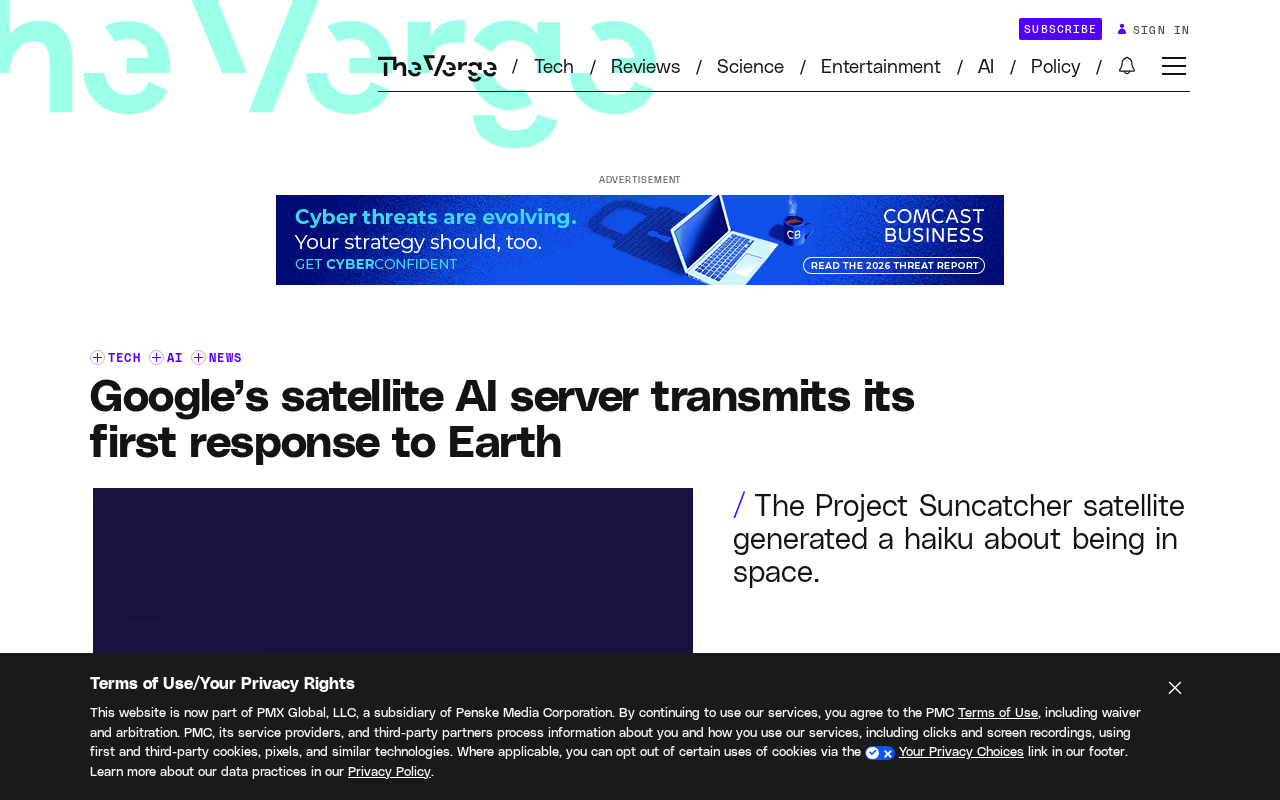
Google's Satellite AI Server Reaches Orbit: Gemma Model Generates First Reply in Space
Google's TPU-equipped satellite powers up in orbit, with the onboard Gemma 4 model generating the first reply from space. This article analyzes the technical path, real-world constraints, and implications for edge computing and satellite remote sensing.
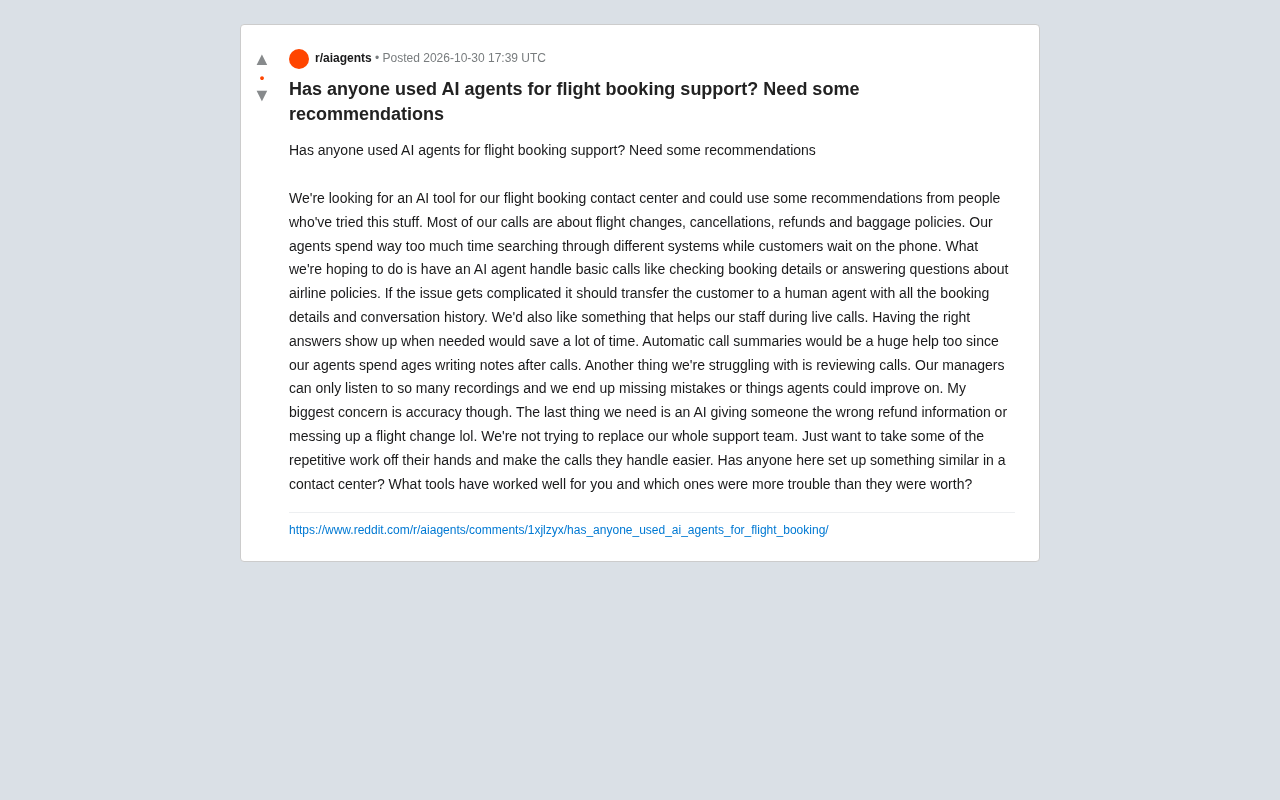
AI Agents for Flight Booking Customer Support: Real Needs and Implementation Challenges
Starting from a real Reddit question, this article breaks down four needs for introducing AI Agents into flight booking call centers: basic Q&A, agent assist, call summarization, and quality inspection, and analyzes accuracy concerns and handoff boundary design.
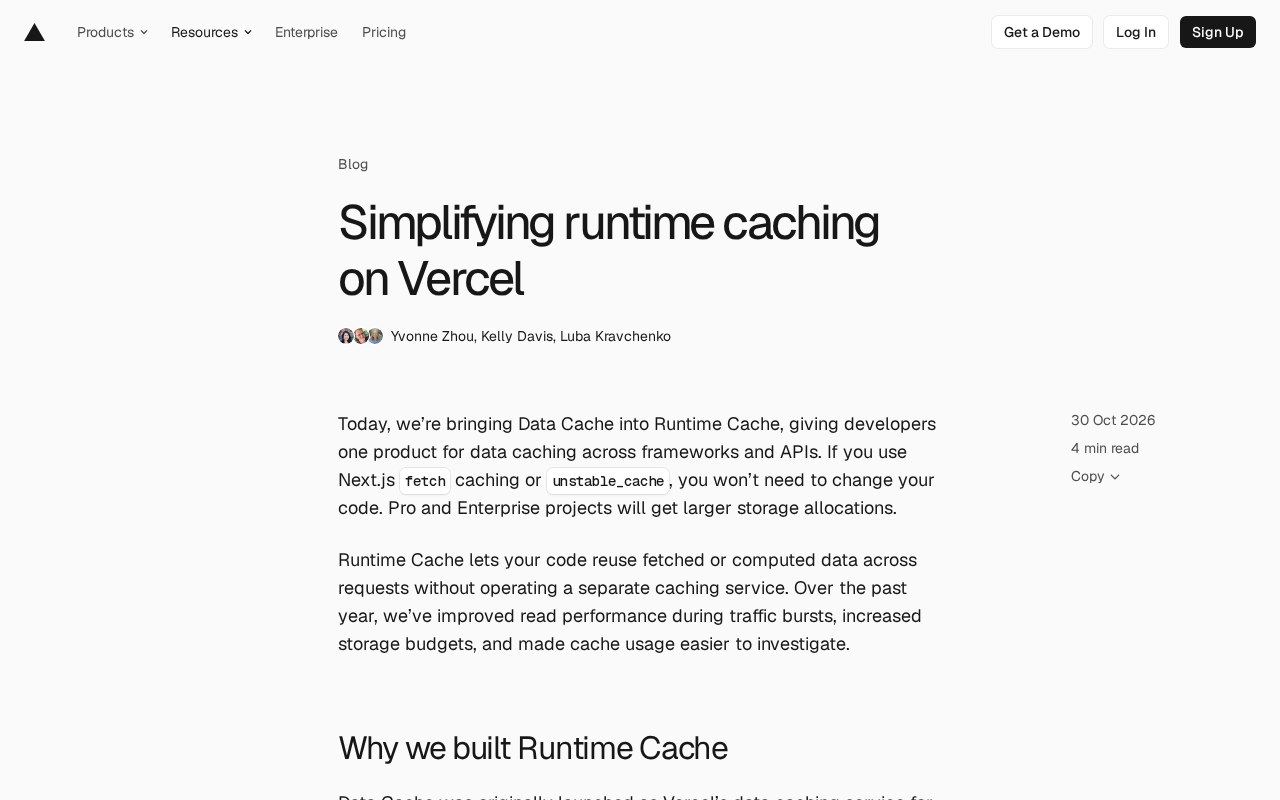
Vercel Unifies Runtime Cache: Data Cache Merges into Runtime Cache
Vercel merges Data Cache into Runtime Cache, unifying storage quotas and billing for Next.js fetch cache, unstable_cache, getCache, and use cache: remote. Pro and Enterprise projects get more storage, and cache reads/writes are now billed at Runtime Cache pricing.