Hands-On with Open-Source Desktop Client CC-HAHA: Let AI Automatically Control Your Computer
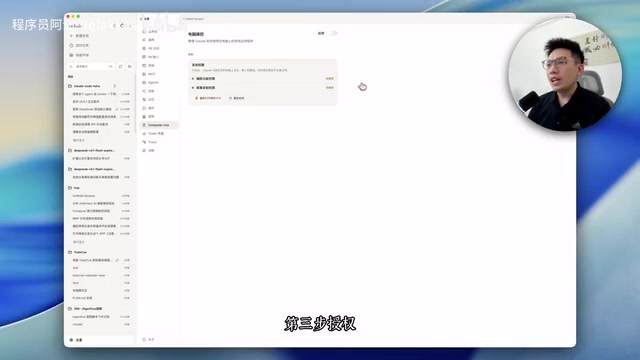
Open-source CC-HAHA adds computer use in 3 steps, letting AI control your GUI like a human.
CC-HAHA is a free, open-source desktop client that recently added computer use capabilities, allowing AI to click and operate graphical interfaces via a virtual mouse — no CLI or API required. Setup takes just three steps: install the app, add a model API Key, and grant system permissions (Mac requires accessibility and screen recording access; Windows skips this). AI operates in the background without occupying your real mouse or keyboard. Model performance varies significantly — top closed-source models like GPT-4o outperform DeepSeek Flash in visual localization, reflecting a broader gap in computer use ability between leading overseas and domestic models.
The open-source desktop client CC-HAHA recently added computer use capabilities, freeing AI from the constraints of CLI and API calls so it can interact with graphical interfaces just like a human — clicking the screen with a virtual mouse, opening browsers, and completing a series of GUI operations. According to a demonstration by Bilibili creator Ajiang, with just one model configured, AI can automatically build a "seaside town" inside a browser. This article walks through the full setup process and examines the current value and limitations of computer use technology.
What Is Computer Use, and Why Does It Matter
Computer use refers to the ability for AI to directly operate a computer's graphical interface — not through the command line, and not by relying on software APIs, but by "looking at the screen and clicking the mouse." This fills a major gap in traditional AI Agents: in the real world, countless applications have neither an open CLI nor a skills/API layer. The only way for AI to operate them is to recognize the interface and simulate a human hand clicking.
Two major overseas AI labs have invested heavily in this direction. According to reports cited in the video, OpenAI purchased tens of thousands of Mac minis and Mac Studios specifically for reinforcement learning, letting AI practice operating computers on real hardware; Anthropic similarly rented large numbers of Macs through AWS. A notable detail: they chose real machines over virtual machines — because behaviors trained in virtual environments tend to "break down" when transferred to real hardware. This reveals that training computer use capabilities is far more dependent on real physical environments than one might expect.
From a technical standpoint, computer use relies on multimodal vision models to parse screenshots in real time, converting pixel content into semantic understanding (identifying buttons, input fields, and menu positions), then executing actions via the operating system's accessibility interfaces (such as macOS's Accessibility API) or low-level mouse and keyboard simulation libraries. The entire process is essentially a "perceive–plan–execute" loop: screenshot → identify UI elements → determine action target → move cursor and click → take another screenshot to verify the result. The key difference from traditional RPA (Robotic Process Automation) tools is that RPA depends on pre-recorded coordinate scripts that can break on a machine with a different resolution, whereas vision-language model-based computer use can theoretically understand interface semantics and generalize more robustly. This is precisely why the visual localization accuracy demands are so high — a coordinate offset of just a few pixels can click the wrong element and cause the entire task chain to fail.
Three Steps to Configure CC-HAHA
The entire project is fully open-source and free, available for both Mac and Windows, with no Claude account required — just configure a model and you're good to go.
Step 1: Download and install. Go to CC-HAHA's GitHub page, find the releases section on the right side, and scroll down to find the installer for your operating system.
Step 2: Configure your API Key. Open the app, go to Settings in the bottom-left corner, and find the "Providers" option. You can either export an existing configuration from cc-switch or click "Add Provider" directly. The demo uses a DeepSeek model, and the latest Flash version (V4.1, code V4.1) is recommended. Paste your API Key and click Add.
Step 3: Grant permissions. This step differs between Mac and Windows.
On Mac, you need to authorize CC-HAHA for screen recording and accessibility access. Click "Enable" under Computer Control, confirm to proceed, and an authorization card will appear — drag the app into the accessibility permissions list. Do the same for screen recording. After granting permissions, the system will prompt you to restart the app; once restarted, you should see both items showing "Authorized," meaning setup is complete. Windows users can skip the authorization step entirely and simply install the required dependencies under the Computer Control section.
Real-World Performance and Model Differences
To use it, start a new conversation, type a slash to see the computer use option, or simply describe "use computer control" in natural language to trigger the corresponding skill and load the underlying functionality.
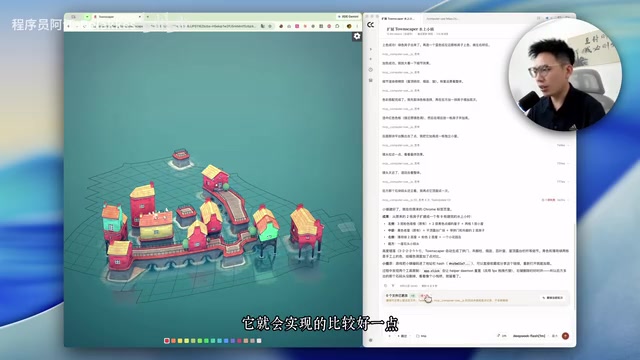
In the demo, the creator asked AI to open a browser and build a town on a specific website. A virtual mouse appeared on screen, automatically performing clicks. One practical detail: while AI is operating, it doesn't occupy your real mouse or keyboard — you can even minimize the window and keep doing other things, and the operations will continue as long as the app stays open.
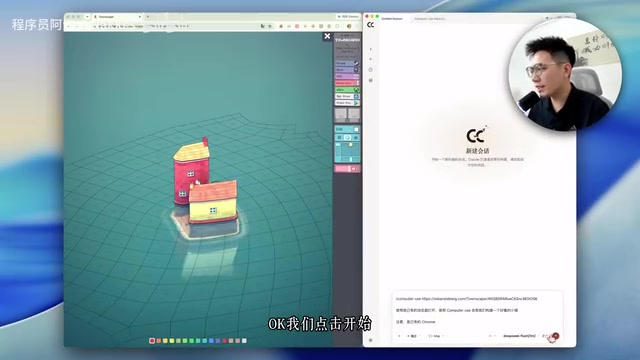
However, the video is upfront about a clear gap in model performance. When using DeepSeek Flash (inexpensive and multimodal-capable), computer use performance was "somewhat weaker" — localization was sometimes imprecise and operations weren't always smooth. By contrast, connecting to top-tier overseas models like GPT-4o produced noticeably better results for tasks like building structures.
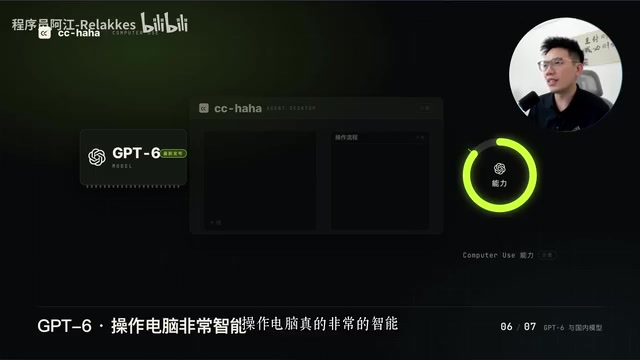
This reflects an uneven development pattern in current AI capabilities: models' coding ability and knowledge reasoning are already quite mature, but "operating a computer" still shows a significant gap across different models. The creator's assessment is that domestic Chinese model vendors will likely catch up on computer use training fairly quickly.
Multimodal capability is the core threshold for computer use scenarios — it means a model can process both image and text inputs simultaneously. Although DeepSeek Flash supports multimodal input, the depth of its training in visual understanding and UI element localization still lags behind models specifically optimized for computer use. Anthropic's Claude series (especially Claude 3.5 Sonnet and its successors) is widely considered among the most reliable models for computer use tasks; Anthropic even defined a standardized computer use tool-calling protocol specifically for this purpose. The performance gap across models in this task fundamentally reflects three dimensions: visual localization accuracy, long-chain task planning ability, and error recovery mechanisms — top-tier models can recognize failure states and retry, while weaker models often loop or abandon the task after an error.
Summary
CC-HAHA offers a low-barrier way for everyday users to experience AI-driven computer automation: open-source, free, cross-platform, and runnable with just a single model configured. For developers and enthusiasts who want to try computer use, it's a solid entry-level project.
From a technical perspective, the value of computer use lies in filling the automation gap for "interface-only" software — and its bottleneck is equally clear: it depends heavily on the model's visual localization and operational precision, which remains a stronghold of top-tier closed-source models. According to the video creator, the project's next step will cover multi-Agent collaboration (Agent Teams). Full project information is available in its GitHub repository.
Agent Teams represent an important extension of computer use capabilities: a single Agent executing long-horizon tasks is prone to failure due to context window limits or local errors, whereas a multi-Agent architecture can decompose complex tasks into subtasks handled by specialized sub-Agents (e.g., one for information retrieval, another for UI operations), with a supervisor Agent coordinating and integrating the results. This architecture can significantly improve completion rates and fault tolerance for complex automation workflows in practice, and it's a key direction being explored by current AI Agent frameworks like LangGraph and AutoGen. For clients like CC-HAHA, introducing Agent Teams means users could hand off more complex cross-application, multi-step workflows to AI — not just operations within a single interface.
Related articles

Claude Code vs. Codex in Enterprise Projects: How AI Engineering Handles Complex Systems
From Vibe Coding to AI engineering: a breakdown of Claude Code and Codex in real enterprise projects, covering three dev modes, domestic LLM rankings, SuperPower workflows, and Open Router's profit logic.
Claude Code Desktop: A Complete Guide to Chinese Localization, Account-Free Use, and DeepSeek Integration
Step-by-step guide to installing Claude Code Desktop, enabling account-free use, adding Chinese UI, connecting DeepSeek via CC Switch, and importing custom Skills.
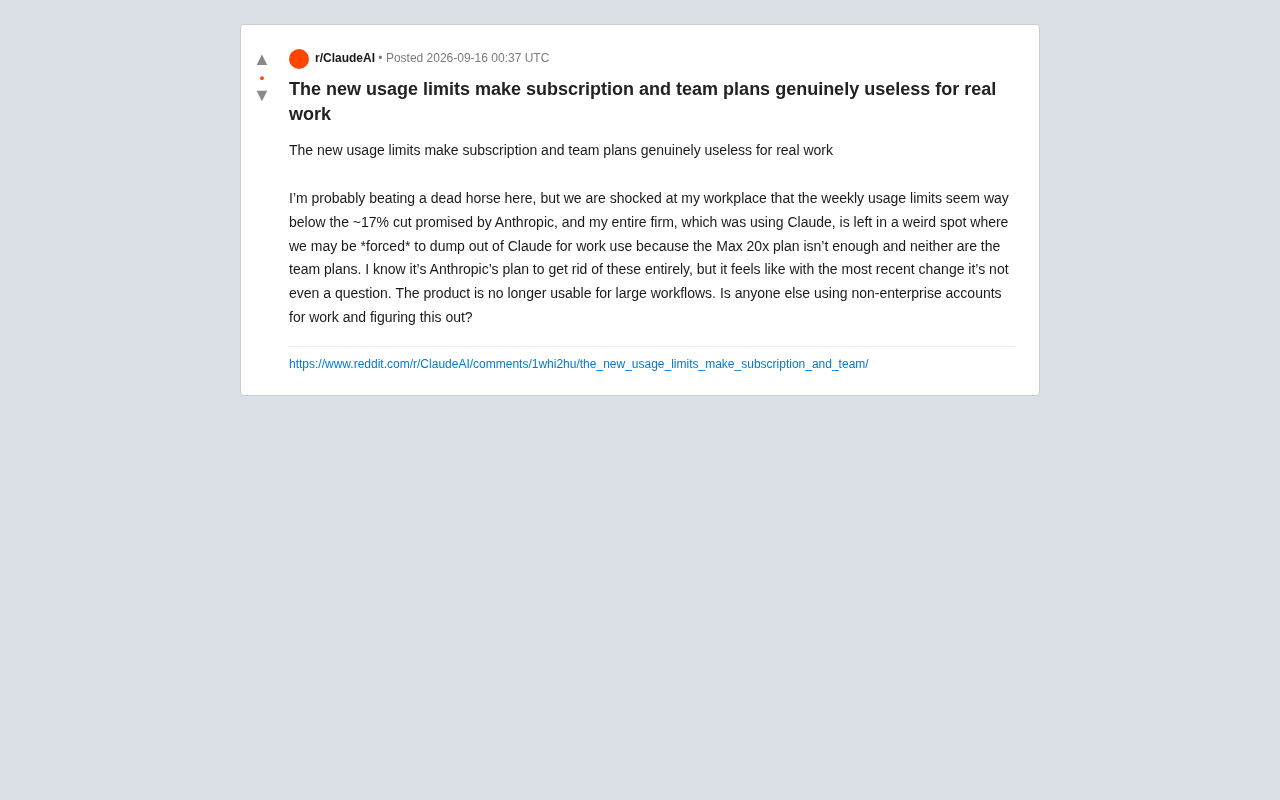
Claude's New Usage Limits Spark Backlash: Pro and Team Plans Falling Short for Real Workloads
Anthropic's latest Claude usage limits are drawing user backlash, with Max 20x and Team Plan subscribers reporting they can't support large workloads. Here's what it means for the AI subscription market.