Hermes Agent Hands-On: The Open-Source AI Assistant That Learns and Evolves
Hermes is an open-source AI assistant that learns from your actions and turns workflows into reusable, cross-channel skills.
Hermes Agent is an open-source project designed as a long-running personal AI assistant. Its core selling point is self-evolution: it crystallizes user interactions into reusable skills and permanently remembers fixes after self-diagnosing errors. Deployment requires a VPS (recommended: 4-core/8GB RAM, Ubuntu 24.04) with a guided setup that connects to Telegram more smoothly than OpenClaw. Skills are shared across mobile voice, CLI, and WhatsApp via unified memory. The official awesome-hermes-use-cases repo adds financial trading, real-time voice, and web UI options. Requires a VPS and LLM subscription or API; stability claims are from a single source.
An Open-Source AI Assistant That Gets Smarter Over Time
Hermes Agent is an open-source AI assistant project positioned similarly to OpenClaw, but its biggest selling point is self-evolution — it learns from every interaction, distills your workflows into reusable "skills," and continuously refines them as you use it. The more you use it, the better it knows you.
It's worth clarifying what Hermes actually is: it's not a replacement for coding agents like Codex or Claude Code, nor is it a conversational tool like ChatGPT. It's a long-running personal AI assistant. It can set reminders and alarms, read your emails with permission, and help manage your daily tasks. The core philosophy is "an agent that grows alongside you, built exclusively for you."
Based on one YouTuber's hands-on experience, Hermes is noticeably more stable, less error-prone, and easier to get started with compared to OpenClaw. He recalled running into a flood of issues when first configuring OpenClaw, whereas deploying Hermes was nearly seamless — most features worked on the first try. Note that this is a subjective assessment from a single source.
Deploying from Scratch: VPS + Telegram End-to-End
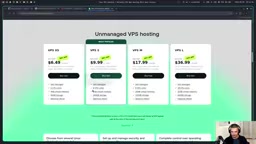
To keep Hermes running 24/7, you'll need a VPS (Virtual Private Server). The setup in the video uses a 4-core CPU with 8GB RAM running Ubuntu 24.04 LTS — sufficient for Hermes's typical workload.
Once logged into the server, the installation process is fairly straightforward. Start with sudo apt update to refresh package sources, then install the critical dependency libatomic1 — without it, Hermes won't install properly.
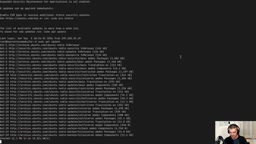
Next, copy the install command from the official site and run it. The rest is essentially following a wizard. The setup wizard offers three modes:
- Quick setup: Uses the officially hosted portal service (proprietary)
- Full setup: Configure everything yourself (the option chosen in the video)
- Blank state: All features disabled
The most critical step is choosing your intelligence source: you can use a subscription, an API key, or a local model. The video uses an OpenAI ChatGPT Codex subscription — just open a link in your browser and enter a verification code to authorize (you may need to enable device code authorization in OpenAI's security settings on first use). The model selected was the more budget-friendly 5.4 mini.
What is a VPS? A VPS (Virtual Private Server) is an independent cloud instance carved out of a physical server using virtualization. Users get full root access and can run background services around the clock — unlike a local machine that's limited by whether it's powered on and connected to a home network. Common VPS providers include DigitalOcean, Linode, Vultr, and Hetzner, with monthly costs ranging from a few dollars to tens of dollars depending on specs. For an agent like Hermes that needs to be online 24/7 and respond to messages at any time, a VPS is the lowest-cost deployment option — it avoids the energy consumption and noise of leaving a personal computer running continuously, and is easier to maintain than self-hosted hardware. The "LTS" in Ubuntu 24.04 LTS stands for Long-Term Support, meaning official security updates for five years — making it the go-to choice for server deployments.
One-Click Telegram Integration and Tool Configuration
For the messaging platform, the video uses Telegram as the communication channel with the assistant.
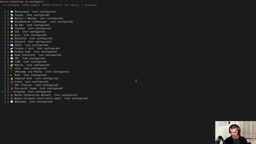
Compared to OpenClaw's cumbersome process of manually hunting down BotFather, creating a bot, and filling in IDs, Hermes offers an automated path: it generates a link to create the bot directly, and the system automatically detects your Telegram user ID — no manual lookup required. This out-of-the-box experience is exactly where it has an edge over OpenClaw.
From there, you configure a series of tool toggles including image generation, vision recognition, file operations, terminal commands, cron jobs, Spotify integration, and more — most can stay at their defaults. Browser use is set to the local browser, text-to-speech uses the free Microsoft Edge TTS, and the search engine is set to the free tier of Exa.
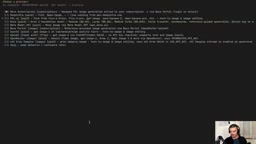
One thing worth noting: Telegram-related settings (search, image generation, TTS, etc.) need to be configured a second time. The final step is choosing to install the gateway as a background service to keep the agent running around the clock. Once installation is complete, you can use hermes to enter the CLI, hermes config edit to modify settings, hermes setup to rerun the wizard, and hermes doctor to check runtime status.
The Learning Loop in Action: Turning Conversations into Reusable Skills
This is Hermes's most distinctive feature. The video walks through a complete "skill birth" process:
First, a task is given to the agent: "Summarize important AI model releases from the past seven days, sourced only from Hacker News." It invokes the grounded citations skill, fetches content from the Y Combinator website, and generates a summary. A follow-up instruction — "Convert this to a PDF and send it to the chat" — has it automatically invoke the built-in PDF skill to handle formatting. No manual configuration needed.
Then comes the key moment: satisfied with the result, the author says, "Turn this workflow into a skill — next time I just say 'weekly AI summary' and it runs this whole sequence." Hermes uses a capability called skill authoring to crystallize the entire conversation into a reusable skill named weekly AI summary.
Even more interesting is that skills work across channels — whether triggered via mobile voice, command-line terminal, or WhatsApp, the same skill fires whenever "weekly AI summary" is invoked, because they all share the same memory and context. The author even triggers it via a voice memo, and the system transcribes the audio and executes automatically.
How Hermes skills work under the hood: The "skill" mechanism in Hermes is conceptually similar to macro recording or RPA (Robotic Process Automation), but powered by a large language model. Traditional macro recording relies on precise click coordinates and fixed steps — any UI change breaks it. Hermes's skill authoring instead abstracts the intent and operation path of a natural-language conversation into a structured description, which the model then dynamically interprets and executes on the next invocation. This means skills have some tolerance for environmental changes and can be triggered with natural language rather than specific command syntax. Grounded citations refers to the ability to attach verifiable source links to generated content, which significantly reduces model "hallucinations" — especially valuable for accuracy-critical use cases like news aggregation.
Self-Healing: Errors Become Permanent Lessons
The moment in the video that best illustrates "self-evolution" is a cron job debugging session. The author asks the agent to create a daily task that fetches AI news from the past 24 hours and pushes a PDF to Telegram. The first run doesn't trigger successfully.
The author simply asks the agent, "Where's my result? What happened?" Hermes self-diagnoses the issue: the cron triggered after 21:30, but the old checking logic returned a silent state instead of generating a PDF. It immediately fixes the trigger condition — switching from a second-precise check to an hour-and-minute-based check.
This is exactly what the author emphasizes as the core value: "It almost never succeeds on the first try, but once it figures out what went wrong, it permanently remembers the fix as a skill." The system isn't just executing tasks — it's getting progressively better through every interaction with the user. After rescheduling, the task ran successfully at 21:35, delivering the PDF summary in about three and a half minutes.
The Use Cases Go Far Beyond the Basics
The video only scratches the surface with basic Telegram connectivity and simple automation. The official awesome-hermes-use-cases GitHub repository offers a wealth of inspiration:
- Financial trading: For example, making weather prediction trades on Polymarket — the repo provides a Markdown file explaining the approach
- Frontend interface: Connecting Open WebUI as a browser-based chat interface
- Real-time voice: The Hermes live voice plugin supports continuous, interruptible voice sessions — essentially letting you "call" your agent
The overall concept is clear: deploy the agent on a VPS, connect it through any instant messaging platform, and interact via text, voice, or even phone calls. It learns your workflows and preferences, gradually becoming the perfect personal assistant built just for you.
Background on mentioned tools: Open WebUI is an open-source local chat interface project originally designed to provide a ChatGPT-like experience for local models like Ollama, supporting multi-model switching, conversation history management, and plugin extensions. Connecting it to Hermes lets users interact with the agent through a graphical browser interface — ideal for those who prefer not to use the command line or Telegram. Polymarket is a blockchain-based prediction market platform where users bet on the outcomes of real-world events (elections, weather, sports). Connecting an AI agent to a prediction market essentially means letting the model automatically analyze information, assess probabilities, and execute trade instructions — a cutting-edge experimental application at the intersection of AI and DeFi. It carries significant risk and is only suitable for users with relevant experience.
Takeaway
What makes Hermes Agent worth watching is how it turns "an agent that learns" into a tangible product experience — skills accumulate, work across channels, and errors get self-corrected. Combined with a relatively smooth deployment process, it's a solid open-source option for anyone who wants a 24/7 personal assistant. That said, "more stable than OpenClaw" is a subjective take from a single source, and your mileage may vary. Additionally, running Hermes requires your own VPS and an LLM intelligence source (subscription or API), so there is a real cost threshold to consider.
Related articles
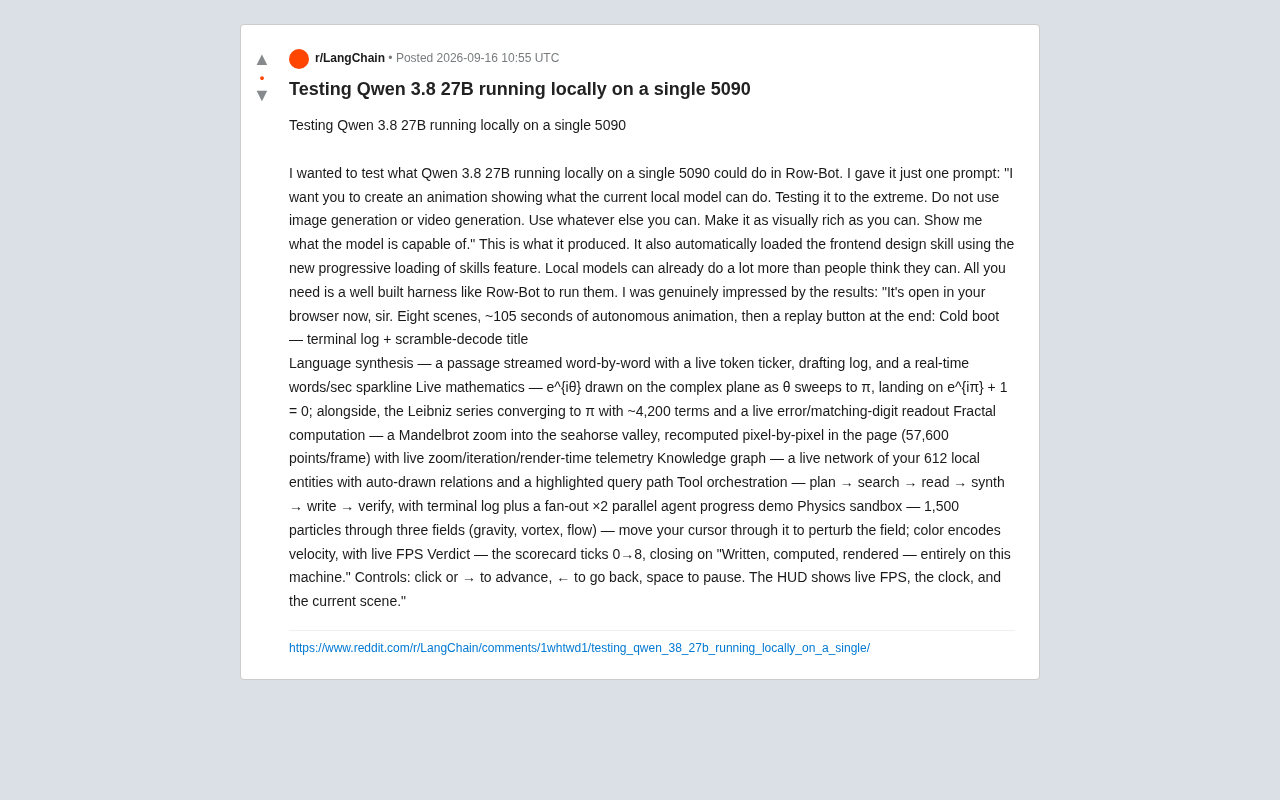
Running Qwen3 27B Locally on a Single RTX 5090: What Can It Actually Do?
A developer runs Qwen3 27B locally on a single RTX 5090 via the Row-Bot Agent framework, generating an 8-scene, 105-second interactive animation from one prompt — including real-time math, fractals, and physics.
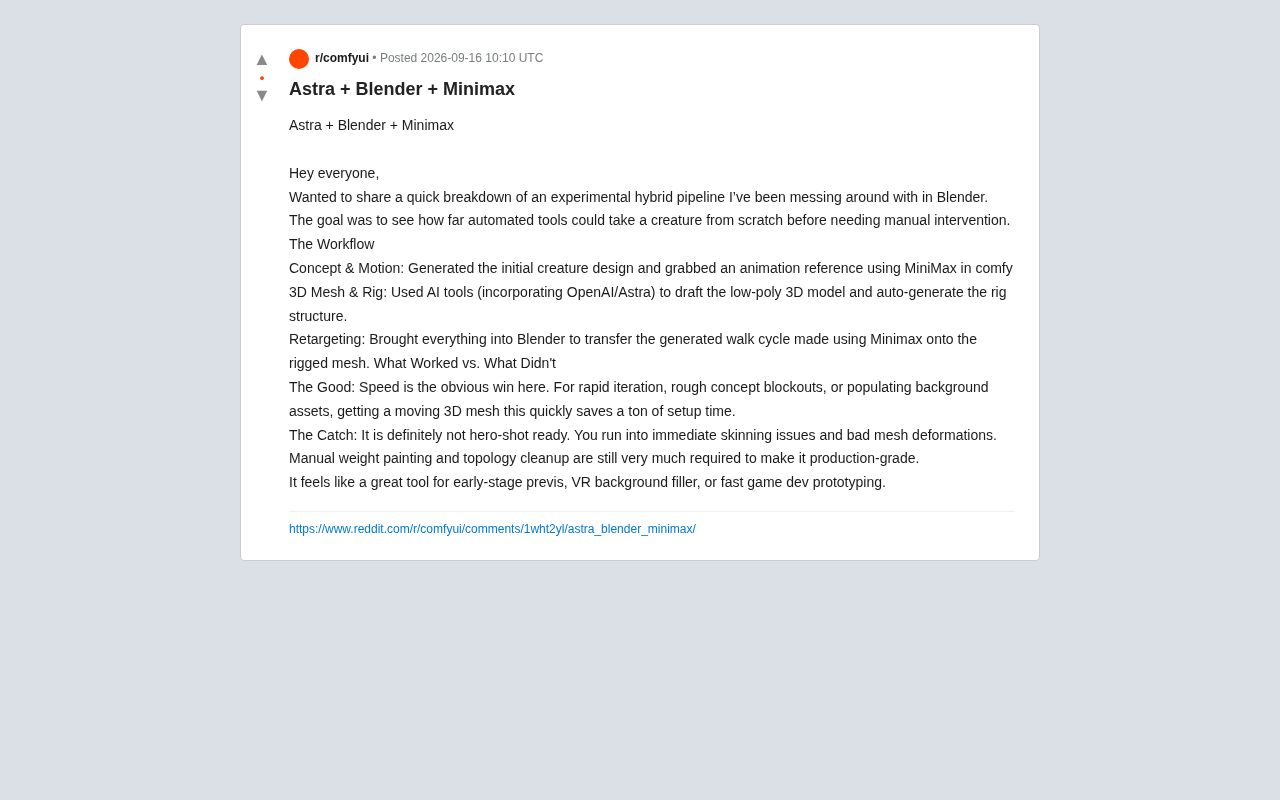
AI Hybrid Workflow in Practice: Auto-Generating 3D Creatures with Astra + Blender + MiniMax
A Reddit creator tests an Astra+Blender+MiniMax hybrid AI workflow for 3D creature animation — from concept to rigging to retargeting. Here's what works and what doesn't.

Apple Reference Image: A New Paradigm for Verifiable Photography
Apple's Reference Image proposal uses on-device cryptographic signing to establish verifiable baselines for real photos, tackling AI-generated image authenticity at the hardware level.