Hidden Barriers to Machine Learning Research on Windows and How to Overcome Them

Why native Linux remains the most practical choice for ML research that depends on open-source code.
This article examines the hidden barriers Windows presents for machine learning research, particularly when working with open-source repositories that implicitly assume Linux. It covers the root causes of compatibility friction, WSL2's limitations as a compromise solution, and explains why native Ubuntu has become the de facto standard for ML researchers. Practical recommendations are provided for different scenarios.
The Real Struggle: Compatibility Friction Between Windows and Open-Source ML Code
In the field of machine learning research, environment configuration is often the first hurdle researchers face. Recently, a Reddit user shared their months-long experience: they had attempted to conduct ML training in a native Windows environment but ultimately had to migrate to native Ubuntu. This case raises a question worth exploring in depth—in ML research scenarios that heavily depend on open-source code, is Windows actually practical?
The user's conclusion is quite representative: "My conclusion isn't 'ML can't run on Windows'—obviously it can. My conclusion is that when your work heavily depends on open-source repositories, Windows is quite limited as a practical ML research environment."
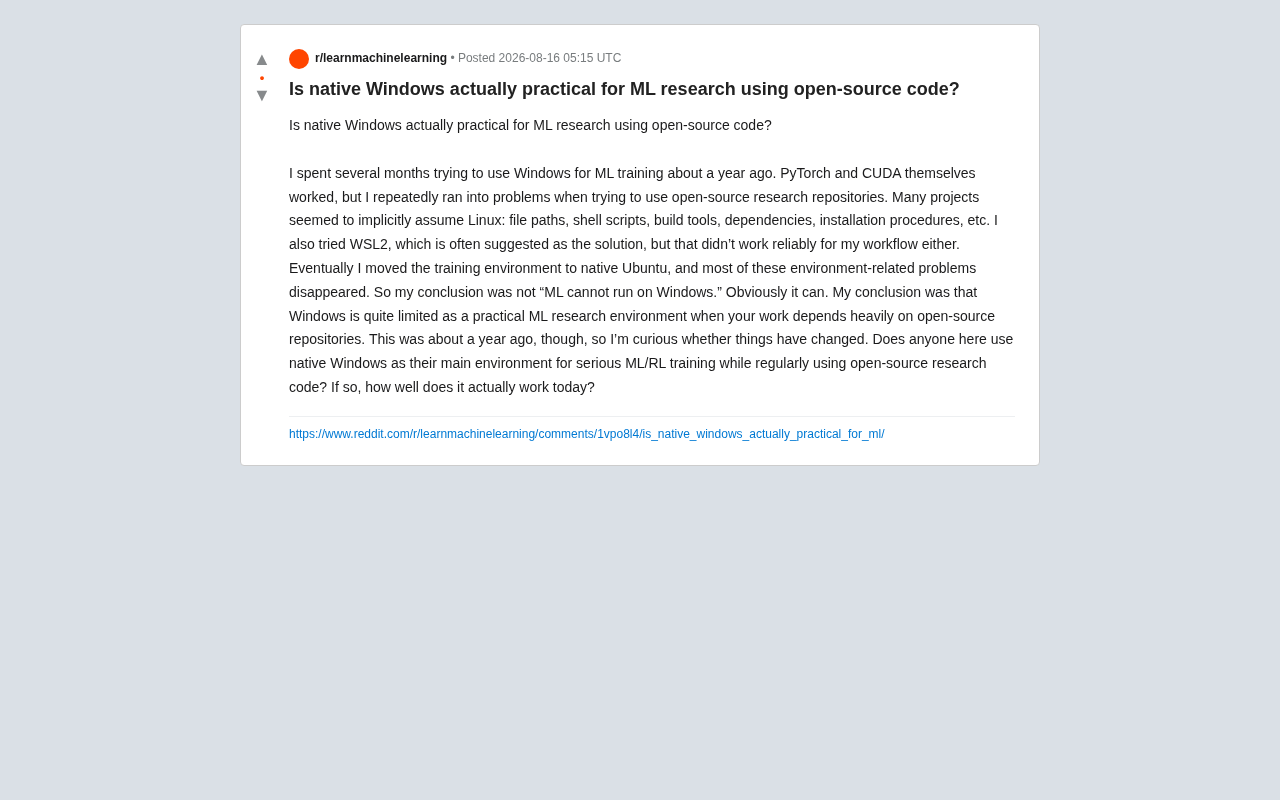
This distinction is crucial. "Can run" and "practical" are two entirely different concepts. PyTorch and CUDA themselves work fine on Windows, but the real pain points emerge when using third-party open-source research repositories.
The Implicit Linux Assumption: The Root of the Problem
Why Open-Source ML Projects Default to Linux Only
The user identified a core phenomenon: many open-source projects implicitly assume the runtime environment is Linux. This assumption manifests at multiple levels:
- File path handling: Linux uses forward slashes
/, while Windows uses backslashes\\. Although Python'sos.pathandpathlibcan handle cross-platform paths, much research code hardcodes Unix-style paths. - Shell script dependencies: Many projects' data preprocessing, training launch, and evaluation pipelines rely on
.shscripts that cannot run directly in Windows CMD or PowerShell. - Build tools and dependencies: Certain CUDA extensions and custom operators need to link against specific Linux toolchains at compile time, making compilation on Windows extremely difficult.
- Installation procedures:
Makefiles,apt-getcommands, and various installation scripts that assume a Unix environment.
None of these issues are fatal in isolation, but when they stack up, researchers must spend enormous amounts of effort "translating" and adapting code—time that should be spent on actual research.
The Fundamental Difference Between Research Code and Production Code
It's worth emphasizing that research-grade open-source code is fundamentally different from production-grade code. Industrial products typically undergo rigorous cross-platform testing and engineering polish, while academic research code is often written quickly for paper reproduction. Authors only verify it in their own Linux environments (usually server clusters) and almost never consider Windows compatibility. This leads to countless instances of "works on my machine" code that breaks immediately on Windows.
According to recent surveys of code from top conferences like NeurIPS and ICML, approximately 60% of open-source research code lacks complete dependency documentation, and over 70% has only been tested on specific Linux distributions. This is closely tied to academic incentive structures: researchers' core KPI is paper publication, not code quality. Code open-sourcing is often an ancillary requirement of paper review rather than a carefully maintained product. In recent years, platforms like Papers with Code and Hugging Face have been pushing for standardization of research code, but changing the overall ecosystem will take time.
Is WSL2 a Silver Bullet? Real-World Experience Revealed
The Gap Between the Recommended Solution and Reality
Facing Windows' native limitations, the most common community recommendation is to use WSL2 (Windows Subsystem for Linux 2). In theory, this solution is perfect: run a real Linux kernel inside Windows, preserving the Windows desktop experience while gaining a Linux development environment.
From a technical architecture perspective, WSL2 was officially released with the Windows 10 May 2020 Update. Unlike WSL1, which used a system call translation layer, WSL2 runs a complete Linux kernel (based on a Microsoft-customized 5.x kernel) in a lightweight Hyper-V virtual machine. This means WSL2 has full system call compatibility and can run tools like Docker that require complete kernel functionality. NVIDIA began supporting CUDA in WSL2 in 2020, using GPU-PV (GPU Paravirtualization) technology to achieve GPU passthrough, allowing the Windows host's GPU driver to work in concert with the user-space CUDA libraries inside WSL2.
However, this user explicitly stated that WSL2 "wasn't reliable enough for their workflow either." This reflects several pain points WSL2 still has in actual ML research:
- GPU passthrough complexity: While WSL2 supports CUDA, the configuration process is more cumbersome than native Linux, and edge cases can produce driver or VRAM issues. Although GPU-PV technology is clever, in scenarios involving multi-GPU training or specific CUDA version combinations, stability doesn't match that of native Linux.
- File system performance bottleneck: I/O operations crossing the Windows-WSL2 file system boundary suffer noticeable performance degradation. For training tasks that frequently read and write large-scale datasets, this can become a bottleneck. Technically, WSL2's Linux file system (ext4) runs in a virtual disk (VHD) with performance close to native Linux, but when accessing Windows files from WSL2 (via /mnt/c/ paths), the 9P network file system protocol is used for bridging. Benchmarks show that cross-file-system random I/O performance can drop by 50-80%. For the many small file reads common in ML training (e.g., ImageNet's dataset of over 1.2 million images), this performance penalty is particularly pronounced.
- Memory management issues: WSL2's memory reclamation mechanism occasionally behaves abnormally during long, large-scale training runs. WSL2 defaults to claiming half of the host's memory, and its memory reclamation strategy (especially in earlier versions) doesn't always return freed memory to Windows promptly, potentially causing overall system memory pressure.
- Workflow completeness: Some tools that depend on GUIs, specific hardware access, or system-level configuration still don't work perfectly in WSL2.
The Additional Debugging Complexity of an Intermediate Layer
WSL2 is essentially a virtualization intermediate layer, and any intermediate layer introduces new failure points and debugging complexity. When training problems occur, researchers must determine whether the issue lies in Windows, WSL2, or the Linux layer. This troubleshooting cost is an additional burden for time-pressed research work.
Native Linux: The Most Hassle-Free Choice for ML Researchers
Significant Improvements After Migration
This user's ultimate solution was migrating to native Ubuntu, with the result that "most environment-related issues simply disappeared." This outcome is unsurprising. When your entire ecosystem—from PyTorch to CUDA drivers to countless open-source repositories—is designed for Linux by default, choosing native Linux inherently eliminates the vast majority of friction.
Three Reasons Linux Became the De Facto Standard for ML Research
From a broader perspective, Linux becoming the de facto standard for ML research is inevitable:
- Server ecosystem consistency: Nearly all GPU clusters and cloud training platforms (AWS, GCP, Azure ML instances) run Linux. Using Linux locally ensures environment consistency for researchers.
- Community inertia cycle: Since researchers overwhelmingly use Linux, newly released code is tested on Linux first, forming a self-reinforcing cycle.
- Most mature native toolchain support: NVIDIA's drivers, CUDA, cuDNN, and NCCL (multi-GPU communication library) have the most complete and stable support on Linux.
Regarding the CUDA toolchain ecosystem, it's worth understanding its complete architecture. CUDA (Compute Unified Device Architecture) is NVIDIA's parallel computing platform and programming model, introduced in 2006. In ML training, the complete GPU compute stack includes multiple layers: the underlying GPU driver, CUDA Runtime, cuDNN (a deep neural network acceleration library providing highly optimized implementations for convolution, RNN, and other operations), cuBLAS (a linear algebra library accelerating matrix operations), and NCCL (providing efficient implementations of collective communication patterns like Ring AllReduce for multi-GPU communication). On Linux, these components are typically installed and version-managed through NVIDIA's official repository or package managers, while on Windows, version matching and environment variable configuration for each component often requires manual handling, increasing the probability of errors.
Why Ubuntu Is the Preferred Distribution for ML Research
Ubuntu became the preferred distribution for ML research largely due to NVIDIA's official support strategy. In NVIDIA's CUDA Toolkit official support list, Ubuntu LTS versions (such as 20.04, 22.04, 24.04) are always at the top, with the most timely driver updates. Additionally, pre-compiled binaries for PyTorch, TensorFlow, and other frameworks are built and tested for Ubuntu first. Many packages in the Conda and pip ecosystem that depend on C/C++ compilation (such as flash-attention, xformers, bitsandbytes, and other high-performance inference and training acceleration libraries) typically only provide pre-compiled Linux wheels. On Windows, source compilation is required, and source compilation often depends on the GCC toolchain and Linux headers, forming a dependency loop that's difficult to break.
Practical Environment Selection Advice for ML Researchers
Synthesizing this case, here are pragmatic recommendations for different scenarios:
If you primarily reproduce and use open-source research code: Using native Linux directly (Ubuntu is the safest choice) will save you enormous amounts of time. A dual-boot setup or a dedicated Linux workstation/server is a worthwhile investment.
If you must use Windows (work requirements, hardware constraints, etc.): WSL2 remains the best compromise. While imperfect, it offers much better compatibility than native Windows. It's recommended to store all code and data within WSL2's native Linux file system (not the Windows partition) for optimal I/O performance. Be mentally prepared to accept some performance overhead and occasional issues.
If you primarily do engineering deployment rather than research: Windows' limitations may be less apparent, as you'll be dealing more with mature production-grade code. Inference frameworks like ONNX Runtime and TensorRT have quite comprehensive Windows support.
Cloud solutions: For researchers without local GPUs or who don't want to deal with environment setup, using cloud Linux instances or platforms like Colab and Kaggle can completely bypass local environment issues. AWS P-series instances, GCP A2/A3 instances, and ML-focused cloud providers like Lambda Cloud all offer pre-configured Ubuntu images with CUDA environments ready to use out of the box.
Conclusion: Let Tools Serve the Research Itself
The core insight from this discussion is: technology choices should serve your actual workflow, not the other way around. Windows is undoubtedly excellent as a general-purpose operating system, but in the specific scenario of ML research that deeply depends on open-source ecosystems, it does have structural disadvantages. This isn't a technical deficiency of Windows but rather the result of the entire ML research ecosystem being built around Linux.
For serious ML/RL researchers, rather than spending precious time fighting environment issues, it's better to align with the ecosystem by choosing native Linux and focusing energy on the research that truly matters. Of course, as WSL2 continues to improve and cross-platform tools mature, this landscape may shift in the future—but at least for now, Linux remains the most hassle-free choice for ML research.
Related articles

@ai-sdk/vue 3.0.306 Patch Release Syncs with [email protected] Update
@ai-sdk/vue 3.0.306 released, synced with [email protected]. A routine patch release for the Vercel AI SDK ecosystem with no public API changes; the Vue adapter layer stays version-aligned with the core package.

Gemini 4 Argon API Launches: The Era of Million-Token Output Begins
Google launches Gemini 4 Argon with sparse MoE architecture, up to 1M output tokens, and a 68.90% Vals Index score, available across API, AI Studio, and the Gemini app.

DukaanAI: Turning Product Photos into Inventory Lists with Open-Source AI
DukaanAI is an AI inventory tool for small retailers that turns product photos into inventory entries using the open-source Gemma 3 model, with local inference, editable fields, and CSV export.