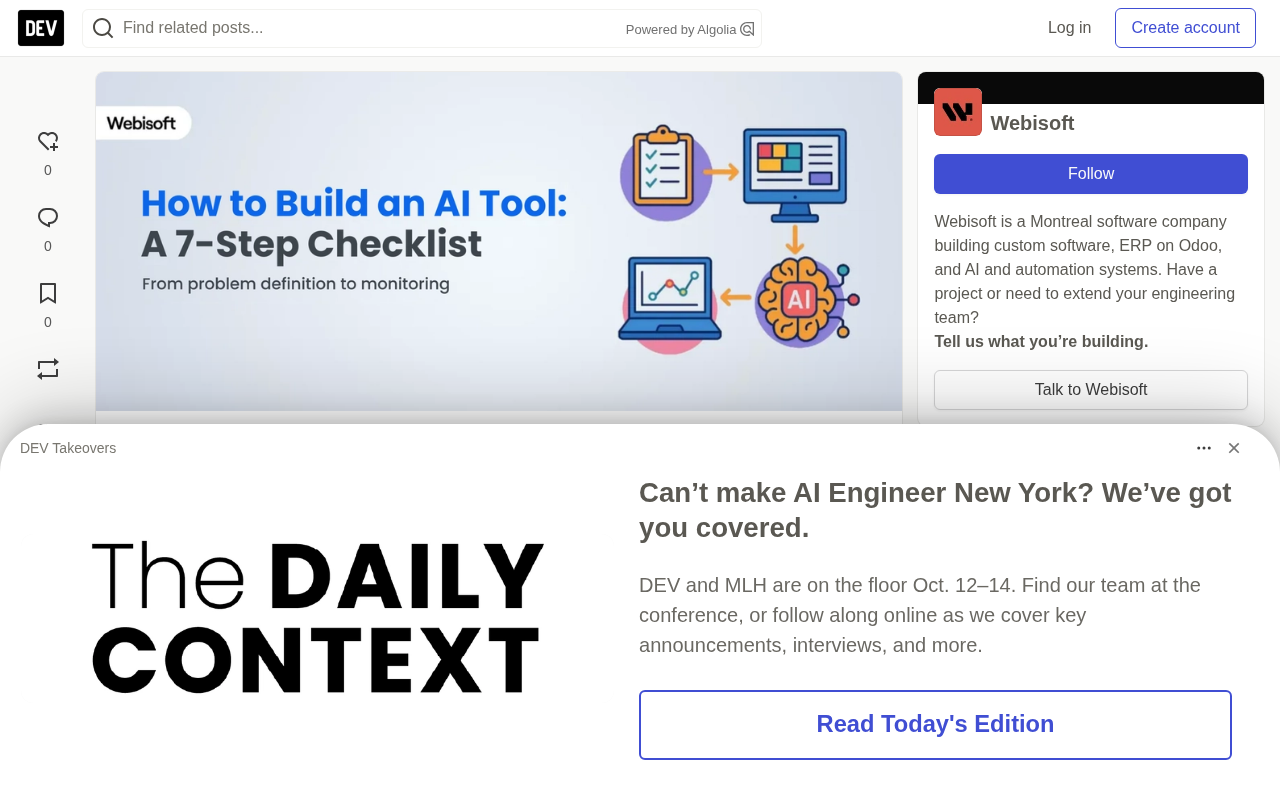
How to Build an AI Tool: A 7-Step Checklist from Problem Definition to Monitoring

Shipping an AI tool is a 7-step loop covering problem definition, data, training, deployment, and monitoring—not just training a model.
This article distills Webisoft's practical guide into 7 steps for building an AI tool: precisely define the task, output, and users; collect clean, consistently labeled data and split it (e.g., 70/15/15); choose tools like Python, Scikit-learn, and spaCy without over-engineering; train from simple models, tune on validation, and prevent overfitting; evaluate with a held-out test set and matching metrics like precision, recall, and F1; deploy by packaging the model, building an API, and adding safeguards; and after launch, monitor model drift and keep feeding new data. The guide estimates a standard project takes 8-16 weeks, with data prep and training taking the largest share. The biggest mistake isn't tech choice—it's skipping problem definition and jumping straight into code.
From auto-tagging customer support tickets to intelligent recommendation systems, building an AI tool that actually ships is far more than training a model. A practical guide from Webisoft breaks the entire process into 7 steps, using "automatically tagging support tickets by urgency" as a running example, and offers tool choices and pitfalls to avoid at each stage.
This article distills the core framework of that guide and adds analysis based on current AI engineering practice.
Step 1: Define the Problem Clearly
Before collecting data or writing code, figure out what problem you're actually solving. Goals like "improve customer service" are too broad to guide downstream decisions. You need to define the specific task, the target users, and the expected output.
Take ticket tagging: the task is to automatically classify support tickets by urgency; the output is three simple labels — high, medium, low; the users are support agents, who use the labels to decide response priority. This step looks simple, but it actually sets the boundaries of the entire project — it determines what data you need, how you measure success, and what state counts as "done."
Step 2: Collect and Prepare Data
Models learn from data, so data must be accurate, labeled, and clean. Concretely:
- Use real, relevant data sources, such as already-labeled ticket records in your CRM or support system
- Keep labels clear and consistent; avoid ambiguous tags like "maybe urgent"
- Clean the data: deduplicate, fix missing values, standardize formats (e.g., lowercase all text)
- Split the dataset before training: 70%-80% training, 10%-15% validation, 10%-15% test
One easily overlooked principle: a small, high-quality dataset often beats a large, messy one. Data quality usually has a bigger impact on model performance than the choice of algorithm itself.
The Logic Behind Train, Validation, and Test Splits
These three datasets each serve a distinct role: the training set lets the model learn parameters; the validation set is used during training to tune hyperparameters and select model versions — it's like a "mock exam"; the test set is completely excluded from training and tuning and is used only once at the end, representing the model's real-world performance. The reason to strictly isolate the test set is that if you repeatedly tune against it, the model indirectly "memorizes" it, and evaluation results become inflated, no longer reflecting true generalization ability. Common 70/15/15 or 80/10/10 ratios aren't hard rules; the smaller the dataset, the larger the validation and test sets usually need to be to ensure statistically reliable evaluation.
Precision, Recall, and F1 Score
In classification tasks, accuracy only measures the proportion of correct predictions and can be misleading when classes are imbalanced. For example, if only 20 out of 1000 tickets are truly urgent, a model that predicts "not urgent" for everything still achieves 98% accuracy but has no practical value. Precision measures "of the tickets flagged as urgent, how many really are," while recall measures "of the truly urgent tickets, how many were found" — the two often trade off against each other. F1 score is the harmonic mean of precision and recall, used to balance both. In ticket tagging, if missing urgent tickets is costly, you should prioritize high recall.
Step 3: Choose the Right Tools and Frameworks
Your tech stack should match your project's needs, not chase whatever is newest or hottest.
- Language: Python is the mainstream choice for AI development thanks to its simplicity and rich library ecosystem
- Structured data: Scikit-learn or XGBoost
- Natural language tasks: spaCy or the Hugging Face framework
- Deep learning: TensorFlow or PyTorch
- Development environment: Start with Google Colab or Jupyter Notebook for experimentation, then migrate to AWS SageMaker or GCP when you need scale
The core principle is not to over-engineer your tech stack. Use the simplest tools to get the job done, and upgrade when needed.
Step 4: Train the Model
The essence of training is letting the model identify patterns in data and make predictions. Here are five practical tips:
- Start with simple models like logistic regression or decision trees to observe how the data behaves
- Gradually increase complexity; move to neural networks only when basic models underperform
- Use the validation set to fine-tune learning rate, layer count, and other parameters to avoid overfitting
- Use techniques like dropout or regularization to keep the model from "memorizing" the training data
- Log every experiment; MLflow or Weights & Biases can help you compare results and stay organized
The simple-first strategy helps you quickly determine: is the problem in the data, or in the model's capability?
Overfitting, Regularization, and Dropout
Overfitting means the model performs extremely well on training data but poorly on new data — it essentially "memorizes" noise and details in the training samples rather than learning general patterns. A typical signal of overfitting is: training accuracy keeps rising while validation accuracy stagnates or even drops. Regularization adds a penalty on model complexity to the loss function (e.g., L1, L2), suppressing excessively large parameters and improving generalization. Dropout is a common regularization technique in neural networks: during training it randomly "turns off" a portion of neurons, forcing the network not to rely on specific nodes — essentially a cheap form of model ensembling. For simple models like logistic regression, regularization strength is a key hyperparameter; for deep networks, the dropout rate and learning rate also need careful tuning.
Step 5: Evaluate Model Accuracy
Test with data the model hasn't seen to judge whether it's truly ready for production.
- Use the held-out test set; don't touch it during training or validation
- Choose metrics that match the task: for classification, look at precision, recall, and F1; for prediction, use MAE or RMSE
- Study error cases and analyze which inputs led to wrong results — this can reveal bias, labeling issues, or model blind spots
A single accuracy metric is far from enough. The model also needs to work reliably in everyday scenarios, edge cases, and noisy data.
Step 6: Deploy the Tool
Deployment means putting the model into a running application or service.
- Package the model with joblib, pickle, or ONNX for easy saving and portability
- Build interfaces: for real-time scenarios, create a REST API with Flask or FastAPI; for scheduled scenarios, set up batch processing
- Set up infrastructure: Heroku or Render works for small projects; for larger systems, consider Docker containers, Kubernetes, and cloud platforms like AWS
- Add safeguards: input validation, usage limits, and logging
Deployment isn't the end — it's the starting point for real-world testing.
Step 7: Continuous Monitoring and Improvement
The real world changes, data changes, and the model needs ongoing updates.
- Monitor live performance with Prometheus or Grafana
- Watch for model drift: if the input distribution changes or accuracy drops, you may need to retrain
- Regularly collect and label new data to keep improving the model
- Log failures and edge cases — these are the most valuable material for future training
In sensitive domains like healthcare and law, high-risk predictions must include a human review step — this is a prerequisite for keeping the tool trustworthy and safe.
Model Drift
Model drift refers to performance degrading over time after deployment and generally falls into two categories. Data drift means the distribution of input data changes — for example, the wording, channel, or business type of support tickets shifts, so the model sees inputs different from training. Concept drift means the mapping between input and output itself changes — for example, the criteria for "urgent" shift after a business adjustment. The responses differ: data drift often requires retraining with new data, while concept drift may require redefining labels or even re-labeling historical data. Common practices for monitoring drift include tracking changes in input feature distributions (e.g., PSI), monitoring the distribution of live predictions, and periodically sampling for human review. Building an automated retraining trigger is key to keeping the tool effective long-term.
How Long Does the Whole Process Take?
According to the guide's estimates, a standard AI project typically takes 8 to 16 weeks, assuming the team has the necessary skills:
| Stage | Estimated Time |
|---|---|
| Problem definition | 1-2 weeks |
| Data collection and preparation | 2-4 weeks |
| Tool and framework selection | 1 week |
| Model development and training | 2-6 weeks |
| Model evaluation | 1-2 weeks |
| Deployment preparation | 1-2 weeks |
| Deployment and testing | 1-2 weeks |
| Monitoring and iteration | Ongoing |
Actual timelines vary widely depending on complexity and industry. Model training has the widest range (2-6 weeks), directly tied to data quality, problem difficulty, and tuning cycles.
FAQ
Can I build an AI tool without writing code? Yes. No-code AI platforms can help you create basic tools, but complex projects usually still require programming skills or expert support.
What programming language is best for AI? Python is the most mainstream, thanks to its simplicity and rich library ecosystem. R, Java, and C++ are also widely used in specific projects.
The value of this checklist lies in expanding AI development from the narrow view of "training a model" into a complete loop that includes problem definition, data engineering, deployment and operations, and continuous iteration. For teams about to start an AI project, the most common mistake isn't a poor tech choice — it's skipping step one and jumping straight into code.
Related articles

Workbuddy for Absolute Beginners: How a Desktop AI Agent Fits Into Real Workflows
A beginner's guide to the Workbuddy desktop AI agent: installation, claiming credits, file management, and building automated workflows—compared with CodeX for fit and cost, helping professionals shift from AI question-askers to AI managers.

OpenAI's New Agent Stack: Computer Use, Decisions API, and Ultra-Fast Workflows
OpenAI Dev Day unveiled a new agent stack: Computer Use outperforms humans, Decisions API delivers ultra-low-latency classification via Luna, Agents API opens the same Computer Use capabilities, and GPT-6.1 Sol costs only one-seventh of Astra. Core updates, benchmark data, and developer insights.

Liang Wenfeng Open-Sources DeepInfo Inference Framework, Takes On U.S. Ban
DeepSeek open-sources its DeepInfo inference framework after its models, featuring GPU/CPU cross-pipelining, small-model prediction with large-model verification, and full Huawei Ascend and NVIDIA chip support—facing the U.S. federal ban head-on. This article analyzes its significance for AI deployment and open-source strategy.