HRConvert2: A Self-Hosted File Conversion Server with Self-Healing, Self-Installing, One-Click Deployment
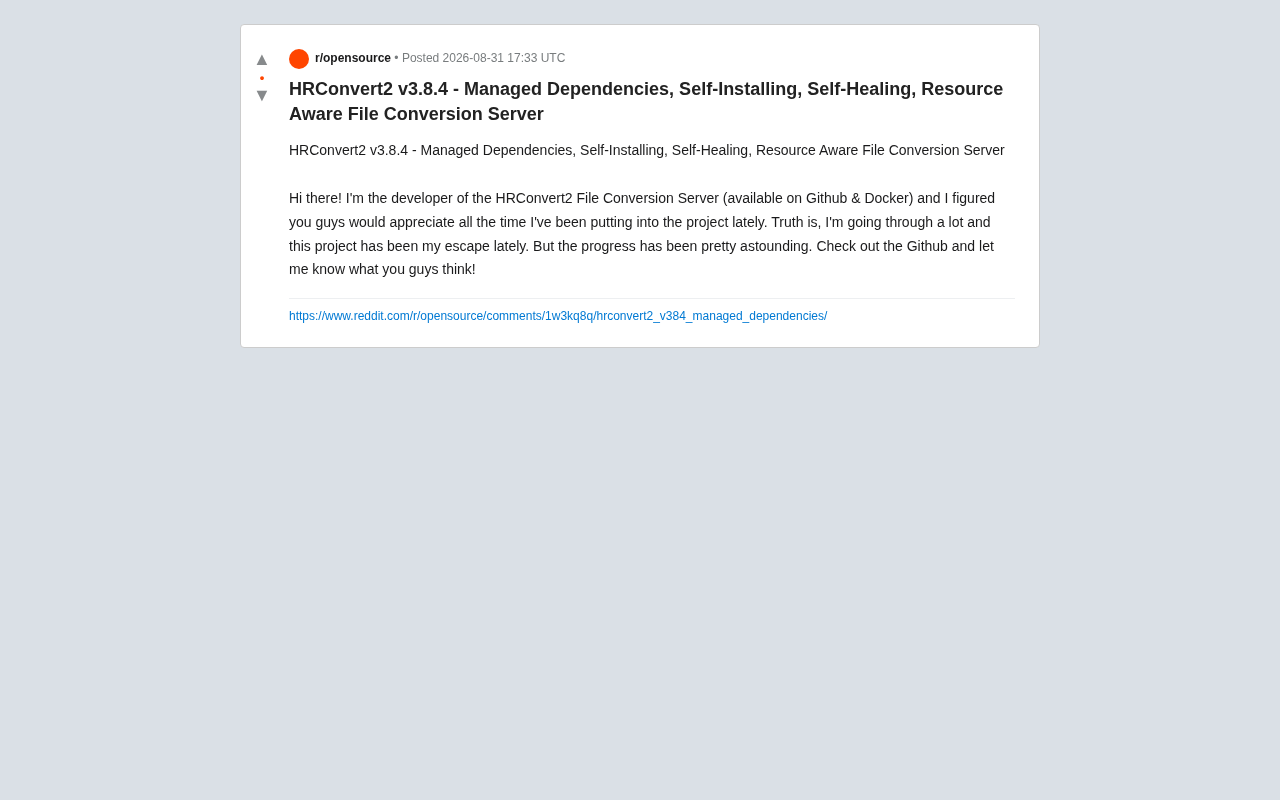
HRConvert2 v3.8.4: a self-hosted file conversion server with self-healing and one-click Docker deployment.
HRConvert2 v3.8.4 is an open-source, self-hosted file conversion server deployable via Docker. It features four core capabilities — managed dependencies, self-installing, self-healing, and resource awareness — that dramatically lower deployment and maintenance barriers. All data is processed locally for maximum privacy, making it ideal for privacy-conscious users, self-hosting enthusiasts, and automated conversion workflows.
What Is HRConvert2: An Open-Source Self-Hosted File Conversion Server
The open-source project HRConvert2 has released version v3.8.4. It's a self-hosted file conversion server deployable via GitHub and Docker, and the developer recently shared the results of extensive refinement with the community. Unlike typical online conversion tools, HRConvert2 is built around a self-hosted model — users can deploy the entire file conversion service on their own servers, keeping data off third-party clouds and gaining inherent advantages in privacy protection and control.
The self-hosted movement has been experiencing significant growth in recent years. As data privacy regulations like GDPR and China's Personal Information Protection Law grow increasingly strict, and as both businesses and individuals become more aware of data sovereignty, more users are choosing to deploy critical services on infrastructure they control. The popularity of open-source projects like Nextcloud (file sync), Vaultwarden (password management), and Immich (photo management) all reflect this trend. The core advantage of self-hosting is that data never leaves the user's infrastructure — but traditionally, it also means higher barriers to deployment and operations. This is exactly the problem HRConvert2's latest update aims to solve.
Version v3.8.4 focuses on four core features: Managed Dependencies, Self-Installing, Self-Healing, and Resource Aware. Together, these capabilities share a single goal — making file conversion services as hassle-free as possible when it comes to deployment and maintenance.
The Four Core Features in Detail
Managed Dependencies & Self-Installing: Say Goodbye to Tedious Environment Configuration
The biggest deployment pain point for file conversion services usually isn't the code itself, but the long chain of system dependencies behind it — document conversion requires LibreOffice, image processing needs specialized libraries, and audio/video transcoding depends on FFmpeg, among others. Traditionally, users had to manually install each component one by one, and version mismatches would cause conversion failures.
This dependency chain is so complex because different file formats rely on entirely different encoding and decoding systems. LibreOffice is a full office suite whose built-in document rendering engine can convert between Office formats (docx, xlsx, pptx) and PDF via the command line in a headless environment. FFmpeg is the "Swiss Army knife" of audio and video, supporting hundreds of codecs and container formats — virtually all open-source audio/video processing tools use it as their underlying engine. On the image processing side, common dependencies include ImageMagick and GraphicsMagick, which can handle hundreds of image formats from JPEG and PNG to RAW and HEIC. Each of these tools has complex compilation options and version dependencies, making library version conflicts extremely common during manual installation — a debugging nightmare for anyone without professional ops experience.
HRConvert2 automates this entire process through managed dependencies and self-installation. After starting the service, the program detects and installs the required runtime environment on its own. Combined with Docker image distribution, this out-of-the-box experience dramatically lowers the deployment barrier, enabling even users without professional ops experience to get up and running quickly.
Docker plays a crucial role here. As an OS-level virtualization technology, Docker packages applications and all their dependencies into standardized images, creating isolated containers at runtime. Compared to traditional virtual machines, Docker containers share the host kernel, offering faster startup and lower resource overhead. For dependency-heavy applications like HRConvert2, the developer pre-installs LibreOffice, FFmpeg, and all other dependencies in the image. Users only need a single docker pull command to get a complete runtime environment, completely eliminating the classic "it works on my machine" problem. Docker Compose can further simplify multi-service orchestration.
Self-Healing: Long-Running Operations Without Constant Maintenance
Self-Healing is one of the standout designs in this update. File conversion services running over long periods inevitably encounter issues like process crashes, dependency corruption, and temporary file buildup. The self-healing mechanism enables the service to automatically attempt recovery when anomalies are detected — for example, restarting crashed conversion processes, repairing missing dependencies, and cleaning up abnormal states, all without human intervention.
Self-healing is a core design principle in cloud-native and distributed systems, first widely practiced in container orchestration platforms like Kubernetes. The basic principle involves continuously monitoring service status through health checks and automatically triggering predefined recovery strategies when anomalies are detected. In HRConvert2's context, self-healing may operate on multiple levels: process-level self-healing (monitoring conversion subprocesses and auto-restarting after crashes), filesystem-level self-healing (detecting and cleaning up orphaned temporary files and corrupted intermediate artifacts from conversions), and dependency-level self-healing (automatically reinstalling critical dependencies when they're found missing or corrupted). This design automates fault scenarios that traditionally required manual investigation and intervention by ops personnel — a key evolution from "it works" to "it works well."
For self-hosted users seeking a "deploy once, run stably long-term" experience, self-healing capabilities significantly reduce the daily maintenance burden and improve overall service availability.
Resource Aware: Preventing Server Overload
File conversion is a classic compute-intensive task. Processing large files or handling high-concurrency requests can easily exhaust CPU and memory, potentially crashing the entire server. The Resource Aware feature enables the service to dynamically schedule conversion tasks based on current system resource conditions, preventing any single conversion from degrading overall performance.
From a technical implementation perspective, resource awareness is essentially a dynamic scheduling strategy based on system load. When the service receives a conversion request, it first queries current CPU usage, available memory, disk I/O load, and other system metrics, then decides whether to execute immediately, queue the request, or reject it. In Linux environments, this is typically achieved by reading real-time resource data from the /proc filesystem. An unoptimized large-file conversion request — such as converting a hundreds-of-pages PPT to PDF or transcoding a 4K video — can instantly max out all CPU cores and consume several GB of memory. The resource-aware mechanism sets thresholds like concurrency limits and memory watermarks to ensure the server always retains enough resources to respond to other processes and new requests, avoiding extreme situations where OOM (Out of Memory) kills processes or renders the system completely unresponsive.
This capability is especially critical for users running file conversion services on resource-limited VPS instances or home NAS devices. Many self-hosted users run multiple services simultaneously on their servers — file sync, databases, reverse proxies, and more. If file conversion consumes resources without restraint, it directly impacts the normal operation of other services.
A Developer's Heartfelt Words
In the release notes, the developer candidly shared that they've "been through a lot lately, and this project has become something of a mental anchor." This simple statement reflects the reality behind many high-quality open-source projects — widely used tools are often built line by line by individual developers during their spare time, or even during low points in their lives.
This phenomenon reflects a widely discussed structural issue in the open-source ecosystem — Maintainer Burnout. According to GitHub's 2023 Octoverse report, over 40% of open-source projects are maintained by just 1-2 core contributors. These projects may be relied upon by thousands of users and enterprises, yet maintainers often receive no stable financial return. Recent cases like the Log4Shell vulnerability (a critical security flaw in a volunteer-maintained logging library that affected billions of devices worldwide) and the core-js maintainer's public plea for help have exposed the fragility of critical infrastructure depending on unpaid labor. Platforms like GitHub Sponsors, Open Collective, and Tidelift are attempting to build sustainable funding models, but coverage remains limited.
This is a reminder to every user: open source does not mean unlimited free support. A piece of feedback, a Star, an Issue, or a code contribution are all tangible ways to give back to independent developers.
Who Is HRConvert2 For?
Overall, HRConvert2 is suitable for the following use cases:
- Privacy-conscious individuals or organizations: Files are converted on local servers, so sensitive documents never need to be uploaded to third-party platforms. In industries with strict data compliance requirements — such as healthcare, legal, and finance — this local processing approach fundamentally eliminates data breach risks.
- Self-hosting enthusiasts: The self-installing and self-healing mechanisms drastically reduce operational costs, enabling near-unattended operation after deployment. For users already running a Home Lab or personal server, HRConvert2 can seamlessly integrate into their existing self-hosted service stack.
- Batch or programmatic file conversion needs: Deployed as a server-side service, it can integrate with other systems via API for automated workflows. For example, it can automatically trigger format conversion when files are uploaded to a document management system, or batch-generate reports in different formats within a CI/CD pipeline.
Since the available information primarily comes from the developer's own community posts, it's recommended to visit HRConvert2's GitHub repository for detailed documentation on conversion quality, supported format ranges, and production stability, and to test it against your actual use cases.
Conclusion: A Mature Solution for Self-Hosted File Conversion
The focus of HRConvert2 v3.8.4's update — managed dependencies, self-installing, self-healing, and resource awareness — precisely addresses the core pain points of deploying and maintaining self-hosted services. It represents a maturing trend in open-source tools: rather than merely piling on features, equal importance is placed on ease of deployment, ease of maintenance, and stable operation. This philosophy aligns with the DevOps culture championed in the cloud-native space — great software should not only be powerful in features but also make operations effortless.
If you're looking for a privacy-friendly, highly controllable self-hosted file conversion solution, HRConvert2 is an open-source option well worth exploring.
Related articles

Chain of Thought Isn't Just for AI: How Humans Can Use CoT to Improve Thinking Quality
Chain of Thought isn't just a prompt trick for large models. Starting from a Hacker News discussion, this article analyzes why CoT works for human thinking too, breaks down actionable ways to transfer it, and highlights the key differences between human CoT and machine CoT.
Cloudflare Teams Up with OpenAI: Closi…
Cloudflare Teams Up with OpenAI: Closing the Loop from Vulnerability Discovery to Defense with AI
Cloudflare uses OpenAI Daybreak to investigate security vulnerabilities and generate reviewable remediation plans, while developers use Codex to boost coding efficiency and quality.

Orca Multi-Agent Orchestration in Practice: A Guide to Parallel Collaboration with Claude and Codex
Orca is Stable AI's free open-source agent workbench supporting 34 agents like Claude Code and Codex in parallel. Learn its Git worktree isolation, multi-model orchestration, and mobile management.