IconsDB: Search 200,000+ Free Icons with AI Semantic Search

IconsDB uses AI semantic search to find icons across 80+ icon sets and export them as SVG, React, Vue, or CSS.
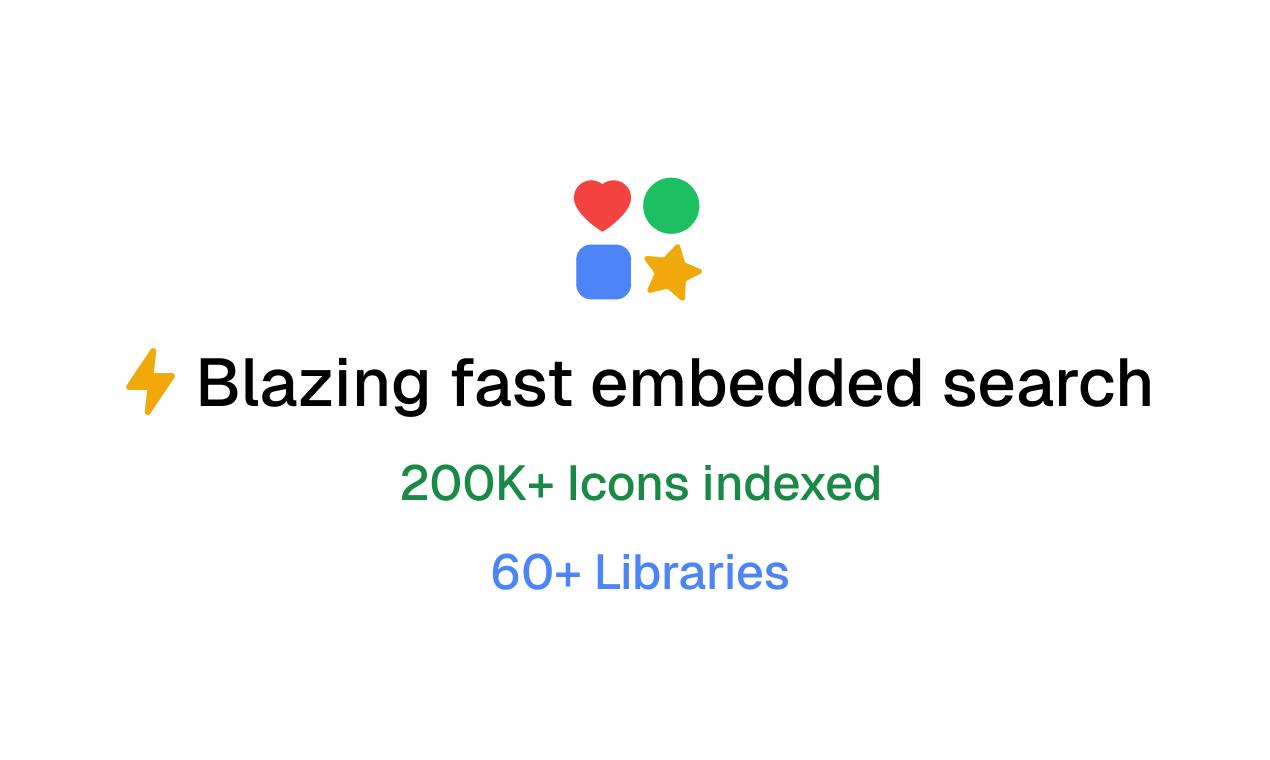
IconsDB is an icon aggregation and search tool for designers and frontend developers. Its key differentiator is AI semantic search over traditional keyword matching — describe what you want in natural language, no need to guess technical terms. It aggregates 200,000+ free icons from 80+ libraries including Lucide, Heroicons, Phosphor, and Material, enabling cross-library comparison in a single search. Icons can be copied directly as SVG, React, Vue, or CSS code for near-frictionless integration.
IconsDB: Search 200,000+ Icons with Natural Language
Searching for icons is one of the most underrated time sinks in design and development workflows. You know you need an icon for "money leaking out of a wallet," but you have no idea what it's called in the library — is it money-off? cash-out? Or is it buried in some icon set you've never opened? IconsDB is built to solve exactly this "guess the name" problem.
Core Idea: From Keyword Matching to Semantic Understanding
Traditional icon search is essentially keyword matching — the term you type must exactly align with an icon's name or tag, or you get zero results. IconsDB introduces AI semantic search: describe what you need in natural language, like "sad robot" or "money leaving," and the system understands your intent and returns relevant icons rather than rigidly comparing character strings.
The real value here is lowering the "expression barrier." Designers and developers often have a clear mental image of what they want but lack the precise icon terminology to match it. Semantic search lets you find icons based on what you want to convey rather than what it's called — which is far more aligned with how people actually work.
Under the hood, AI semantic search typically relies on Vector Embedding technology: both your text description and the icon's name, tags, and category metadata are encoded into high-dimensional vectors. Semantic proximity is measured by computing cosine similarity between vectors rather than comparing strings. This is why typing "money leaving" can still match icons tagged "cash-out" or "expense" — the two phrases occupy nearby positions in semantic space. Common implementations use OpenAI's text-embedding model series or open-source sentence-transformers. Icon metadata is pre-vectorized offline and stored in a vector database (such as Pinecone or Qdrant), while user queries are encoded in real time and retrieved via approximate nearest-neighbor search. One limitation of this approach: match quality depends heavily on the richness of the original icon labels. If an icon has only a single-word tag, there's limited room for semantic expansion.
Coverage: Search Across 80+ Icon Sets at Once
IconsDB officially claims to aggregate over 200,000 free icons from sources including Lucide, Heroicons, Phosphor, Material, and more than 80 additional icon sets.
For developers, this aggregation is valuable in its own right. Comparing the same type of icon across different libraries normally means opening each website separately and searching each one individually. IconsDB consolidates everything into a single search entry point, meaning a single query lets you see Lucide's minimalist style, Phosphor's multiple weight variants, and Material's standardized design side by side — so you can pick whichever best fits your project's visual language.
The major icon libraries mentioned each have distinct identities: Lucide is a community fork of Feather Icons, known for its minimalist 2px-stroke line style, ideal for clean SaaS interfaces. Heroicons, maintained by the Tailwind CSS team, offers both Outline and Solid styles and integrates seamlessly with the Tailwind ecosystem. Phosphor Icons stands out by offering six weight variants of every icon (Thin / Light / Regular / Bold / Fill / Duotone), providing high flexibility. Material Icons is Google's official icon set for the Material Design spec — the broadest category coverage but with a distinctly Google-flavored aesthetic. Understanding each library's design language helps you quickly judge, from search results, which icon matches your project's visual tone — not just its shape.
Export Ready-to-Use Code Directly
Finding the icon is only step one — being able to drop it smoothly into your project is what actually matters. IconsDB lets you copy icons directly as SVG, React, Vue, or CSS.
This means near-zero friction from search to implementation: grab component code for React projects, the appropriate format for Vue projects, or CSS for purely style-driven scenarios. It eliminates the intermediate steps of downloading SVGs, manually converting them, and wrapping them in components — particularly friendly for frontend developers who prioritize efficiency.
Product Hunt Performance and Positioning
The product was built by Musthaq Ahamad and received 33 upvotes and 2 comments on Product Hunt, ranking 18th on its launch day, under tags including Design Tools, Icons, and GitHub.
By the numbers, this is a mid-tier utility product — not a breakout hit, but one that addresses a frequent, genuine pain point. Icon search tools aren't new — aggregation platforms like Iconify and Icones have existed for years — but IconsDB's differentiating bet is on the "AI semantic search" layer of the experience. If the semantic matching accuracy is strong enough, it will be compelling for lightweight, non-prescriptive search use cases.
Things Worth Watching
As a tool whose value proposition is built entirely around search experience, IconsDB's real-world usefulness hinges on two things: first, the recall quality of its semantic understanding — can vague descriptions reliably surface the right icons? Second, the licensing and maintenance of the aggregated icon libraries — keeping 200,000+ icons in sync with upstream library versions requires ongoing work.
For designers and frontend developers who regularly need icons, IconsDB is worth bookmarking as an alternative resource. It may not replace your existing icon workflow, but in those moments when you know exactly what you want but can't name it, semantic search might just be the option that saves the day.
Related articles

Workbuddy for Absolute Beginners: How a Desktop AI Agent Fits Into Real Workflows
A beginner's guide to the Workbuddy desktop AI agent: installation, claiming credits, file management, and building automated workflows—compared with CodeX for fit and cost, helping professionals shift from AI question-askers to AI managers.

OpenAI's New Agent Stack: Computer Use, Decisions API, and Ultra-Fast Workflows
OpenAI Dev Day unveiled a new agent stack: Computer Use outperforms humans, Decisions API delivers ultra-low-latency classification via Luna, Agents API opens the same Computer Use capabilities, and GPT-6.1 Sol costs only one-seventh of Astra. Core updates, benchmark data, and developer insights.

Liang Wenfeng Open-Sources DeepInfo Inference Framework, Takes On U.S. Ban
DeepSeek open-sources its DeepInfo inference framework after its models, featuring GPU/CPU cross-pipelining, small-model prediction with large-model verification, and full Huawei Ascend and NVIDIA chip support—facing the U.S. federal ban head-on. This article analyzes its significance for AI deployment and open-source strategy.