Indie Dev's Honest Take: Hi3D vs Hunyuan 3D vs Yovo 3D — A Deep Comparison

Hi3D for mesh quality, Hunyuan 3D for free prototyping, Yovo 3D for visuals — choose by workflow, not demos.
An indie mobile game developer tested the major AI 3D generation tools and shared honest findings: Hi3D delivers the cleanest production-ready meshes, Hunyuan 3D is the best free option for rapid block-out prototyping, and Yovo 3D leads on material and surface detail. The key insight is that model quality can only be judged inside a real workflow — a pretty render doesn't equal a usable game asset.
The 3D Modeling Bottleneck for Indie Devs
For indie game developers, time and resources are always in short supply. When you're handling programming, design, art, and operations all by yourself, bandwidth runs thin fast. And 3D modeling — traditionally a process requiring a dedicated art team and significant man-hours — is one of the most common bottlenecks that slows down development momentum.
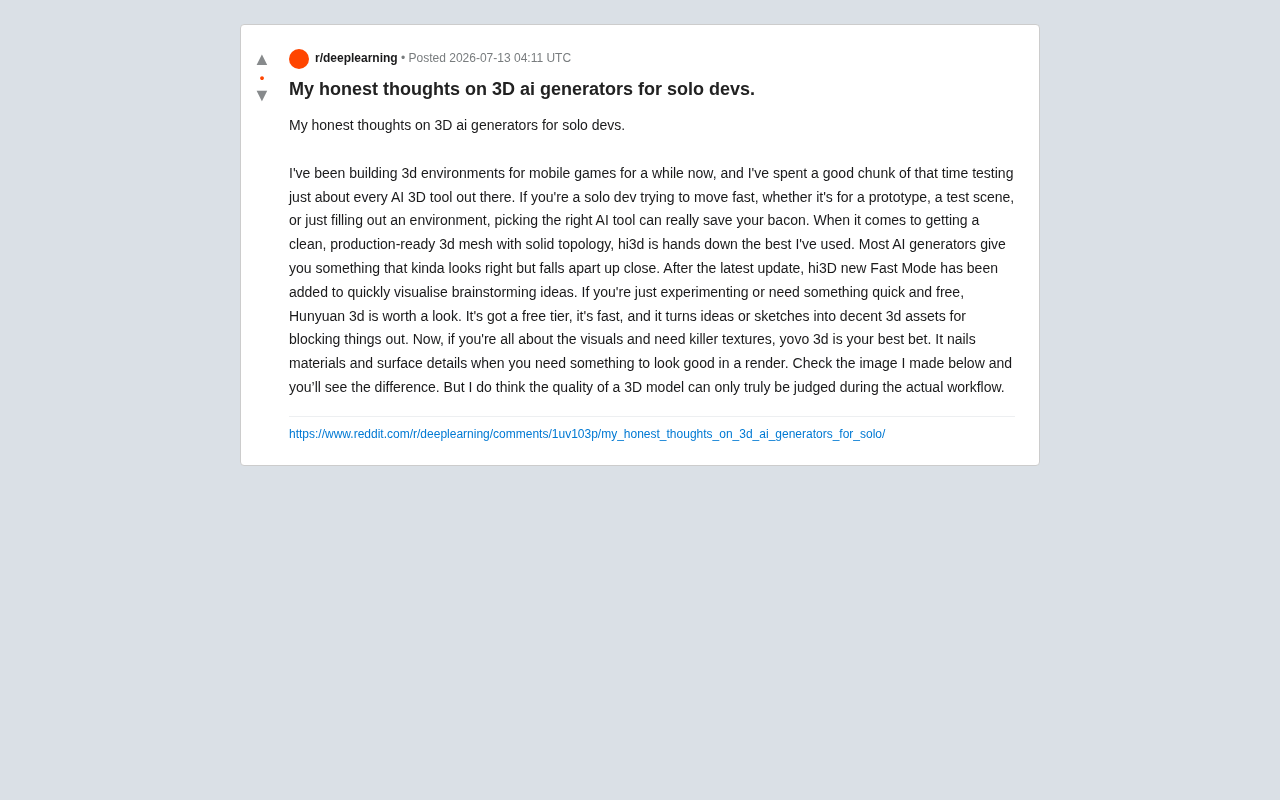
One indie developer who has spent years building 3D environments for mobile games shared his honest thoughts on Reddit after testing nearly every major AI 3D generation tool on the market. His core takeaway is straightforward: for solo devs focused on speed — whether you're prototyping, building test scenes, or quickly populating environmental details — choosing the right AI modeling tool can genuinely be a lifesaver.
Three AI 3D Tools, Three Distinct Use Cases
The AI 3D generation landscape is growing fast, but each tool has a clearly different focus. Based on his real-world workflow, this developer mapped the major tools into three distinct application scenarios.
It's worth noting that today's leading AI 3D generation tools broadly fall into two technical camps: Multi-view Diffusion-based approaches, which infer multi-view consistent images from a single photo or a few reference images and then reconstruct 3D structure using NeRF (Neural Radiance Fields) or 3D Gaussian Splatting; and end-to-end mesh prediction models that directly generate 3D meshes using Transformer architectures operating on point clouds or voxels. The former typically produces stronger visual quality but weaker mesh quality; the latter prioritizes mesh usability at the cost of visual detail. This fundamental technical split explains why different tools show such a striking gap between looking good and being production-ready.
Best for Production-Quality Meshes: Hi3D
When you need clean 3D meshes that are truly ready for production, the author considers Hi3D the best option he's used. He points out that most AI generators produce models that "look fine at first glance but fall apart under scrutiny" — which directly calls out one of the most persistent pain points in AI 3D generation: topology quality.
Topology is a core concept in 3D modeling, referring to the arrangement and connectivity of vertices, edges, and faces that make up a 3D mesh. Good topology means edge loops follow the natural form of the model, polygon distribution is sensible, and quads are used wherever possible. This is especially critical for game assets: clean topology doesn't just determine deformation quality during skeletal animation (skinning) — it also directly affects LOD (Level of Detail) generation efficiency and Draw Call overhead in-engine. The common failure of AI generators is over-reliance on triangle meshes to approximate surface detail. This looks acceptable in static previews, but breaks down visibly during character rigging or mobile performance optimization, often requiring artists to spend multiple times more hours on manual retopology — making the supposed time-save counterproductive. Hi3D's topology advantage likely comes from a dedicated topology optimization strategy baked into its mesh generation stage, rather than pure visual reconstruction. That's the core reason it earns this recommendation.
The latest version also introduces a Fast Mode for quickly visualizing creative ideas, further compressing the time between inspiration and initial model.
Free and Fast for Rapid Prototyping: Hunyuan 3D
If you just want to experiment, or need a free and fast solution for blocking out, Tencent's Hunyuan 3D is worth prioritizing.
Blocking out is standard practice in early-stage game development — using simple geometry (boxes, spheres, cylinders) to quickly establish the rough spatial relationships and proportions of a scene or character, without worrying about polish. The method has roots in traditional film storyboarding and architectural sketching: validate space, sightlines, and gameplay viability at minimal cost before committing significant production resources. In modern game development pipelines, the block-out phase serves as an important communication bridge between level designers, programmers, and artists: level designers validate gameplay pacing with rough geometry, programmers can hook up collision systems at this stage, and artists later replace the rough proxies with high-fidelity assets once the spatial framework is confirmed.
The author's verdict: free quota, fast output, capable of turning ideas or sketches into decent 3D assets. Hunyuan 3D's ability to rapidly convert sketches or text descriptions into rough 3D assets fits perfectly into this "good enough, speed first" mindset — when you just need placeholder geometry to validate scene layout and gameplay logic, the value of quickly making an idea three-dimensional at near-zero cost is undeniable.
Best Visual and Material Quality: Yovo 3D
The third scenario is when visuals are everything — when you need standout textures and surface detail. The author recommends Yovo 3D, calling it the strongest performer when it comes to materials and surface detail, making it ideal for situations where you need impressive results in rendered output.
Understanding this advantage requires a look at modern game engine material pipelines. Mainstream engines like Unity and Unreal Engine use PBR (Physically Based Rendering) material workflows, requiring assets to have properly structured Normal Maps, Roughness, Metallic, and other channels. At the same time, UV Unwrapping — the process of "unfolding" a 3D model's surface into a flat 2D texture coordinate space — directly determines texture efficiency and material fidelity: a model with clean UV unwrapping hides seams well and minimizes stretching; a poor unwrap causes texture distortion and PBR material artifacts. Yovo 3D's standout performance in materials and surface detail reflects a higher level of compatibility with this material pipeline.
The division of labor across these three tools actually mirrors the distinct priorities in 3D asset production: structural quality, iteration speed, and visual fidelity. No single tool dominates on all three axes simultaneously.
The Real Benchmark: Workflow Fit
The most valuable insight from this writeup isn't which tool was recommended — it's the author's closing line:
"I think the quality of a 3D model can only truly be judged within a real workflow."
This hits on a fundamental blind spot in most AI 3D tool reviews. Too many evaluations judge a model from a single render screenshot, but whether a model is actually useful depends on whether it can smoothly enter your real pipeline — can it be imported correctly by the engine, is the topology editable, is the UV layout sensible, can the materials be modified, is the polygon count manageable.
In other words, a pretty showcase render is not the same as a usable game asset. Rather than fixating on whose demo looks most impressive, put the candidate tools through your actual project pipeline and see how they perform at each stage: import, optimization, modification, and deployment.
Practical Tips for Indie Devs Choosing AI Modeling Tools
From this developer's hands-on experience, a few practical takeaways emerge:
First, pick the right tool for the stage — don't chase novelty blindly. Free, fast tools like Hunyuan 3D are enough for prototyping; there's no need to reach for production-grade solutions from day one. Save Hi3D (for topology quality) or Yovo 3D (for visual fidelity) for the refinement phase.
Second, prioritize topology over surface appearance. "Looks good" and "works well" are two different things in AI generation. For assets destined for a game engine that require performance optimization, topology quality should be the primary metric — chaotic triangle meshes not only hurt animation deformation but can generate far more retopology work than anticipated.
Third, validate full material pipeline compatibility. Beyond the mesh itself, check whether the generated asset's UV unwrapping is sound and whether the PBR material channels are complete — this directly determines whether the asset can be integrated seamlessly into your existing Unity or Unreal Engine material workflow.
Fourth, build your own evaluation criteria. Other people's recommendations are just references; your final judgment must be based on your own workflow. The same tool can behave very differently in a mobile game versus a PC game, or in real-time rendering versus offline rendering.
AI 3D generation technology is evolving rapidly, and continued iteration on underlying technical approaches — from NeRF to 3D Gaussian Splatting to direct mesh generation — keeps pushing the capability boundaries of these tools. For indie developers, staying engaged with this space and flexibly switching tools based on actual project needs is the most rational strategy right now.
Key Takeaways
Related articles

Qwen3 27B In-Depth Review: A Powerful Reasoner That Overthinks — and How to Fix It
In-depth review of Qwen3 27B's reasoning capabilities and overthinking problem. Analyzes performance advantages, causes of overthinking, and provides practical optimization solutions.

RL for Reasoning Only Changes 1-3% of Tokens? The Truth and Controversy Behind the Claimed 1000x Compute Savings
RL training for LLM reasoning only changes 1-3% of output tokens, with researchers claiming 1000x compute savings. We analyze the deep implications, non-uniform token distribution issues, and the gap between benchmarks and real usability.

AI Algorithm Engineer Self-Study Roadmap: A Complete Plan from Zero to Landing Your First Offer
A detailed AI algorithm engineer self-study roadmap covering foundations, core algorithms, CV/NLP direction selection, and career transition strategies for landing offers.