Integrating a Local 30B Model into a VS Code Agent: Permission Control and Tool-Calling in Practice
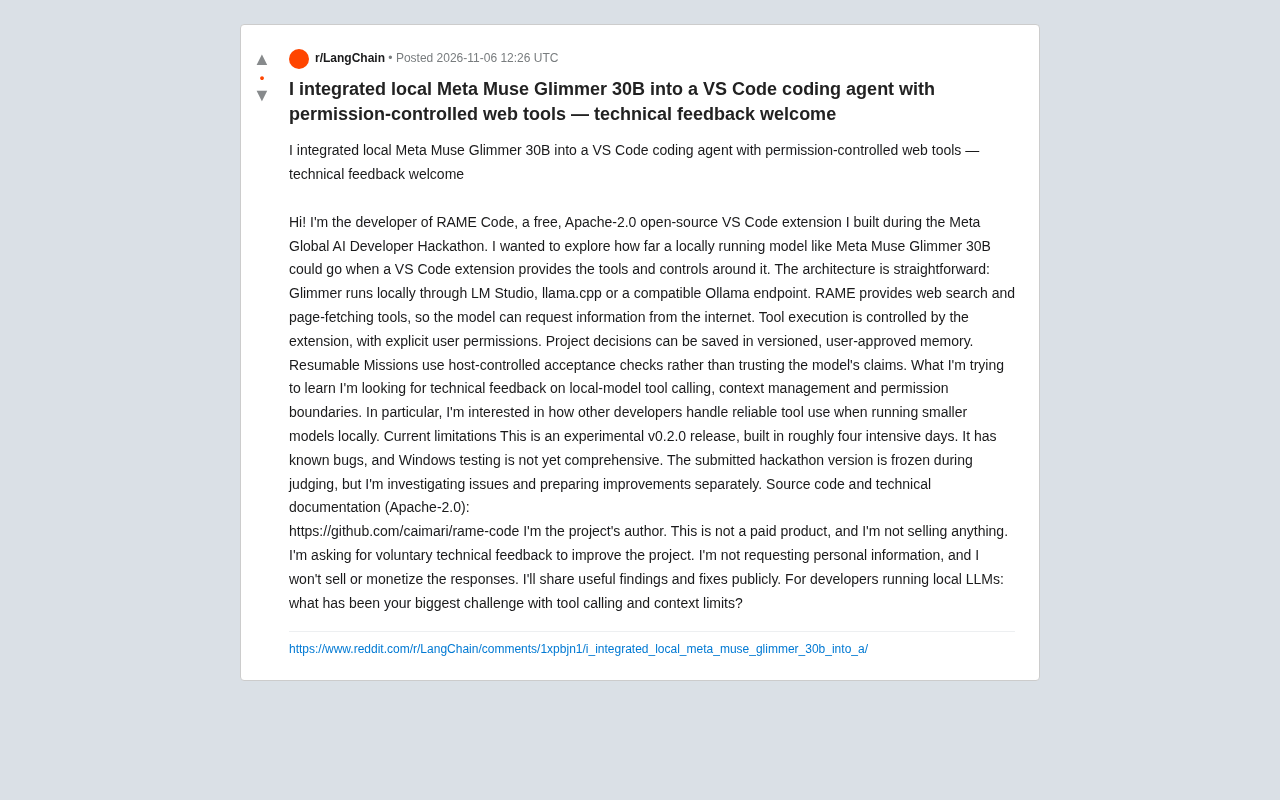
RAME Code built a local 30B-model coding agent in four days, exploring the engineering boundaries of tool calling and permission control.
RAME Code is a VS Code extension built in about four days during a Meta hackathon. Released under Apache-2.0, it lets a locally running Meta Muse Glimmer 30B search the web and scrape pages. Its core design keeps control on the host side: the model can only propose tool calls, which need explicit user permission; memories require user approval and are versioned; and resumable missions use host-side acceptance checks rather than trusting the model's self-reported completion. The author names tool-calling reliability, context management, and permission granularity as the three key unsolved problems, and notes the experimental v0.2.0 has known bugs and incomplete Windows support.
Why run a coding agent locally?
Stuffing large models into IDE plugins is nothing new, but making a 30B-class local model genuinely take on the role of an "agent" — one that can search the web, scrape pages, remember project decisions, and resume tasks from checkpoints — is the question the RAME Code project tries to answer. In his Reddit post, the developer describes this as a VS Code extension built over roughly four days of intense work during the Meta Global AI Developer Hackathon, released under Apache-2.0, currently at experimental v0.2.0, with the explicit caveat that it "has known bugs, and Windows testing isn't thorough yet."
The value of this project isn't how complete its features are, but that it lays out several key engineering problems of local-model agents for open discussion: how to control tool calls, how to manage context, and where to draw permission boundaries. The developer's own goal is clear too — not to sell a product, but to gather technical feedback, especially the pitfalls other developers have hit when doing reliable tool calling with small local models.
Architecture breakdown: the model thinks, the host gatekeeps
Local inference layer
Meta Muse Glimmer 30B runs locally via LM Studio, llama.cpp, or a compatible Ollama endpoint. That means the entire inference process doesn't depend on a cloud API, and code and context stay on the local machine. For teams with data compliance concerns, this is the most direct appeal of a local agent.
LM Studio, llama.cpp, and Ollama are three mainstream approaches to running local large models, with slightly different positioning. llama.cpp is a C/C++ inference engine that supports the GGUF quantization format, has low resource usage and good cross-platform support, and is often used by other tools as the underlying backend. Ollama wraps model pulling, running, and API serving on top of llama.cpp, providing an OpenAI-compatible endpoint that's easy to get started with. LM Studio is a desktop application with a graphical interface, built-in model downloads and a chat UI, and can also expose a local API service for external programs to call. The so-called "compatible Ollama endpoint" refers to the HTTP interfaces these tools expose following a similar request format, so the extension only needs to integrate with one protocol to work with multiple runtimes.
Tool layer and permission control
RAME provides two kinds of tools — web search and page scraping — and the model can proactively request internet information. The key design is that actual tool execution is controlled by the extension and requires explicit user permission. This essentially inserts a human gate between the model and real-world actions: the model can "propose" a tool call, but whether to allow it is up to the user.
Tool calling (also known as function calling) is when the model outputs a structured request in a conversation specifying the tool name and parameters to call, which an external program actually executes before returning the result to the model. The model itself doesn't directly execute code or access the network — it only generates call intents. This "propose–execute" separation is exactly where permission control lives: the host can validate parameters, require user confirmation, or simply refuse before execution. For small local models, the stability of structured output is the main difficulty; common approaches include constraining the output format, retrying on parse failures, and giving a few examples in the prompt.
Memory and task recovery
Project decisions can be stored in versioned memories that require user approval. So-called Resumable Missions, meanwhile, use host-side acceptance checks rather than trusting the model's own claim that a "task is complete." This is worth expanding on: letting the model self-assess completion is a common failure mode for local agents, and having the host judge with verifiable checks can significantly reduce the probability of false completion.
"Host-side acceptance checks" means the extension (the host program) — not the model — judges whether a task is done, based on verifiable conditions such as whether the target file has been generated, whether tests have passed, or whether a command's exit code is zero. This contrasts with letting the model output a self-report of "done." In agent systems, model self-assessment easily produces false completion: the model may declare a task finished due to lost context or overconfidence while the goal hasn't actually been met. Handing the decision to the host amounts to replacing the model's internal beliefs with externally observable signals, a common technique for improving agent reliability.
Three engineering problems worth discussing
The developer's list of concerns centers on tool calling, context management, and permission boundaries for local models, and these three problems are actually intertwined.
Reliability of tool calling: 30B-class models are less stable than cloud-based large models at structured output and tool selection, so designing fault tolerance and retries is unavoidable homework for local agents.
Context management: The context window and inference cost of local models both need to be budgeted carefully, and operations like page scraping can easily blow up the context, so how to trim and summarize directly affects usability.
Permission boundaries: Explicit user permission solves the problem of the model acting without authorization, but frequent pop-ups interrupt the developer's flow, so how granular to make permissions is a trade-off between experience and safety.
The developer specifically mentions wanting to learn how others handle reliable tool use with small local models, which shows there's no community consensus on best practices for these problems yet.
Limitations and positioning
This project should be read as a public experiment log, not a mature tool. Four days of development, an experimental version number, and incomplete Windows support are all explicit self-labels. The hackathon submission version was frozen during judging, and the author is investigating issues separately and preparing improvements. The project's code and technical docs are published on GitHub (caimari/rame-code) under Apache-2.0.
The author repeatedly clarifies in the post: this is not a paid product, it doesn't collect personal information, feedback won't be monetized, and useful findings and fixes will be shared publicly. This stance is uncommon in open source communities, and it makes it easier for technical discussion to focus on the engineering itself.
Takeaways for local agent development
Putting permission control at the extension layer rather than the model layer is a pragmatic choice — it acknowledges the unreliability of local models' autonomy while preserving the agent's usefulness. The same goes for host-side acceptance checks: rather than praying the model is honest, use mechanisms to guarantee verifiable results.
If you're also running local LLMs as coding agents, what this project offers isn't answers but a set of problems that have been explicitly named. The author's closing question in the post — what are the biggest challenges with tool calling and context limits in local LLM development? — is itself a call for the community to weigh in.
One-line Summary
RAME Code built a local 30B-model coding agent in four days, exploring the engineering boundaries of tool calling and permission control.
Paragraph Summary
RAME Code is a VS Code extension completed by a developer in roughly four days during a Meta hackathon. Released under Apache-2.0, it gives a locally running Meta Muse Glimmer 30B web search and page scraping capabilities. Its core design keeps control on the host side: the model can only propose tool calls, which require explicit user permission to execute; project memories require user approval and are stored as versioned records; and resumable missions use host-side acceptance checks rather than trusting the model's self-reported completion. The author lists tool-calling reliability, context management, and permission granularity as the three major unsolved problems for small local-model agents, and makes clear that the current experimental v0.2.0 has known bugs and incomplete Windows support — it's positioning itself as a public experiment log, not a mature tool.
Related articles
 Tech Frontiers
Gemini Omni 1.2 Flash: AI Video Moves Toward Draft-Style Editing
Google's Gemini Omni 1.2 Flash update enables conversational, draft-style editing of the same video—swap scenes while keeping products, adjust lighting while keeping characters. Clips up to 15s, 720p costs 30% less than the previous Flash—ideal for e-commerce ads, previs, and short-asset production.

Codex Tutorial: One-Command Install and Run Your First Task
Codex tutorial: one-command install and run your first task. Covers the four Codex forms, sandbox and approval guardrails, AGENTS.md and MCP configs, cloud network policy, and the iron rule of human review—everything you need to get started with this autonomous coding agent.
 Tech Frontiers
Localix: An Open-Source Agentic Development Environment with Multi-Model and Local AI Integration
Localix is an MIT open-source Agentic Development Environment (ADE) supporting seamless Claude Code plugin loading, multi-model cloud and local execution, Mini Apps extensions, and agent context management—an open AI collaboration workbench for developers.