iphone-use: Let AI Agents Drive a Real iPhone — No API Required

iphone-use lets AI agents operate any iPhone app directly via the screen, bypassing the no-API barrier.
iphone-use is an open-source project that converts the iPhone screen into text for AI models to understand, then uses WebDriverAgent to execute real taps, inputs, and scrolls — letting AI agents operate any app like a human, no API required. Key design highlights include honest three-state action feedback (applied/not sent/unknown) to prevent silent failures, model-free task replay to cut inference costs, and multiple integration options including HTTP API, MCP Server, and remote control. Licensed under MIT and aimed at developers building mobile test automation, RPA, or real-device AI agent workflows.
When AI Agents Meet a Real iPhone
Mobile automation has long been constrained by an awkward reality: countless apps have no public API, and payment apps often block screenshots entirely — leaving AI agents with no way to even "take a look." The open-source project iphone-use takes a direct approach to this problem: instead of working around the system, it lets AI agents drive a real iPhone directly.
The core idea is to convert the iPhone screen into text for the model to understand, then use WebDriverAgent to execute real interactions like tap, type, and scroll. In other words, the AI isn't calling an app's interface — it's operating the screen just like a human would, fundamentally bypassing the "no API" barrier.
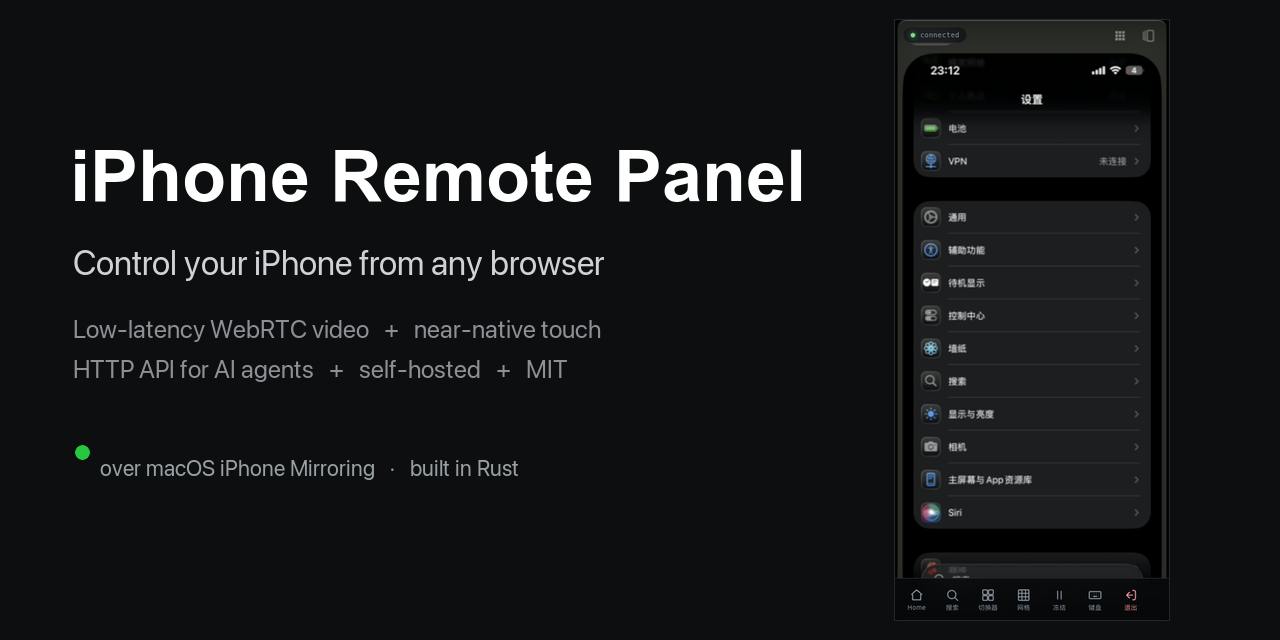
WebDriverAgent (WDA) is an open-source iOS testing framework from Facebook that runs on an iPhone as a WebDriver server. It communicates with the system at a low level via Apple's XCTest framework, enabling programmatic tap, swipe, and text input commands, as well as querying the current screen's Accessibility tree. Because WDA uses a system-level testing channel rather than in-app APIs, it works with the vast majority of apps — including third-party apps with no public interface. iphone-use uses WDA as its underlying execution engine, translating AI model decisions into real screen interactions. The tradeoff is that WDA must be signed and deployed to a physical device within an Xcode environment, which is the fundamental reason this project has a non-trivial setup requirement for developers.
Honest Feedback Is a Critical Design Choice
One easily overlooked but genuinely important detail in iphone-use is that it gives an "honest answer" for every action: was the operation applied, not sent (but not executed), or unknown?
This matters enormously in automation. Many UI automation frameworks assume a command always succeeds, leading to frequent silent failures — "tapped but nothing happened" — in complex real-device environments. iphone-use explicitly surfaces execution uncertainty, allowing the agent layer to decide whether to retry or adjust its strategy, rather than stacking further actions on top of an already-broken state.
For payment apps that block screenshots, it also provides a graceful fallback: those screens are returned as wireframes. While visual detail is lost, the structural layout information is preserved, allowing the agent to still understand the interface and complete interactions.
From Single Execution to Model-Free Replay
Another notable capability is task recording and replay. According to the project, once a task is successfully executed, it can be crystallized into a repeatable flow that no longer requires calling the model on subsequent runs.
This design directly addresses one of the biggest pain points of LLM-driven automation: cost and speed. Having a large model interpret the screen and plan actions in real time on every run is both slow and expensive. Converting stable, repetitive tasks into deterministic flows is essentially a one-time "learning" that enables future executions at zero inference cost — dramatically improving both practicality and economics.
Complete Integration Options for Developers
iphone-use has been thoughtfully designed for integration across multiple use cases:
- HTTP API: A standard interface for connecting to any automation system or script
- MCP Server with 21 tools: Designed specifically for Claude Code, allowing agents like Claude to directly call these tools to control an iPhone
- Remote control: Supports remote operation via a browser or iOS app
The support for MCP (Model Context Protocol) is especially well-timed. As agent tools like Claude Code become more widespread, providing a ready-made MCP Server means developers can plug "control an iPhone" into their AI workflows with virtually no extra setup.
The entire project is open-sourced under the MIT license, making it freely usable for personal research, test automation, or commercial integration. It received 70 upvotes on Product Hunt and ranked 13th on the daily chart, spanning categories including Developer Tools, Artificial Intelligence, GitHub, and the Apple ecosystem.
MCP (Model Context Protocol) is an open protocol launched by Anthropic in late 2024, designed to standardize how AI models interact with external tools and data sources. The core idea is that tool providers implement an MCP Server that exposes a set of "tools," which AI agents (such as Claude) can discover and invoke at runtime — much like calling a function. This protocol dramatically reduces the integration cost of giving AI access to external capabilities: developers don't need to write separate adapter code for each AI platform; implementing an MCP Server once is enough for any compatible agent to connect. iphone-use's 21-tool MCP Server means developers can describe tasks in natural language directly within environments like Claude Code, letting the agent autonomously decide which iPhone operation tools to call — no manual automation scripting required.
Who It's For — and Where Its Limits Lie
In terms of positioning, iphone-use's most direct audience is developers who need mobile automation testing, RPA workflows, or real-device AI agent interactions. For teams long frustrated by "no-API apps," the screen-based operation approach offers a general-purpose solution.
That said, its boundaries deserve honest acknowledgment: relying on WebDriverAgent means setting up the appropriate physical device or test environment; the accuracy of screen-to-text understanding and the information loss in wireframe mode can both affect success rates on complex UI tasks. The three-state feedback of "applied / not sent / unknown" is itself an admission that real-device automation is fundamentally an engineering problem full of uncertainty — the value of this project lies in honestly facing that reality and providing a framework for handling it, not in promising foolproof results.
For developers building mobile AI agents, iphone-use offers an engineering path worth exploring: real-device operation, honest feedback, model-free replay, and complete API integration — together forming a relatively coherent methodology.
Related articles

ChatGPT Space Launches: Team Collaboration and New Pages Features Explained
ChatGPT Space is OpenAI's new team collaboration feature with Pages, real-time collaboration, and Slack/Google Drive sync. We break down its privacy design, multi-platform integration, and the full workflow from conversation to document.

Migrating Apache Spark UDFs to GPU Acceleration with AI Agents
NVIDIA developer blog explains how AI Agents rewrite Apache Spark UDFs for GPU acceleration, covering migration criteria, agent rewriting and verification workflows, plus pitfalls like result consistency and CPU-GPU transfer overhead.

Zed Editor v0.40.4-rc2 Released: Usage Credits Now Available Without Upgrading
Zed editor releases v0.40.4-rc2, allowing users to use usage credits for AI features without upgrading to a paid plan, lowering the trial barrier.