Is Windows 11 Actually Smoother on 8GB of RAM?
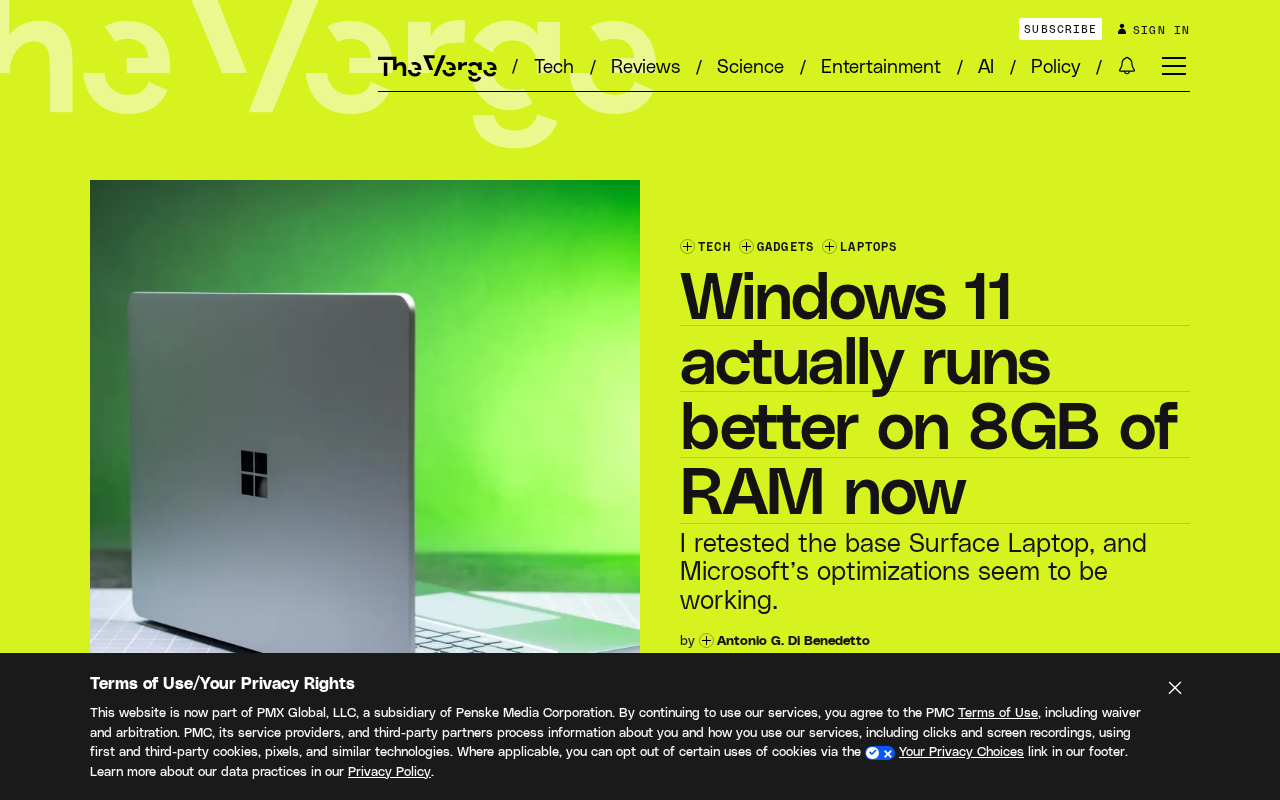
Rising memory prices have made 8GB the entry-level standard again, but Windows 11 optimizations have actually improved the low-spec experience.
Driven by soaring memory prices, 8GB has once again become the standard for entry-level Windows laptops, yet Windows 11's real-world experience on low-memory devices is actually better than it was earlier this year. The article explains this on three levels: system-level memory compression, background task suspension, and page file optimization reduce stutter; NVMe SSDs greatly lower the cost of memory swapping; and ecosystem optimizations such as browser tab sleeping ease memory pressure. However, the author emphasizes clear boundaries: light office work and web browsing are fine, but multitasking and professional applications still require 16GB. When buying, focus on memory expandability and manufacturer optimization rather than just the capacity number.
Introduction: A Counterintuitive Observation Amid Rising Memory Prices
For the past few years, 16GB of RAM has been the "sweet spot" for Windows laptops, especially common in machines under $800. But this year, memory prices have soared, and 8GB has once again become the standard for entry-level Windows laptops. Conventional wisdom says this should make the already bloated Windows 11 even worse—yet real-world experience shows the opposite trend: Windows 11 actually performs better on 8GB devices than it did earlier this year.
This phenomenon doesn't come from Microsoft's official marketing but from feedback from users who have long used low-spec devices. This article analyzes the reasons behind this shift from three angles—system optimization, memory management mechanisms, and the hardware ecosystem—and explores what it means for buying an entry-level laptop.
How Memory Price Fluctuations Changed the Configuration Baseline
According to the original report, at the start of this year 16GB of RAM was still a common configuration for Windows laptops under $800, which to some extent offset Windows 11's increasingly obvious bloat. However, as memory costs "skyrocketed," 8GB once again became the typical starting configuration. The report cites the MacBook Neo as an example, hinting that Apple can leverage tight hardware-software integration to make 8GB "good enough," but the situation for Windows laptops is more complex.
This context matters: the return of 8GB isn't a proactive choice by manufacturers but a forced adjustment under cost pressure. Users have to revisit the old question of "is 8GB enough?"—and Windows 11's recent performance happens to offer a new answer.
Windows 11's Memory Management Improvements
Evolution of Background Tasks and Memory Compression
Windows 11 has made several low-level optimizations to memory management, the most critical being Memory Compression and adjustments to background task scheduling policies. Memory Compression compresses inactive memory pages and stores them in RAM rather than writing them directly to the page file, thereby reducing disk I/O and latency. For 8GB devices, this means more available memory, and the system feels noticeably less stuttery when switching apps.
In addition, Windows 11 manages background UWP apps and startup items more aggressively. The system proactively suspends apps that haven't been used for a while, freeing up the memory they occupy. These improvements weren't specifically designed for 8GB devices, but they happen to benefit low-memory devices the most.
Memory Compression is a kernel-level mechanism introduced in Windows 10 and further optimized in Windows 11. Its principle: when physical memory is tight, the system compresses inactive memory pages using a lightweight compression algorithm (such as XPRESS) and keeps them in RAM rather than immediately writing them to the page file. Reading a compressed page only requires decompression, with no disk I/O, so latency is far lower than accessing the page file on an SSD. The "Compressed Memory" process in Task Manager reflects this usage. For 8GB devices, compression amounts to a de facto capacity expansion, at the cost of consuming a small amount of CPU cycles; on low-power processors, the compression/decompression overhead is usually still smaller than the cost of disk swapping.
Smarter Page File and Storage Synergy
Modern Windows 11 devices generally come with NVMe SSDs, whose random read/write speeds are far higher than those of the mechanical hard drive era. When memory is insufficient, the page file swap efficiency is greatly improved, making the "overflow" cost of 8GB of RAM much lower than in the past. Combined with Windows 11's Storage Sense and ReadyBoot (the successor mechanism to ReadyBoost), the daily responsiveness of low-memory devices is now acceptable.
The page file is the hard drive area Windows uses to temporarily store memory pages when physical memory is insufficient. Its efficiency depends heavily on the storage medium: mechanical hard drives have millisecond-level random read/write latency, while NVMe SSDs can reach microsecond level—a difference of hundreds of times. Therefore, for the same amount of memory overflow, the stutter caused on an SSD device is far less than on an old mechanical hard drive. Windows 11 also dynamically adjusts the page file size based on memory pressure and works with Storage Sense to clean up temporary files, preventing disk space from being overused. Note that page file swapping is still an order of magnitude slower than physical memory; it can only alleviate, not eliminate, the impact of insufficient memory.
The "ReadyBoot" mentioned in the article is actually the successor mechanism to ReadyBoost—more accurately, Windows' SuperFetch/SysMain prefetch service. ReadyBoost once allowed USB drives to be used as cache to accelerate mechanical hard drive devices, but it has largely lost its meaning since the widespread adoption of SSDs. Modern Windows 11 relies on SysMain to preload frequently used programs into free memory and proactively releases this prefetch cache when memory pressure increases, thereby dynamically balancing "faster startup" and "preserving available memory." For 8GB devices, this mechanism means the system won't let the prefetch cache crowd out the memory needed by critical applications—one of the hidden factors behind the improved low-memory experience.
Coordination Between Hardware and Software Ecosystems
Beyond system-level optimizations, changes in the hardware ecosystem are also helping 8GB devices. On one hand, modern processors have more efficient memory controllers, and low-power memory such as LPDDR5 offers better bandwidth and latency than older DDR4, which to some extent compensates for the lack of capacity. On the other hand, more and more applications are adopting more efficient memory usage patterns, and browser vendors are also promoting tab sleeping and memory-saving features.
However, this "good enough" has its limits. For users who open dozens of browser tabs simultaneously, run large Office documents, and join video conferences, 8GB is still stretched thin. Windows 11's improvements mainly make light usage scenarios smoother, rather than making 8GB comparable to 16GB.
Implications for Buying an Entry-Level Laptop
If you plan to buy an entry-level Windows laptop mainly for web browsing, document processing, and streaming media, an 8GB Windows 11 device with the current system version can already provide a usable experience. But keep two things in mind: first, system updates may change this balance, as future feature updates from Microsoft could increase memory usage; second, preinstalled software and driver optimization vary greatly between manufacturers, so actual experience will fluctuate.
For users who need multitasking or run professional applications, 16GB remains the safer choice. Memory price fluctuations are cyclical; if your budget allows, prioritize models with expandable memory so you can upgrade in the future.
Conclusion: Optimization Offsets Some Hardware Downgrades
The fact that Windows 11 is "actually better" on 8GB of RAM is not an illusion but the result of improved system memory management, the widespread adoption of SSDs, and application ecosystem optimizations working together. It reminds us that coordinated optimization between the operating system and hardware can, to some extent, offset the negative effects of configuration downgrades. However, this improvement has its limits, and users still need to make trade-offs based on their own usage scenarios. During periods of high memory prices, an 8GB Windows 11 laptop can be a reasonable choice for light users, but it should not be misunderstood as "8GB is now enough for everyone."
One-line Summary
Rising memory prices have made 8GB the entry-level standard again, but Windows 11 optimizations have actually improved the low-spec experience.
Paragraph Summary
Driven by soaring memory prices, 8GB has once again become the standard for entry-level Windows laptops, yet Windows 11's real-world experience on low-memory devices is actually better than it was earlier this year. The article explains this phenomenon on three levels: at the system level, memory compression, background task suspension, and page file optimization reduce stutter; at the hardware level, the high random read/write performance of NVMe SSDs greatly lowers the cost of memory swapping, and newer memory such as LPDDR5 also makes up for bandwidth shortcomings; at the ecosystem level, application optimizations such as browser tab sleeping ease memory pressure. However, the author emphasizes that this improvement has clear boundaries: light office work and web browsing are fine, but multitasking and professional applications still require 16GB. When buying, focus on memory expandability and manufacturer optimization rather than just the capacity number.
Related articles

How the Grok Team Hits 11,000 PRs a Month: Replacing Manual Review with Deterministic Constraints
Inside the Grok team's formula for 11,000 monthly PRs at a 0.5% rollback rate: Lint rules, type systems, and formal verification as deterministic constraints.

Is Spacetime Made of Something? Six Possible Answers from Quantum Gravity
Is spacetime made of something? This article surveys the main candidate answers from quantum gravity: spacetime may be fundamental, geometry quantized, causal relations prior to distance, spacetime an emergent state of matter, geometry derived from string theory, or no spacetime atoms needed at all.

After GTA 6, Where Does the Game Industry Go?
The Vergecast talks with Game File's Stephen Totilo about GTA 6's impact on gaming: billion-dollar budgets, console market struggles, cloud gaming tests, and the future of microtransactions—and whether it marks the end of an era.