Krea 2 Pixel Art LoRA: Stable 32/64/128 Resolution Sprite Generation
Developer unlocks stable pixel grid generation in Krea 2 with a dedicated Pixel Art LoRA and lightweight ComfyUI node.
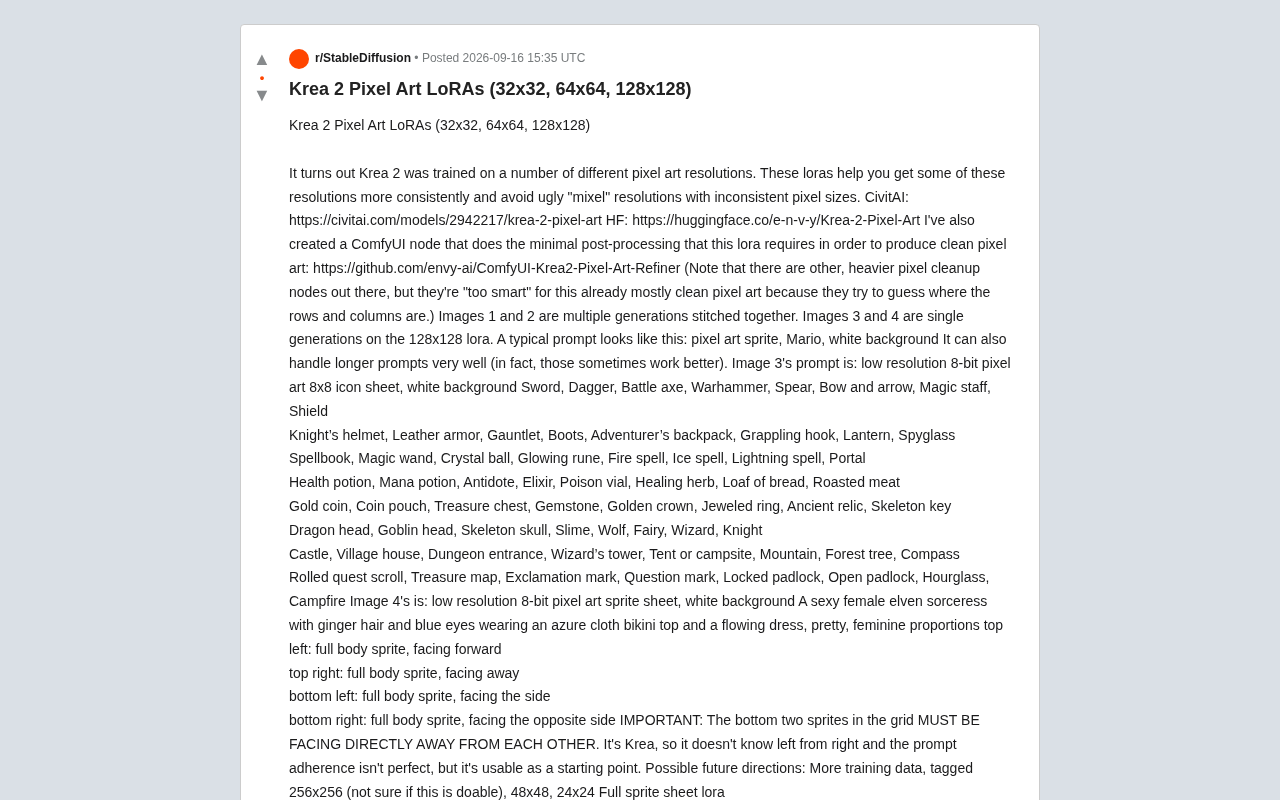
Reddit user envy discovered that Krea 2 had been exposed to various pixel art resolutions during training, and used this to train a Pixel Art LoRA covering 32×32, 64×64, and 128×128 — targeting the common "mixel" problem of inconsistent pixel blocks and misaligned grids. A companion lightweight ComfyUI node deliberately avoids heavier pixel-cleaning solutions that would disrupt already well-aligned output. The LoRA supports both short and long prompts, can generate full 8×8 icon sheets in one pass, and is open-source on CivitAI and Hugging Face, with more resolutions planned.
Krea 2's Hidden Pixel Art Capabilities Unlocked
A community developer (Reddit user and CivitAI/Hugging Face author envy) discovered that the Krea 2 model was exposed to various pixel art resolutions during training. Building on this finding, he trained and released a dedicated Pixel Art LoRA set covering three resolutions — 32×32, 64×64, and 128×128 — to help generation results land consistently on specific pixel grids.
The core problem this LoRA addresses is the so-called "mixel" issue — where generated images contain inconsistent pixel block sizes and blurry edges. For anyone working on game art or retro-style assets, clean, grid-aligned pixels are the difference between something usable and something that isn't.
The model resources are open-source and available on CivitAI and Hugging Face.
LoRA (Low-Rank Adaptation) is a parameter-efficient fine-tuning technique. Rather than modifying all the weights of a base model directly, it inserts two low-rank matrices alongside the original weight matrices and only updates those smaller matrices during training. The result is an extremely small file size (typically tens of MB or even just a few MB) that can be layered on top of a base model like a plugin — enabled or disabled at will. For tasks with clear stylistic constraints like pixel art, LoRA is an ideal adaptation method: it doesn't require training an entire model from scratch, but instead uses a small number of annotated pixel art samples to "activate" and reinforce capabilities that already exist within the base model.
Companion ComfyUI Post-Processing Node
Beyond the LoRA itself, the author also developed a dedicated ComfyUI node for the minimal post-processing this LoRA requires, producing clean pixel art output.
Worth highlighting is one of the author's key technical observations: while there are already many heavier pixel-cleaning nodes available, they are actually "too smart" for this LoRA. Because the LoRA's output is already quite clean, those nodes attempt to "guess" the positions of pixel rows and columns — and end up breaking a grid that was already well-aligned. This is a highly practical insight: more complex tooling isn't always better; matching the tool to the actual task is what matters.
ComfyUI is a node-graph-based frontend tool for Stable Diffusion that lets users build image generation pipelines by connecting functional nodes, without writing any code. Its ecosystem includes a large number of community-developed custom nodes covering image post-processing, LoRA loading, resolution control, and more. Pixel art cleaning nodes typically work by performing color quantization and edge alignment on generated images — inferring the positions of pixel grid rows and columns algorithmically before resampling. These nodes work well on blurry "pseudo pixel art," but introduce secondary interference when applied to output that already has correct grid alignment, which is precisely why the author chose to develop a more lightweight node.
Prompt Writing and Real-World Performance
Typical prompts are very concise, for example:
pixel art sprite, Mario, white background
The author notes that Krea 2 handles longer prompts well too, and in some cases longer prompts actually yield better results.
Icon Sheet Batch Generation
One of the showcase images features an 8×8 icon sheet generated in a single pass with the 128×128 LoRA, using the prompt "low resolution 8-bit pixel art 8x8 icon sheet, white background" followed by a large list of common RPG items — swords, daggers, battle axes, shields, spellbooks, crystal balls, health potions, gold coins, treasure chests, dragon heads, castles, dungeon entrances, quest scrolls, and more. The ability to generate large numbers of aligned icons in a single pass is particularly valuable for indie game developers during the prototyping phase.
Sprites and icon sheets are fundamental units of 2D game art assets. Sprites typically refer to multi-frame animations of individual characters or objects arranged on a single image, while icon sheets are neatly arranged static icons of similar items, designed for game engines to reference by coordinate index. For indie developers, the prototyping phase often demands rapid production of large quantities of placeholder assets. Being able to generate a style-consistent, grid-aligned icon sheet in one shot can significantly reduce the time spent on manual cropping and style adjustment. Traditional approaches involve drawing each icon individually or piecing them together from asset libraries, making consistent style hard to guarantee — and this is precisely where AI generation adds value in batch-producing "good enough" starting assets.
Multi-Directional Sprites
Another example attempts to generate a four-direction sprite sheet (front, back, side, and mirrored side). The author is candid in his disclaimer: "This is Krea — it can't tell left from right, and prompt adherence isn't perfect." As a result, requirements like back-to-back orientations need to be heavily emphasized in the prompt (even capitalized as IMPORTANT), yet the results can still serve as a usable starting point for manual touch-up.
This kind of honest disclosure about model limitations is more useful as a reference than simply showcasing cherry-picked best results.
Roadmap
The author has outlined several potential directions for future iteration:
- Adding more training data, including 256×256 annotations (though the author is uncertain whether this is feasible)
- Adding more resolutions such as 48×48 and 24×24
- Training a dedicated LoRA for full sprite sheets
Summary
The significance of this Krea 2 Pixel Art LoRA lies in making an existing but hard-to-reliably-trigger capability explicit and accessible. Through the combination of LoRA and a lightweight post-processing node, generation results land more reliably at specified pixel resolutions, avoiding the grid misalignment issues that commonly plague traditional AI pixel art generation. For creators working on retro game assets or icon prototypes, this is an open-source toolset worth integrating into your workflow.
Related articles
 Tech Frontiers
Sherlock: An Open-Source Tool for Tracking Usernames Across Social Networks
Sherlock is an open-source Python tool that tracks social accounts across networks by username. This article covers its core features, why developers love it, typical use cases, and privacy compliance considerations.
 Tech Frontiers
GitHub Daily·Nov 07: Agent-Ready and Context Compression
GitHub Trending Nov 07: meta's agent-ready design system astryx, billion-context's 5x context compression, sherlock nearing 100k stars, plus local-first localthings and bare-metal GPU orchestration nvke.
 Tech Frontiers
Buoyant Open-Sources Kinference: An Inference Control Plane for vLLM on K8s
Buoyant open-sources Kinference, an inference control plane for vLLM on Kubernetes, with declarative routing, KV-cache-aware load balancing, and per-tenant metrics—claiming 95% lower median TTFT in official benchmarks.