Learning LangChain from Scratch: A Practical Path to Building Agentic Workflows
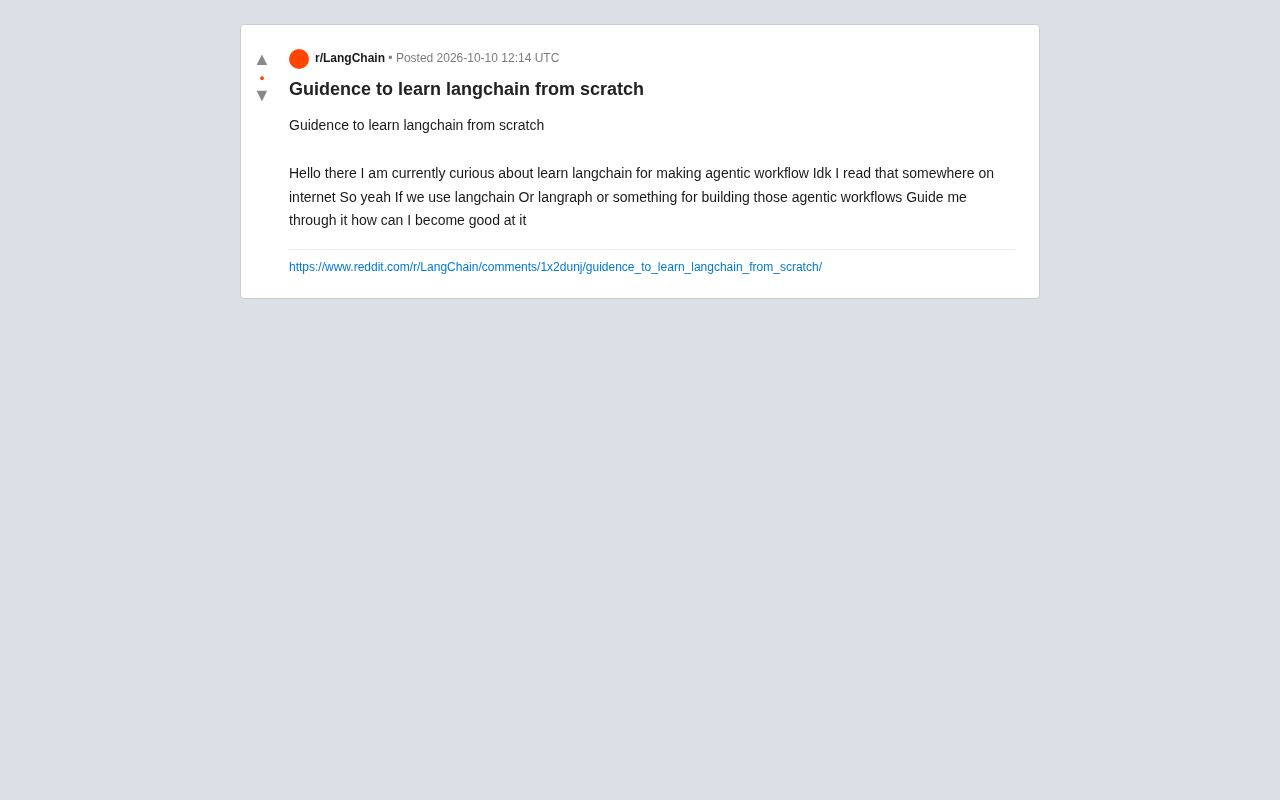
A phased, project-driven roadmap for learning LangChain and LangGraph from zero to agentic workflows.
This article provides a clear learning path for LangChain and LangGraph beginners. It starts by clarifying core concepts — LangChain as an orchestration framework connecting LLMs to tools and data, and LangGraph as a stateful graph library for complex branching and looping scenarios. The three-phase path covers foundational Python and LLM prerequisites, then core components (Models, Chains, Memory, RAG, Tools/Agents), and finally LangGraph's stateful graphs and multi-agent orchestration. The article emphasizes project-driven learning over passive tutorials and recommends starting with a RAG Q&A bot. The key takeaway: tools will evolve, but understanding how to make models decide, call tools, and manage state is the truly transferable skill.
Why LangChain Has Become the Starting Point for AI App Development
Many people new to AI development share a familiar frustration: they've heard that LangChain or LangGraph can be used to build so-called "agentic workflows," but when it's time to actually get started, they have no idea where to begin. It's a question that keeps coming up on Reddit and similar communities — the direction is clear, but the path is anything but.
This article aims to map out that path clearly, offering a step-by-step framework that takes you from foundational concepts to real projects. A quick note: since the original question that inspired this piece was light on specifics, the content here is based on a general understanding of the LangChain ecosystem rather than a recap of any particular tutorial.
Understanding the Concepts First: What Problem Does LangChain Actually Solve?
Before writing a single line of code, getting the core concepts straight matters more than rushing to run a demo.
LangChain is, at its core, an orchestration framework that connects large language models (LLMs) to external tools, data sources, and memory. Calling an LLM API once is straightforward enough — but when you need the model to search the web, query a database, read documents, or maintain context across a multi-turn conversation, you need a mechanism to "chain" all those steps together. That's exactly what LangChain provides.
Agentic workflows refer to setups where the LLM isn't just passively answering questions, but autonomously deciding which tools to call, in what order, and when to stop. The model acts as the "decision-making brain," while tools serve as its "hands and feet."
LangGraph is a library from the LangChain team designed specifically for complex agent orchestration. Unlike LangChain's linear, chain-based structure, LangGraph describes workflows as graphs, making it far better suited to scenarios involving branching logic, loops, and multi-agent collaboration.
A Key Question: Do You Need a Chain or a Graph?
If your task follows a relatively fixed "input → process → output" pattern, LangChain's basic chains are sufficient. Once you're dealing with logic where "an agent needs to reason repeatedly, call tools, and make decisions based on results" — the kind of cyclical, stateful behavior that defines true agents — LangGraph becomes the more appropriate tool. There's no need to agonize over this early on. Master the LangChain fundamentals first, and the transition to LangGraph will happen naturally.
Understanding the technical distinction between the two helps clarify this decision. LangChain's "chains" are essentially a special case of a directed acyclic graph (DAG) — data flows from input to output through a series of processing steps, never looping back. LCEL (LangChain Expression Language) strings these steps together with the | pipe operator, resulting in clean, readable code. LangGraph introduces the concept of a "stateful graph": each node is a processing function, edges determine which node to visit next, and state is continuously passed and updated throughout execution. Because edges can point back to previously visited nodes, LangGraph natively supports cycles — the key mechanism behind behaviors like "keep reasoning until the model is satisfied." The classic example is the ReAct pattern: the model reasons, calls a tool, receives a result, reasons again, and repeats this loop until it determines the task is complete. This kind of structure is awkward to express in LangChain's linear chains, but it's exactly what LangGraph was designed for.
A Phased Learning Path
Phase 1: Build a Solid Foundation
Before touching LangChain, make sure the following fundamentals are in place:
- Python proficiency: Functions, classes, and async programming (
async/await) come up constantly in agent development. - Basic LLM concepts: Understand what tokens are, how context windows work, what temperature does, and the fundamentals of prompt engineering.
- API experience: Be able to complete at least one conversational request using the OpenAI, Anthropic, or any other model API.
Skipping these and jumping straight into the framework often leaves you stuck at the "I don't understand what this error is saying" stage.
Phase 2: Master LangChain's Core Components
Work through these in order:
- Models and Prompts: How to wrap model calls and manage prompts with
PromptTemplate. - Chains: Linking multiple calls together and understanding LCEL (LangChain Expression Language), the newer compositional syntax.
- Memory: Giving conversations the ability to retain context.
- Retrieval / RAG: Connecting to a vector database for document-based Q&A — currently the most common real-world use case.
- Tools and Agents: Giving the model the ability to call external tools — the heart of agentic behavior.
For each component, make sure you run a minimal working example, not just read the documentation.
RAG (Retrieval-Augmented Generation) deserves a closer look, as it's the most widely deployed pattern in enterprise AI applications today. LLMs have a training data cutoff and can't be pre-loaded with every company's private documents. RAG's approach: documents are chunked and converted into vector embeddings, then stored in a vector database (such as Chroma, Pinecone, or FAISS). When a user asks a question, the system first retrieves the most semantically relevant text chunks from the vector store, then injects those chunks alongside the question into the prompt, allowing the model to answer based on that "context." The whole pipeline essentially gives the model the ability to "look things up in real time" — solving both the stale knowledge problem and enabling it to work with private data. LangChain provides comprehensive abstractions for the entire RAG pipeline, including Document Loaders, Text Splitters, vector store interfaces, and retrieval chains. When studying this section, treat it as a complete mini-system rather than an isolated component.
Phase 3: Level Up to LangGraph and Agent Orchestration
Once you've built a working tool-using agent with LangChain, move on to LangGraph:
- Understand the three core concepts: State, Node, and Edge.
- Implement a loop-based ReAct-style agent (reason → act → observe → reason again).
- Experiment with multi-agent collaboration — for example, one agent for planning and another for execution.
ReAct (Reasoning and Acting) is one of the most dominant agent reasoning frameworks today, introduced by Princeton University and Google in 2022. Its core idea is to interleave "reasoning traces" with "action execution": the model first writes out its current thinking in natural language (Thought), then decides on an action to take (Action), receives the result from the system (Observation), and continues reasoning based on the new information — repeating this loop until it arrives at a final answer. The design's strength lies in its interpretability and debuggability: the model's reasoning at every step is surfaced as text, making it much easier for developers to pinpoint where things went wrong. LangGraph is an excellent fit for implementing ReAct: reasoning nodes and tool-calling nodes map to distinct Nodes in the graph, and the loop logic is handled through Conditional Edges — when the model determines the task isn't done, the edge points back to the reasoning node; when it's finished, it points to the terminal node. Understanding how ReAct works mechanically makes it much faster to diagnose root causes when agent behavior goes off the rails.
Use Projects to Drive Learning, Not Tutorial Marathons
The most common trap when learning a framework is "watched a ton of tutorials, still can't write anything from scratch." A more effective approach is to learn in reverse from a concrete project:
- Beginner project: Build a RAG Q&A bot that can read a PDF and answer questions about it.
- Intermediate project: Build a research assistant agent that can search the web, use a calculator, and synthesize results.
- Comprehensive project: Use LangGraph to build a multi-step automated workflow — for example, automatically researching a topic and generating a report.
When you hit something you don't understand while building, go back and look up the relevant documentation and concepts. This "problem-driven" approach is far more efficient than passively working through a complete course.
A Few Practical Tips
Stay close to the official documentation. LangChain iterates extremely fast and APIs change frequently. Outdated community tutorials can lead you astray. When in doubt, the official docs win.
Make use of LangChain Academy and the official example repositories. The team provides structured learning materials and a large collection of runnable notebooks — far more systematic than scattered blog posts.
Iterate from small. Don't try to build a complex multi-agent system from the start. Get a single, simple agent running reliably first, then layer in capabilities incrementally.
Understand the principles beneath the framework. LangChain is fundamentally an abstraction layer over LLM call patterns. If you understand what it's doing under the hood, your skills will transfer even if you later switch to a different framework — LlamaIndex, CrewAI, or a hand-rolled solution.
Final Thoughts
Learning LangChain from scratch isn't inherently difficult. What's hard is closing the loop between "conceptual understanding → component mastery → hands-on projects." Instead of worrying about whether to use LangChain or LangGraph, just run your first RAG Q&A app. Tools will change, but the underlying understanding of agentic workflows — how to get a model to make decisions, call tools, and manage state — is what will genuinely stick with you.
Related articles

Gmod TTT: Boba's Winning Streak and Game Design Insights
An in-depth analysis of Gmod TTT's role system, creative items, and social gameplay mechanics, exploring the relationship between randomness design and game balance through Boba's winning streak phenomenon.

FlexBudget: Fair Comparison of KV Cache Eviction Strategies Under a Unified Compute Budget
AMD engineer proposes FlexBudget at PyTorch Conference: a training-free fair comparison method for KV cache eviction rules using fixed kernels and memory budgets, all in core PyTorch.
