Linux from Scratch: Build Your Own Linux System from the Ground Up
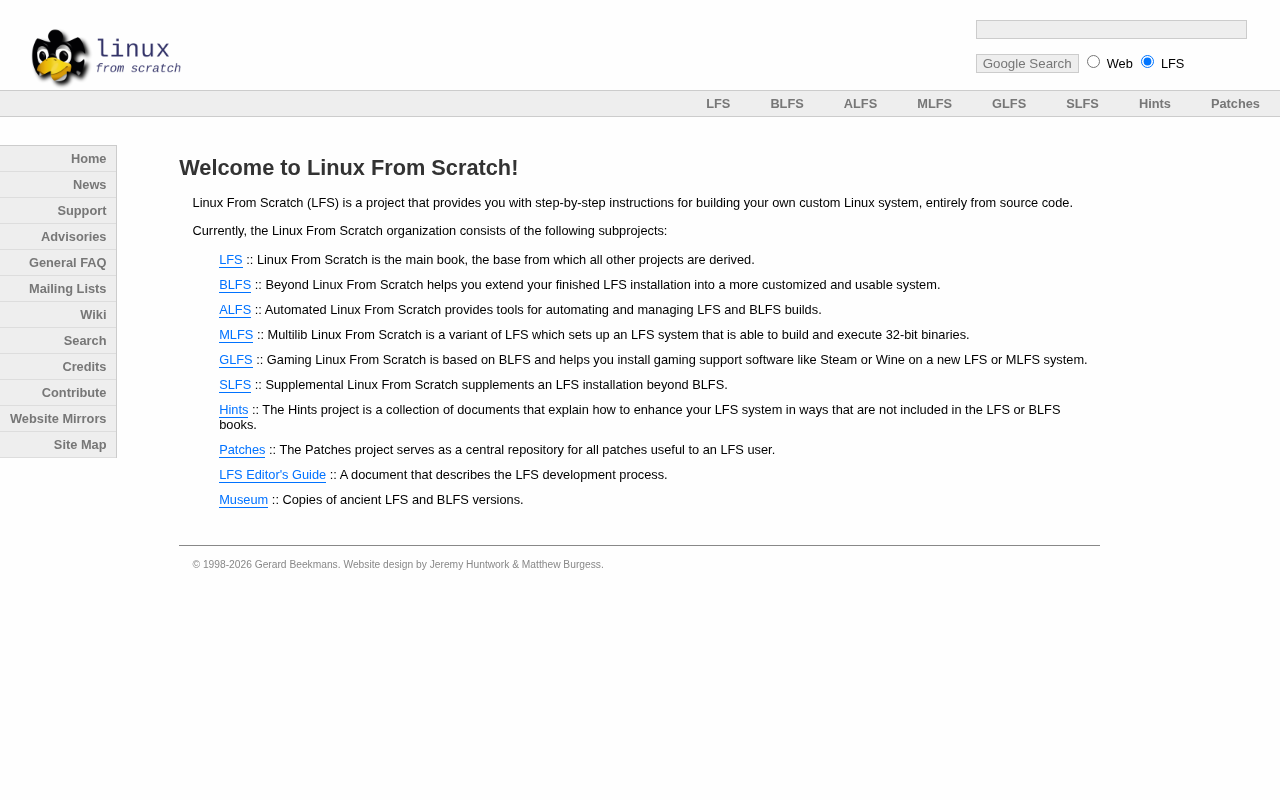
Linux from Scratch is an open-source guide for building a Linux system from source — focused on deep understanding, not speed.
Linux from Scratch (LFS) is an open-source project for advanced users that provides a complete guide to compiling and building a Linux OS entirely from source code. Its value lies not in producing a daily-use system, but in helping builders truly understand how a Linux distribution's components — kernel, glibc, GCC, bootloader — fit and work together. The project ecosystem includes BLFS (extending the application layer), ALFS (automating the build), and multi-architecture support. LFS is best suited for systems learners, embedded developers, and technical enthusiasts, and is widely regarded as one of the most comprehensive free resources for learning Linux internals.
What Is Linux from Scratch
Linux from Scratch (LFS) is an open-source project aimed at advanced users. It provides a complete step-by-step guide that walks you through compiling and building your own Linux system entirely from source code. Unlike installing a ready-made distribution such as Ubuntu, Debian, or Fedora, LFS doesn't hand you pre-packaged binaries — instead, you type every command yourself, compile every package one by one, and end up with an operating system you built with your own hands.
The project recently earned 267 upvotes and 79 comments on Hacker News, reaffirming its enduring appeal in the technical community. For many developers and system enthusiasts, LFS feels more like a curriculum than a product.
Why Bother Building a System from Scratch
On the surface, building a Linux system from zero seems wildly inefficient — something that takes hours or even days can be accomplished with an install disc in under an hour. But LFS was never about speed; it's about understanding.
When you personally compile the kernel, configure the bootloader, and install low-level components like glibc, GCC, and Bash one by one, you develop a genuine understanding of what pieces make up a Linux distribution and how they work together. That kind of insight is simply unavailable when using a pre-built distro.
For anyone who wants to deeply grasp Linux internals, LFS offers an unparalleled learning path: you won't just know the system works — you'll know why it works. This is the core reason it has remained well-regarded among system administrators, embedded developers, and kernel learners for years.
Key concepts encountered during the LFS build process include: toolchain bootstrapping — using the host machine's compiler to build a temporary compilation environment, then using that environment to compile the final system, eliminating dependency on the host; chroot isolation — using the chroot command to switch the root directory and simulate a target environment fully isolated from the host during the build; and dynamic linker path configuration (ld.so.conf), among others. Understanding these mechanisms is a prerequisite for working through the LFS handbook — and one of the greatest takeaways once the build is complete.
The LFS Project Ecosystem
LFS is not a standalone manual — it's a series. Several companion books have grown up around the core Linux from Scratch guide:
BLFS (Beyond Linux from Scratch)
Once you've used LFS to build a minimal working system, BLFS teaches you how to build on top of it — installing a graphical interface, network services, a browser, multimedia applications, and more, turning a "bootable skeleton" into a fully usable everyday environment.
The scope of BLFS typically far exceeds the core LFS book. The LFS handbook covers roughly 80+ packages, while BLFS covers more than 1,000, including the X.Org graphics stack, KDE/GNOME desktop environments, Firefox, OpenSSH, Apache, and other common services. Due to complex dependency chains and the need to carefully plan installation order and compile options, BLFS is generally considered an even more patience-testing challenge than LFS itself.
ALFS (Automated Linux from Scratch)
Typing commands by hand has clear educational value, but repetitive builds get tedious quickly. ALFS provides automation tools that help experienced users script the entire build process, saving significant time when repeated builds are needed.
The core ALFS tool is jhalfs (Jhalfs Helps Automate LFS). It parses the official handbook's XML source files and automatically generates an executable set of Makefile scripts, fully automating the build pipeline. This is particularly useful for developers who need to repeatedly deploy custom systems on different hardware — embedded systems engineers, for instance. That said, ALFS assumes you already understand every step of the manual build, so it's not a substitute for the LFS handbook as a learning path.
Multi-Architecture and Internationalization Support
The LFS project also offers versions targeting different hardware architectures, along with translated documentation in multiple languages, lowering the barrier for non-English speakers.
Who Is LFS Actually For
LFS is explicitly not designed to get beginners up and running on Linux quickly. If you simply need a working machine, any mainstream distribution is the smarter choice.
LFS is genuinely suited for: learners who want to thoroughly understand how a Linux system is composed; embedded or server developers who need a highly customized minimal system; and geeks who treat "building a system from scratch" as a technical challenge and a source of satisfaction. The process demands patience, a solid foundation in the command line, and the troubleshooting skills to work through compiler errors.
Based on community feedback, many people regard completing a full LFS build as a kind of technical rite of passage — it may not produce the system you use day-to-day, but it will genuinely deepen your understanding of operating systems.
An Evergreen Open-Source Textbook
LFS continues to attract attention, which speaks to the fact that even in an era obsessed with out-of-the-box convenience, a large number of technical people still want to slow down and understand how their tools actually work. It's free, open-source, and thoroughly documented — arguably one of the most systematic free resources available for learning Linux at a low level.
If you're curious about how operating systems work, or you want to build a genuinely solid foundation in systems knowledge, consider setting aside a weekend and following the LFS handbook from the very first command. You won't end up with a polished desktop — but you will come away with a much clearer mental map of the entire Linux world.
Related articles

Sugra MCP: One-Click Access to 200+ Data Sources, Connecting Mainstream AI Applications
Sugra MCP connects mainstream AI apps like Claude, ChatGPT, and Cursor through a unified MCP protocol, offering 200+ data sources and 1,600+ endpoints. Listed in Anthropic, OpenAI, and GitHub directories—integrate with one command.
 Tech Frontiers
T3 Code: Free, Open-Source, and a Unified Way to Manage All AI Coding Agents
T3 Code is a free open-source app that aggregates AI coding tools like Cloud Code and Codex into one interface, with conversation handoff, branch isolation review, automatic PR creation, and remote access.
 Tech Frontiers
Conductor Cloud Service Shutting Down? A Comparative Review of Three Parallel AI Coding Agent Solutions
Conductor's cloud service is shutting down—how can developers keep running AI coding agents in parallel? This article compares three alternatives: Orca, Codex, and Cursor: Orca is open-source and free and compatible with old workspaces, Codex is built into the ChatGPT desktop app and supports cloud handoff, and Cursor offers multi-agent windows within the editor. Choose the tool that best fits your workflow.