Love a Website? Back It Up

A hot HN post reminds us: if you love a website, back it up — content won't stay online forever.
Starting from a Hacker News post titled "If you love a website, back it up," this article explores the reality that internet content is not permanently accessible. Domain expiration, hosting shutdowns, platform takedowns, and moderation policy changes can all erase once-active websites — treating URLs as permanent addresses is an illusion. The article breaks "backing up a website" into four actionable levels: single-page saving, full-site crawling, public archiving services, and content redistribution. It also notes that backup is not just a technical action but carries content-ethics significance: local copies or archive links keep citations verifiable after the original page fails. For independent creators, proactively offering archiving, export, or full-text RSS lowers the barrier for readers to save content and extends its dissemination lifecycle.
A Digital Preservation Anxiety Sparked by a Hot HN Post
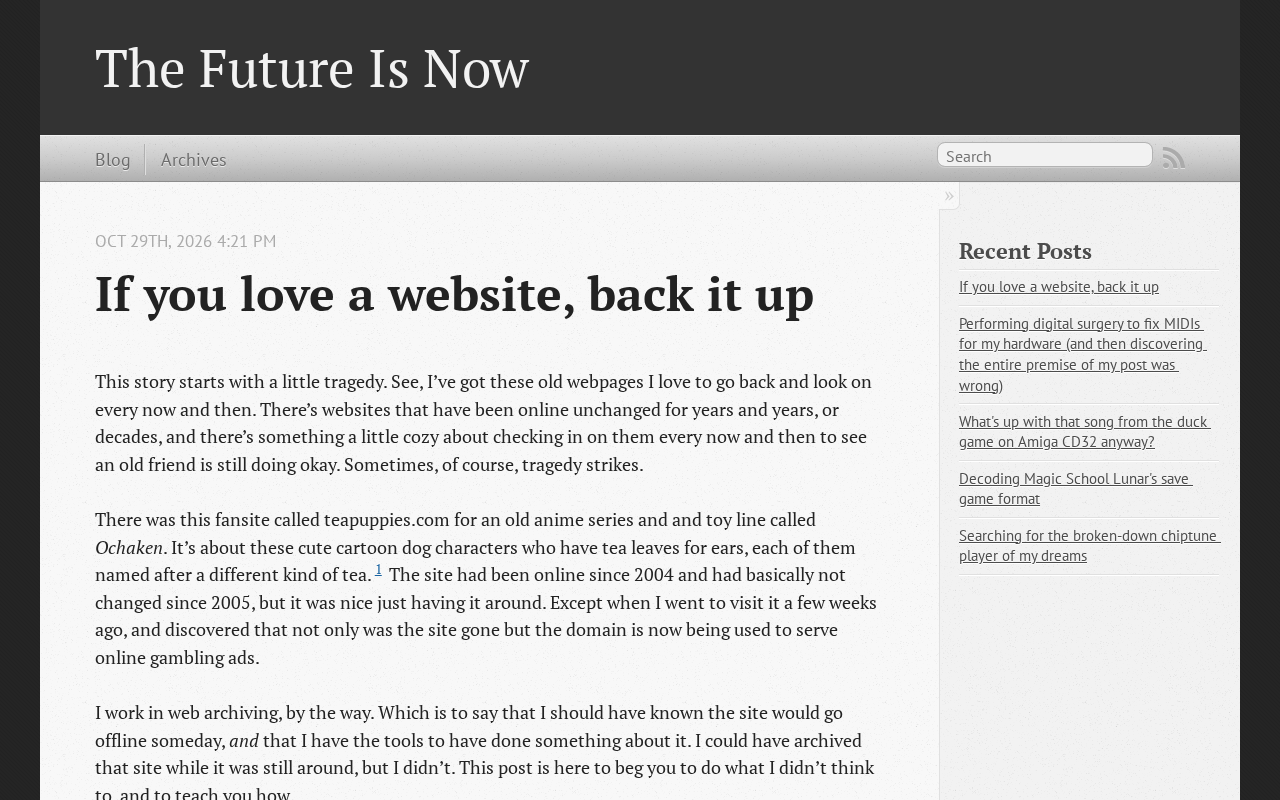
A post titled "If you love a website, back it up" appeared on Hacker News, earning 212 points and 52 comments. The title itself makes one thing clear: content on the internet is not inherently permanent, and "backing up" — a seemingly technical action — is actually an act of proactive protection beyond mere content consumption.
The post originates from the personal blog blog.mistys-internet.website. The core of the discussion is not any specific tool or protocol, but an attitude — when you believe a website is worth reading and citing long-term, saving its content locally may be more reliable than expecting it to stay online forever.
Why "the Website Will Always Be There" Is an Illusion
Link Rot and Content Disappearance
In everyday internet use, people tend to treat URLs as permanent addresses. But the lifecycle of personal blogs, independent sites, and niche communities is often much shorter than that of commercial platforms. Domain expiration, hosting shutdowns, and authors losing interest in maintenance can all cause a once-active website to fall silent.
Although the original Hacker News discussion wasn't expanded comment by comment, 52 comments mean a considerable number of readers had something to say about this topic. Judging from the 212 points a title-only post received, this urge to "save content you like when you see it" is quite common among technical readers.
Link rot is a classic term in the field of digital preservation, referring to the phenomenon where originally valid hyperlinks point to dead pages (404) or replaced content over time. A 2014 study by Harvard Law School sampled links in articles from media outlets such as The New York Times and found that over 49% of links could no longer reach their original targets within a few years. Link rot is especially damaging to academic citations, legal documents, and news reporting — when the cited source disappears, the verifiability of the argument collapses with it. A related concept is content drift, where the link remains accessible but the page content has been modified or deleted, distorting the context of the citation. Together, these two phenomena demonstrate that a URL is merely a pointer to a resource, not the resource itself; when the pointer fails or shifts, only an independent copy can preserve the original information.
Platform Hosting Does Not Equal Permanent Preservation
Even if content is hosted on a large platform, it doesn't mean it will be retained indefinitely. Account deletion, platform policy changes, and shifts in content moderation mechanisms can all cause a once-accessible page to disappear. Independent websites may seem more fragile, but at least the initiative to back up lies with you; once platform content is taken down, users often can't even export it.
Public web archiving services are important infrastructure for countering content disappearance, the most famous being the nonprofit Internet Archive and its Wayback Machine. It has been continuously crawling the global web since 1996 and has archived over 800 billion pages to date. Users can submit any URL to trigger an instant snapshot or browse historical versions. Similar services include archive.today (which supports on-demand crawling and preserves page screenshots and DOM structure) and web archiving projects led by national libraries around the world. The value of such services lies in third-party hosting: even if the original site shuts down, the archived copy still exists independently. However, they have limitations — crawls may be incomplete, dynamic content or pages behind login cannot be saved, and the archives themselves depend on the institution's continued operation. They are therefore often viewed as a fallback rather than the sole backup method.
What Backing Up a Website Actually Means in Practice
Starting from the original title, this advice can be broken down into several actionable levels:
- Single-page saving: Save important articles as local files or PDFs — suitable for scattered reference material.
- Full-site crawling: For independent blogs with coherent content, use site mirroring tools to save structure and pages while preserving internal link relationships.
- Archiving services: Use public web archiving services to submit URLs, letting a third party keep a historical snapshot as a fallback.
- Content redistribution: Organize key text into your own note-taking system or knowledge base so it remains usable independently of the original page.
These methods are not mutually exclusive; which one you choose depends on how frequently you use the website and your tolerance for content loss.
Full-site crawling commonly uses tools such as HTTrack (open-source, cross-platform, capable of recursively downloading a site and rewriting links for offline browsing), wget's mirror mode (the --mirror flag, suitable for command-line users), and SingleFile for modern front-ends (which inlines an entire page into a single HTML file). For static blogs, directly cloning their Git repository or downloading the full-text RSS output is often the lightest approach. Note that full-site crawling is subject to robots.txt restrictions and has limited effectiveness on sites that rely on JavaScript rendering or require login; before crawling, you should confirm the website's terms of service and copyright notice to avoid using backups for redistribution in ways that infringe on the author's rights.
Backup Is Not Just a Technical Action — It's Also Content Ethics
Treating "if you love a website, back it up" as a slogan carries another easily overlooked implication: backups make citations and discussions verifiable. When the original page becomes unavailable, a local copy or archive link allows future readers to verify that the content you cited actually existed.
For independent creators, this is also a two-way reminder — if you run your own website, proactively providing archiving, export options, or full-text RSS output lowers the barrier for readers to save content and indirectly extends the period during which your content is read and shared.
Conclusion: Turn "I'll Read It Later" into "Already Saved"
This post doesn't offer a complicated solution; it provides a simple prioritization judgment: rather than trusting that a website will stay online forever, back up content the moment you see something worth keeping. The 212 points and 52 comments show that this isn't the paranoia of a few, but a habit already formed by many long-time internet users.
One-line Summary
A hot HN post reminds us: if you love a website, back it up — because content won't stay online forever.
Related articles

AI Tools Quietly Altering Settings: Postman Silently Installs Plugin, Codex Sharing Option Auto-Resets
AI Daily reports: Postman silently installs a Mac plugin and self-approves startup hooks, logged as auto-existing upgrade; Hacker News developers say Codex data-sharing opt-out flips back. Plus Simon Willison's raw float weight experiment with QEN 3.8-27B.

AI Learns to Rewrite AI: MIT's "Weightspace Programming" Redraws the Path to Recursive Self-Improvement
MIT team proposes weightspace programming: GPT-6 Astra reads and edits AI model weights directly. Math scores jump several-fold, hand-written networks beat trained models. Eight experiments analyzed, plus Anthropic's same-day warning and the real boundaries of recursive self-improvement.

Running Qwen 3.8 on a Laptop to Read Raw Weights: 46 Minutes Per Answer
Simon Willison reproduced weight space programming with Qwen 3.8 27B on a laptop: a 17GB model file, 46 minutes per answer, 43,506 reasoning tokens, Pong over an hour, Freeway failed. Suited for interpretability researchers.