LucentraCode: An AI Coding CLI Tool Without Usage Limits

LucentraCode is an early-stage AI coding CLI offering unlimited multi-model access for real development workflows.
LucentraCode is an AI coding CLI tool with the tagline "Code without the Clock," designed to eliminate quota anxiety and high subscription costs. It supports seamless switching between models like GPT, Claude, Gemini, Grok, and Kimi directly in the terminal, covering real-world scenarios including debugging, feature building, refactoring, testing, and large codebase collaboration. Its CLI form factor makes it a natural fit for experienced developers integrating AI into existing workflows and automation pipelines. The product is currently in early stages on Product Hunt, some claimed model names (e.g., GPT-6) are unverifiable, and pricing and actual performance remain to be validated.
An AI Coding CLI Built Around "No Time Pressure"
In a crowded field of AI coding tools, LucentraCode takes aim at a particularly frustrating pain point. Its tagline — "Code without the Clock" — speaks directly to developers' anxiety around usage quotas and steep subscription fees. The tool positions itself as an AI-powered coding CLI for developers who want access to powerful models without constantly worrying about burning through their allowance.
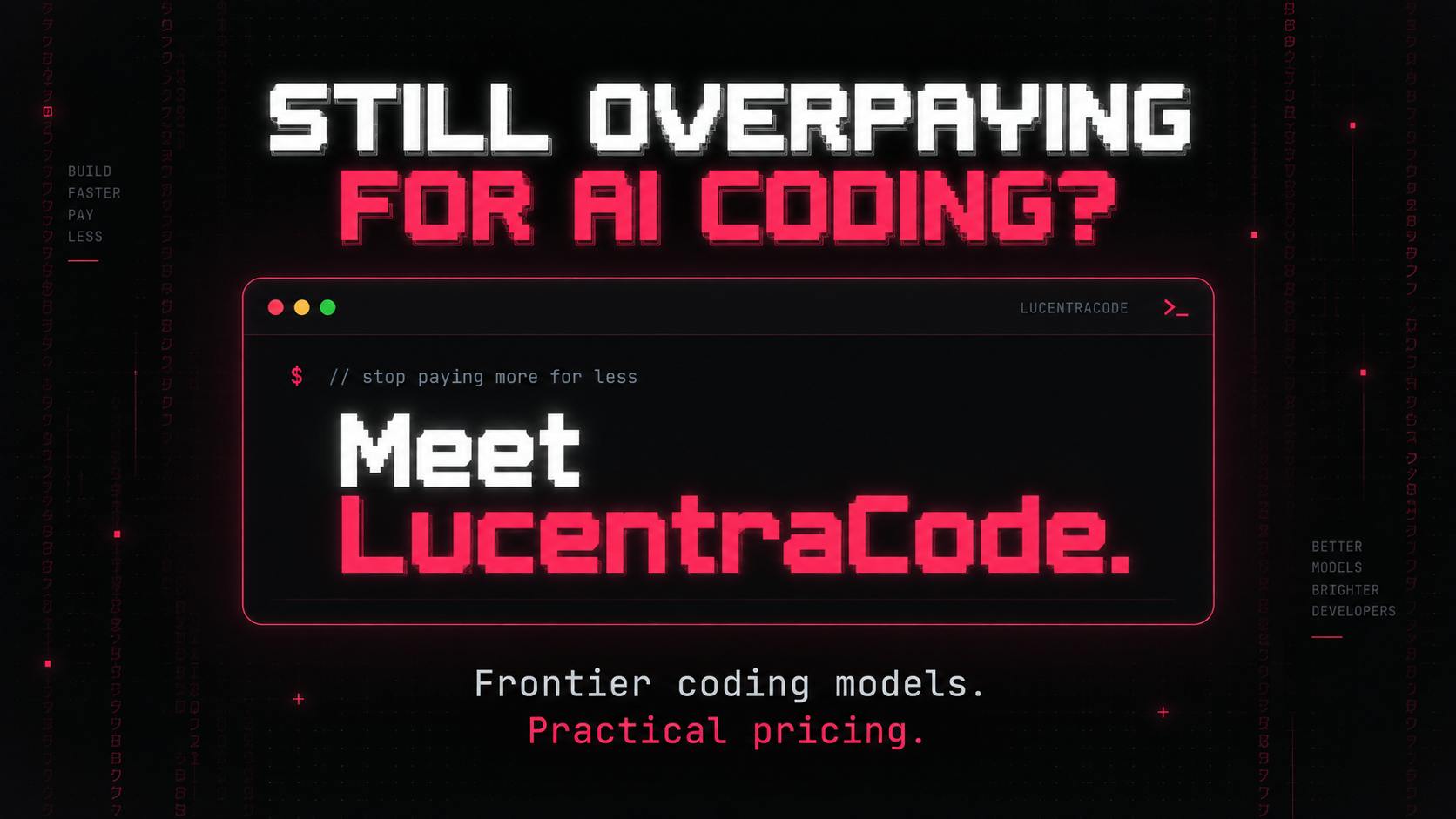
Based on its Product Hunt listing, LucentraCode is still in early stages — 9 upvotes, 3 comments, and a ranking of #15. It's categorized under Developer Tools and Artificial Intelligence. The buzz hasn't taken off yet, but its product philosophy is worth noting for anyone tracking the AI coding space.
Core Selling Point: Flexible Multi-Model Switching
LucentraCode's most notable feature is the breadth of model options it offers. According to the official description, users can invoke a range of models directly from the terminal — including GPT-6 Astra, GPT-5.6 Sol, Claude, Gemini, Grok, and Kimi.
The "model aggregation" approach isn't a new concept, but the practical value for developers is real: different tasks can be matched to the strengths of different models. Complex reasoning tasks might call for one model, while quick completions or formatting can be handed off to a lighter option. This flexibility helps avoid getting locked into a single vendor's ecosystem.
It's worth noting that some of the model names mentioned in the product description — such as GPT-6 and GPT-5.6 — cannot be verified through public channels. Readers should approach these claims with appropriate skepticism.
Model aggregation products have carved out their own niche in the AI toolchain. Notable examples include OpenRouter and LobeChat — platforms that connect to multiple model providers through a unified API or interface, so users don't have to manage separate accounts and API keys for each. For AI coding CLIs specifically, model aggregation also delivers meaningful cost control: high-frequency, low-complexity tasks (like code completion or comment generation) can be routed to cheaper models, while flagship models are reserved for deep reasoning — reducing overall spend without sacrificing quality. This maps directly onto LucentraCode's "no time pressure" positioning: by intelligently routing requests, developers don't have to agonize over the cost of every AI interaction.
Built for Real Development Workflows
Unlike some AI tools that never make it past the demo stage, LucentraCode emphasizes its focus on "real development work." The official list of supported use cases is refreshingly practical:
- Debugging: Locating and fixing code issues
- Building Features: From requirements to implementation
- Refactoring: Improving the structure of existing code
- Testing: Generating and running test cases
- Working Across Larger Codebases: Collaborating on bigger projects
That last point is particularly significant. Many AI coding assistants perform reasonably well on single files or small snippets, but context management becomes a bottleneck once you're dealing with a large codebase. By explicitly listing "working across larger codebases" as a core capability, LucentraCode is staking out territory that, if genuinely delivered, would meaningfully differentiate it from basic autocomplete tools.
The CLI Trade-Off
Choosing a command-line interface over an IDE plugin or standalone app is a deliberate positioning decision. CLI tools tend to appeal to more experienced developers — they're lightweight, easy to integrate into existing workflows, and naturally suited to scripting and automation. For developers who already live in the terminal, being able to invoke AI capabilities without switching to a GUI is a seamless experience.
Of course, this also means LucentraCode's target audience is fairly focused. For beginners or users who prefer visual interfaces, a pure CLI may present too steep a learning curve.
The fundamental difference between a CLI tool and an IDE plugin lies in the runtime environment and interaction model. IDE plugins (like GitHub Copilot's VS Code extension) are deeply embedded in the editor — they're aware of cursor position and can provide real-time completions. CLI tools, by contrast, run as independent processes in the terminal, where developers drive interactions through commands and flags. This model has solid precedent in AI coding: Anthropic's official Claude Code and the widely followed open-source project Aider both take the CLI route, demonstrating that this approach has a stable user base. CLI tools also have a natural advantage for CI/CD pipeline integration — AI capabilities can be embedded in automation scripts and triggered at commit, test, or deployment stages, rather than being limited to the moment a developer is actively writing code.
Promising, But Still Unproven
LucentraCode addresses two genuine pain points in AI coding tools — usage limits and subscription costs — and proposes multi-model aggregation and a CLI form factor as its answer. From a product philosophy standpoint, the direction aligns well with what developers actually need.
That said, as an early-stage product, its real-world performance, pricing model, and the availability of the models it claims to support all remain to be validated by the market. For developers tracking the AI coding space, it's worth keeping on the watch list — but it's probably best to wait for more real-world feedback before drawing firm conclusions.
Related articles

Claude Max Free API Credits: Why Can't They Be Used for Claude Code?
Claude Max and Team plans now include monthly free API credits, but they can't be used for Claude Code, and credits reset each billing cycle. Learn the specific rules and limitations of this perk.

Automate Missing Invoice Detection with n8n + Gemini, Doubling Your Accounting Team's Efficiency
An n8n-based automation workflow combining Gemini, Gmail, and Google Sheets to automatically find missing invoices, flag items that should be sent but haven't been, and trigger notifications—with threshold control and human review built in.

Children's Robot Eiliko Hacked via Remote Control, Raising Privacy and Security Concerns
Children's robot Eiliko was found to have serious security flaws, storing conversation logs on Chinese servers. A security researcher remotely turned it into a "dominator." Manufacturer Energize Lab refused to respond, raising concerns about smart toy privacy and security.