M6 Mac mini vs. M5 Ultra Mac Studio: A Full Local AI Performance Breakdown

M6 Mac mini vs. M5 Ultra Mac Studio: local AI tests reveal memory is the real bottleneck.
iJustine ran five fully local, offline AI benchmarks comparing the $2,400 M6 Mac mini against the $14,000 M5 Ultra Mac Studio — covering chatbot inference, Blender rendering, AI image generation, thermal endurance, and multi-task stress testing. The Studio was 3–7× faster across single tasks and scored between the RTX 5090 and 4090 in Blender. The critical finding came in multi-tasking: the Mini's 32GB unified memory was exhausted by two AI tasks, crashing the third and slowing image generation from 12 seconds to nearly 4 minutes. The Studio's 256GB handled all three with ease. iJustine then used the Studio to locally run a 125B-parameter, 105GB Qwen model to auto-generate 1,000 pig NFT characters at zero API cost. Verdict: the Mini is enough for most creators; for massive local models or parallel AI workloads, the Studio's memory advantage is unmatched.
Tech YouTuber iJustine has dropped a deep-dive comparison between the new M6 Mac mini and the M5 Ultra Mac Studio. This time, she skipped her usual demos — design, video editing, Lightroom — because both machines handle her everyday MacBook M4 Max workloads "almost insultingly easily." Instead, she ran a series of fully local AI performance tests: every model downloaded directly to the machine, no internet, zero cloud involvement.
Two Machines With Very Different Ambitions
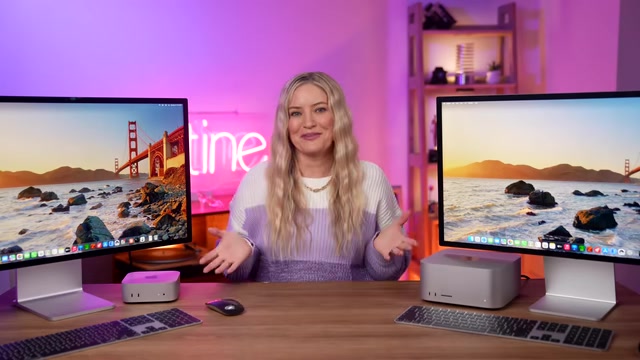
First, the hardware and price gap. The Mac mini packs an M6 chip and retails for $2,400 — a tiny desktop. The Mac Studio runs an M5 Ultra, costs over $14,000, and is a full-blown workstation.
The spec delta is just as wide: the Studio has three times the CPU cores, nearly seven times the GPU cores, and eight times the RAM. The Studio in testing came with 256GB of unified memory; the Mini has just 32GB.

iJustine also noted an interesting market trend: individuals and companies are clustering these machines together to build their own private data centers. That says a lot about Apple Silicon's appeal for local AI inference.
Five Local AI Benchmarks
To keep results consistent, iJustine used Claude to build a test harness — identical environments on both machines, same files, same terminal-run tests, no interference.
Test 1: Local Chatbot
The first test ran NVIDIA's Nemotron 3.5 Lightning model — fully local, no internet. The Mini generated around 38 tokens per second; the Studio hit roughly 124 tokens per second, more than three times faster. Given the massive price and spec gap, the Mini actually held up surprisingly well.
This test also highlighted a key feature: the neural accelerator Apple first introduced with the M5 series, now carried forward into the new GPU architecture. Enabling it nearly doubled the Mini's prompt-processing speed, and boosted the Studio's by over 1.5×.
What is a Neural Accelerator? Apple's neural accelerator is a dedicated hardware unit first introduced in the M5 chip family, designed specifically to accelerate neural network inference — operating independently from both the CPU and GPU. Unlike general-purpose GPU parallel computation, it's optimized at the hardware level for the operations most common in large model inference: matrix multiplication, activation functions, and so on. It can generate more tokens at lower power consumption. In local LLM scenarios, its impact is especially notable during the "prefill phase" — when the model reads and processes the input prompt — which is typically the compute-intensive bottleneck. The neural accelerator dramatically reduces latency in this phase, which is exactly why enabling it nearly doubled the Mini's prompt-reading speed in testing. M6 carries this architecture forward and integrates it into the next-generation GPU, meaning even the entry-level Mac mini benefits.
Test 2: Blender 3D Rendering
Rendering a classroom scene in Blender took the Mini about 25 seconds; the Studio finished in under 6 seconds — more than four times faster.
Even more striking: on Blender's public benchmark leaderboard, the M5 Ultra Mac Studio scores between the RTX 5090 and the RTX 4090 — remarkable for an all-in-one workstation. The Studio's score was roughly seven times that of the M6 Mini.
Test 3: AI Image Generation
This test used a 4-billion-parameter distilled model (chosen because both machines could run it comfortably). The Mini produced one image every 12 seconds, roughly 5 per minute; the Studio churned one out every 2 seconds, about 29 per minute. iJustine also joked that the AI-generated turkey had three legs — a reminder to "never fully trust AI."
Test 4: 30 Minutes of Continuous Image Generation with Thermal Monitoring
Both machines ran image generation continuously for 30 minutes while temperatures were monitored. The Mini slowed down about 2% (half a second per image); the Studio dropped less than 1%. iJustine acknowledged that results might differ over many hours, but within the 30-minute window, neither machine overheated.
Test 5: Three Tasks Simultaneously — Memory Is Everything
The final test ran the chatbot, Blender, and Flux image generation all at once locally for 30 minutes. This is where memory became the decisive factor.
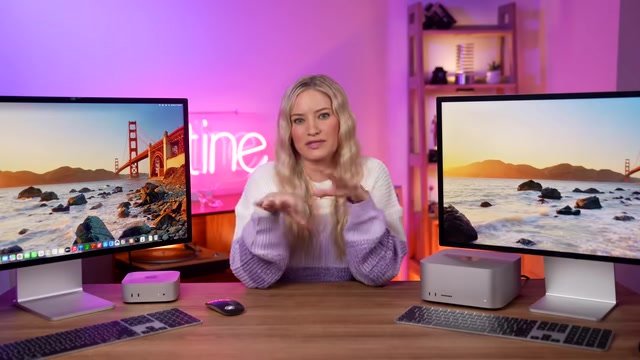
The Mini's 32GB was completely consumed by the chatbot and Flux. When Blender tried to launch, there was no room left — it crashed immediately. Once memory was maxed out, Flux's generation time also cratered from 12 seconds per image to nearly 4 minutes. The Studio, with its 256GB, had no trouble running all three tasks for the full 30 minutes — though each task ran slower than when running alone, since they shared the same chip. The takeaway is clear: for local AI, memory capacity often matters more than raw compute when it comes to running multiple large models simultaneously.
Why Unified Memory Architecture Changes Everything Apple Silicon's Unified Memory Architecture (UMA) is essential context for understanding local AI performance. In a traditional PC, CPU RAM and GPU VRAM are physically separate hardware. To run a large model on the GPU, weights must be copied from system RAM to VRAM over a PCIe bus — an expensive bottleneck. Apple Silicon integrates the CPU, GPU, neural accelerator, and memory on a single chip, where all compute units share one high-bandwidth memory pool. Model weights can be accessed directly by the GPU without copying. This means the Studio's 256GB of unified memory is effectively 256GB of "VRAM" for the GPU — a spec no discrete GPU can match (NVIDIA's flagship RTX 5090 has 32GB of VRAM). It also explains why the Mini's performance fell off a cliff once memory was exhausted: once unified memory spills over to flash swap, the bandwidth gap causes speed to drop from seconds to minutes per image.
Reviving a Shelved NFT Project with a Local LLM
The second half of the video covers what iJustine actually wanted to do: use local AI to recreate a pig character NFT project she had hand-drawn but never launched. She spent six months illustrating all the accessories, outfits, hairstyles, and skin color variants, then shelved the release after audience pushback.
This time, she wanted a local AI to take control of her computer and auto-generate the pigs. Since this task was designed specifically for the Studio, she downloaded a much larger model: Qwen with 125 billion parameters, weighing in at 105GB.
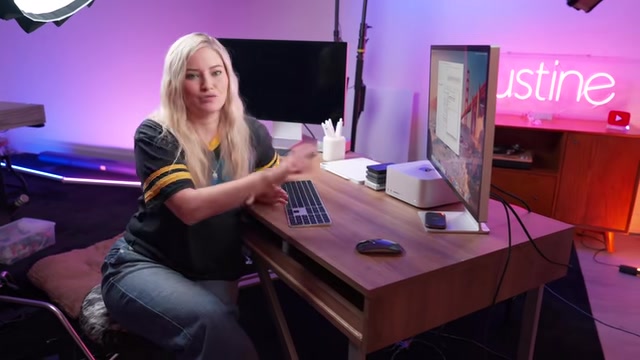
The tricky part was getting the model to "control the computer" and carry out the operations. Most people use llama to drive these models, but she needed something that could actually interact with the operating system. She had Claude write a simple script to run Qwen from the terminal.
The results were impressive: generating one thousand pigs consumed 22,700 tokens locally — at a cost of $0. She ran the numbers out of curiosity: doing the same via the Claude API would have cost about $2.38 — already extremely cheap, but local is completely free (the cost being the time spent figuring out the workflow).
The first run had a layer ordering issue (hair appearing below the outline), but after adjustment, a full regeneration took just 3 minutes and 44 seconds, with all layers correctly stacked and zero misalignment. She had also planned to animate the pigs, convert them to 3D, and even 3D print them — but had to catch a flight in 10 hours.
About Qwen and Running 125B Models Locally Qwen is Alibaba's open-source large language model series. The 125-billion-parameter version ranks among the largest models in the open-source community that can be deployed locally. The difference between a distilled model and a full-size model: distilled models train a smaller model to mimic the output distribution of a larger one, trading some capability for lower memory requirements. A 125B full-size model stored at fp16 precision exceeds 100GB — requiring enough unified memory to load it entirely without spilling to swap. At 105GB, just loading the model occupies nearly half the Studio's 256GB of unified memory, which is exactly why this task was Studio-only — the Mac mini's 32GB simply cannot hold a model this large. The technique of letting a large model "control a computer" to execute actions is generally called "Computer Use" or "Agent" mode, requiring the model to generate and execute system-level calls — a significantly higher bar for instruction-following than plain text generation.
Who Should Buy Which?
The conclusions from this comparison are clear. The M6 Mac mini delivers strong local AI performance for single tasks at a friendly price point, and it's more than enough for most creators. The M5 Ultra Mac Studio, with its massive GPU core count and 256GB of unified memory, is the real tool for running enormous models locally and juggling multiple AI tasks in parallel.
For everyday users, the Mini handles the vast majority of workflows just fine. But if you want to run 100B+ parameter models locally, or push several AI tasks onto one machine simultaneously, the Studio's memory advantage is nearly impossible to replace. That also explains why more and more people are clustering these Macs together to build their own private AI data centers.
Related articles

Chain of Thought Isn't Just for AI: How Humans Can Use CoT to Improve Thinking Quality
Chain of Thought isn't just a prompt trick for large models. Starting from a Hacker News discussion, this article analyzes why CoT works for human thinking too, breaks down actionable ways to transfer it, and highlights the key differences between human CoT and machine CoT.
Cloudflare Teams Up with OpenAI: Closi…
Cloudflare Teams Up with OpenAI: Closing the Loop from Vulnerability Discovery to Defense with AI
Cloudflare uses OpenAI Daybreak to investigate security vulnerabilities and generate reviewable remediation plans, while developers use Codex to boost coding efficiency and quality.

Orca Multi-Agent Orchestration in Practice: A Guide to Parallel Collaboration with Claude and Codex
Orca is Stable AI's free open-source agent workbench supporting 34 agents like Claude Code and Codex in parallel. Learn its Git worktree isolation, multi-model orchestration, and mobile management.