Make Agent Fast: Build a Customer Service AI Agent for Small Businesses — No Code Required

Make Agent Fast lets small businesses build a no-code AI customer service agent from their own website and documents.
Make Agent Fast is a no-code AI customer service builder for small and medium-sized businesses. With no technical background required, users simply provide their website and documents as a knowledge source to deploy a live customer service Agent. It offers four preset role templates — general assistant, sales, customer service, and booking — with pre-launch knowledge review and testing. Deployment options include website embedding or messaging channel integration, with features covering Q&A, lead capture, human handoff, and a unified dashboard. Voice and multi-channel capabilities are tiered by plan, making it accessible at a low entry point with room to scale.
Small businesses that want a 24/7 customer service presence are usually stopped by two things: budget and technical complexity. Make Agent Fast, a new product on Product Hunt, aims to solve this pain point with a no-code approach — letting small merchants build customer-facing AI Agents from their own website and documents without writing a single line of code.
The product currently ranks #18 on Product Hunt, with 6 upvotes and 1 comment, listed under the Customer Communication, Artificial Intelligence, and No-Code categories. While it's still early in terms of traction, the use case it targets — automated customer communication for small and medium-sized businesses — is one of the most promising areas for real-world AI Agent deployment right now.
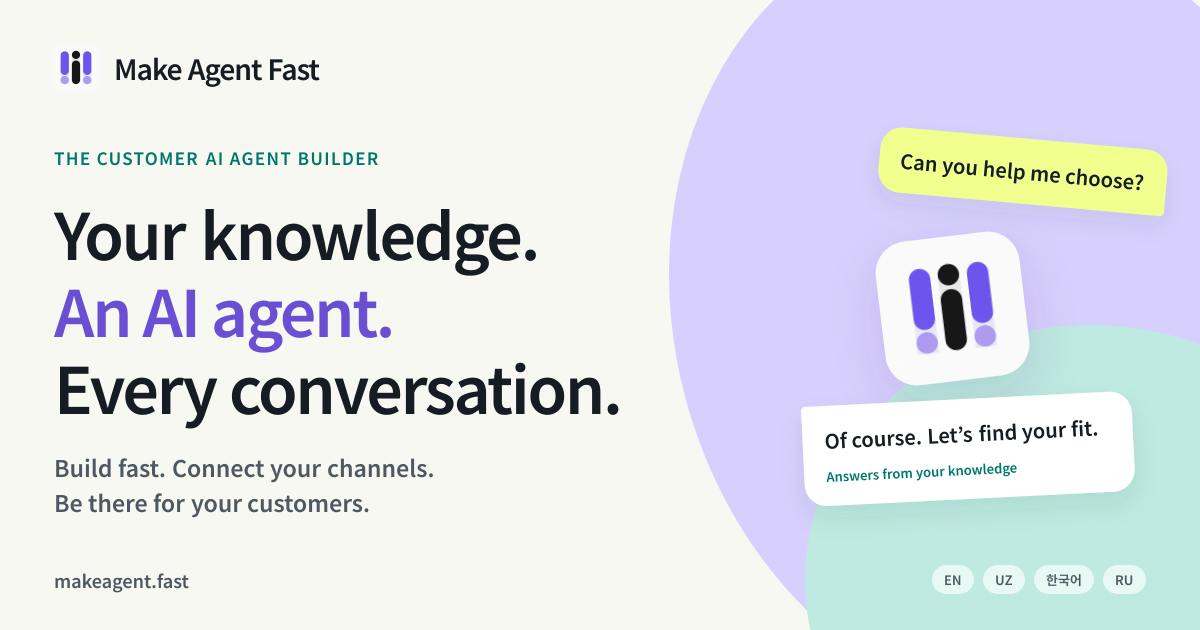
Core Capability: Train a Customer Service Agent on Your Existing Content
The fundamental logic of Make Agent Fast is "train a conversational assistant using content you already have." Merchants provide their website and relevant documents as knowledge sources, and the system uses them to build an AI Agent. You don't need to understand vector databases, prompt engineering, or model fine-tuning — the entire process is wrapped into a configuration-based workflow.
In terms of role positioning, the product offers several preset directions: general assistance, sales, customer service, and booking. This "pick a template by use case" design lowers the decision-making cost for newcomers — rather than designing the Agent's behavior logic from scratch, you start with a starting point that fits your business and adjust from there.
Worth noting is a pre-launch validation step: users can review the knowledge the Agent has acquired and test it before going live. For small businesses, this step is critical — if a customer service Agent gets key information wrong (such as pricing, business hours, or return policies), the cost is real customers, not just a failed demo.
This approach of "training an Agent on existing content" typically relies on a RAG (Retrieval-Augmented Generation) architecture under the hood: the system splits website text and documents into chunks, converts them into vectors stored in a database, and when a user asks a question, it retrieves the most relevant chunks and sends them along with the query to a large language model to generate a response. For merchants, this means the Agent's knowledge boundaries depend on the quality of the content you provide — the more accurate and comprehensive the information, the more reliable the Agent's answers will be. This is precisely why "reviewing knowledge before launch" is especially important for RAG-based products: if the knowledge base contains outdated pricing or incorrect policy descriptions, the model will faithfully "cite" those errors, causing the customer service agent to give wrong answers.
Deployment & Integration: Embed in Your Website or Connect to Messaging Channels
Once built, the Agent has two paths to go live. The first is embedding it directly into an existing website as a conversational entry point on the page. The second is connecting to supported messaging channels, extending the AI customer service to the communication platforms your customers already use.
In terms of features, Make Agent Fast covers several typical customer service actions: answering questions, capturing enquiries, handing off conversations to a human agent when necessary, and reviewing chat history and usage data in a unified dashboard.
The "handoff to human" design is particularly pragmatic. Current AI Agents can't handle every complex or high-stakes conversation — keeping a human intervention channel available both catches the scenarios AI can't handle and gives merchants a sense of control before they fully trust the AI. Lead capture, meanwhile, turns customer service from a pure cost center into a potential sales conversion tool — for small businesses, this is an even more compelling value proposition than simply "saving labor costs."
"Handoff to human" is commonly referred to in the industry as a "Human-in-the-loop" mechanism and is a standard feature in enterprise-grade customer service systems. Triggers typically include: a user explicitly requesting a human agent, the AI's confidence score falling below a threshold, high-risk topics such as complaints or refunds, or the conversation exceeding a preset number of turns. For small businesses just introducing AI customer service, keeping this channel available isn't just a safety net — it's also a way to build trust incrementally. Merchants can review handed-off conversations over time to progressively improve the knowledge base, allowing the AI to handle more and more scenarios rather than going fully automated from day one.
Positioning: Filling the Automation Gap for Small Businesses
Putting these pieces together, Make Agent Fast has a very clear target user profile: small merchants with no technical team, limited budgets, but a steady flow of customer inquiries to handle. Restaurants, local service providers, small e-commerce stores, and appointment-based businesses are all scenarios it wants to cover — the preset "booking" role is evidence of this.
The product also notes a real-world constraint: Voice and channel access vary by plan. This means the basic tier likely offers only text-based chat and website embedding, with voice and multi-channel capabilities requiring higher-tier subscriptions. This tiered pricing is small-business-friendly — you can try it with a low barrier to entry and upgrade as needed.
Closing Thoughts
Make Agent Fast doesn't introduce any groundbreaking technical concepts. What it does is package the already-validated direction of "no-code + customer service Agent" into a complete product aimed at small businesses. Its real competitive edge doesn't lie in how advanced the underlying model is, but in how simple the configuration process is, how reliable the knowledge testing is, and how well the "grounded" features like human handoff and lead capture actually work.
For small merchants constrained by both budget and technical resources, tools like this matter because they turn intelligent customer service — something previously only large companies could afford — into an option that can be deployed in just a few configuration steps. As for how it performs in practice, that will need to be validated by real-world user feedback over time.
Related articles

Chain of Thought Isn't Just for AI: How Humans Can Use CoT to Improve Thinking Quality
Chain of Thought isn't just a prompt trick for large models. Starting from a Hacker News discussion, this article analyzes why CoT works for human thinking too, breaks down actionable ways to transfer it, and highlights the key differences between human CoT and machine CoT.
Cloudflare Teams Up with OpenAI: Closi…
Cloudflare Teams Up with OpenAI: Closing the Loop from Vulnerability Discovery to Defense with AI
Cloudflare uses OpenAI Daybreak to investigate security vulnerabilities and generate reviewable remediation plans, while developers use Codex to boost coding efficiency and quality.

Orca Multi-Agent Orchestration in Practice: A Guide to Parallel Collaboration with Claude and Codex
Orca is Stable AI's free open-source agent workbench supporting 34 agents like Claude Code and Codex in parallel. Learn its Git worktree isolation, multi-model orchestration, and mobile management.