MeetPaw: One Click in the Menu Bar, Instant Meeting Links

MeetPaw is a macOS menu bar utility that generates and copies meeting links for three major platforms with one click.
MeetPaw is a focused macOS menu bar app: click the icon to generate an instant Google Meet, Zoom, or Microsoft Teams meeting link, automatically copied to the clipboard, eliminating the multi-step process of opening a web page, logging in, creating, and copying a link. The article analyzes the advantages of its menu bar form: always present but not taking up the Dock, not interfering with task switching, and suitable for high-frequency impromptu meetings. It also notes that the product page doesn't disclose the specific implementation of link generation for each platform, the account authorization method, or the free/paid differences—details that affect the actual experience. The product received 87 votes on Product Hunt and ranked 5th for the day, with limited discussion and long-term stability yet to be observed.
Title
MeetPaw: One Click in the Menu Bar, Instant Meeting Links
Meta Description
MeetPaw is a macOS menu bar app that generates instant Google Meet, Zoom, and Microsoft Teams meeting links with one click and copies them to your clipboard. This article covers its core features, product form, and use cases to help you decide if it's worth trying.
Article Content
In an era where remote collaboration is the norm, quickly starting a video meeting still comes with friction: open the browser, log in, create a meeting, copy the link... Not many steps, but enough to interrupt your workflow. MeetPaw tries to solve this last few seconds of hassle—it tucks meeting link generation into the macOS menu bar, done in one click.
Core Feature: One-Click Meeting Link Generation
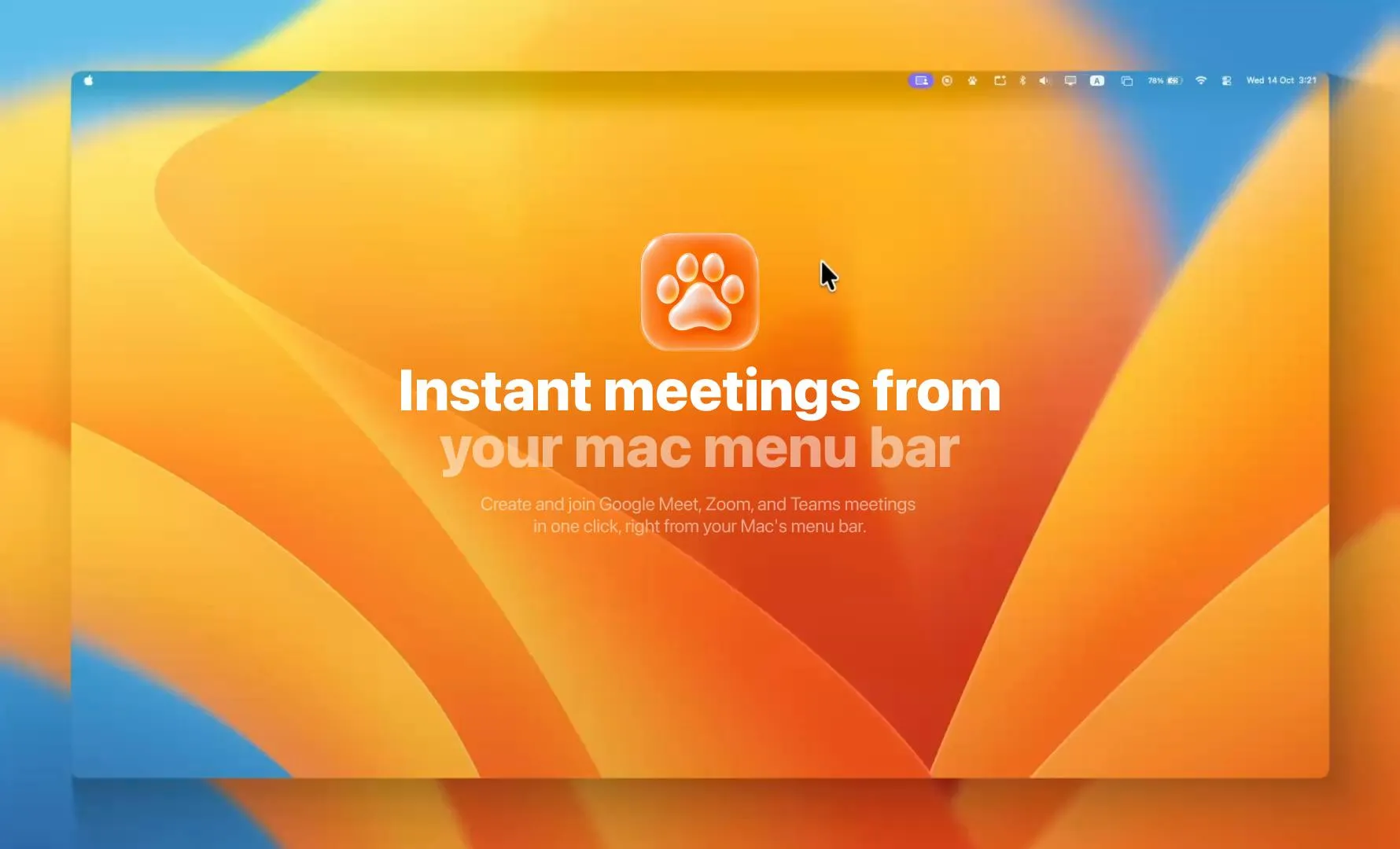
MeetPaw's positioning is very focused: it's a lightweight macOS menu bar app. Click the icon to generate an instant meeting link for Google Meet, Zoom, or Microsoft Teams. Once created, the link is automatically copied to the clipboard, so you can paste and share it directly without switching windows.
According to its Product Hunt page, the whole process is finished "before you can switch windows." That sounds like marketing speak, but it points to a real need: creating a meeting link shouldn't be more complicated than sending a message. MeetPaw aggregates multiple platforms into a single entry point, eliminating the need to open each platform's web page or client separately.
The meeting link generation mechanisms for Google Meet, Zoom, and Microsoft Teams are not the same. Google Meet links are typically generated through the Google Calendar API or the Meet conference space creation interface, requiring OAuth authorization for a Google account; Zoom provides a REST API /meetings endpoint that relies on a developer account's API Key and JWT authentication, with limited call quotas for free accounts; Microsoft Teams meeting links are usually created through the Microsoft Graph API's onlineMeetings interface, requiring Azure AD app registration and the appropriate permissions. Therefore, an app that aggregates all three platforms typically requires users to complete OAuth authorization or enter credentials for each platform separately, and to handle token refresh and quota limits across platforms. This explains why, when the product page doesn't disclose implementation details, users should pay attention to the complexity of authorization and whether the free quota is sufficient.
Product Experience: Lightweight and Focused
From a product design perspective, MeetPaw chose the menu bar app form rather than a standalone desktop window or browser extension. The advantage of a menu bar app is that it's always there but never in the way: when you don't need it, it's just a small icon; when you do, one click and it's ready. It doesn't take up Dock space and doesn't create noise in the task switcher.
This form is naturally suited to "instant" scenarios. Users don't need to pre-configure complex meeting parameters or wait for pages to load—MeetPaw's goal is to turn "create a meeting" into a nearly instantaneous action. For developers, product managers, or remote team members who frequently need to pull together impromptu meetings, what's reduced isn't just the number of clicks but also the psychological startup cost.
The key difference between a macOS menu bar app and an ordinary desktop app lies in how it runs: it keeps a persistent icon in the system menu bar via NSStatusItem, doesn't show up in the Dock, and doesn't appear in the Command+Tab app switcher. These apps typically run with the LSUIElement flag, don't occupy a main window, and interact mainly through popover panels or menus. Their advantage is low startup cost and instant availability, making them suitable for high-frequency short operations; their limitation is limited interface space, which makes complex configuration and multi-step flows less pleasant. MeetPaw chose this form precisely to compress "generate link" into a single action after clicking the menu bar icon, rather than opening a window and waiting for it to load.
Multi-Platform Support and the Trade-Offs of a Lightweight Positioning
MeetPaw supports all three major meeting platforms—Google Meet, Zoom, and Microsoft Teams—covering the collaboration scenarios of most enterprises. However, the product page doesn't reveal how links are generated for each platform, such as whether accounts need to be pre-authorized, whether it depends on each platform's API quotas, and the feature differences between free and paid versions. These details directly affect the actual experience and are points to watch when evaluating this kind of tool.
According to the product page, MeetPaw's developer is Naz, and the product received 87 upvotes and 1 comment on Product Hunt, ranking 5th for the day. These numbers show it has attracted some attention, but community discussion is still relatively limited, and its long-term stability and update cadence remain to be seen.
Product Hunt rankings and vote counts can serve as a reference for a product's early popularity, but they need to be understood in context: the daily leaderboard is sorted by votes and discussion activity, so 5th place means some exposure that day, but 87 votes is small-to-medium scale and doesn't represent widespread adoption. Only 1 comment indicates little community interaction and an insufficient sample of user feedback. For tools that depend on third-party platform APIs, long-term stability also depends on changes in each platform's interface policies, the developer's maintenance frequency, and whether a changelog is provided. When evaluating this kind of early-stage product, it's advisable to check the official website's version history, pricing page, and privacy policy, and to verify during a trial whether the authorization flow is smooth.
Who Should Use MeetPaw
MeetPaw's target audience is fairly clear: macOS users who rely on video meetings daily and frequently need to generate meeting links on the fly. If "create a meeting link and share it" is a high-frequency action in your workflow, the one-click menu bar experience will be much smoother than opening a web page and operating there.
Conversely, if all your meetings are scheduled through a calendar with links generated automatically, or if you mainly use a single meeting platform and are already used to its desktop client's shortcuts, MeetPaw's marginal benefit may be limited. It solves a specific and small friction point rather than rearchitecting the entire meeting workflow.
Summary
MeetPaw is a small tool with a clear positioning: using a lightweight, always-present menu bar form to compress instant meeting link generation into a single click. It doesn't try to be a meeting management platform; instead, it focuses on eliminating redundant steps in a high-frequency action. For efficiency-minded macOS users, these "small and specialized" tools often fit daily habits better than large all-in-one suites. Currently, the product's discussion volume on Product Hunt is still modest, so it's advisable to judge its actual stability and cross-platform account configuration experience after a trial.
One-line Summary
MeetPaw is a macOS menu bar utility that generates and copies meeting links for three major platforms with one click.
Paragraph Summary
MeetPaw is a focused macOS menu bar app: click the icon to generate an instant Google Meet, Zoom, or Microsoft Teams meeting link, automatically copied to the clipboard, eliminating the multi-step process of opening a web page, logging in, creating, and copying a link. The article analyzes the advantages of its menu bar form: always present but not taking up the Dock, not interfering with task switching, and suitable for high-frequency impromptu meetings. It also notes that the product page doesn't disclose the specific implementation of link generation for each platform, the account authorization method, or the free/paid differences—details that affect the actual experience. The product received 87 votes on Product Hunt and ranked 5th for the day, with limited discussion and long-term stability yet to be observed. It suits macOS users who frequently initiate impromptu meeting links, while users who already rely on calendar-generated links or a single platform client's shortcuts will see limited benefit.
Related articles

How Did Da Vinci Prove the Sun Is Hot? A Neglected Chapter in Science History
How did da Vinci use a concave mirror experiment to overturn Aristotle's cold sun theory? This article traces this neglected chapter in science history, revealing the embryo of scientific thinking in the 15th century and da Vinci's cold observations on solar heat and the nature of life.

SharpLogic: Formalizing Bug Detection for LangGraph Routing Graphs with k-CNF
SharpLogic, an open-source project, maps LangGraph-style multi-agent routing and retry graphs to k-CNF, using a Rust kernel to count deadlocks and failing paths (#F counting), offering a Python AgentGuard hook and CLI for pre-release formal gate checks. This article analyzes its principles, its complementary relationship with evals, and the community's concern about modeling costs.
PPO Training of a Franka Robotic Arm for Pick-and-Place: A Reinforcement Learning Starter Project
A reinforcement learning project using PPO to train a Franka Panda robotic arm for pick-and-place in PyBullet, covering tech stack choices, task design challenges, and future text/voice command interaction plans—a good reference for beginners.