MiniMax H3 Low-Resolution Audio Generation Trick: Near Real-Time Sound Output at 32×32 Pixels

MiniMax H3 at 32×32 resolution enables near real-time audio generation by decoupling sound from video rendering.
A Reddit user discovered that dropping MiniMax H3's output resolution to 32×32 pixels in ComfyUI enables near real-time audio generation without degrading sound quality. This three-step trick—disconnecting the image loader, setting dimensions to 32, and choosing duration—effectively transforms a video model into a rapid audio generator, enabling fast iteration on dialogue and Foley sound effects before committing to full-resolution video production.
A Counterintuitive Discovery
In the world of AI video generation, the tight coupling between audio and visuals has long been a pain point for creators—when you want a satisfying sound effect or dialogue clip, you're often forced to generate an entire high-resolution video along with it, wasting both time and compute. A recent discovery from the Reddit community offers a surprisingly elegant solution to this problem.
According to a Reddit user running an RTX 5090 GPU, the MiniMax H3 model can achieve near real-time audio generation when the output resolution is dropped to 32×32 pixels. Behind this seemingly absurd operation lies a key insight: audio quality is not tied to image resolution.
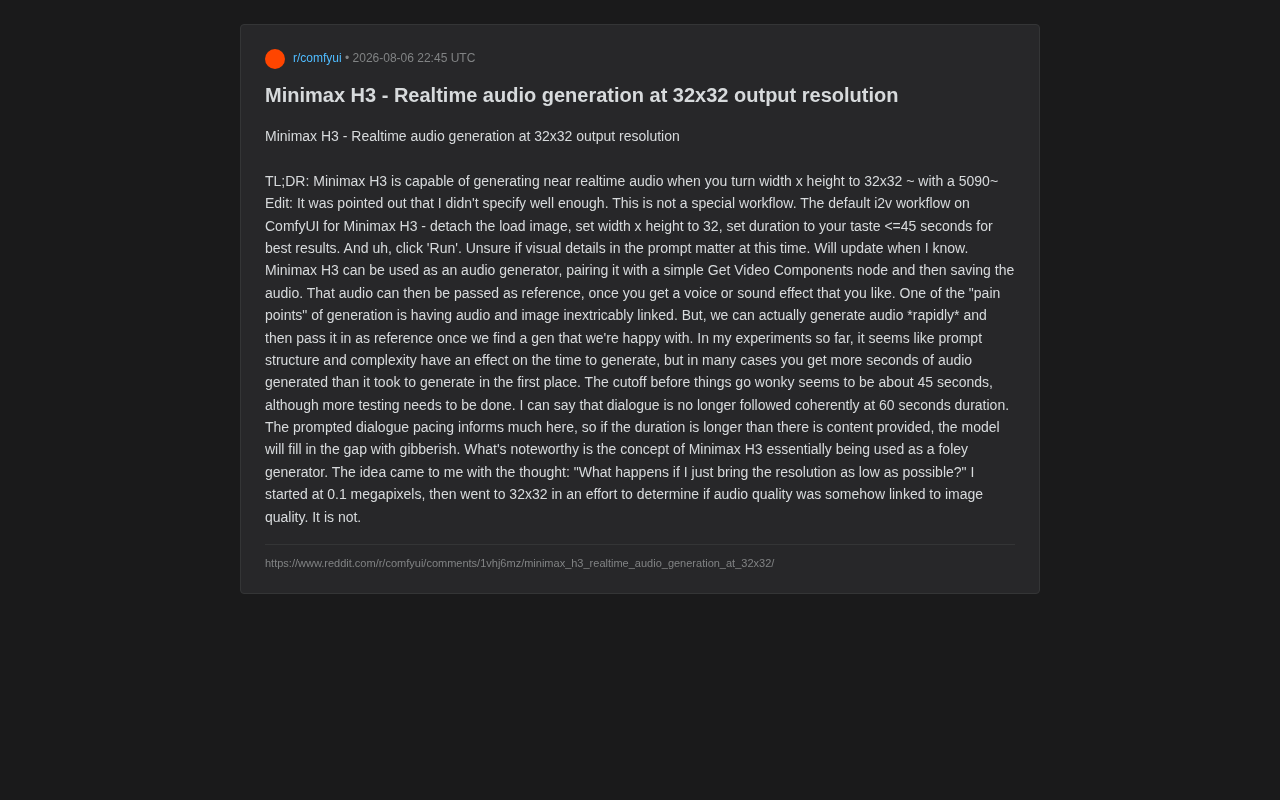
Some background context is helpful here: MiniMax is a Chinese AI company whose H3 model is a multimodal video generation model capable of simultaneously generating video visuals and matching audio (including dialogue, sound effects, and ambient sounds). This joint audio-video generation capability is relatively cutting-edge in the industry, distinct from the traditional two-step process of "generate video first, then add audio." The H3 model supports multiple modes including image-to-video (i2v) and text-to-video (t2v), and its audio generation capability is considered among the best of currently accessible models.
This user's exploration started from a very simple question—"What happens if I compress the resolution to the absolute minimum?" He went from 0.1 megapixels all the way down to 32×32, trying to verify whether audio quality correlates with image quality. The result: it doesn't. This means we can effectively "downscale" a video generation model into a pure audio generator.
It's worth noting that the RTX 5090 used by this user is the highest-end consumer GPU available as of 2025, equipped with 32GB of GDDR7 memory and built on the Blackwell architecture. When video resolution drops from a standard 720p or 1080p to 32×32 pixels, the amount of visual tensor data the GPU needs to process shrinks by tens of thousands of times, allowing what would normally be a multi-minute generation task to complete in seconds—hence the "near real-time" experience.
Step-by-Step Process in ComfyUI
You might not have noticed, but this doesn't require any special workflow. The author specifically clarified that the entire operation uses the default i2v (image-to-video) workflow for MiniMax H3 in ComfyUI, and the steps are extremely simple.
For readers unfamiliar with ComfyUI, here's some background: ComfyUI is a node-based graphical workflow interface designed specifically for Stable Diffusion and other AI generation models. Unlike traditional WebUIs, ComfyUI breaks down the entire generation pipeline into visual nodes (such as loading models, setting parameters, sampling, decoding, etc.), and users connect these nodes to build custom generation pipelines. This architecture provides users with extreme flexibility—for example, disconnecting a node or modifying a parameter value can enable non-standard model calls, exactly like the "disconnect load image node" operation described in this article.
Three Steps to Fast Audio Generation
- Detach the load image node
- Set both width and height to 32
- Set the duration as needed (recommended no longer than 45 seconds for best results)
Then simply click "Run." Once generation is complete, a simple Get Video Components node can extract and save the audio separately.
The elegance of this workflow lies in its closed-loop design: once you generate a satisfactory voice or sound effect, you can feed that audio clip back in as a reference for subsequent full-quality video generation. This neatly decouples the "audio exploration" and "visual generation" stages.
Why This Trick Deserves Attention
Breaking Free from Audio-Visual Lock-in
The author pinpoints a core pain point of current generative AI: audio and image are inseparably bound together. In traditional workflows, to get an ideal dialogue clip or sound effect, you must repeatedly generate complete videos, bearing the time and compute cost of high-resolution rendering every single time.
With this "extreme compression" technique at 32×32, creators can rapidly iterate on audio content—experimenting at low cost repeatedly until achieving the desired sound, then using it as reference material for formal high-quality generation. This essentially transforms a time-consuming serial process into a two-stage strategy of "fast screening + precise generation."
An Unexpected Foley Sound Generator
Even more interestingly, the author proposes using MiniMax H3 as a Foley sound generator. In film production, Foley refers to various environmental sounds and action effects recorded in post-production.
Foley art is named after sound effects pioneer Jack Foley and is an indispensable part of film post-production. Traditionally, Foley artists recreate on-screen sounds in recording studios using various props—footsteps, clothing rustles, door opens and closes, glass shattering, etc. This process requires professional studios, numerous props, and skilled sound engineers, making it expensive and time-consuming. If an AI model could quickly generate high-quality Foley effects from text descriptions, it would dramatically lower the audio production barrier for independent creators and small studios, potentially even disrupting the traditional sound effects library business model.
If a video model can rapidly produce various sound effect materials at extremely low cost, its value in the audio creation toolchain will be fundamentally redefined.
Boundaries and Limitations in Practice
The experiments also revealed several boundaries of this method that creators should be aware of:
The Sweet Spot Is 45 Seconds
Based on the author's testing, the safe upper limit for generation duration is approximately 45 seconds. Beyond this threshold, outputs tend to exhibit anomalies. Particularly at 60-second durations, dialogue can no longer be coherently followed, and the model begins to "babble incoherently."
Content Must Match Duration
The author observed an interesting pattern: the rhythm of dialogue in the prompt significantly affects results. If the set duration exceeds the actual amount of content provided, the model fills the gap with meaningless noise. In other words, duration settings should match the expected audio content volume rather than being blindly extended.
Generation Speed Correlates with Prompt Complexity
The author found that the structure and complexity of prompts affect generation time. But encouragingly, in many cases the final audio duration actually exceeds the time spent generating it—this is precisely where the "near real-time" claim comes from. As for whether visual detail descriptions in prompts still serve any purpose, the author says this remains uncertain and requires more testing to determine.
Methodological Reflections
This community-sourced discovery may appear to be just a "trick," but the methodology it reflects is worth deeper consideration: once we understand the degree of decoupling between modalities inside a model, we can extract unexpected capabilities through unconventional parameter configurations.
From a technical architecture perspective, modern multimodal generation models typically employ modular designs where different modalities (visual, audio, text) are processed by relatively independent sub-networks, aligned across modalities through attention mechanisms or fusion layers. In models like MiniMax H3, the audio branch (responsible for generating speech, sound effects, etc.) and the visual branch (responsible for generating pixel-level imagery) share certain high-level semantic representations but are relatively independent at the decoding stage. This explains why compressing visual output to its extreme doesn't significantly affect audio output quality—the audio decoder doesn't depend on the visual decoder's resolution parameters.
The audio branch of video generation models likely possesses relatively complete capabilities independent of the visual branch. Compressing resolution to its minimum essentially forces the model to devote nearly all compute to the audio channel. This reminds us that when facing complex multimodal models, stepping outside the "standard usage" framework to conduct extreme tests can often uncover applications that even the tool designers never anticipated.
Of course, these conclusions are still in the community experimentation stage, and the author repeatedly emphasizes that "more testing is needed." For users who want to try this in ComfyUI, it's a virtually zero-cost experiment—after all, you just need to change two numbers to 32 and click run.
Key Takeaways
Related articles

Getting Started in Machine Learning Research: Essential Paper Reading List and Research Internship Application Path
A complete path from zero to research internship for ML beginners, covering essential classic papers (AlexNet, ResNet, Transformer), paper reading methods, reproduction tips, and practical advice for research internship applications.

Claude Code Hands-On Tutorial: Complete Guide from Installation to Automated Development
Complete guide to Claude Code covering environment setup, permission configuration, Go Goals autonomous loops, Skills system, MCP protocol integration, and version control for automated development.

Gemini 3.7 Flash Release and GPT-5.6 Ultra-Fast Mode: AI Open Source Enters the Ecosystem Era
Google releases Gemini 3.7 Flash for coding and Agent optimization while OpenAI launches GPT-5.6 Ultra-Fast mode with 14x speed gains. AI open source shifts from open models to open ecosystems.