MiniMax H3 Prompt Builder Adds RefMods: A Training-Free Reference Workflow
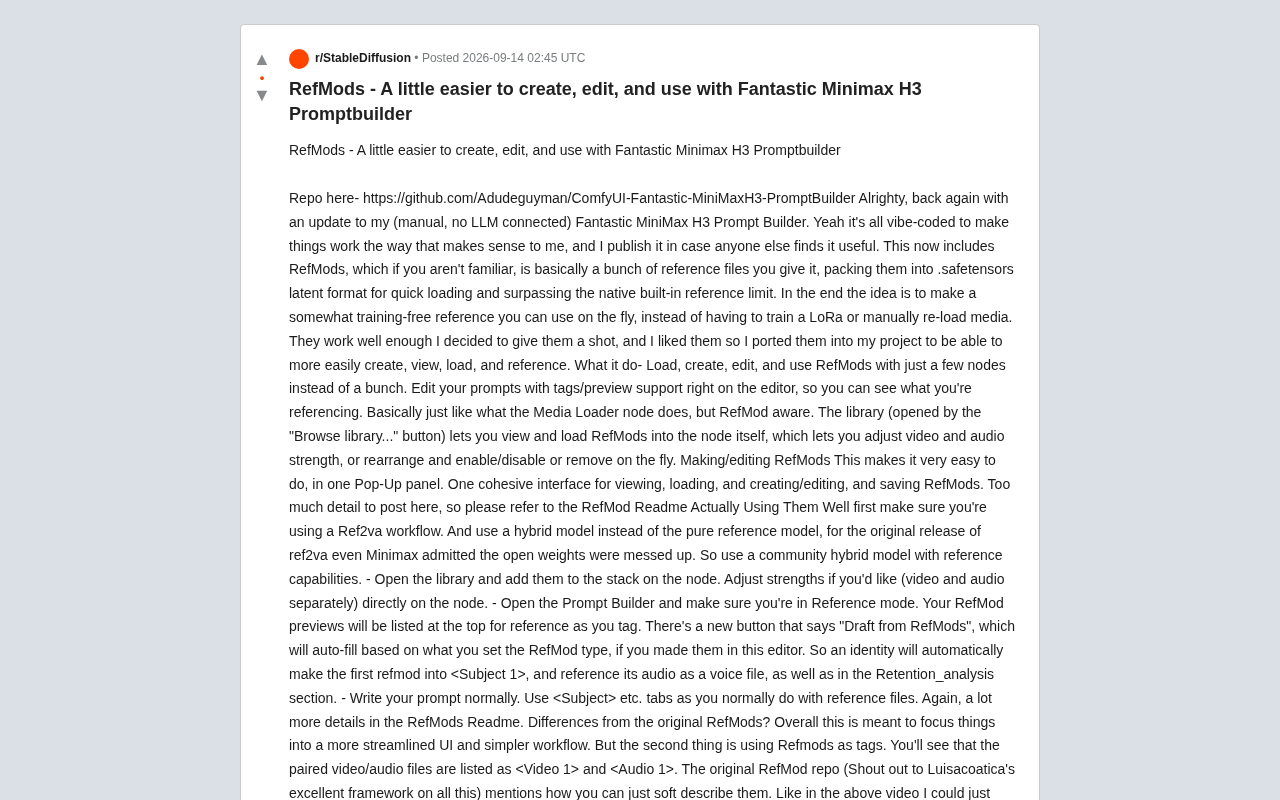
RefMods packages reference assets as latent .safetensors files for training-free reuse in MiniMax H3 workflows.
RefMods (Reference Modules) is a ComfyUI mechanism that packages reference files into `.safetensors` latent format, offering a training-free middle ground between manual loading and LoRA training. This article covers a developer's integration of RefMods into the Fantastic MiniMax H3 Prompt Builder, enabling reference asset creation, editing, loading, and tagging with fewer nodes, plus a new "Draft from RefMods" auto-fill feature. It requires a Ref2va workflow and community hybrid models rather than MiniMax's flawed official reference weights. The open-source fork credits Luisacoatica's original framework while opting for a streamlined UI and explicit tag-based referencing.
What Are RefMods and Why They Matter
Efficiently reusing reference assets has long been a pain point for creators in the ComfyUI ecosystem. The traditional approach either involves training a LoRA or manually reloading media files each time — both costly and tedious. RefMods (Reference Modules) offer an alternative path: they package a set of reference files into .safetensors latent format for fast loading, while also breaking through the limitations on the number of built-in native references.
In short, the core idea behind RefMods is to create a nearly training-free, ready-to-use reference mechanism. Rather than training a separate model for each character or style, you simply compress reference assets into modules and call them up whenever needed. This update comes from a Reddit developer who shared improvements to their Fantastic MiniMax H3 Prompt Builder project, integrating RefMods into their prompt-building suite to make creating, browsing, loading, and referencing assets much more seamless.
.safetensors is a safe, efficient tensor storage format introduced by Hugging Face. Compared to traditional .pkl/.pt files, it disallows arbitrary code execution, loads faster, and uses less memory. In AI image/video generation, model weights, LoRAs, embeddings, and more are increasingly adopting this format. By packaging latent data as .safetensors, RefMods store reference assets in an intermediate representation that the model can directly consume — skipping the step of re-encoding raw images or video on every run, enabling fast loading. The "latent space" refers to the low-dimensional feature representation produced by a VAE encoder compressing raw pixels; the model's core computation actually happens in this space rather than directly on pixels.
Core Capabilities After Integration
The author candidly describes the project as "vibe-coded" (hand-built by feel, without LLM assistance), with the goal of making the workflow match their own usage logic while open-sourcing it for others who might find it useful. After integrating RefMods, several key improvements stand out.
Reference Management with Fewer Nodes
What used to require a long chain of nodes to load, create, edit, and use reference assets can now be handled with just a handful of nodes. The editor supports tags and previews, so you can see exactly what you're referencing while writing prompts — functionally similar to the original Media Loader node, but with dedicated awareness of RefMods.
All-in-One Asset Library Panel
A "Browse library..." button opens the asset library, letting you load RefMods directly into nodes. The library supports independently adjusting video and audio strength, and allows real-time reordering, enabling/disabling, or removing individual modules. Creating and editing RefMods is consolidated into a single popup panel — view, load, create, edit, and save all within one cohesive interface.
Practical Workflow and Key Considerations
The author outlines several critical prerequisites for actually running RefMods — useful insights for anyone looking to get started.
Model Selection: Use Community Hybrid Models, Not Pure Reference Models
The first requirement is using a Ref2va-type workflow. More importantly — don't use pure reference models; use community hybrid models with reference capabilities. The author specifically notes that even MiniMax officially acknowledged issues with the open-source weights for the initial Ref2va release, making community-tuned hybrid models the more reliable choice.
Ref2va (Reference to Video/Audio) is a workflow type within the MiniMax H3 ecosystem specifically designed to support "reference-guided generation," where "va" stands for video + audio dual-modal output. Unlike standard text-to-video, Ref2va workflows allow passing in identity references to maintain character consistency, or style references to constrain output aesthetics. MiniMax officially released dedicated reference model weights in its open-source version, but community feedback indicated quality issues (e.g., large deviations from references or instability). Community hybrid models — typically formed by merging official base weights with community-tuned weights — show notable improvements in reference-following capability and overall generation quality, making them the recommended choice for using RefMods in practice.
The Path from Loading to Output
The practical process involves a few steps: open the asset library and add RefMods to the node stack, adjusting video and audio strength independently as needed; then open the Prompt Builder and switch to Reference mode, where RefMod previews are listed at the top for easy reference while tagging.
A handy new feature is the "Draft from RefMods" button, which auto-populates based on the type you've assigned to each RefMod. For example, an identity-type module will automatically become <Subject 1>, reference its audio as a voice file, and populate the Retention_analysis section. You then simply write your prompts normally using tags like <Subject>, just as you would with regular reference files.
Differences from the Original RefMods
The author explicitly credits Luisacoatica's original RefMod framework and clarifies that this version is essentially a fork integrated into their personal prompt suite. The differences come down to two main points.
First, the UI is more streamlined and the workflow is simpler, with a reduced node count. Second, RefMods are used as tags — paired video/audio files are listed as <Video 1> and <Audio 1>.
The original RefMod repository mentioned using "soft descriptions" for referencing — for instance, defining a character as "a disfigured man wearing a cowboy outfit" so the model pulls in the reference for influence. The author finds that since RefMods are essentially compressed references, following MiniMax's official RefMod usage guidelines for this additional setup layer yields better practical results. And since they already had a full media/prompt toolkit for tracking and tagging, building RefMods in natively was a natural next step.
Luisacoatica's original RefMod framework was one of the earlier systematic solutions in the ComfyUI community for the "multi-reference reuse" problem. Its core idea is to link natural language to packaged latent references through "soft descriptions," allowing the model to extract reference features without relying on exact token matching. "Soft descriptions" differ from precise tag references in that they allow free-form text (e.g., "a disfigured man wearing a cowboy outfit") to point to a reference package, with the model establishing associations at the semantic level. This approach is flexible but somewhat dependent on prompt phrasing; explicit tag-based references (e.g., <Subject 1>) are more controllable and predictable, better suited for complex workflows requiring precise tracking of multiple characters or assets. Both strategies have their use cases — the author's choice of the latter with a built-in toolchain reflects a practical engineering tradeoff driven by multi-character, multi-asset management needs.
What This Means for Creators
This update isn't a disruptive technology — it's a classic example of engineering refinement: taking an already excellent framework and integrating it into a more ergonomic workflow. For creators frequently working with character consistency and style reuse in ComfyUI, RefMods offer a middle ground between "manually reloading every time" and "training a dedicated LoRA": retaining the flexibility of a training-free approach while gaining loading speed and quantity advantages through latent space packaging.
The project is open-sourced on GitHub, and interested users can consult the detailed RefMod Readme in the repository for complete documentation. This kind of ecosystem — where community developers iteratively improve, credit each other, and fork each other's work — is a microcosm of how open-source AI tools continue to evolve.
Related articles

Vibe Coding Full-Stack in Practice: AI Programming from Beginner to Enterprise Deployment
From Cursor to Claude Code, this Bilibili AI programming course uses four progressive projects to cover full-stack development, open-source secondary development, and team collaboration. The article analyzes the shock to frontend roles, the efficiency shift from 50 people to 5, and the methodology required for enterprise-grade projects.

David Blaine's Global Quest for Real Magic: From South Africa to Japan and India
David Blaine travels to South Africa, Japan, and India in his Do Not Attempt special, documenting Spinning drivers, black mamba rescuers, iaijutsu masters, and ascetics—exploring the boundary between magic and real human极限 challenges.

Is a Touchscreen MacBook Coming? Vergecast Reveals Apple Executive's Response
Vergecast podcast reveals a conversation between a reporter and Apple executive John Ternus about a touchscreen MacBook and Apple Pencil support. Ternus says iPad is the best device for a stylus, while the reporter bets MacBook will eventually support Apple Pencil.