MLOps Debugging with Genie Code: A Practical RCA Approach Across Notebooks and Configs

A practical RCA workflow for MLOps debugging with Genie Code across Notebooks, SQL, and config files.
This article starts from a real Reddit user's dilemma and explores how MLOps engineers under budget constraints can use limited AI tools like Genie Code to perform complex Root Cause Analysis (RCA). It argues that MLOps debugging is fundamentally different from code generation — training failures involve causal chains across Notebooks, SQL, and config files, requiring strong cross-file context understanding. The article proposes a three-step workflow: build context from complete error information, connect multi-source files to map data flow, and require verifiable hypotheses rather than direct code edits. The core takeaway: the more limited the tool, the more critical it is for engineers to actively manage context and prompt engineering.
Starting from a Real-World Scenario
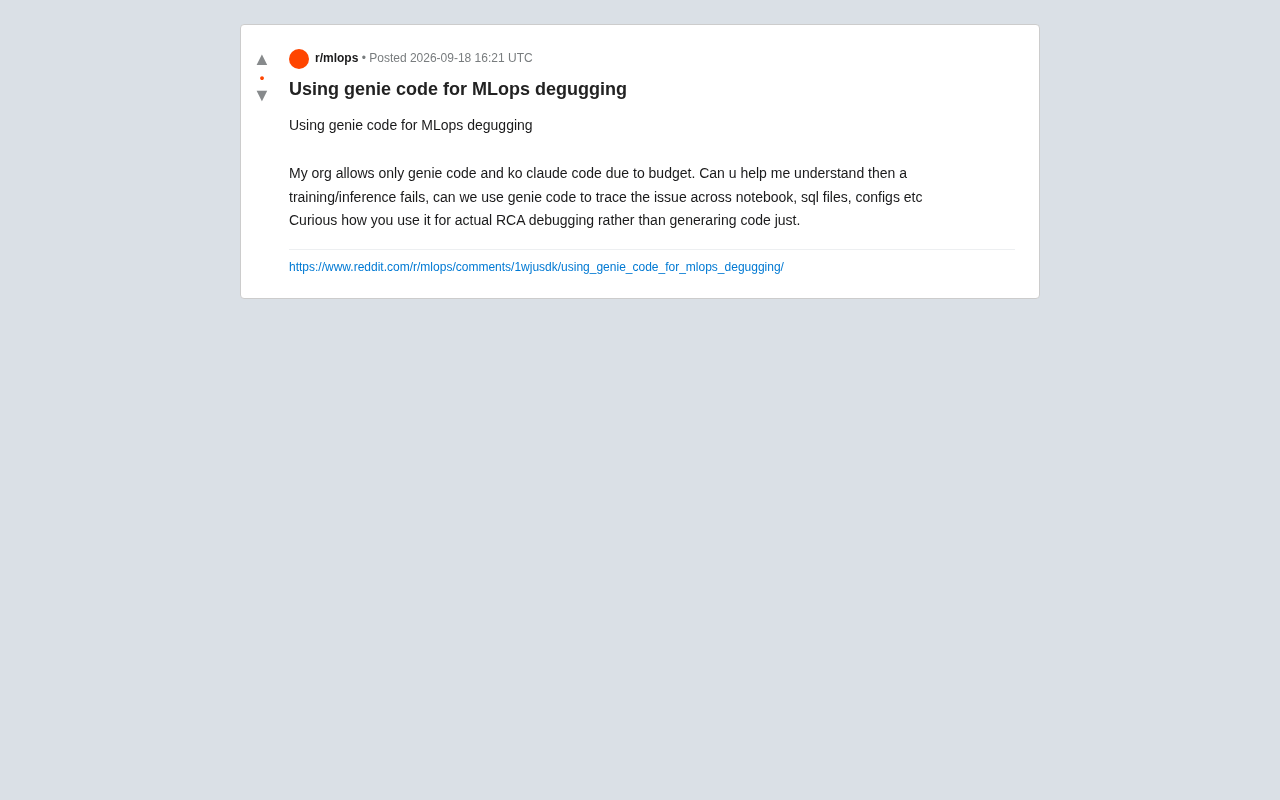
A Reddit user raised a problem many MLOps engineers will recognize: their organization, due to budget constraints, only has access to Genie Code rather than Claude Code. When training or inference jobs fail, can Genie Code be used to trace root causes across Notebooks, SQL files, and configuration files?
The frustration here is representative — this user wasn't asking about "using AI to generate code." They were asking how to use an AI assistant for genuine Root Cause Analysis (RCA). This is a class of need that tends to be underestimated in enterprise AI tool adoption.
The Fundamental Difference Between RCA Debugging and Code Generation
Most people's first impression of AI coding assistants is "autocomplete" and "code generation" — but the debugging logic in MLOps is entirely different. When a training job fails, the issue might span data pipelines, feature engineering SQL, hyperparameter configs, environment dependencies, and resource quotas, with all that information scattered across different file types.
The genuinely valuable use case is letting an AI assistant act as an analyst capable of building causal chains across files: starting from an error log, tracing back to the config entry or data query that triggered the problem, then pinpointing the specific cell in a Notebook. This requires the tool to have sufficient context retrieval capabilities — not just the ability to autocomplete the next line of code.
Root Cause Analysis (RCA) originated in manufacturing and systems reliability engineering. It means starting from a surface-level failure symptom and tracing back along the causal chain to find the original source of the problem, rather than stopping at intermediate symptoms. In an MLOps context, the complexity of RCA far exceeds traditional software debugging: a single training failure may simultaneously involve data engineering, feature computation, model code, and infrastructure — and these layers have temporal dependencies. A problem in the data pipeline might not surface until hours into model training, appearing as a loss anomaly or NaN values. This "delayed error manifestation" characteristic makes it nearly impossible to locate the problem from error messages alone; you need to build a complete data flow map to debug effectively.
Practical Paths for Cross-File Problem Tracing
Even under the constraint of only having Genie Code, it's still possible to design a reasonably systematic debugging workflow.
Step 1: Build Context from the Error Information
Provide the complete stack trace and log snippets from the failed job to the assistant, explicitly asking it to identify the error type — data missing, type mismatch, resource limit exceeded, or logic error. The key at this step is not to paste just a single error line, but to provide sufficient upstream and downstream context.
Step 2: Have the Tool Connect Multi-Source Files
Bring relevant SQL queries, configuration files (e.g., YAML/JSON), and Notebook cells into the analysis scope together, and ask the assistant to map the complete data flow from query to model input. When training failures stem from anomalous feature distributions, filter conditions in the SQL layer are often the real culprit.
Step 3: Validate Hypotheses Rather Than Blindly Changing Code
The AI's initial judgments need human verification. Ask it to propose verifiable hypotheses in the form of "if this is problem X, we should see phenomenon Y at location Z" — then rule out possibilities one by one. This significantly reduces the rate of misdiagnosis.
This approach aligns closely with Scientific Debugging, systematized by computer scientist Andreas Zeller in Why Programs Fail: explicitly modeling the debugging process as a hypothesis–experiment–observation loop, changing only one variable at a time. In AI-assisted debugging, this principle is especially important because large language models have a tendency to "confidently give wrong answers" (i.e., hallucination). Requiring the model to output "falsifiable predictions" — meaning: if hypothesis X holds, what should we observe at line Z of file Y — anchors the model's guesses to verifiable facts. This keeps engineers in control of the debugging process rather than being led astray by the AI's confident tone.
Real-World Trade-offs Under Tool Constraints
This user's situation reveals a common tension in enterprise AI tool selection: budget determines what tools are available, and the available tools may not be the best fit for debugging scenarios. Genie Code and Claude Code may differ in context window size, multi-file comprehension, and reasoning depth — and these differences get amplified in complex tasks like RCA.
Under constrained tools, the compensating strategy is to let the engineer manage context manually: proactively organize relevant files, distill error information, and ask questions step by step — rather than expecting the tool to understand the entire project in one pass. In other words, the more limited the tool's capabilities, the more important the engineer's prompt engineering becomes.
Context window is one of the core metrics for evaluating an AI assistant's ability to handle complex debugging tasks — it determines how much information the model can "see" simultaneously in a single conversation. For MLOps debugging scenarios, the relevant files for a medium-sized project (Notebooks, multiple SQL files, multiple YAML configs) can easily total tens of thousands of tokens. When the context window is insufficient, the tool can only process files in batches, and its ability to infer cross-file relationships drops significantly — which is exactly why the debugging experience can vary so dramatically between different tools on the same problem. Furthermore, "multi-file understanding" isn't just a matter of context capacity; it also depends on whether the model has been specifically trained to recognize inter-file reference relationships, such as the implicit correspondence between DataFrame column names in Notebook cells and upstream SQL SELECT clauses.
Recommendations for Similar Scenarios
Based on this case, a few practical principles emerge:
- Break debugging into traceable small steps, focusing each step on one hypothesis rather than asking the AI to diagnose everything at once.
- Explicitly provide cross-file relationships, proactively telling the tool how Notebooks, SQL, and configs call or reference each other.
- Require verifiable conclusions, constraining the AI's guesses with "where should we be able to see evidence of this."
- Retain human judgment, treating the AI's RCA conclusions as leads rather than final answers.
One caveat: the original post was an open-ended question, and the community has not yet produced a complete best-practice solution. The approaches outlined above represent an analytical extension of the problem — actual results will depend on how Genie Code performs in your specific environment.
Related articles

Cursor Practical Guide: Core Features of the AI Programming Tool and Development Efficiency Comparison
A deep dive into the Cursor AI programming tool from a Bilibili tutorial: AI-native design, intelligent code generation, context awareness, and efficiency comparisons with VS Code across completion, debugging, and refactoring, plus target user analysis.

Trump's Request to Rename the Atlantic Rejected by Google; 1Password Lets AI Agents Log In Securely
The Vergecast roundup: Trump's request to rename the Atlantic the 'Trump Ocean' was politely declined by Google's CEO; 1Password's new feature lets AI agents log into accounts without touching passwords; OPPO launches the world's first 200-megapixel phone, the Find X10 Pro Max. All three point to the boundaries of tech authorization and trust.

The Truth About American College Party Culture: The Risks Schools Won't Admit
Behind American college party culture, the administration's "don't ask, don't tell" attitude is amplifying freshman risks. This article analyzes how the pandemic strengthened Greek dominance, freshmen's difficulty accessing safety information, and the chain reactions caused by a culture of denial.