Moka Chat: One Command to Add MCP Tools to Your Ollama Models

One command to connect Ollama to MCP tools, with full tool-call observability via Inspector.
Moka Chat is an open-source testing tool for local LLM developers. A single `npx @mokalabs/sandbox` command auto-detects Ollama (with LM Studio and hosted model support), connects MCP servers via a built-in gallery or pasted Claude Desktop/Cursor configs, and provides an Inspector that shows raw JSON-RPC requests, token consumption, and latency for every tool call — turning the model's decision process from a black box into an auditable trace. MIT-licensed and local-first, it's ideal for developers who want low-cost, privacy-respecting tool-call testing.
Developers running large models locally often face a common challenge: how to connect local models like Ollama to external tools (MCP servers) while maintaining full visibility into every tool call. The open-source project Moka Chat offers a remarkably straightforward answer — one command.
What Is Moka Chat
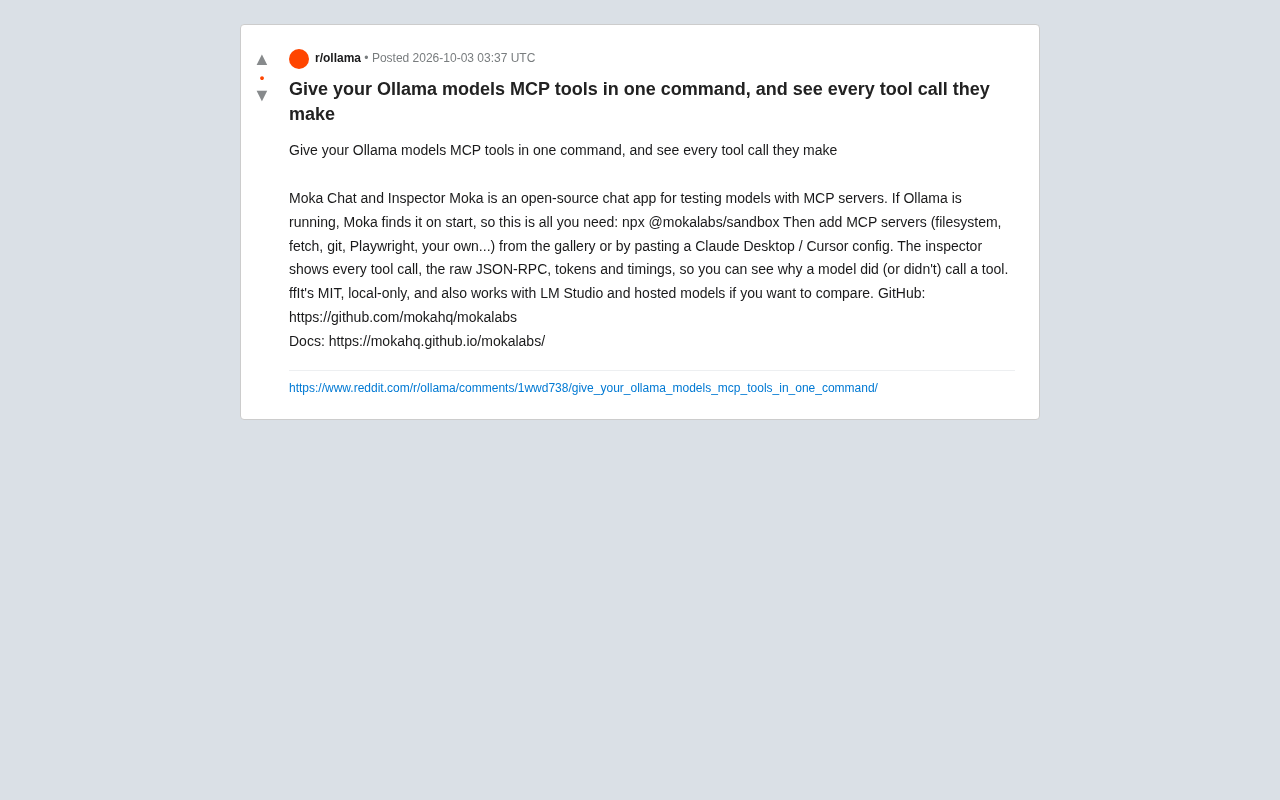
Moka Chat is an open-source chat application designed specifically for testing the collaboration between models and MCP (Model Context Protocol) servers. Its core selling point is "zero-config startup": as long as Ollama is running on your machine, Moka automatically detects it at launch. In other words, all you need to do is run:
npx @mokalabs/sandbox
This command connects your local Ollama models to a test environment with a visual interface, eliminating tedious manual integration work. For developers who want to quickly validate a model's tool-calling capabilities, this out-of-the-box experience significantly lowers the barrier to entry.
Worth noting: Moka isn't limited to Ollama. It also supports LM Studio and various hosted models, meaning you can compare local and cloud-based models side by side — within the same interface — to see how they differ in tool-calling behavior.
How to Connect MCP Tools
MCP has gradually become a de facto standard protocol, enabling models to access external capabilities — file systems, HTTP requests, Git operations, browser automation, and more — in a unified way. Moka provides two ways to connect MCP servers.
The first is to select from its built-in gallery. Official examples include common servers like filesystem, fetch, git, and Playwright, though you can also connect your own custom MCP servers.
The second approach is more practical: you can paste your existing Claude Desktop or Cursor configuration files directly. Since these mainstream tools have accumulated a large body of MCP configurations, this compatibility means developers don't have to start from scratch — existing configs can be migrated over for testing immediately. This kind of respect for existing ecosystems is often what determines whether an open-source tool gets adopted quickly.
Background: What Is MCP? MCP (Model Context Protocol) is an open protocol proposed and championed by Anthropic in late 2024, designed to give large language models a standardized "tool-calling interface." Before MCP, different application frameworks (LangChain, AutoGen, etc.) each defined their own tool integration methods, making it impossible to reuse tool plugins across frameworks. MCP draws on the design philosophy of LSP (Language Server Protocol): the server (MCP Server) encapsulates specific capabilities, while the client (MCP Client, i.e., the model host) handles invocation — with both sides communicating via JSON-RPC. This decoupling means a single MCP server can be shared by any compatible client, including Claude Desktop, Cursor, and Moka, without needing separate adapters for each platform. MCP has since gained support from major players including OpenAI and Google DeepMind, and is on track to become an industry standard — which is exactly why Claude Desktop and Cursor have accumulated so many ready-made configurations.
Inspector: Full Visibility Into Every Tool Call
If one-click integration solves the "can it work" problem, then the Inspector feature solves the "why does it work this way" problem. This is also where Moka provides more value than a typical chat frontend.
Inspector displays complete details for every tool call, including:
- Raw JSON-RPC requests and responses
- Token count consumed per call
- Call timing (latency)
This information is critical for debugging model behavior. In practice, developers frequently encounter situations where a model fails to call a tool when it should, or calls one unnecessarily. With Inspector's transparent view, you can clearly see what decision the model made during any given conversational turn — making it easier to determine whether the problem lies in the prompt, the model's capabilities, or the tool's description itself.
This kind of observability is one of the weaker links in current agent development workflows. Most chat interfaces only show the final result, hiding the intermediate tool-calling process inside a black box. Moka opens up that black box, making the model's "reasoning path" auditable.
Background: What Is JSON-RPC? JSON-RPC (JSON Remote Procedure Call) is a lightweight remote procedure call protocol that uses JSON to encode requests and responses. In the MCP context, every message sent from the model host to a tool server follows this format: requests contain a
method(e.g.,tools/call), aparamsobject, and a uniqueid; the server returns aresultorerrormatching thatid. By exposing this raw communication layer, Inspector lets developers see exactly which parameters the model passed and what structure the server returned — making it easy to pinpoint issues like "the model misread the tool description" or "the server response format didn't match expectations," without needing to rely on logs or breakpoint debugging.
Open Source, Local-First
Moka is licensed under MIT, giving both individual and commercial users considerable freedom. More importantly, it emphasizes a "local-only" philosophy. For developers who care about data privacy and don't want conversation content sent to third-party services, running locally is a clear advantage.
Combined with native support for Ollama and LM Studio, Moka is specifically targeting the local large model experimentation niche: developers who want to repeatedly test tool-calling logic on their own machines, using free open-source models, without paying cloud API costs for every debugging session.
The project repository and documentation are publicly available:
- GitHub: https://github.com/mokahq/mokalabs
- Documentation: https://mokahq.github.io/mokalabs/
Summary
Moka Chat brings three things together: one-click MCP tool integration, unified testing across local and hosted models, and full observability into every tool call. For developers exploring MCP and agent tool chains, it offers a low-cost experimentation platform. That said, as a relatively young open-source project, the richness of its tool gallery, stability, and community activity still need time to mature. Developers who are interested are advised to try it out in non-critical scenarios first.
Related articles

Chain of Thought Isn't Just for AI: How Humans Can Use CoT to Improve Thinking Quality
Chain of Thought isn't just a prompt trick for large models. Starting from a Hacker News discussion, this article analyzes why CoT works for human thinking too, breaks down actionable ways to transfer it, and highlights the key differences between human CoT and machine CoT.
Cloudflare Teams Up with OpenAI: Closi…
Cloudflare Teams Up with OpenAI: Closing the Loop from Vulnerability Discovery to Defense with AI
Cloudflare uses OpenAI Daybreak to investigate security vulnerabilities and generate reviewable remediation plans, while developers use Codex to boost coding efficiency and quality.

Orca Multi-Agent Orchestration in Practice: A Guide to Parallel Collaboration with Claude and Codex
Orca is Stable AI's free open-source agent workbench supporting 34 agents like Claude Code and Codex in parallel. Learn its Git worktree isolation, multi-model orchestration, and mobile management.