Muse iPad App Now Available: An AI Assistant Built for Tablets

Muse's AI thinking and creativity app officially launches on iPad for tablet users.
The Muse team has announced the official iPad launch of their AI app, marketed with the tagline "tablet superintelligence needs." The article highlights how the iPad's large screen, portability, and stylus support create a unique environment for AI-assisted reading, writing, and extended interaction — making tablet coverage an increasingly competitive frontier. However, the launch announcement is notably sparse, with no details on features, pricing, differences from the desktop version, or supported AI models. Interested users are advised to check the App Store and user reviews before committing.
Muse Arrives on iPad
The Muse team announced on social media that their iPad app has officially launched, allowing tablet users to access this AI product. In a characteristically playful tone, the team described it as the tool for your "tablet superintelligence needs" — keeping with the light, consumer-friendly marketing style common among AI products today.
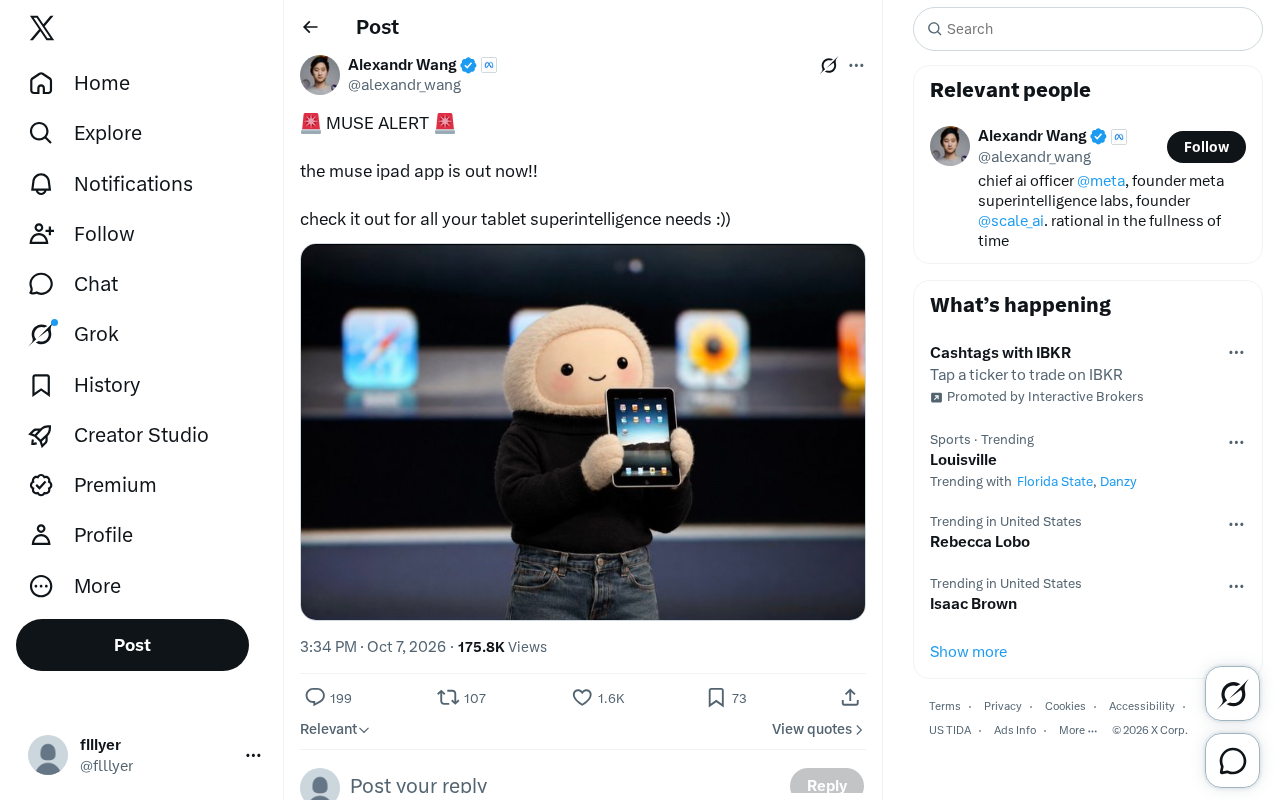
While this brief launch announcement doesn't reveal much, it sends a clear signal: AI applications are rapidly expanding to mobile and tablet platforms, no longer confined to desktop or web-based use cases.
Muse is an app centered around AI-assisted thinking and knowledge organization. Its core philosophy is to help users explore ideas in a non-linear way, setting it apart from traditional linear conversational AI assistants. Previously, the product was available primarily as a desktop (Mac) and web application, where it built a following within productivity and creative tool communities. Notably, the phrase "tablet superintelligence" carries a distinctly self-deprecating, tongue-in-cheek quality — a common "anti-elitist" marketing approach in today's AI landscape, using casual language to connect with everyday consumers while quietly borrowing the prestige of "superintelligence" to elevate perceived product value.
Why Tablet AI Apps Are Worth Paying Attention To
From an industry perspective, cross-device coverage is becoming a key dimension of competition among AI tools. Desktop and web versions are typically where AI apps launch first, but tablets like the iPad offer a distinct use case — larger screens, greater portability, and a form factor well-suited for reading, creating, and extended interactions.
For AI products focused on thinking, writing, or knowledge organization, the iPad's large screen and stylus support can offer a more immersive experience than a phone and more flexibility than a laptop. Bringing core capabilities to the tablet signals that these companies want to reach users who prefer using AI on the couch, during their commute, or outside of a traditional office setting.
Looking at the broader market, major AI assistants — including ChatGPT, Claude, and Gemini — have all released native iPad apps with split-view layouts and Apple Pencil optimizations tailored for larger screens. An iPad app isn't simply a feature port; it requires rethinking interaction paradigms — for example, supporting direct annotation alongside conversations, dragging and dropping files into chat, or enabling multi-window workflows with AI via Stage Manager. This makes the tablet a meaningful competitive battleground for AI apps, not just a "bigger phone" experience. For a product like Muse, which is positioned around thinking and creativity, whether it can carve out a distinctive niche within the iPadOS interaction ecosystem will directly impact user retention on the platform.
The Limits of What We Know
It's worth being transparent: this launch announcement from Twitter is extremely brief, containing little more than the fact that the product is now available. It discloses no details about specific features, pricing, differences from the desktop version, or supported AI models.
As a result, questions about what the app can actually do, whether it supports offline use, or how it integrates with existing workflows remain unanswered for now. Users who are interested are encouraged to visit official channels or the App Store for a complete feature overview and user reviews before deciding whether to try it.
A Note for Potential Users
If you're a heavy iPad user who relies on AI tools for writing, research, or creative work, it's worth keeping an eye on Muse's future updates and real user feedback. The true value of any app usually becomes clear only through actual use — a launch announcement is just the starting point.
Related articles

JobRunner MCP Server: AI Agents Can Now Fix Failed Java Jobs
JobRunner launches an open-source MCP server enabling AI agents to view cluster status, diagnose failures, and recover Java jobs—incident response from any cloud coding environment or existing agent.

MLAI Digital Launches 9 Security Agents: MCP Server Safeguards the Full Lifecycle of Agentic AI
MLAI Digital launches Security MCP Server with nine built-in specialized security agents covering vulnerability discovery, attack simulation, prompt injection detection, API and infrastructure assessment, and accelerated remediation—embedding security validation across the full Agentic AI lifecycle from development to production.

Running Isaac Lab on H100 GPUs: Exploring Better Approaches
Exploring optimization methods for running Isaac Lab on NVIDIA H100 GPUs, including MIG configuration, mixed precision, TensorRT acceleration, and community experience to improve robotics simulation and reinforcement learning efficiency.